


It is a unique and practical Japanese keyboard.
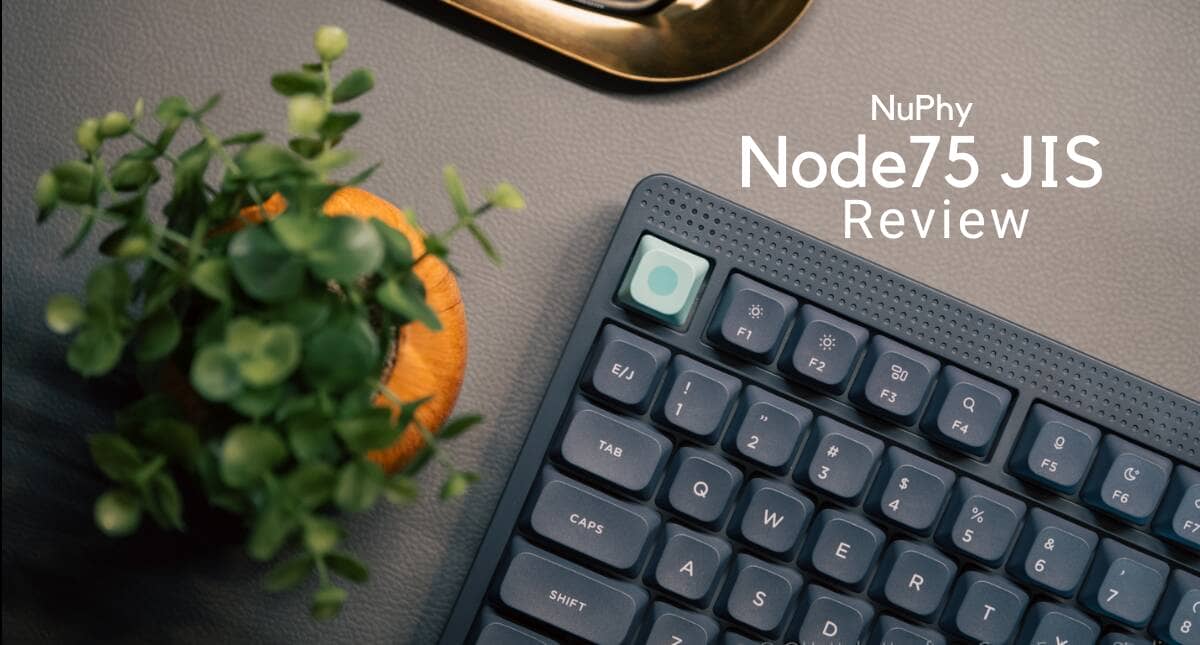
NuPhy’s entry-level series keyboard “Node75” is now available in a Japanese-language model.
Not only can you choose between low and normal profiles, depending on your preference, but both models have a “split space bar,” a feature that clearly differentiates them from competitors’ products.
Although it is an entry-level model in the NuPhy lineup, the sound and feel of the keys, as well as the “typing experience” of the keyboard itself, including keymap change software, are in line with higher-end models, making it a product that will satisfy not only first-time mechanical keyboard buyers, but also keyboard fans. This is a product that will satisfy not only first-time mechanical keyboard buyers, but also keyboard enthusiasts.
This article reviews the Node75 JIS low profile/normal profile.
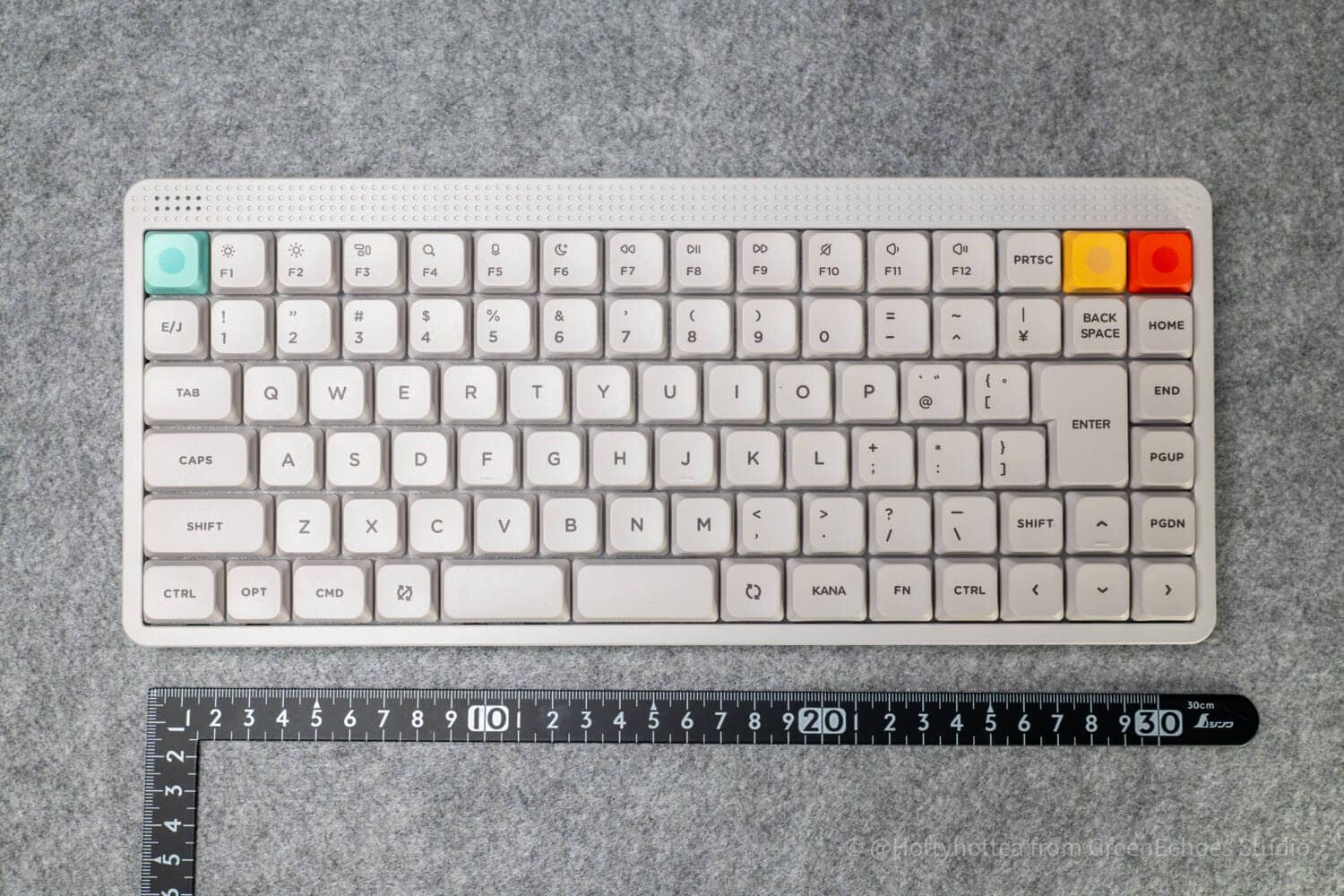
- 日本語配列に加えて分割スペースバー搭載という個性が光る
- 同じモデル内で好みに応じてキープロファイルを選択できる
- オフィスでも利用しやすいシックなデザインとカラーリング
- エントリークラスでもしっかりとした基本仕様
- タッチゾーン・ドットマトリクスLEDなど見た目以上に個性がある
- JIS75%としては個性が強く好みが分かれる可能性
- 現時点ではMod-TapやComboの対応が難しい(ソフトウェア由来)
- ロープロファイルキースイッチの互換性に注意
- ケース素材はABSとなっており高級感では上位機種に劣る
- ノーマルプロファイル版ではパームレストが必要な可能性
- Z行のズレがスタンダードではない
- ロープロファイル版ではアローキーのタッチタイピングに注意が必要
- タッチセンサー感度のリニア感は若干劣る


Price, sales format, and availability
- Availability: ★★★★★ (very readily available)
- Price range: 18,700 yen (including tax) → 16,830 yen (including tax) with coupon code
- Form of sale: Regular sales (pre-order at the time of writing)
- Sources: DIGIART(Japan)
Use coupon code “ryo10” for 10% off.
Node75JIS Specifications Overview
Let’s start with the Node75 specifications.
There are common and different specifications for low profile and normal profile models.
common specification
| (data) item | Contents |
|---|---|
| Product name | NuPhy Node75 JIS |
| layout | JIS 75% (Japan Industrial Standard) |
| access method | 2.4GHz / Bluetooth 5.0 / USB-C wired |
| Supported OS | macOS / Windows / Android / iOS |
| hot swap | support |
| mount(ing) system | Gasket mount |
| stabilizer | Plate Mount |
| N-key rollover | support |
| backlight | North Facing RGB LED |
| backlight mode | 20 types |
| keymap change | NuPhy IO 2.0 compliant |
| color | Lunar White / Ink Gray |
| switch | Red (linear) / Brown (tactile) / Blush (silent linear) |
| Price | 18,700 yen (tax included) |
| Release date | Scheduled for the end of March to early April 2026 |
| technical standards compliance | Acquired |
Different specifications for low-pro version and normal version
The different parts are marked.
| (data) item | low profile | normal profile |
|---|---|---|
| Number of keys | 89 keys | 87 keys |
| Switch type | Gateron Low Profile 3.0 | Normal profile switch |
| keycap | Dye-sub PBT | Dye-sub PBT |
| keycap profile | nSA | mSA |
| Plate material | PC | PC |
| Case Material | ABS | ABS |
| Size | 317.1 × 137.1 × 14 mm | 318.1 × 141.5 × 18.9 mm |
| weight | 659g | 827g |
| Typing angle | 4° / 8° / 11 | 6° / 9° / 12 |
| Battery capacity | 3000mAh | 4000mAh |
| Driving time with lights on | Approx. 60 to 100 hours | Approx. 60 to 100 hours |
| Drive time with lights off | Up to approx. 1000 hours | Up to approx. 1000 hours |
| 2.4GHz polling rate | 1000Hz | 1000Hz |
| Wired Polling Rate | 1000Hz | 1000Hz |
| Bluetooth polling rate | 125Hz | 125Hz |
| technical certification number | R219-257182 | R219-257183 |
Editor’s Comment
Besides the difference between low profile and normal profile, they differ in terms of keycap height, size, weight, and installed battery size.
They vary widely, especially with respect to key profile and height.
The low-profile version, like most keyboards, is flat with no difference in slope from row to row, and its height is almost the same as the keyboard you always use, but the normal-profile version is a “mechanical keyboard” with a distinct height.
Therefore, it is advisable to have a part called a palm rest when typing comfortably.
Node75JIS review environment
The review environment is as follows
- Connection environment: macOS
- Switch used: Silent switch (Blush Max and Blush nano)
- Layout: 75% Japanese alignment
- Primary use: content writing (typing Japanese)
キースイッチスペックはこちら▷▷

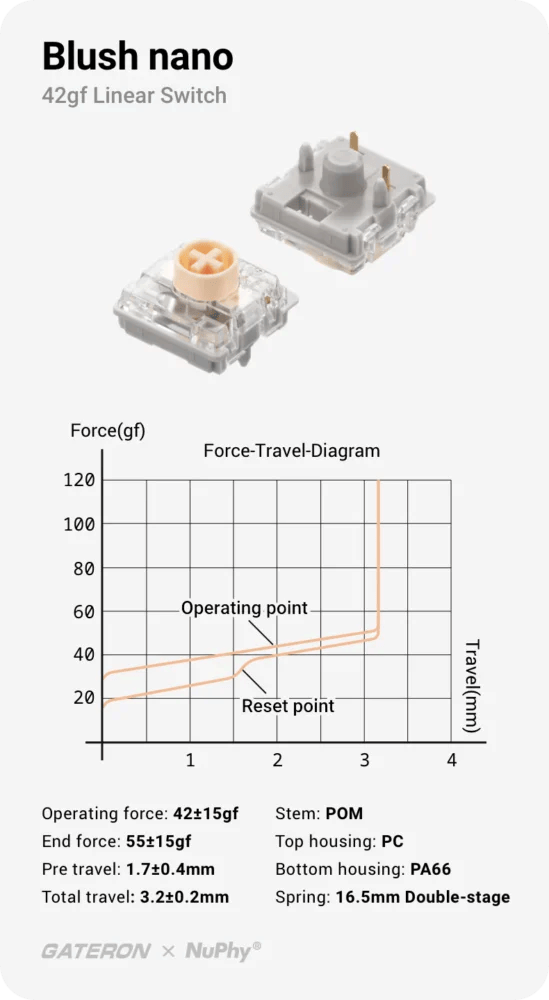
Evaluation of keystroke feel and keystroke sound
- Loudness of keystrokes: ★☆☆☆☆ (almost inaudible level)
- Sound level: Not rated (almost inaudible)
- Key weight: normal (general weight)
- Sense of bottoming out: Soft
- Key wobble: normal
Advantages of Node75JIS
Let’s start by looking at the benefits of Node75JIS.
Basically, we will explain the benefits common to both low-pro and normal, but we will annotate any benefits of only one model.
Advantages of Node75JIS
- The Japanese-language layout and the split space bar make it unique.
- Key profiles can be selected according to preference within the same model.
- Chic design and coloring for easy office use
- Solid basic specifications even in the entry class
- Touch zones, dot matrix LEDs, and other features that are more unique than they appear.
The Japanese-language layout and the split space bar make it unique.
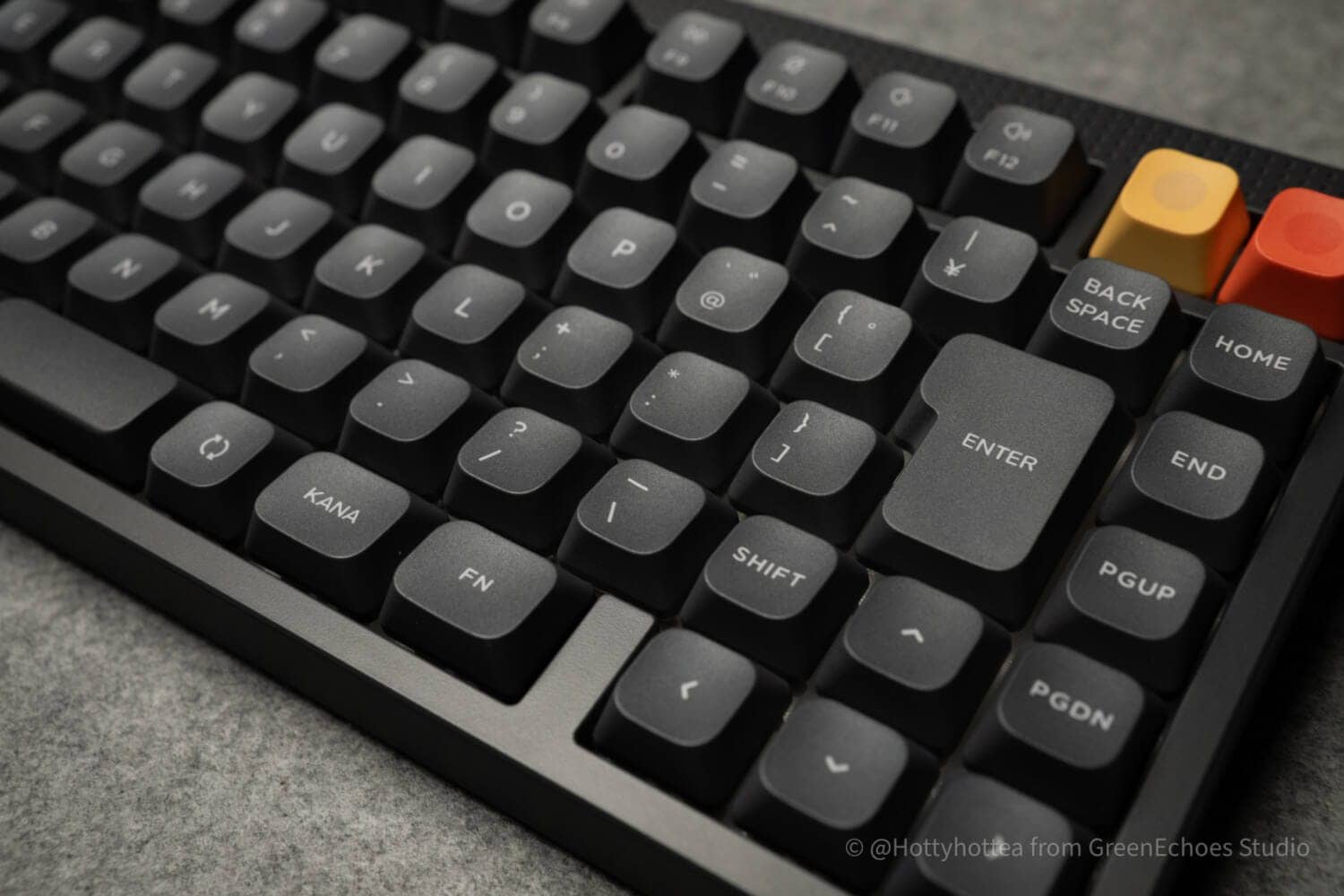
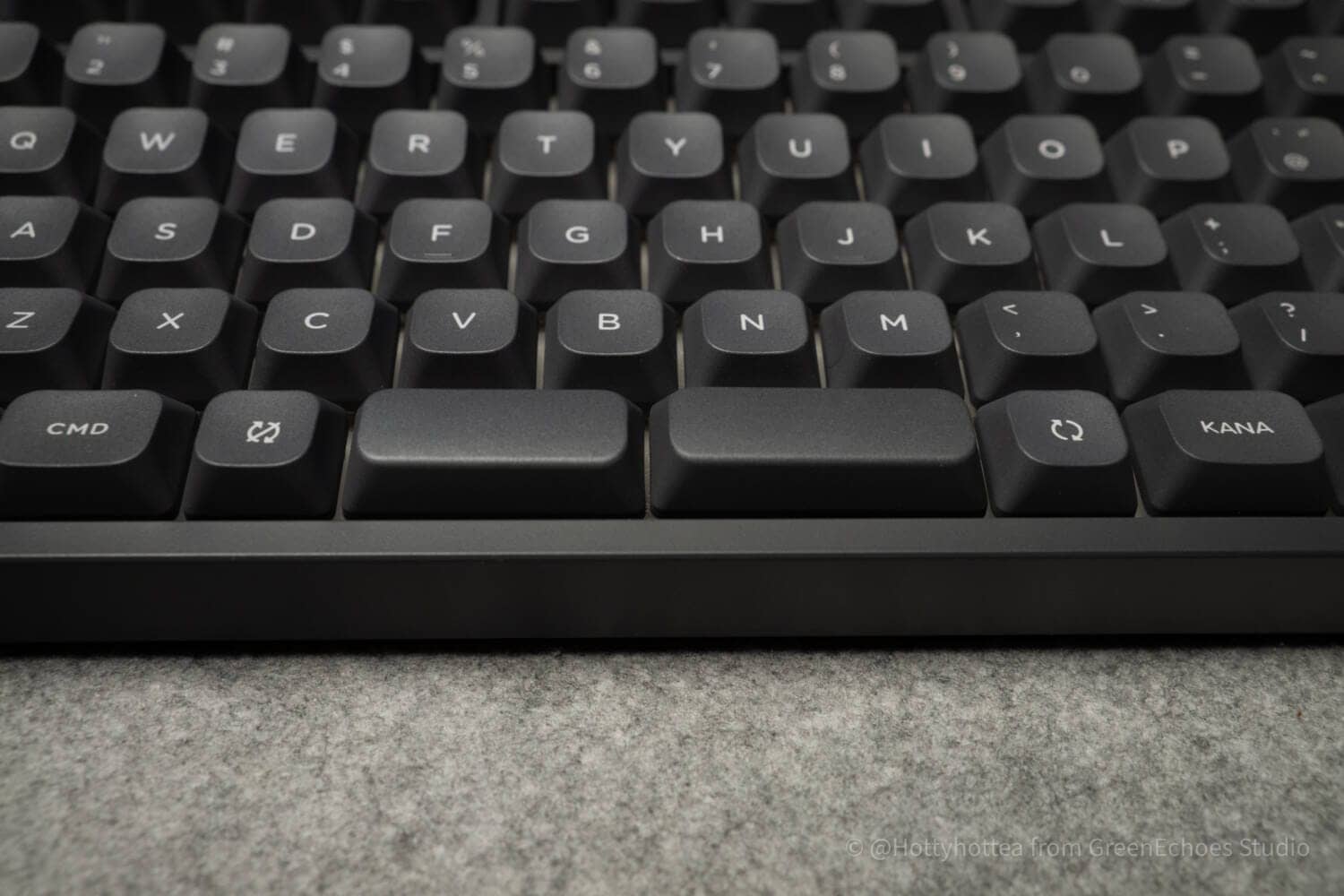
One of the major advantages of the Node75JIS is that it not only has a Japanese layout, but also a split space bar.
This unit has all the requirements of a Japanese keyboard, including half/full-width, conversion/no-conversion, and ? mark next to the “backslash” key, etc., it meets all the requirements for a Japanese keyboard.
 Kawamura
Japan has a very high share of the global market for proprietary sequences, and it is said that most people use Japanese-language sequences.
In this respect, a keyboard with a Japanese layout is a prerequisite for purchasing a keyboard that is used on a daily basis.
In addition, the Node75JIS has two separate space bars for a more advanced typing experience.
By using one spacebar as a normal “space” and assigning the other spacebar to the “backspace” or “enter” key using a keymap-changing web application, it is possible to reduce the frequency of right hand pinky finger use and type more efficiently.
This is a “new typing experience.
Key profiles can be selected according to preference within the same model.
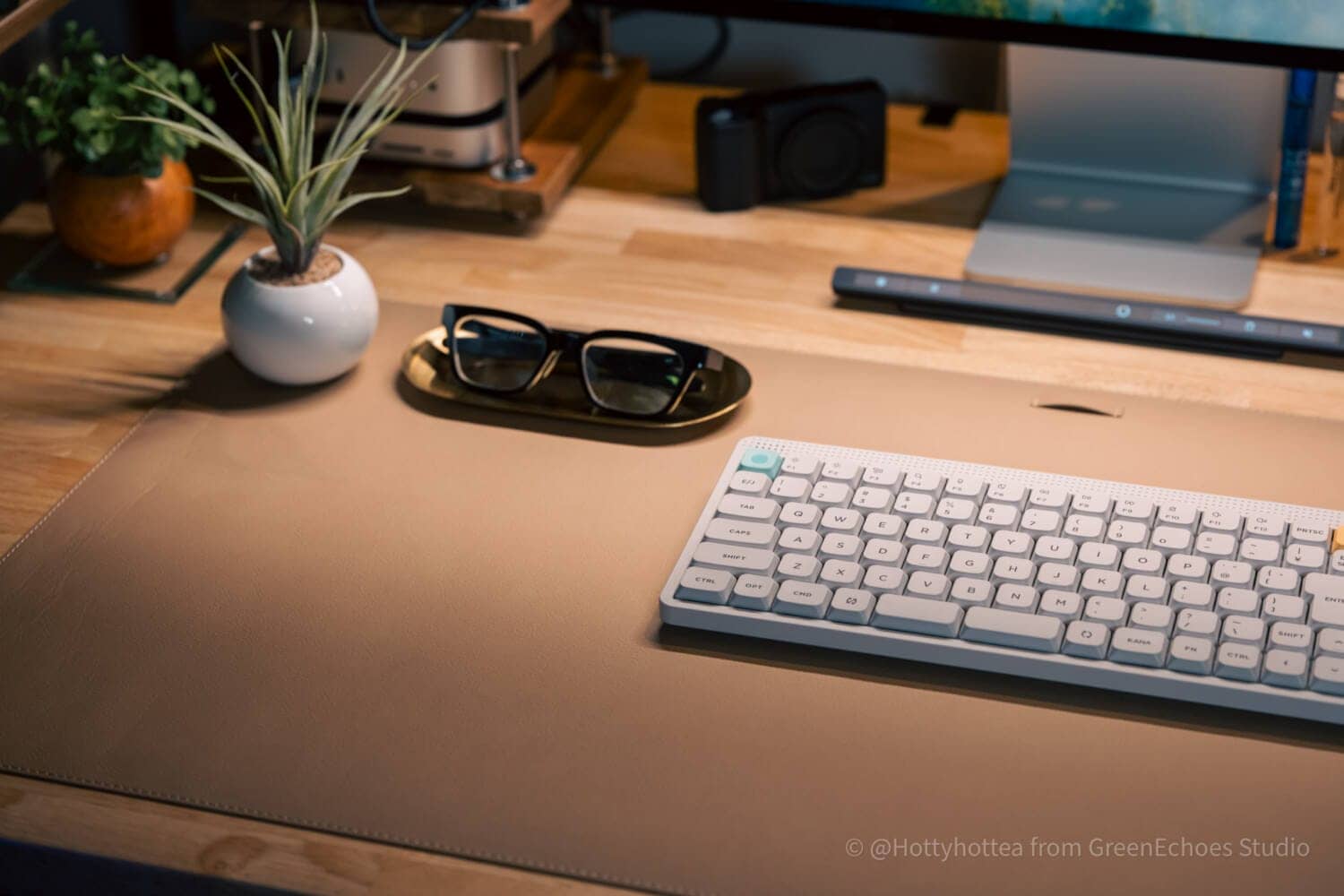
The Node75JIS can be either “normal profile” or “low profile” depending on preference within the same model.
Even with the same mechanical keyboard, normal profile and low profile have different advantages and disadvantages, and each user has his/her own “preference.
KawamuraThe low profile has the advantage of allowing typing with the same feeling as a so-called “normal laptop keyboard. On the other hand, the normal profile allows you to experience a solid keystroke feel, which is unique and appealing.
The choice of different heights with the same look is unique.
It would be fun to purchase keyboards of the same look at different heights and use them on different days.
Chic design and coloring for easy office use

The appeal of the Node75JIS lies in its chic design and cool colors.
Generally speaking, many people think of a “mechanical keyboard” as one with a very large presence on a desk, with its LEDs shining brightly.
KawamuraSuch keyboards only give the impression of being favored only by those with “specific tastes” and did not seem to be popular with the general public.
In this respect, Node75JIS has a “not too assertive” design that blends in with the desk, making it suitable for office use.
The appearance of the keyboard, which fits in well with both the work desk at home and the desk at work, may be a deciding factor for those who want to use a slightly better keyboard in their daily life.
Solid basic specifications even in the entry class
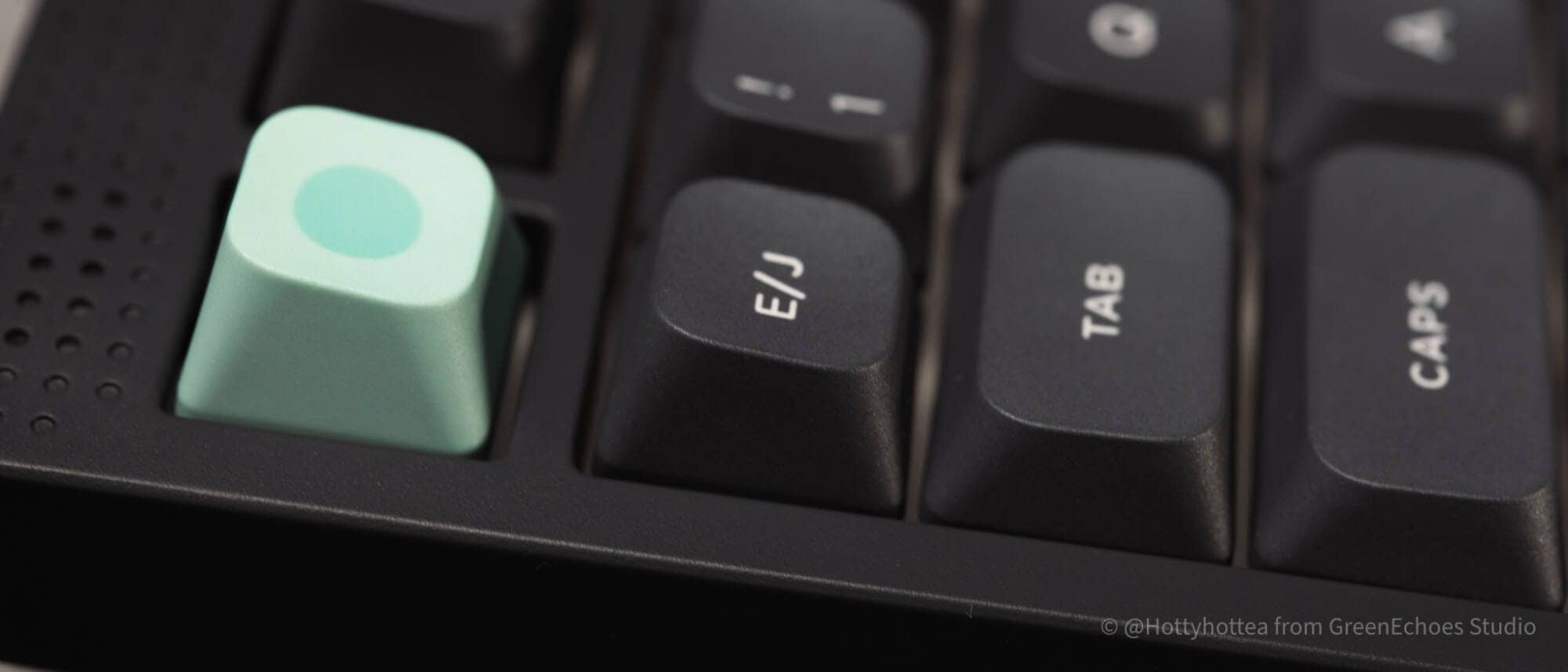
Node75JIS’s position within NuPhy is “Entry Class”.
When you hear the word “entry,” you may think that because it is cheap, it is not very good, but this is not true.
The only entry point is the material of the body (resin instead of metal), and there are no major differences in basic specifications compared to higher-end models.
This is due to the “gasket mount,” a structure in which the substrate seems to float in mid-air,
Touch zones, dot matrix LEDs, and other features that are more unique than they appear.
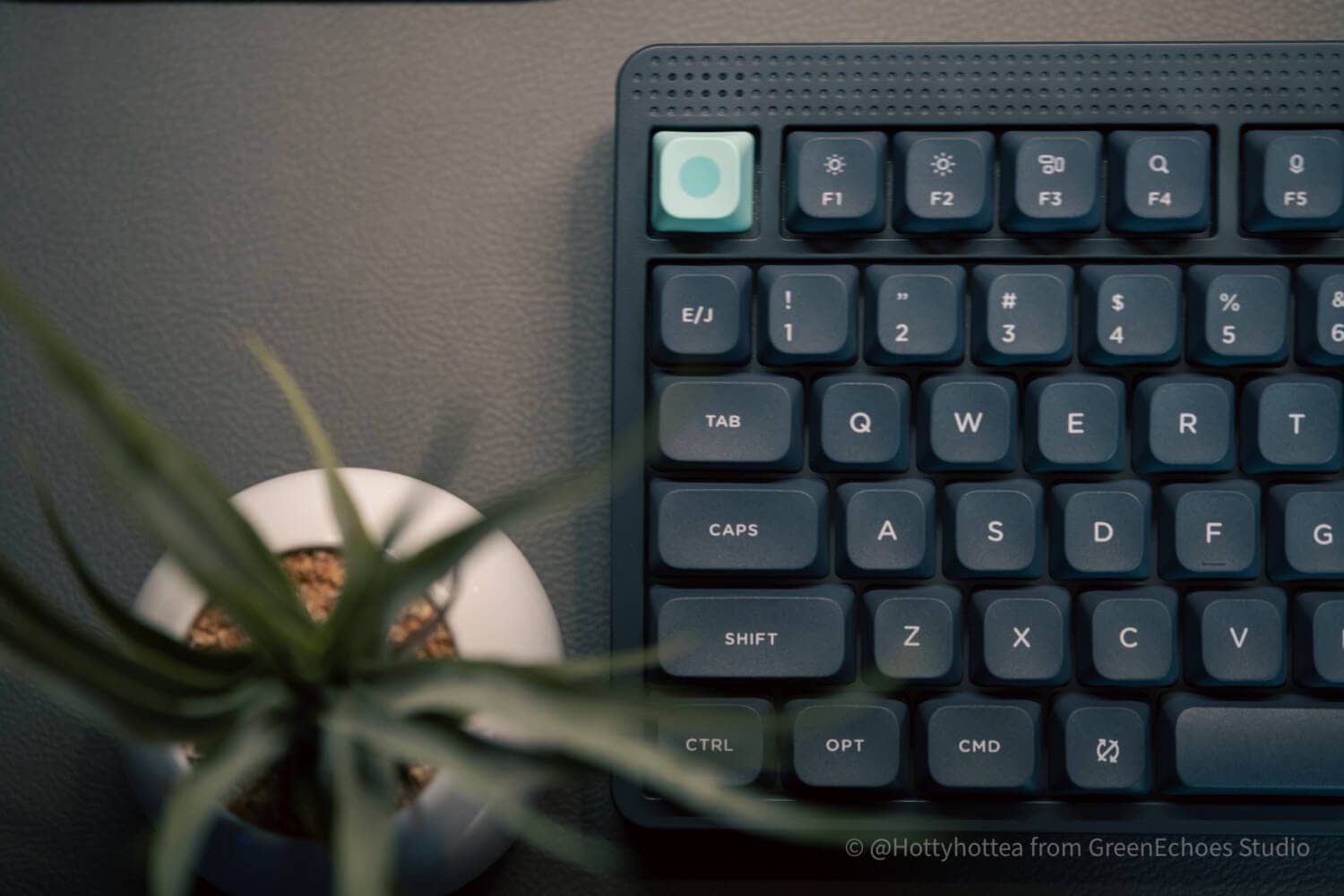
The editorial team sees Node75JIS as a work of Dieter Rams thought.
The simple dot matrix and geometric forms have a universal beauty that will never grow old.
Among these, the Node75JIS should not be overlooked for the functionality it brings to this design.
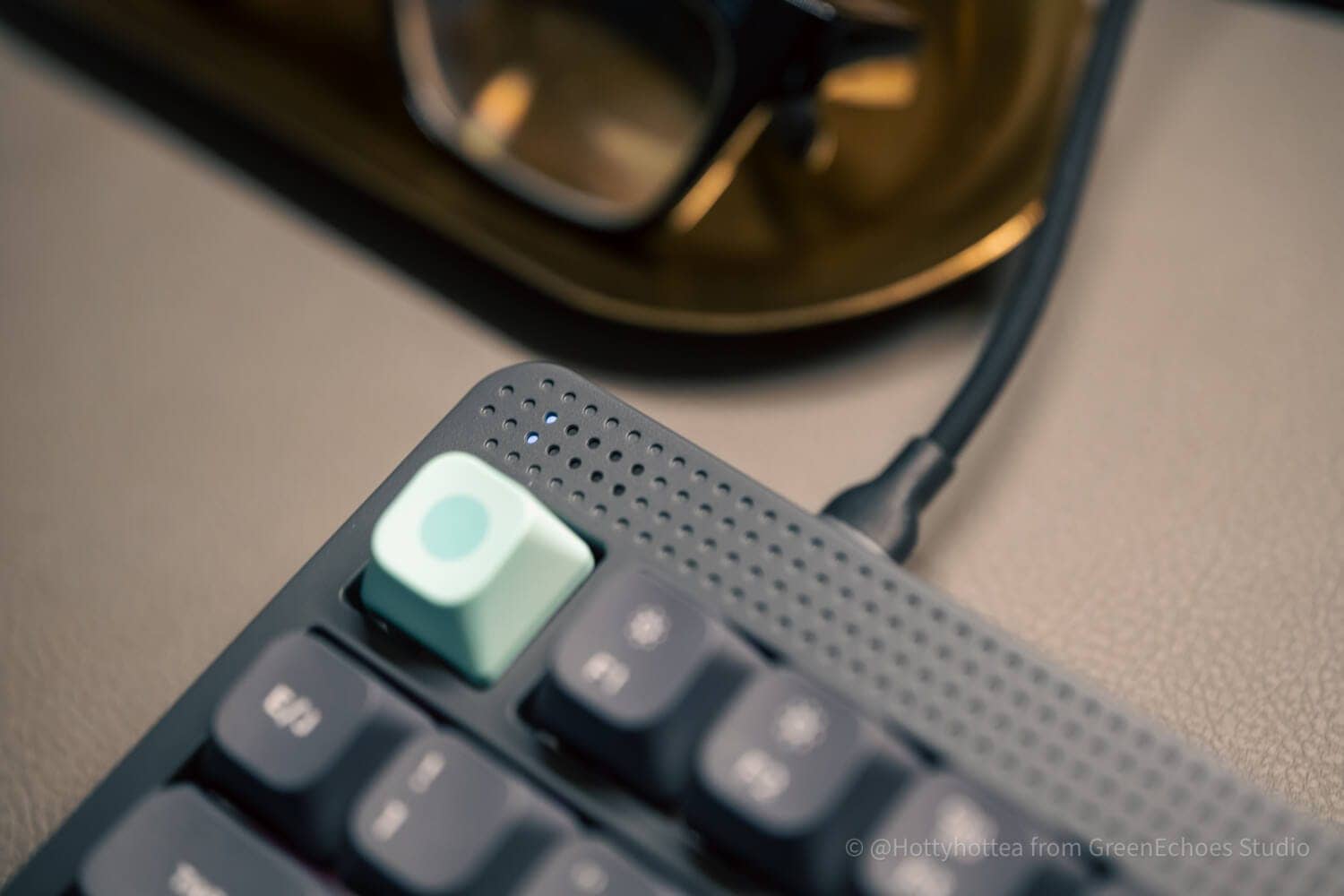
The LED light under the dot matrix in the upper left serves to indicate the status of the keyboard, and the seemingly empty space in the upper right is equipped with a touch sensor.
This touch sensor can work as well as a volume knob, and the fact that it has more character than it looks is a major attraction.
Use coupon code “ryo10” for 10% off.
Disadvantages of Node75JIS
Disadvantages of Node75JIS
- As JIS75%, it has a strong individuality and may be different for different tastes.
- Difficult to support Mod-Tap and Combo at this time (software derived)
- Note compatibility of low-profile key switches
- The case material is ABS, which is inferior to higher-end models in terms of luxury.
- Possible need for palm rest in normal profile version
- Z line displacement is not standard.
- Low profile version requires attention to touch typing of arrow keys.
- Linear feel of touch sensor sensitivity is slightly inferior
As JIS75%, it has a strong individuality and may be different for different tastes.
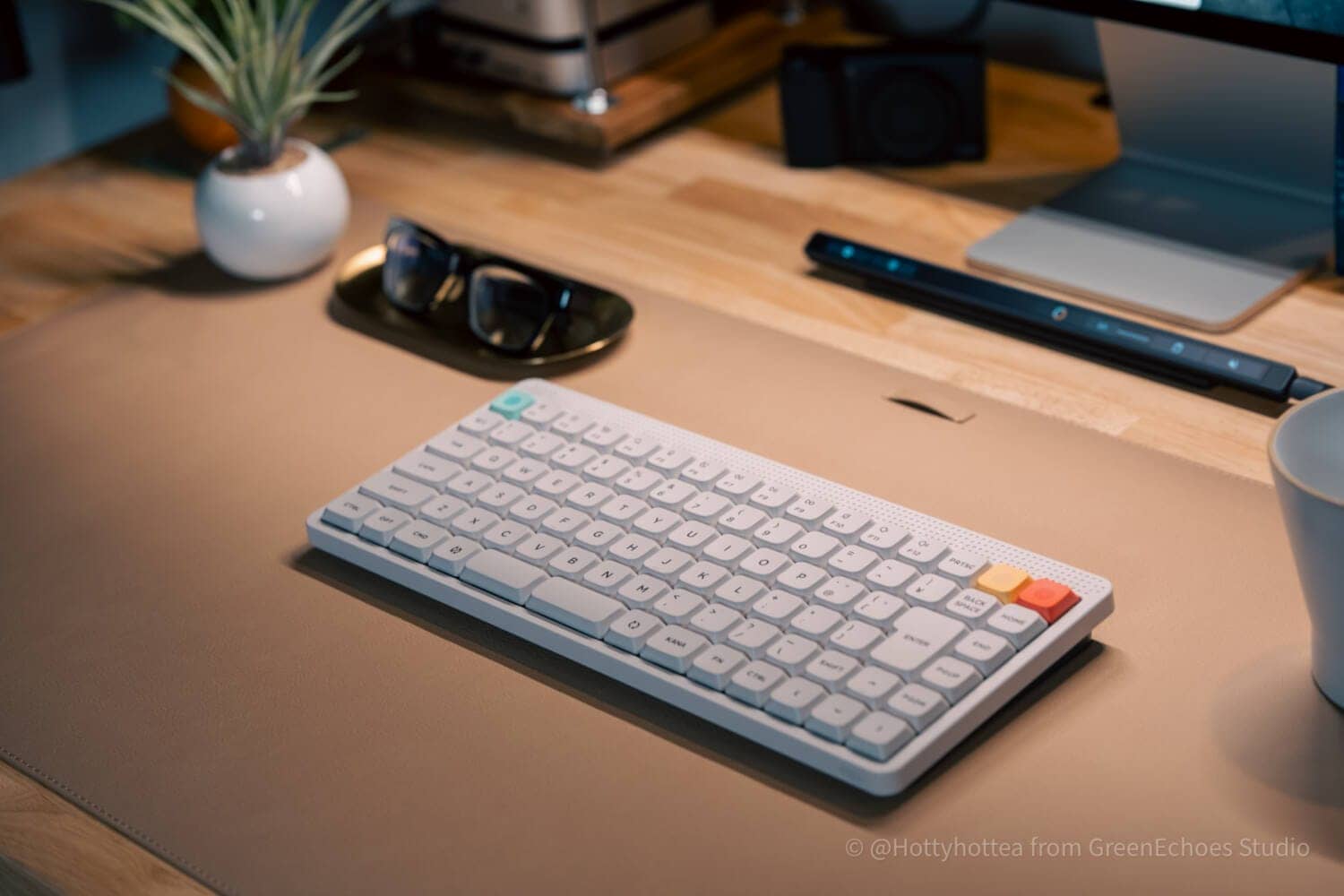
As for the “split space bar” mentioned as an advantage of the Node75JIS, those who prefer the orthodox look may find it “highly individualistic”.
As an approach, it is very interesting, and there seem to be few major disadvantages regarding the method of splitting the space bar, as evidenced by the survey results showing that about 70% of the respondents said that their left thumb was the finger to press the space bar.
However, it is hard to deny that the looks may be a bit eccentric, and may not be acceptable for some tastes.
Difficult to support Mod-Tap and Combo at this time (software derived)
At this time, it seems difficult to set Mod-Tap and Combo (simultaneous pressing) in Node75JIS.
Mod-Tap is a function that allows the user to change functions depending on the key press time, and is frequently used on keyboards with QMK firmware.
This feature allows one key to have two functions, so many people use it to function as a layer key when they press and hold the space bar.
The Node75JIS keymap change software is performed using the original software called “NuPhy IO 2.0”, but the setting itself is not possible because the “Mod-Tap” and “Codbo” items do not exist in this setting item.
KawamuraWhen split spaces can be used as layered keys, typing can be done comfortably while keeping the home position.
It is a bit disappointing that this feature is not available.
Expect updates.
Note compatibility of low-profile key switches
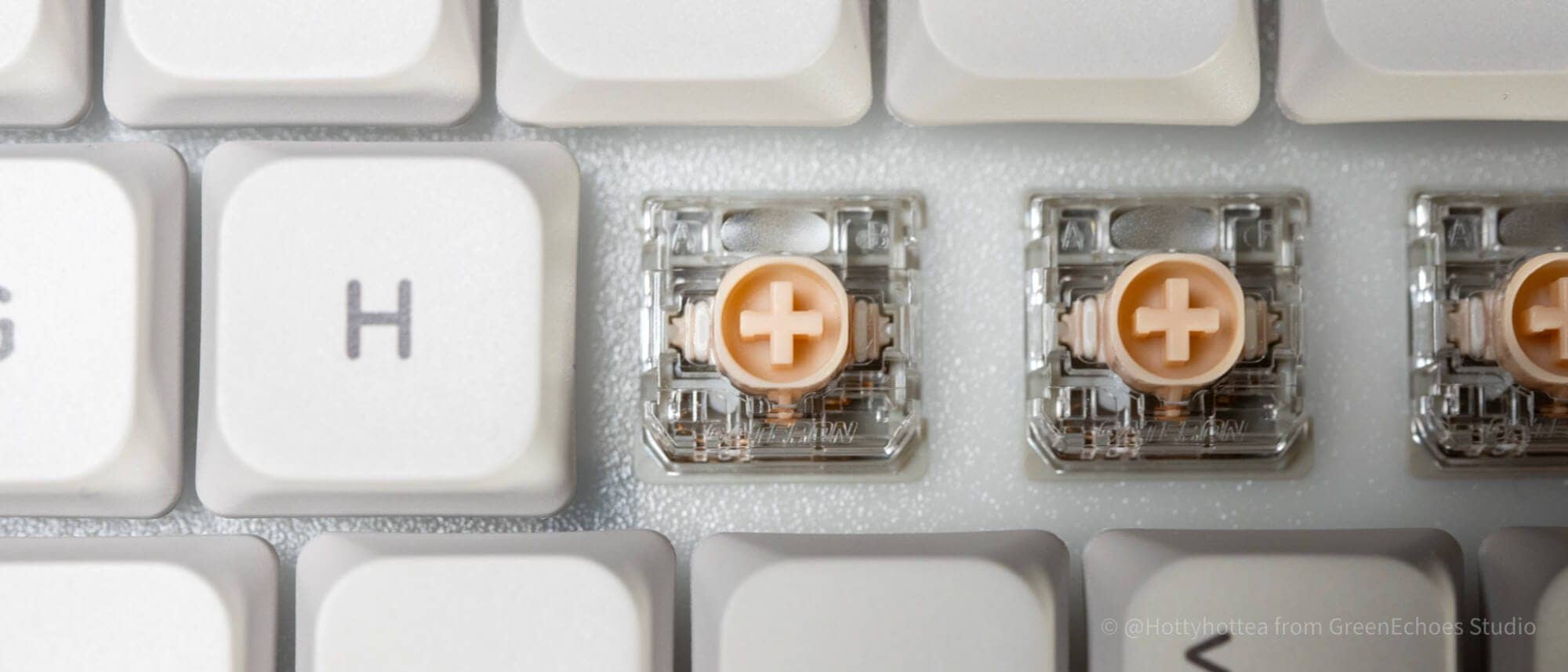
The keyswitch used in the low-profile version of the Node75JIS is the Gateron Low Profile 3.0 standard.
Until now, NuPhy’s low-profile mechanical keyboards have used the “Gateron Low Profile 2.0” standard.
Gatero LP 3.0 keyswitches are not backward compatible with conventional Gateron LP 2.0 keyswitches.
In other words, please note that conventional keyswitches cannot be used with Node75JIS.
The case material is ABS, which is inferior to higher-end models in terms of luxury.
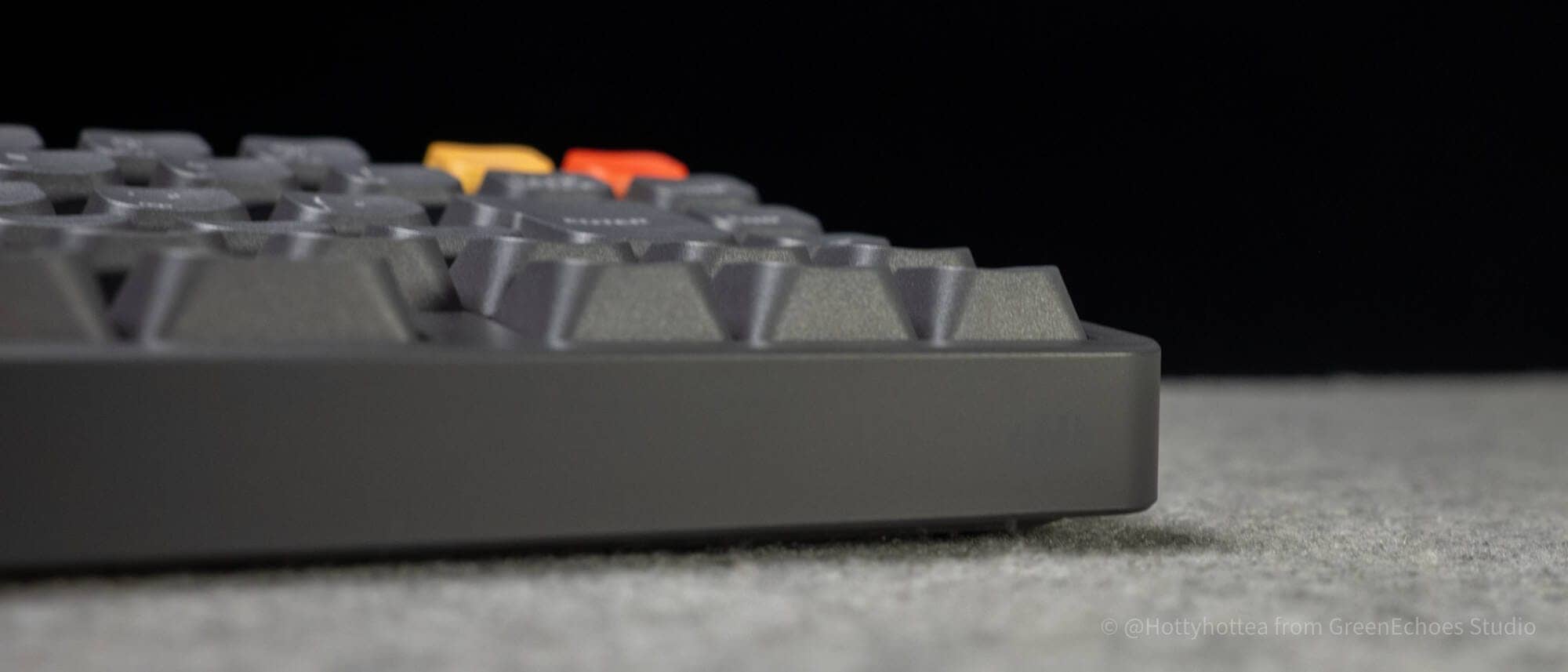
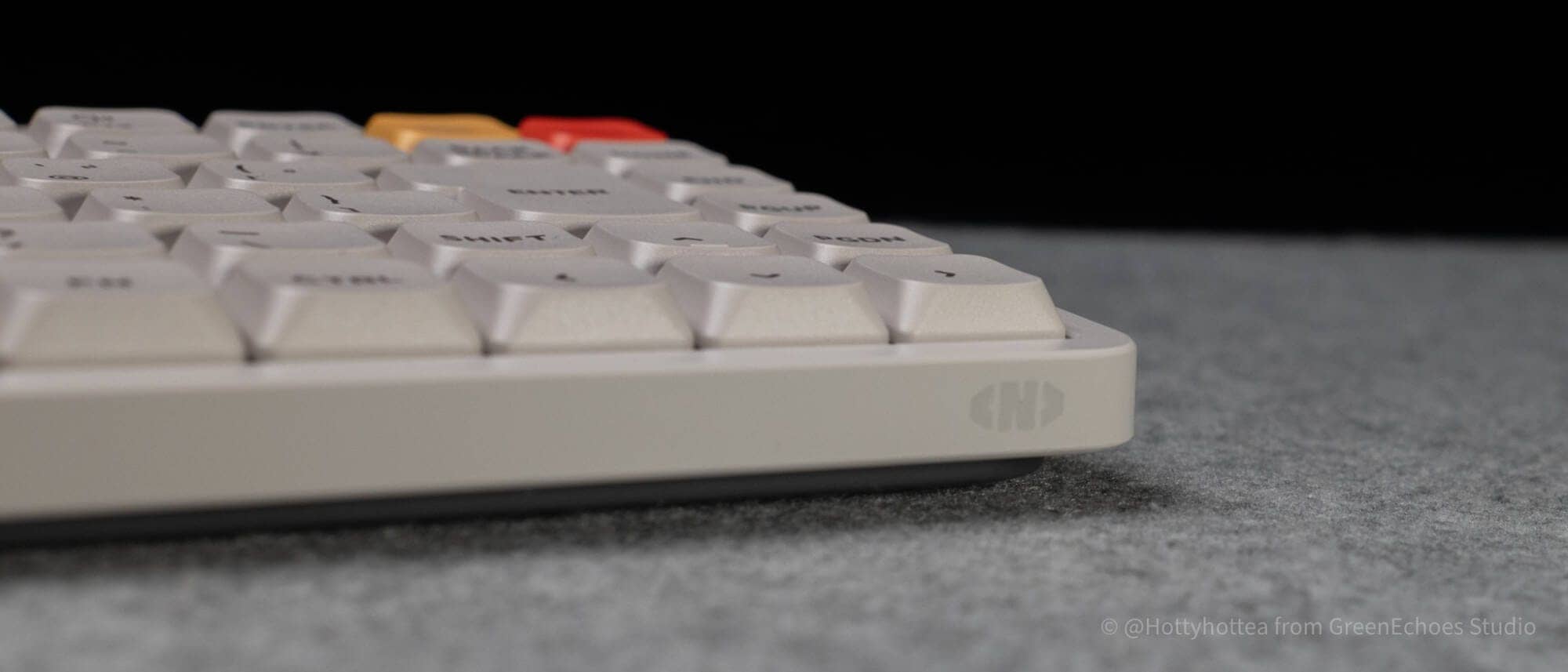
The case material of Node75JIS is ABS (plastic).
The higher-end models, Halo series and Air series, use aluminum cases, which differ greatly in terms of weight, key feel, and looks.
Keep in mind that the aesthetics of the product are not as good as the aluminum housing, especially in terms of looks.
KawamuraThis caution is only “for the experts”.
First-time keyboard buyers will probably care little about this.
While aluminum can satisfy the desire for luxury and ownership, it has the disadvantage of being heavy and difficult to carry.
Possible need for palm rest in normal profile version
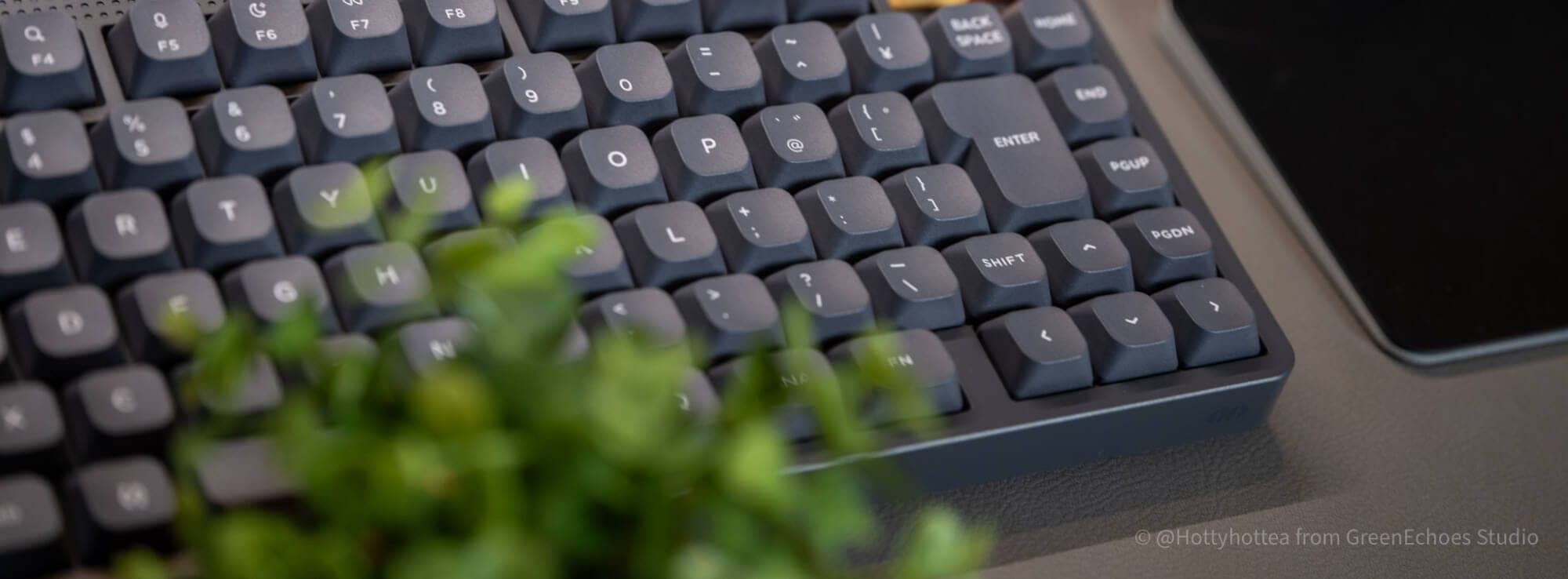
The normal profile version of the Node75JIS has a higher height to the frame and top of the keycaps that come to the front side than most keyboards.
Therefore, it may be necessary to use a “palm rest” for comfortable typing.
Especially for those with small hands and a style of typing in which the palm of the hand is supported by the desk, typing in the normal sense may cause the wrist to warp too much and cause pain.
Caution.
Z line displacement is not standard.
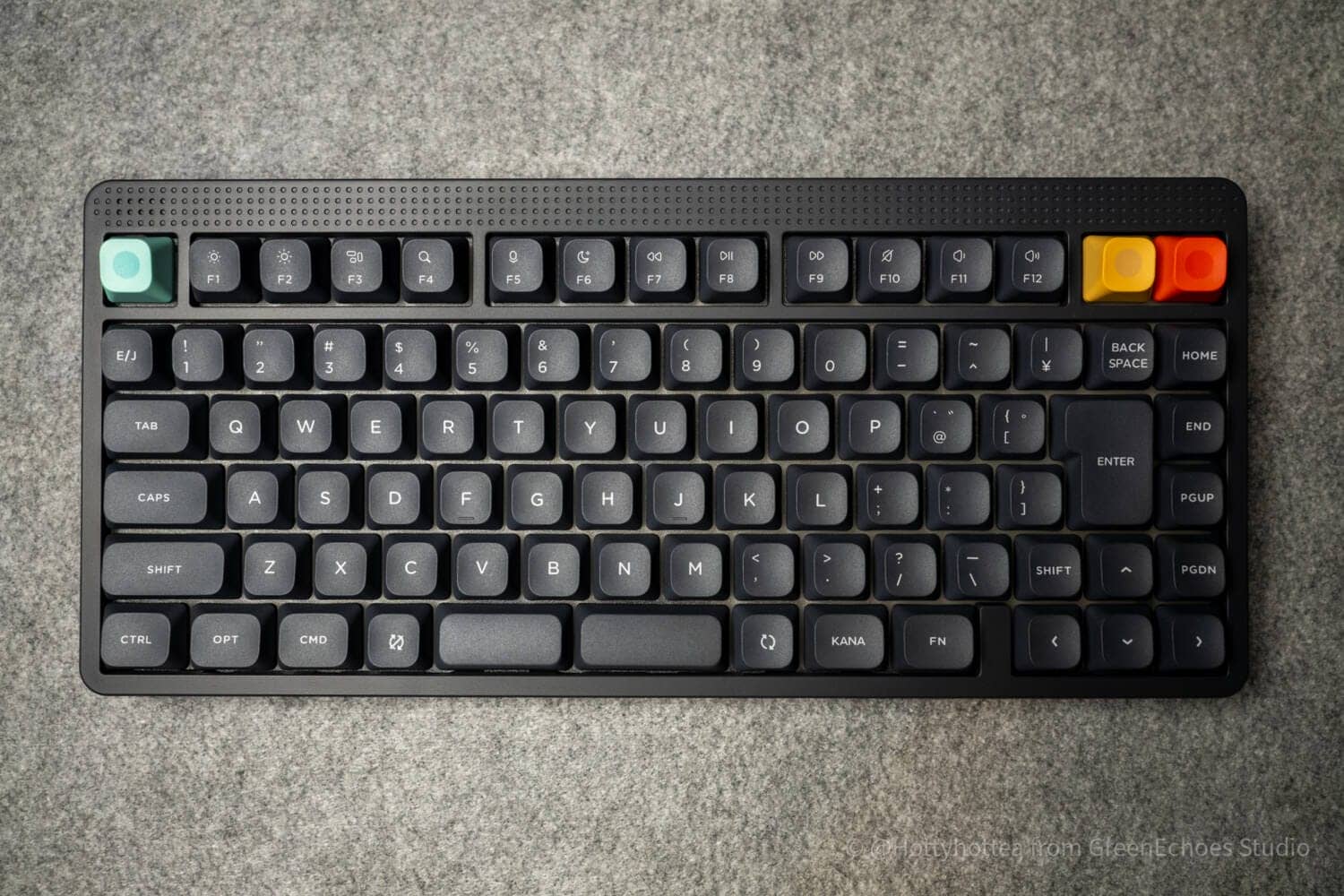
The Node75JIS Z line is displaced 0.25u to the left of its normal position.
Although the distance is only a few millimeters, it should be noted that each Z line is slightly offset to the left when compared to a typical Japanese keyboard.
KawamuraIn particular, touch typists have a brain that remembers sequences and may have higher switching costs in terms of “muscle memory”.
Low profile version requires attention to touch typing of arrow keys.
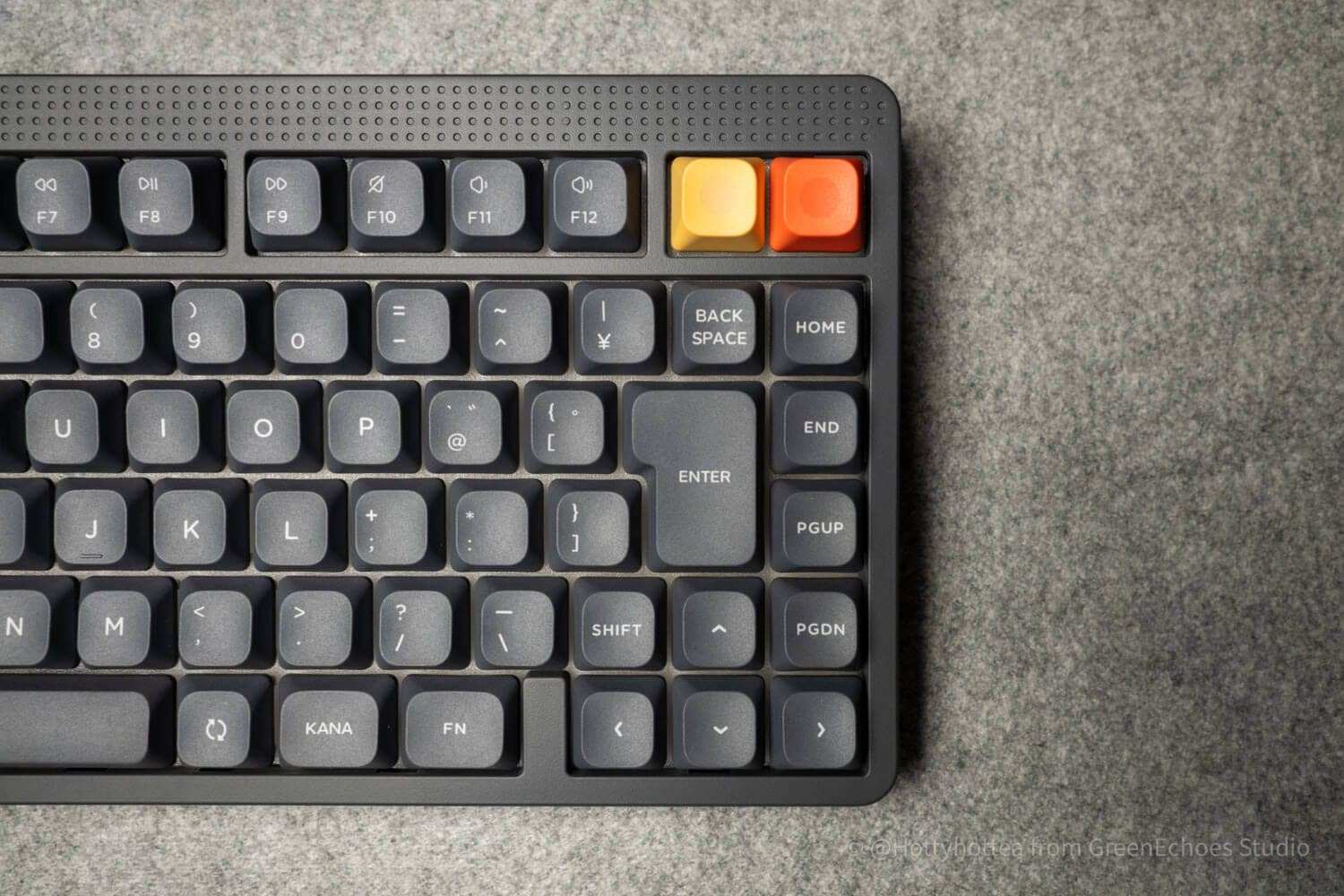
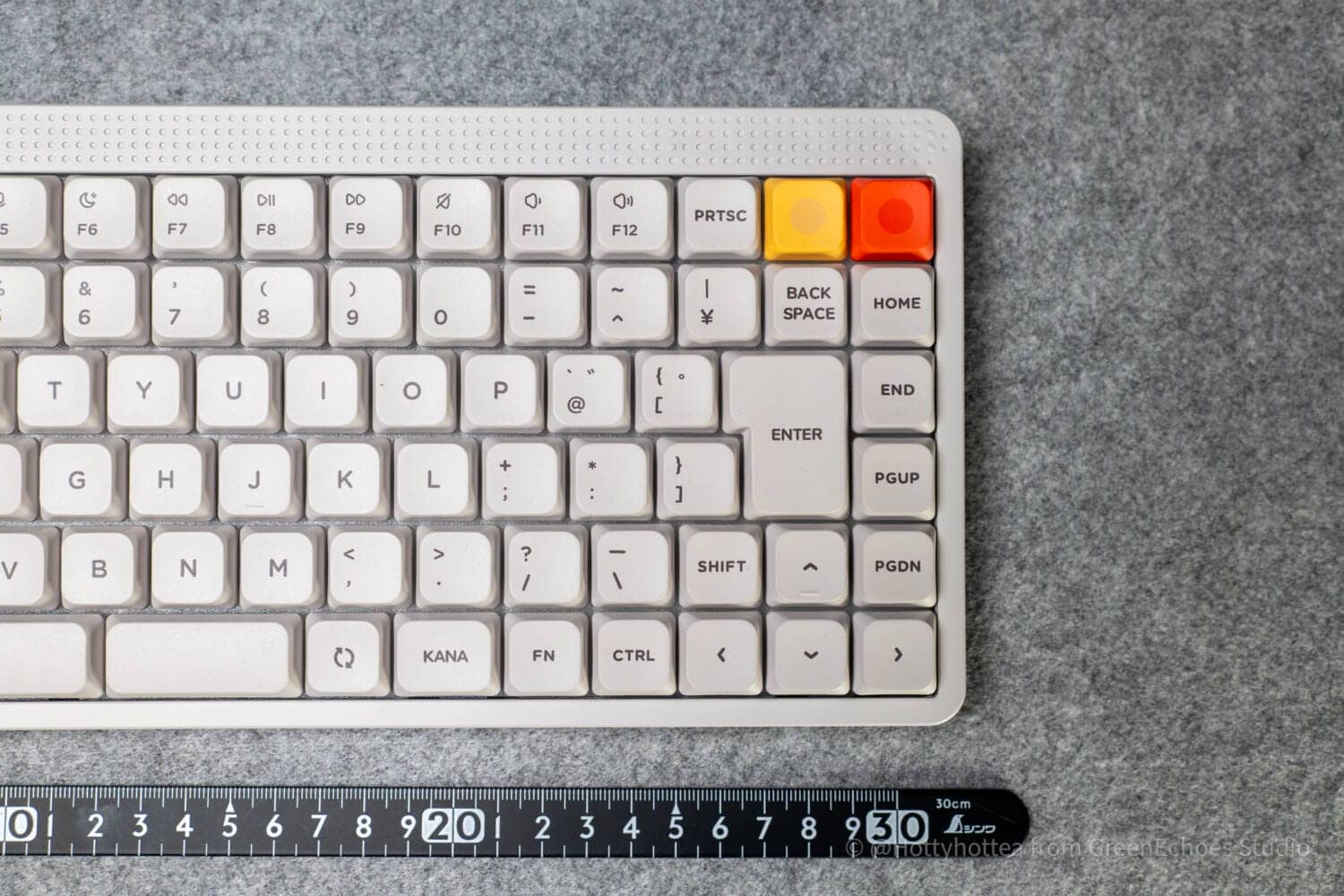
Comparing the normal and low-profile versions of the Node75JIS, the key layout of the bottom row is slightly different.
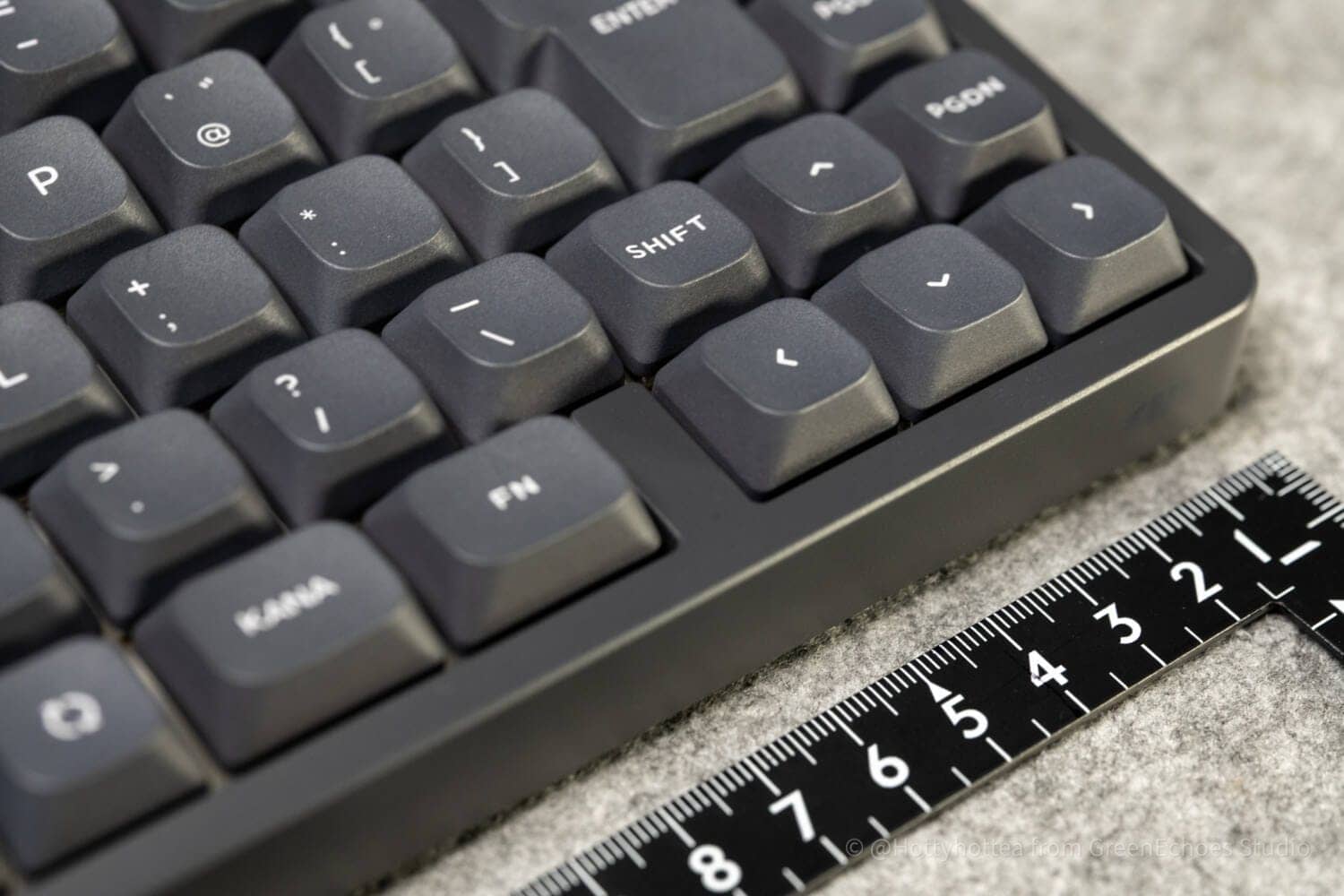
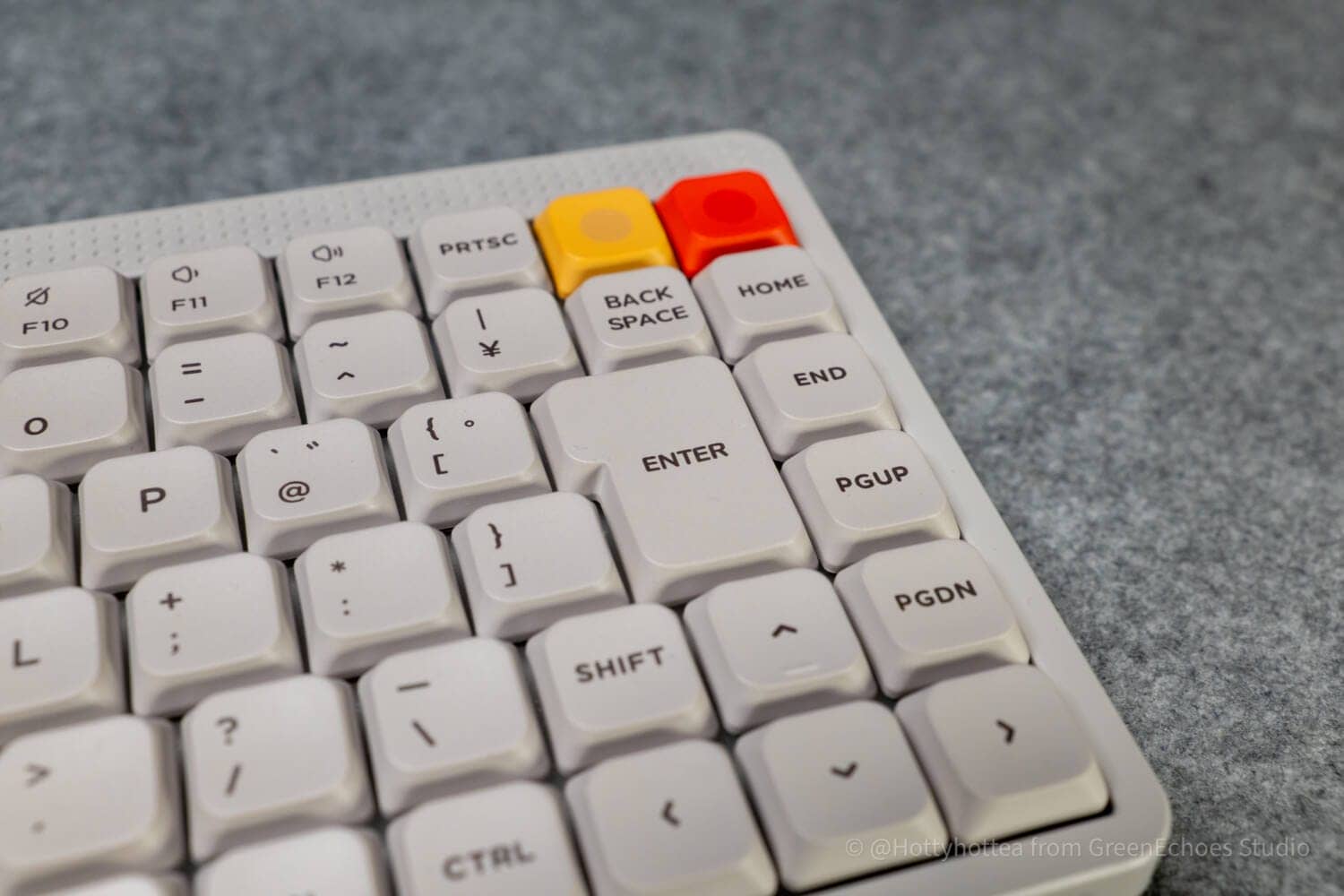
In particular, for the area around the arrow key in the lower right portion, the normal and low-profile versions differ significantly in terms of whether there is a space to the left of the left directional key.
In many cases, touch typists operate the arrow keys with their right pinky, and the low-profile version has another key in close proximity to the left of the left arrow key, which may induce miss-touching.
Linear feel of touch sensor sensitivity is slightly inferior
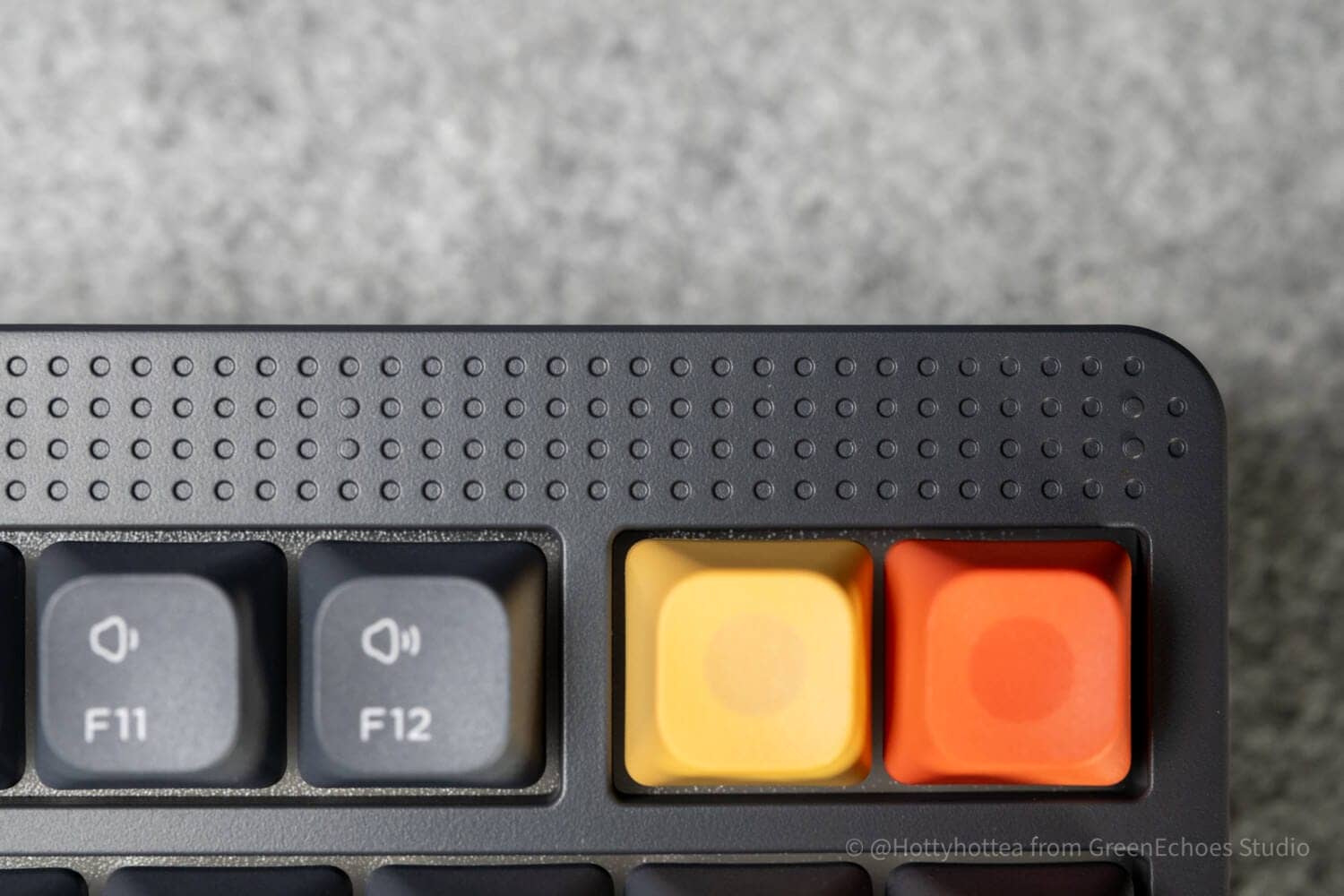
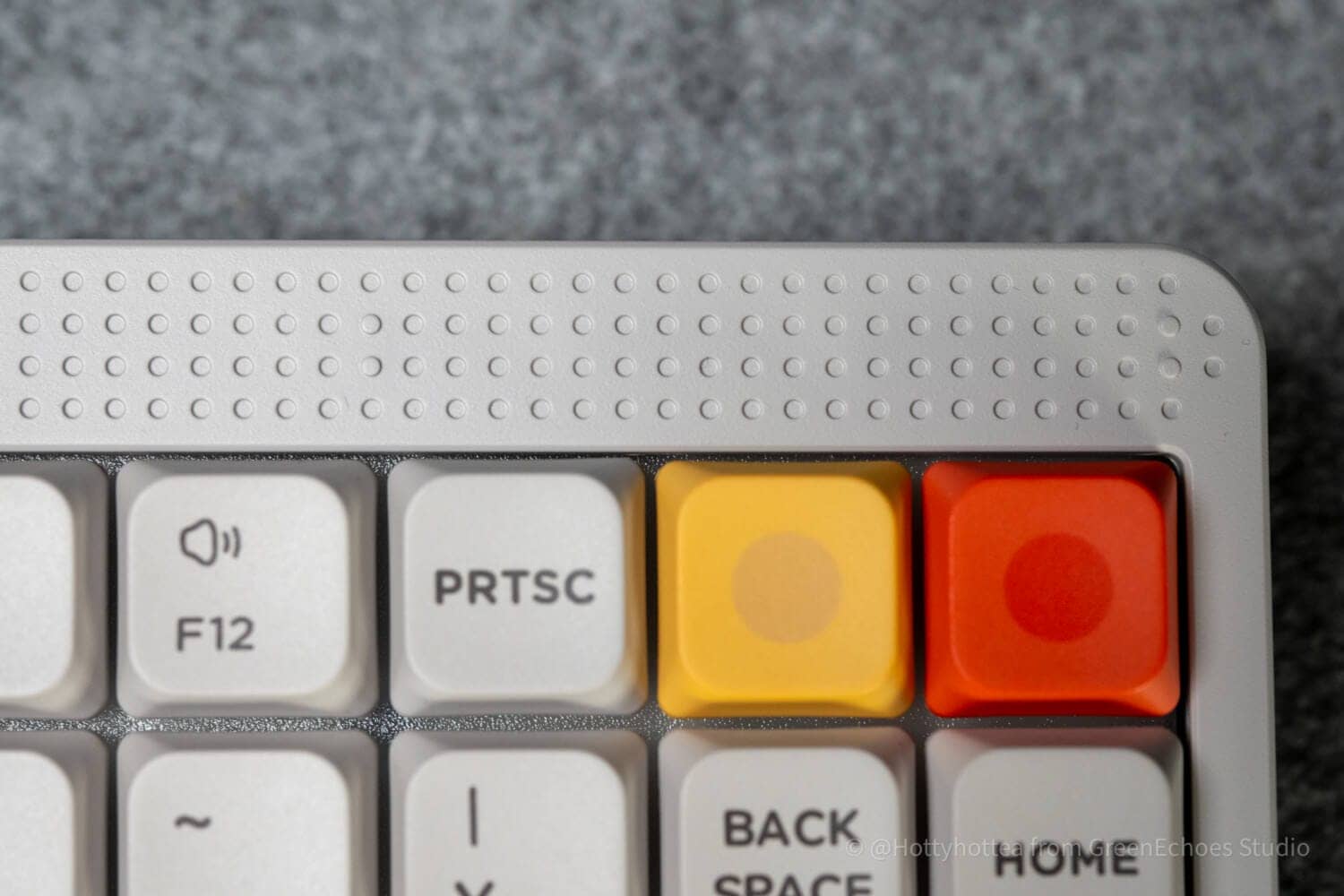
One of the features of the Node75JIS is the touch sensor in the upper right corner.
The default control is the volume control, but it appears to be slightly delayed and rough in operation compared to the feel of the rotary encoder knob.
It is fine to use, but may bother some people.
Use coupon code “ryo10” for 10% off.
Comparison with similar concept keyboards
A competing keyboard with a similar concept is the Lofree Flow Lite JIS.
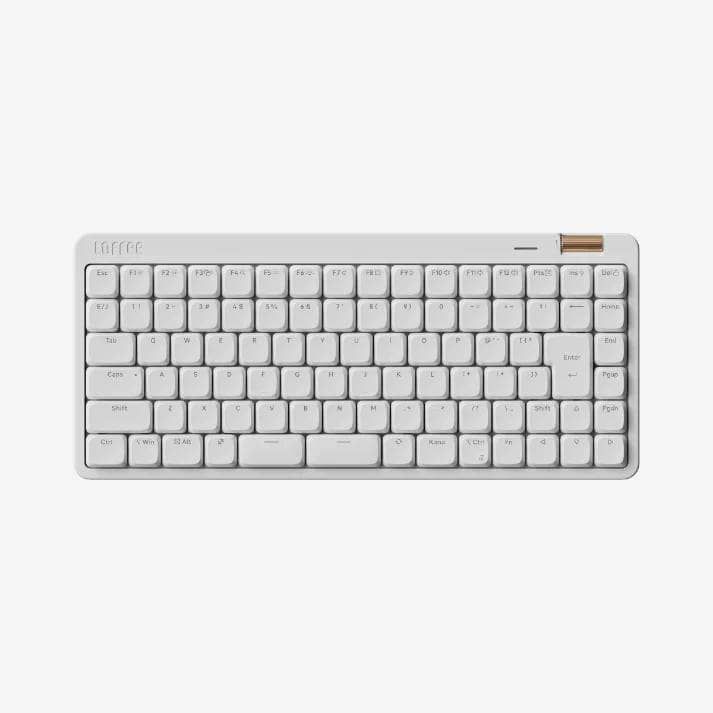
After all, there are few models with a 75% Japanese layout and a split space bar at this time.
In this respect, Flow Lite JIS is the only competing model.
It shares some similarities with the Node75JIS low-profile model in that it is a low-profile mechanical keyboard, but some may prefer Flow Lite JIS for its simpler appearance and volume control using a physical rotary encoder The Node75JIS is a low-profile model.
Flow Lite JIS is also recommended for those who prefer shallower strokes than the Gateron LP 3.0 stroke depth (around 3.2mm to 3.5mm).
On the other hand, we recommend the Node75JIS for those who prefer the look of the Dieter Rams philosophy, who want to choose not only silent but also linear/tactile, and who also want play and functionality around the controls, such as advanced touch zones and LED displays.
| (data) item | Flow Lite JIS | Node75 JIS low profile |
|---|---|---|
| selling price | ¥19,800 | 18,700 yen |
| switch | Lofree x Kailh POM Switch (Void) Silent Linear | Gateron Low-profile 3.0 (Red / Brown / Blush) |
| weight | 604g | 659g |
| keycap | PBT+PC Double Shot Shine-through | Dye-sub PBT/nSA |
| Angle adjustment | 3° / 6° | 4° / 8° / 11 |
| battery | 2000mAh, up to 80 hours (with lights off) | 3000mAh, Up to approx. 1000 hours (with lights off) |
| customize | Lofree Key Mapper + Web App | NuPhy IO 2.0 |
| Distinctive equipment | volume roller | Touch zone + dot matrix LED |

[Photos] Node75JIS Normal profile/low profile review
Let’s take a look at the actual equipment, focusing on photos.
It comes in a glossy cosmetic box.
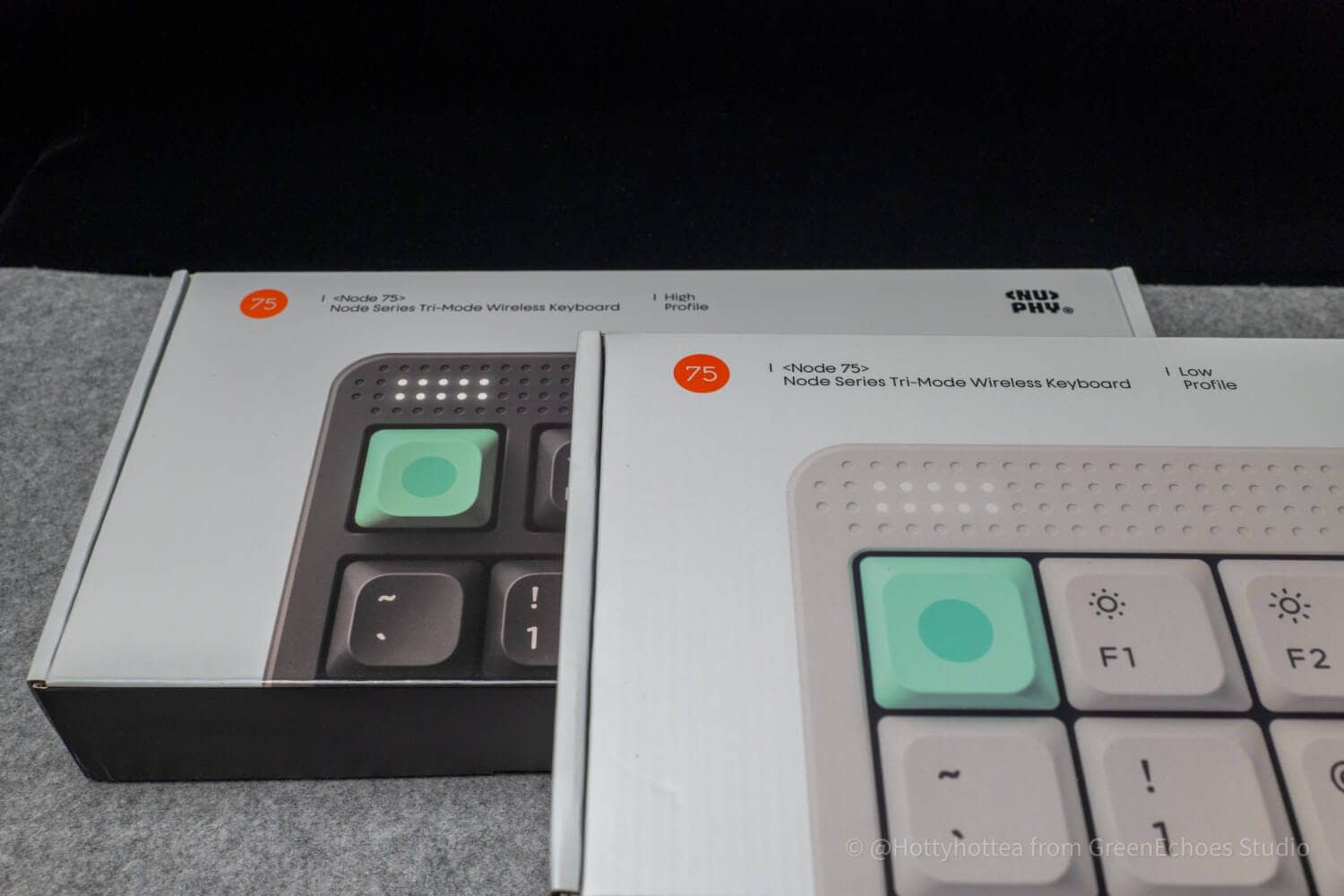
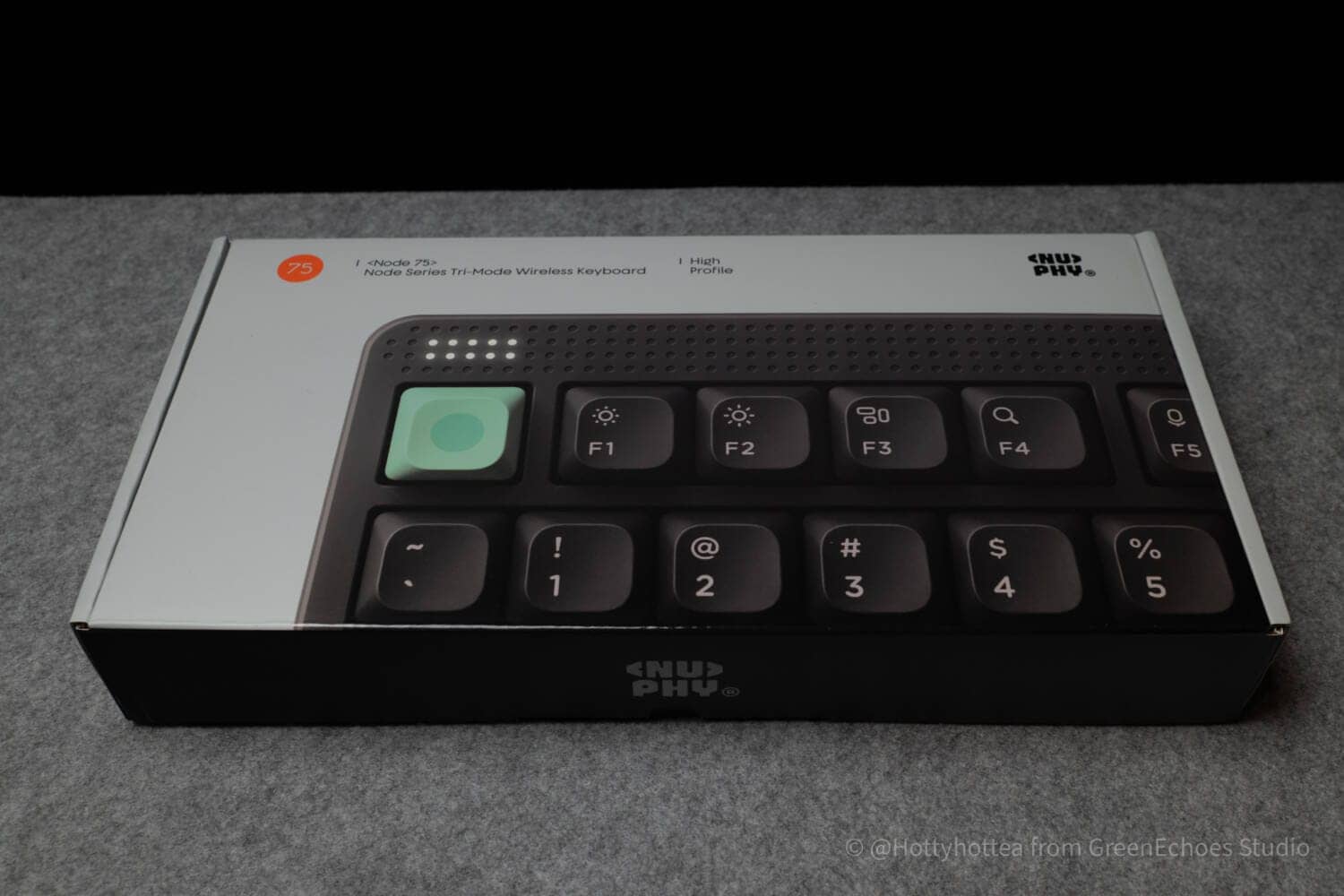
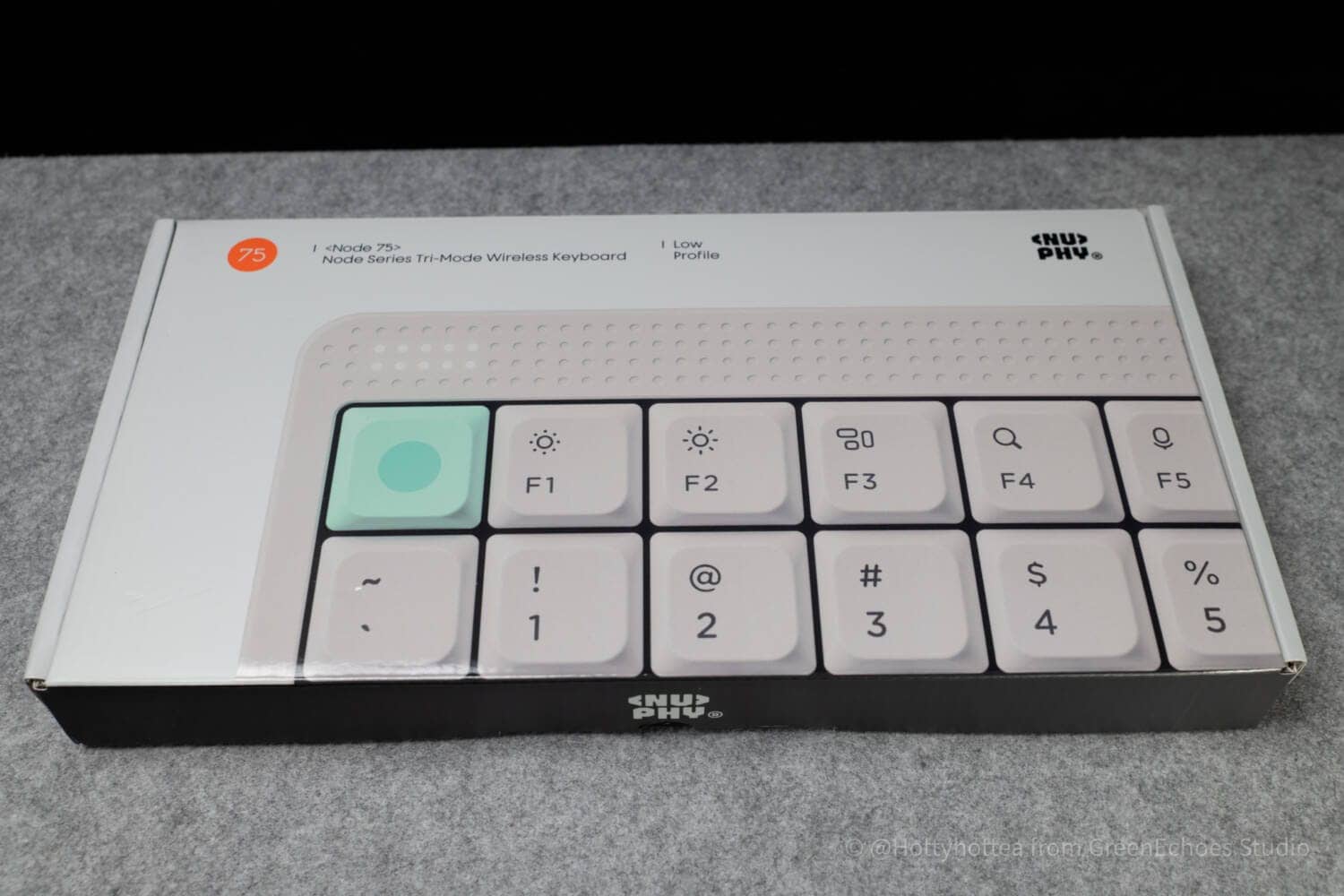
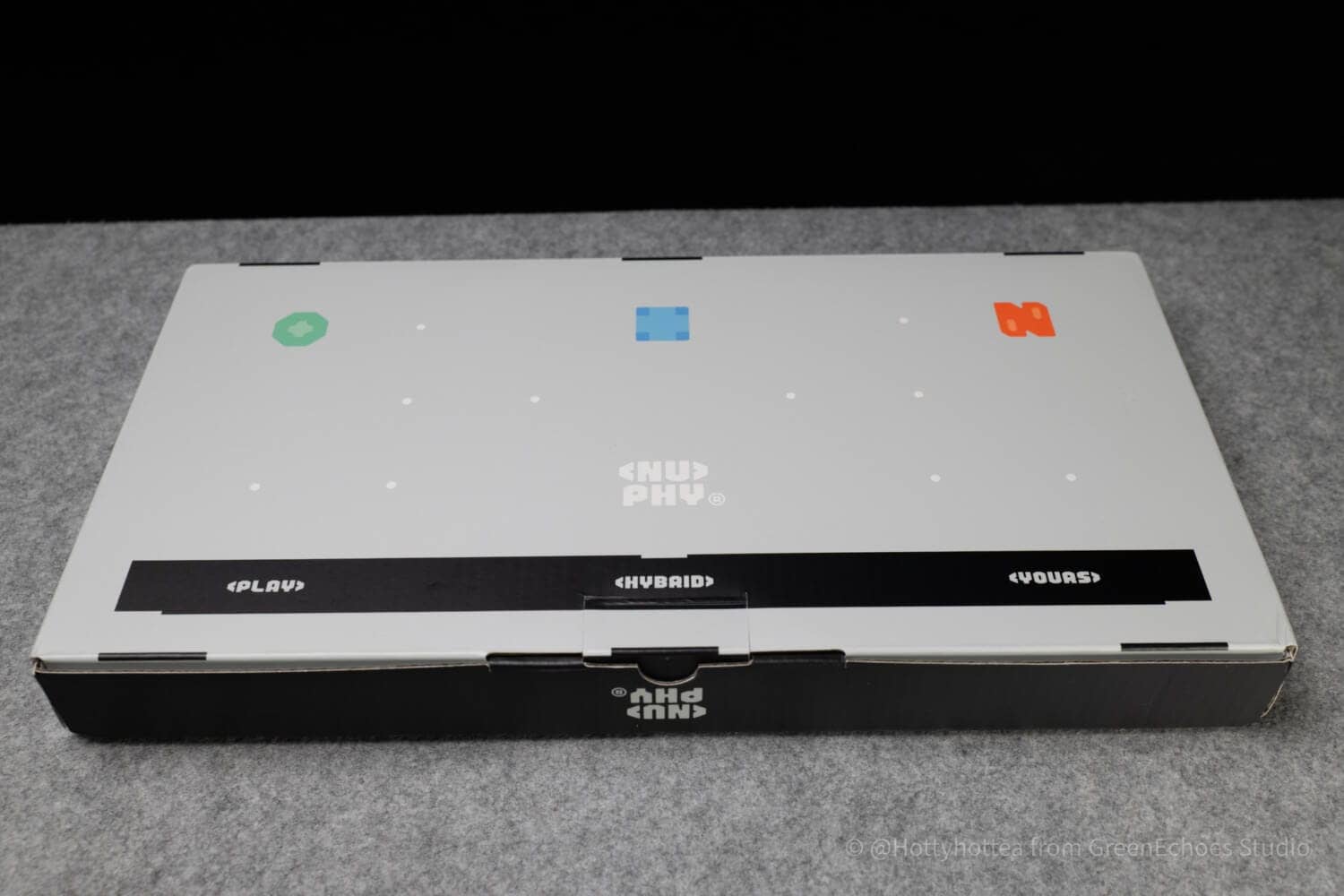
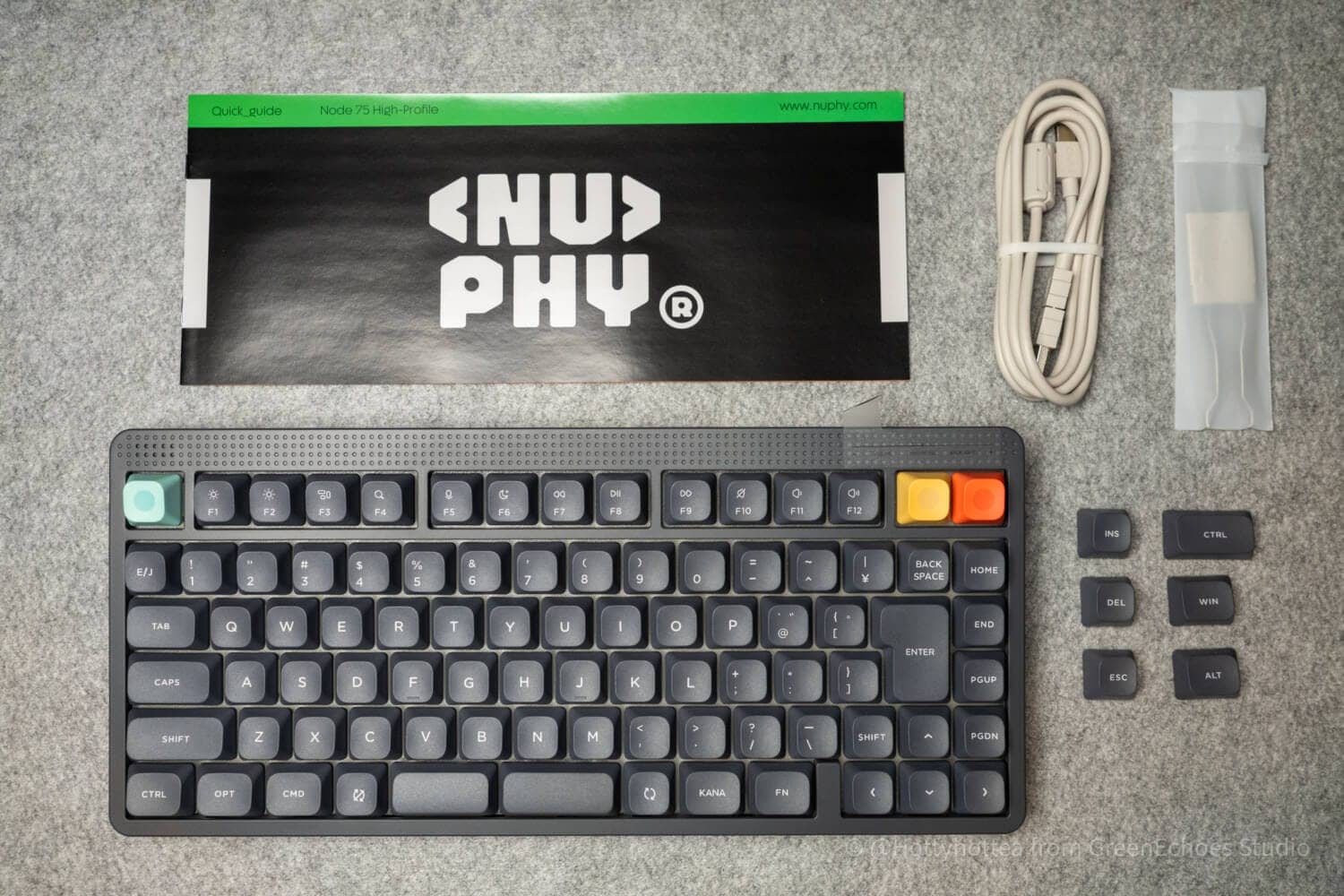
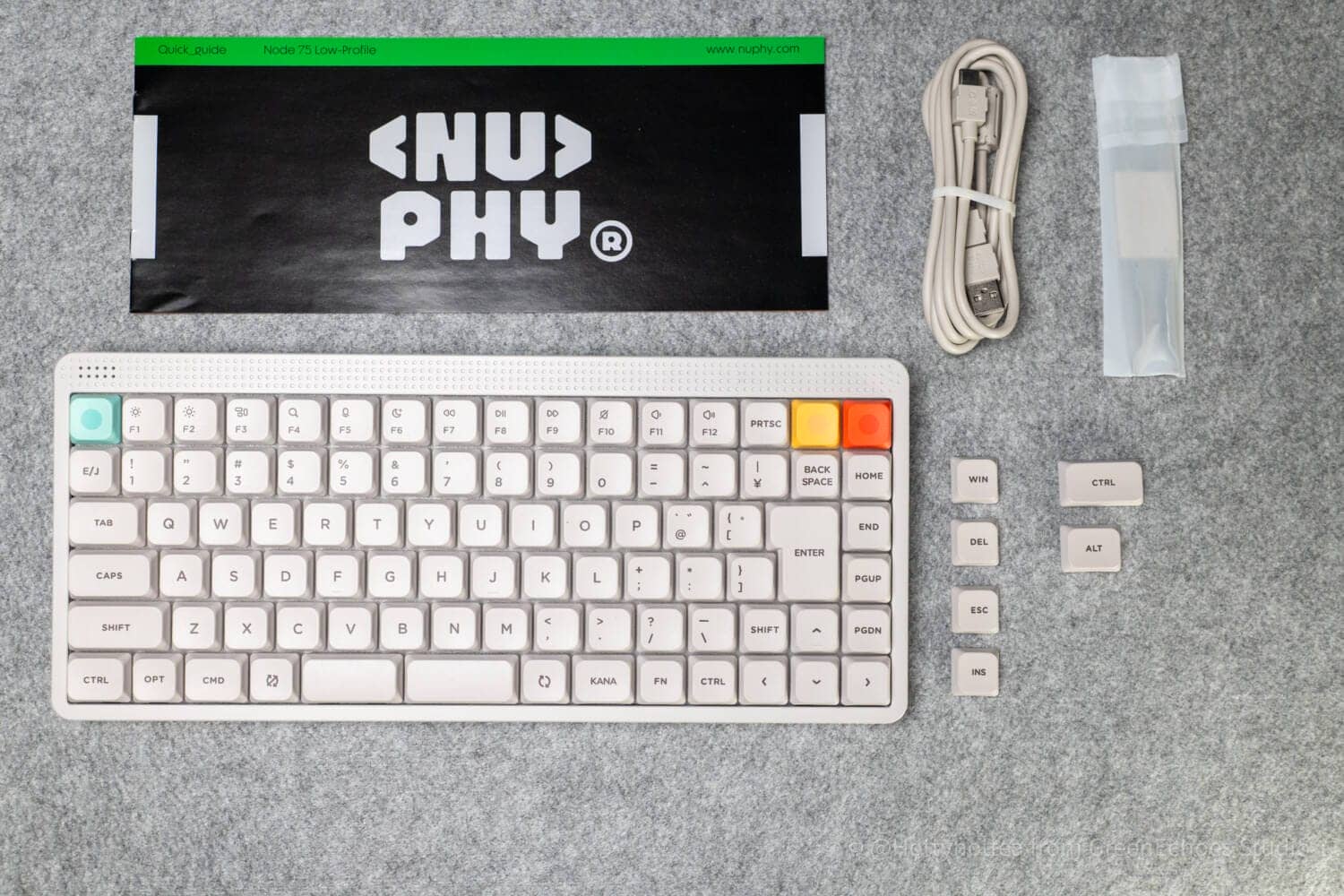
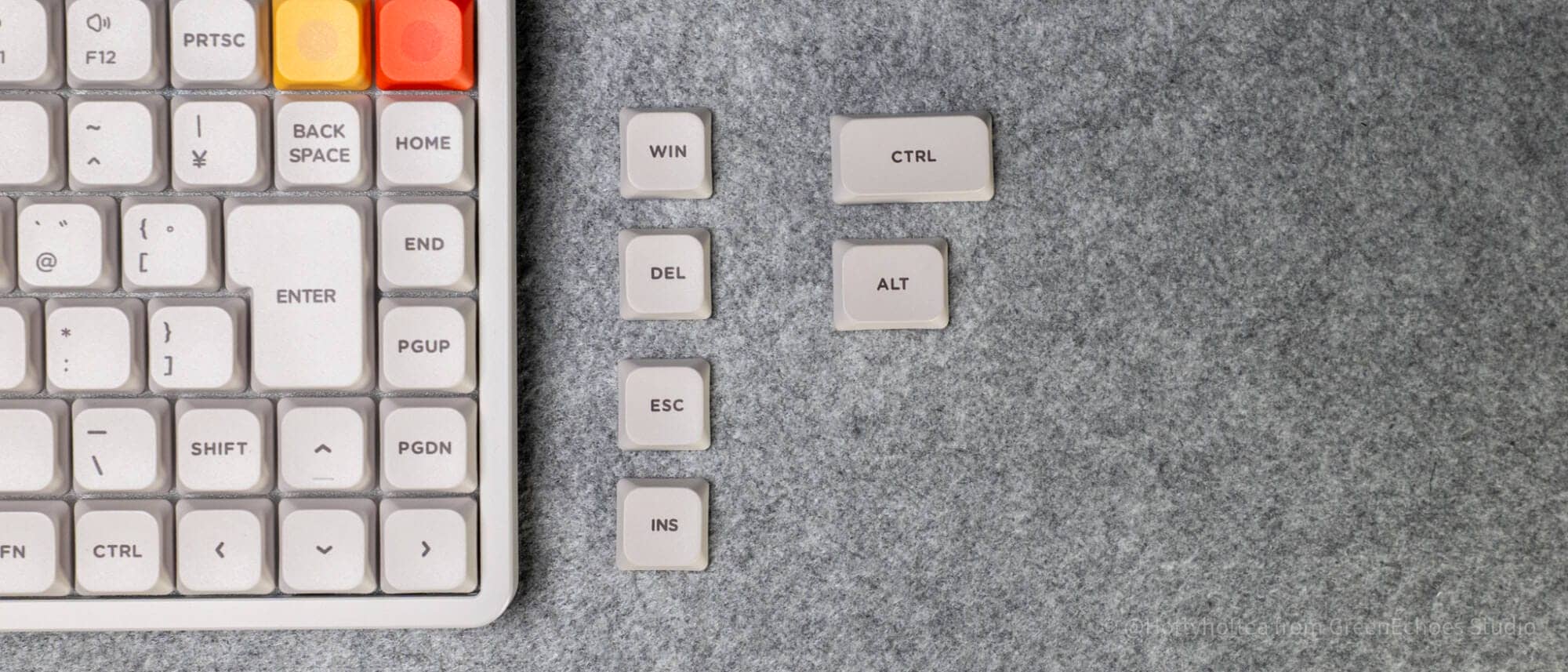
Contents include the main unit, manual, USB Type-A to C cable (with conversion adapter), keycap/key switch puller, and replacement keycap.
The number of replacement keycaps differs between the Normal and Lowepro versions due to the different layout of the bottom row of keys.
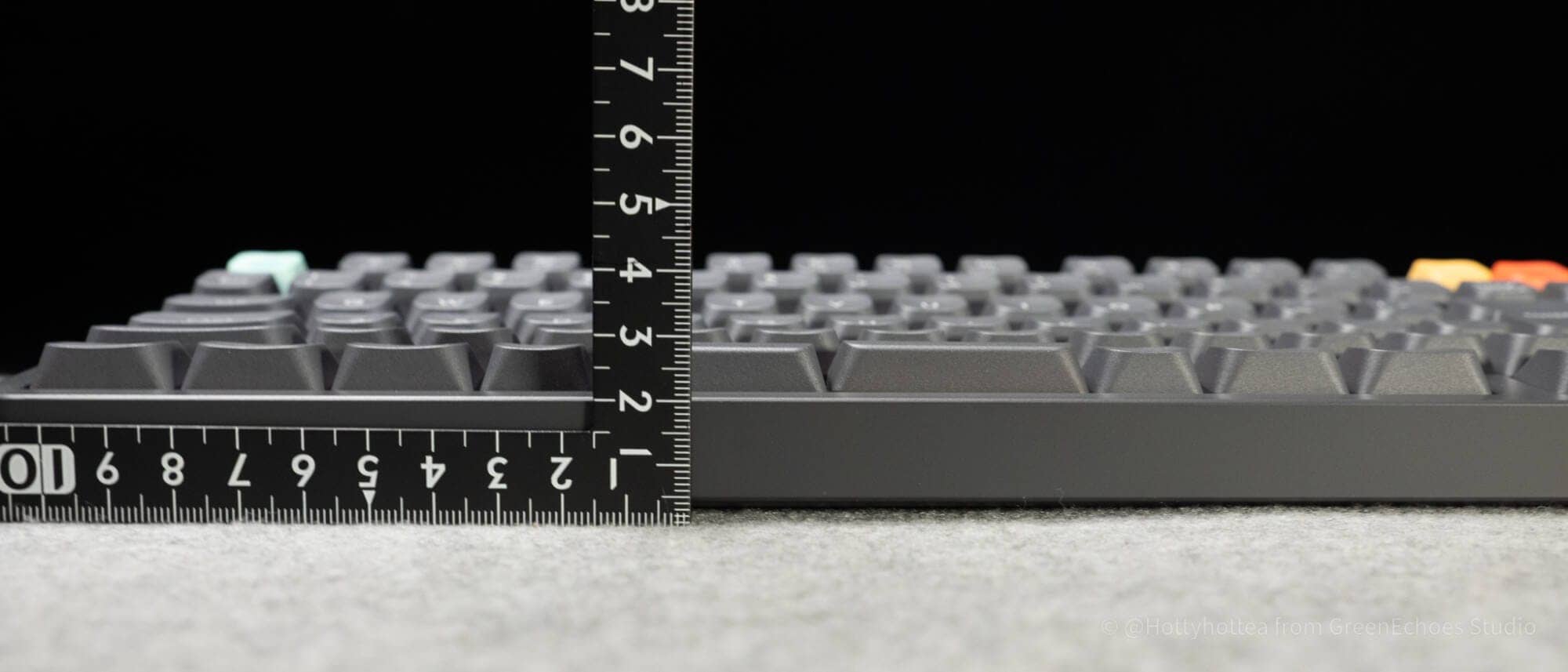
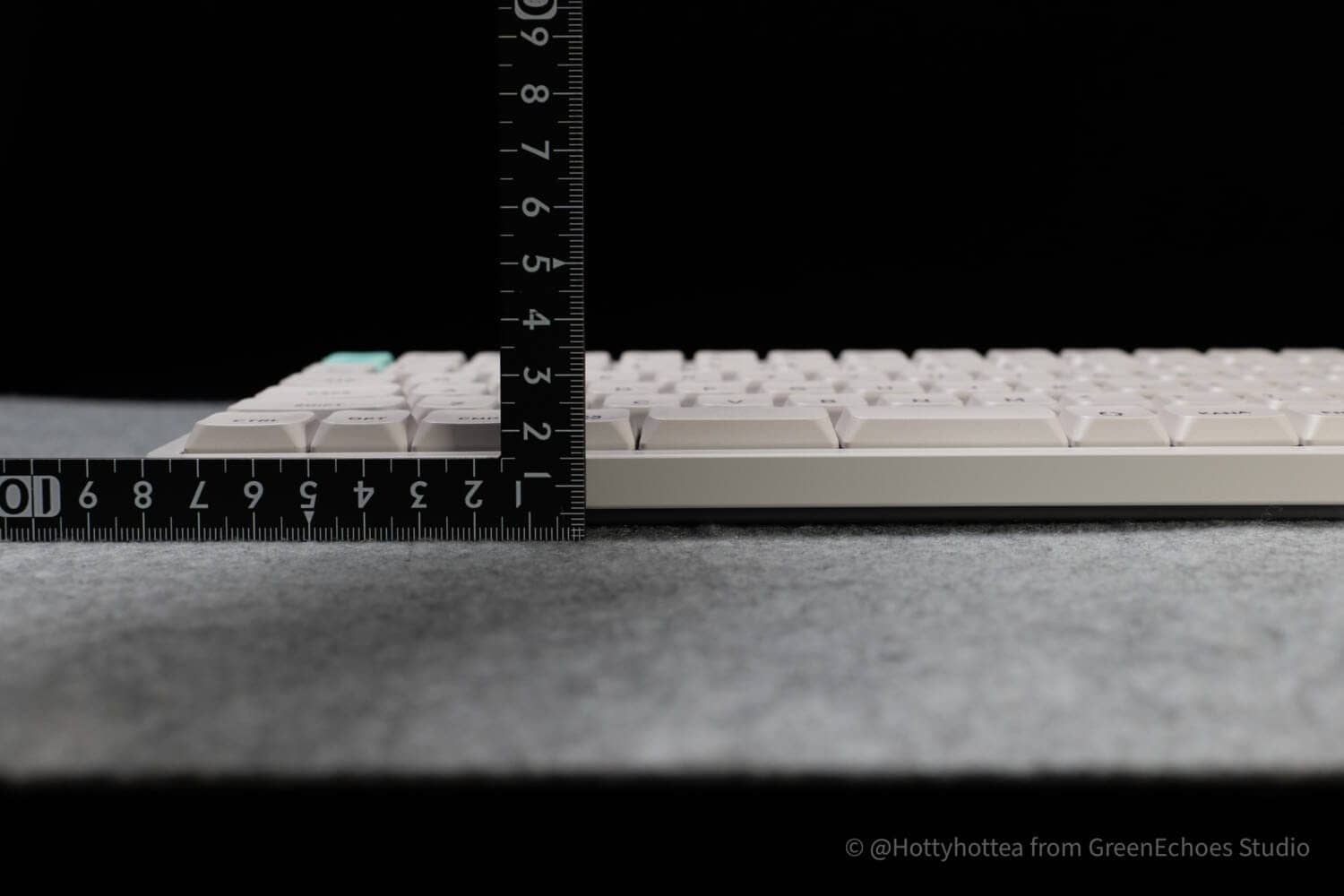
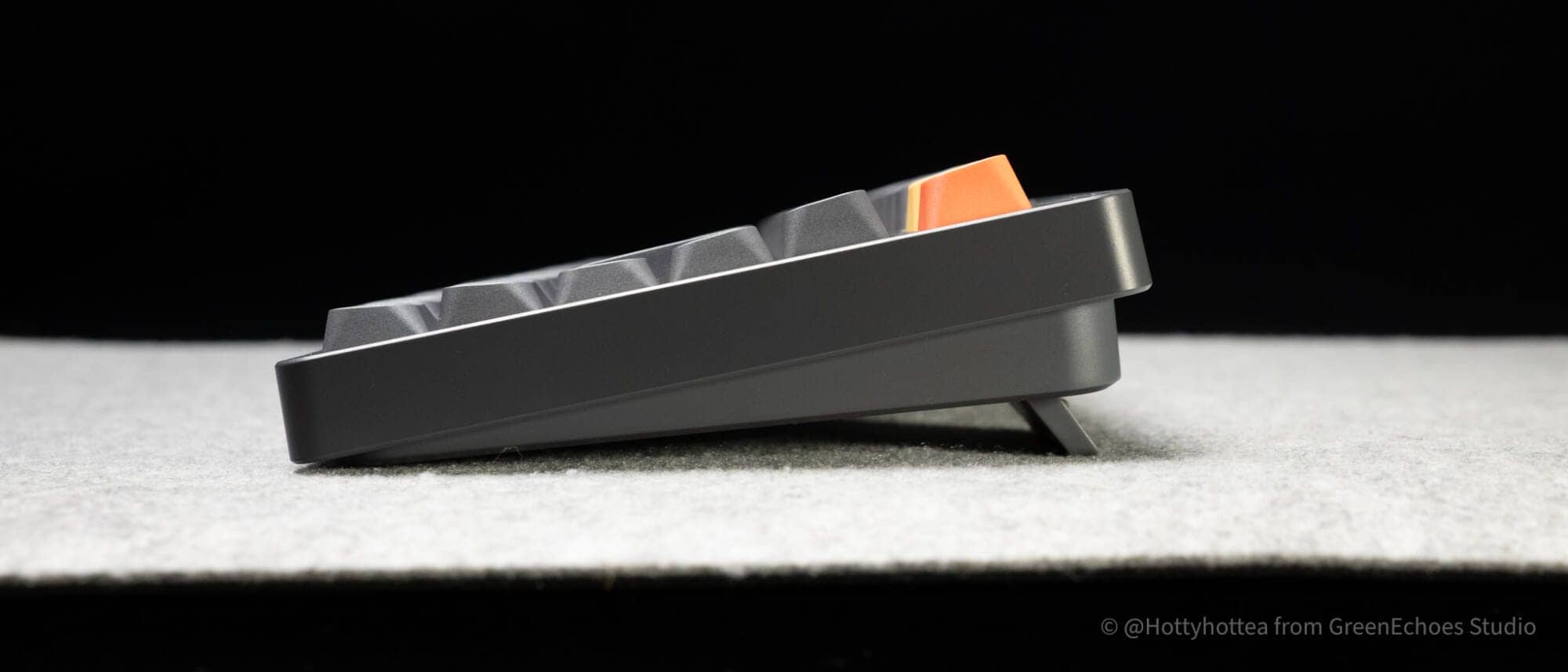
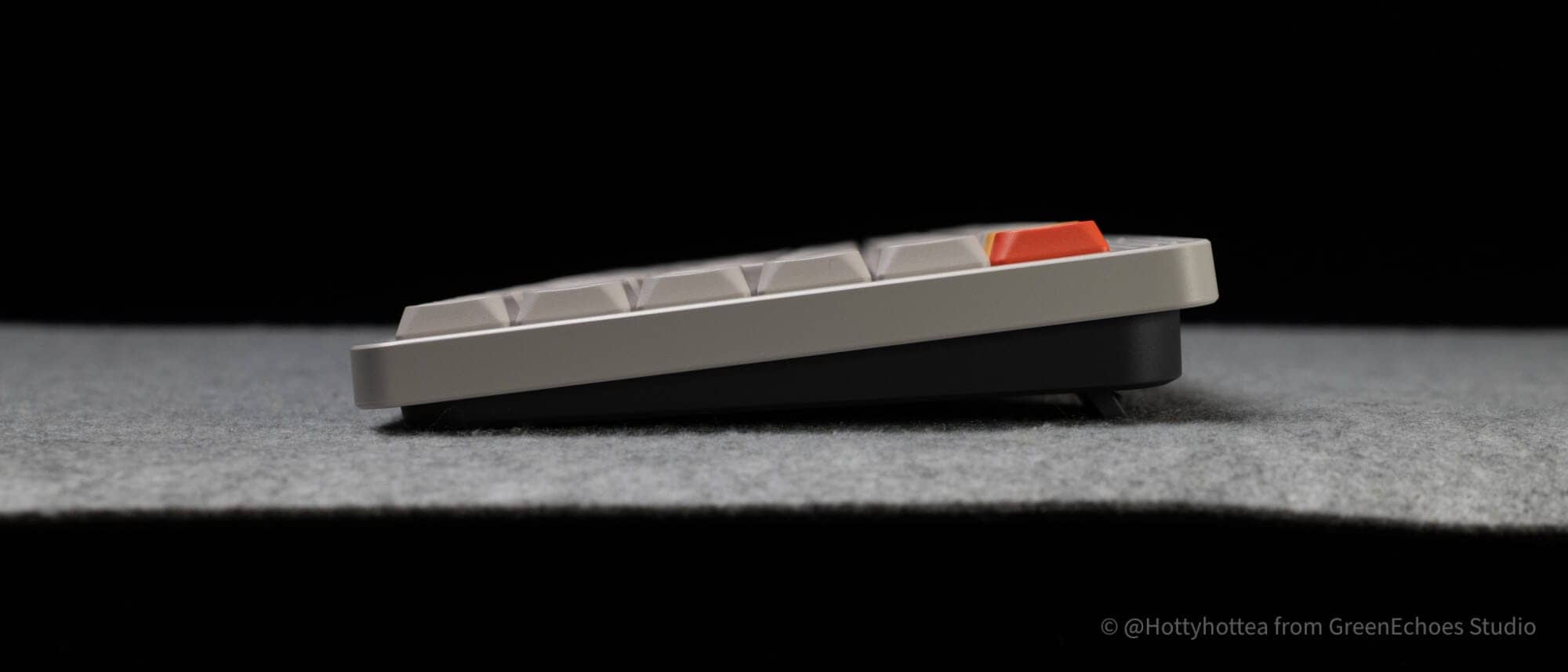
We will look at the differences in height.
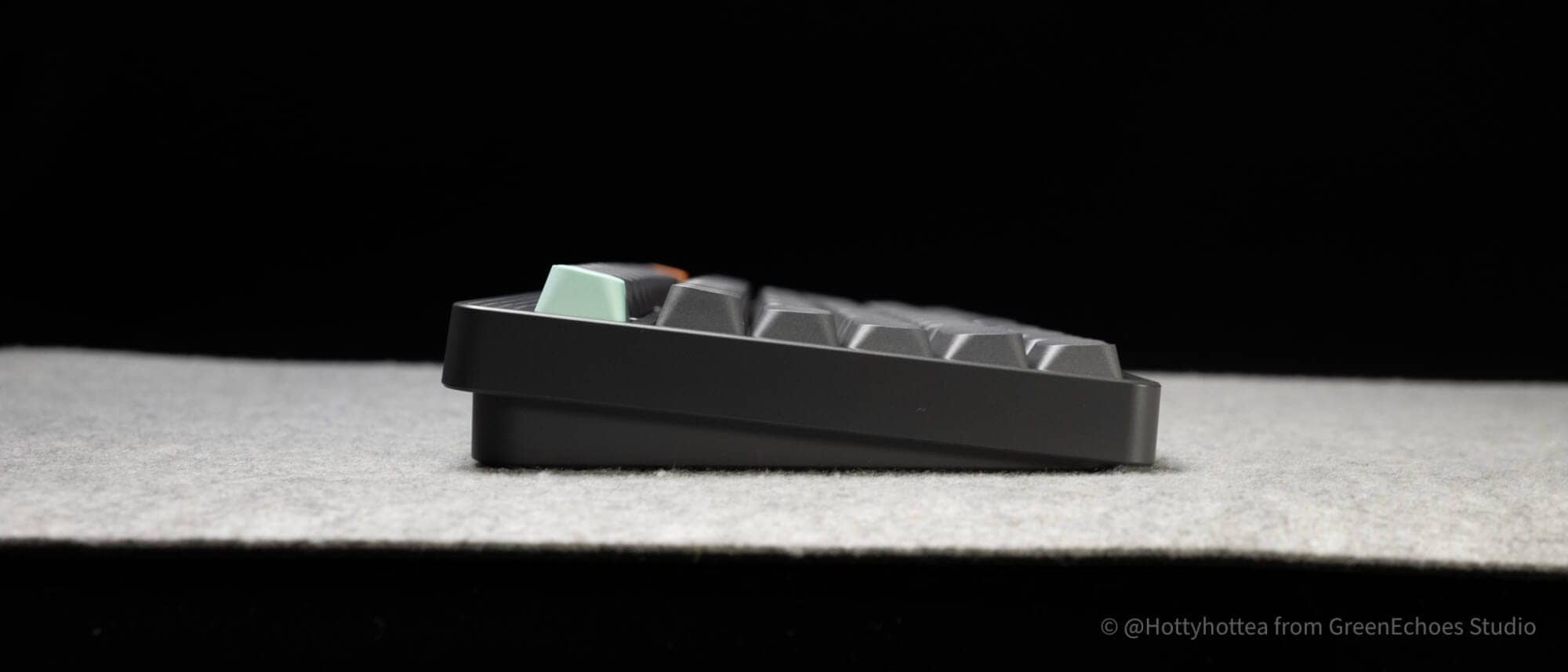
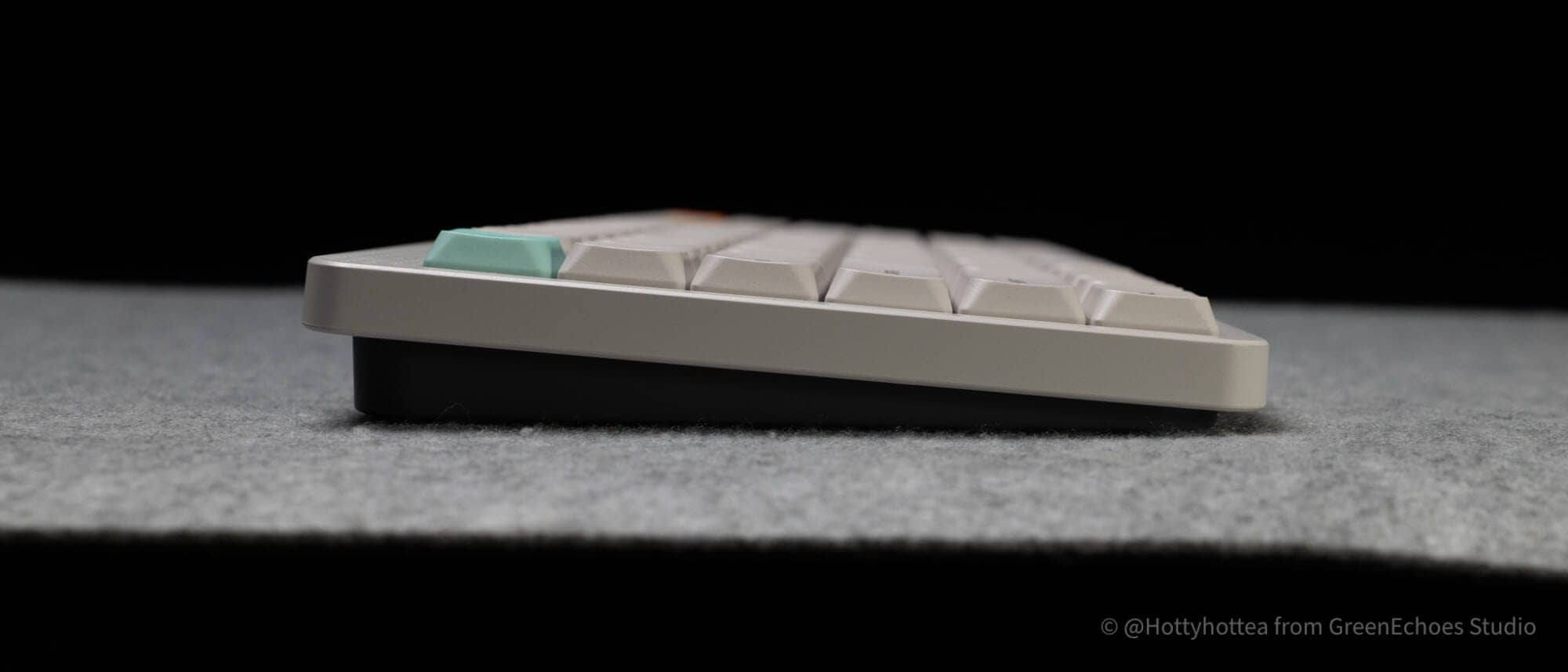
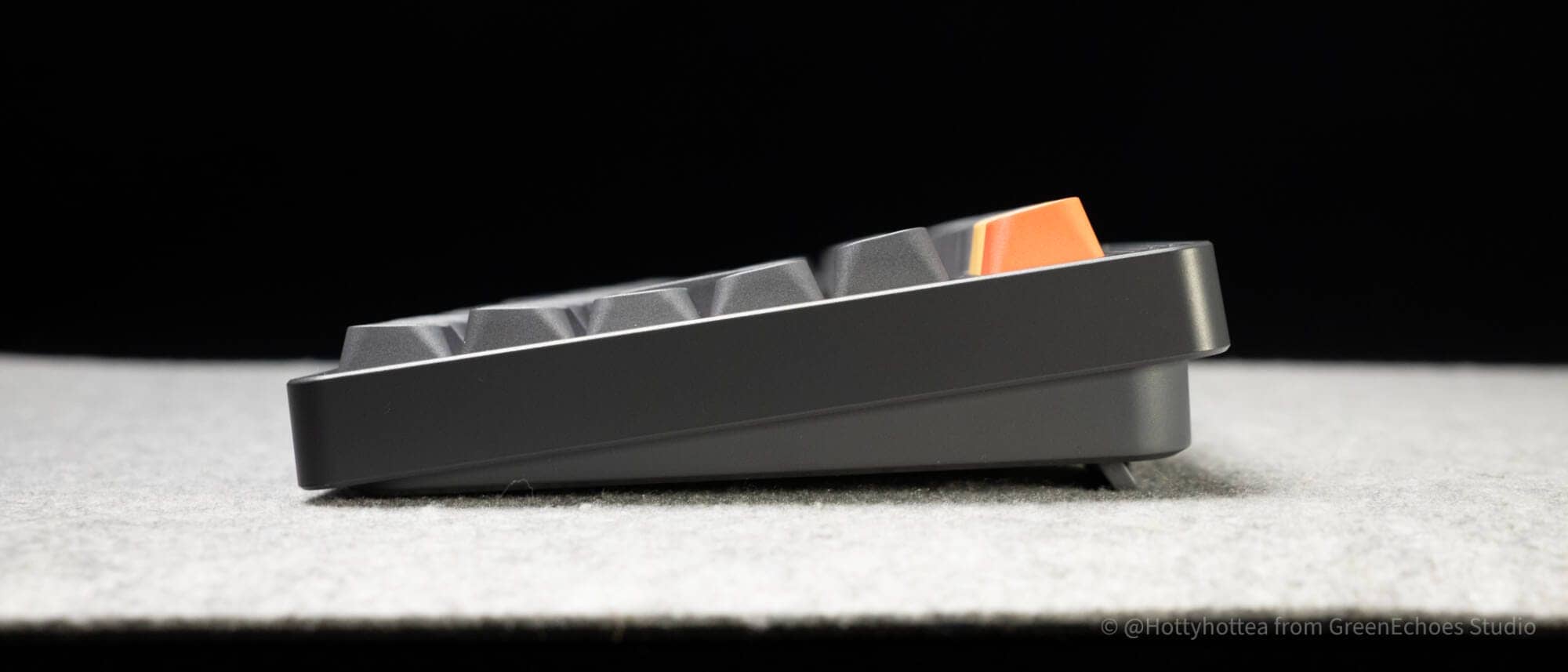
The normal version is approximately 28 mm to the key tops, while the low-pro version is approximately 23 mm, with the low-pro version being 5 mm lower.
KawamuraThis is only a 5 mm difference, but it makes the difference between a palm rest and no palm rest.
The normal version is still easier to type with a palm rest.
I personally felt the low-pro version was unnecessary.
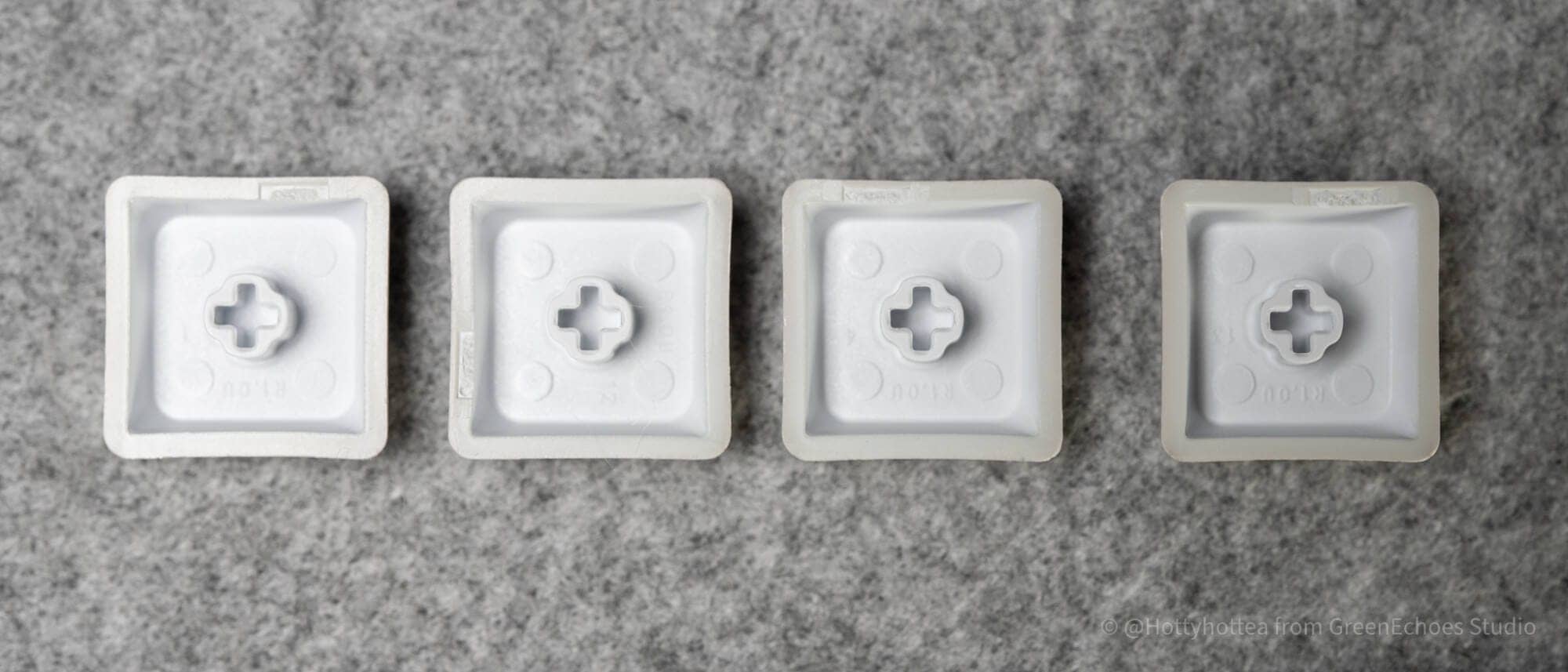
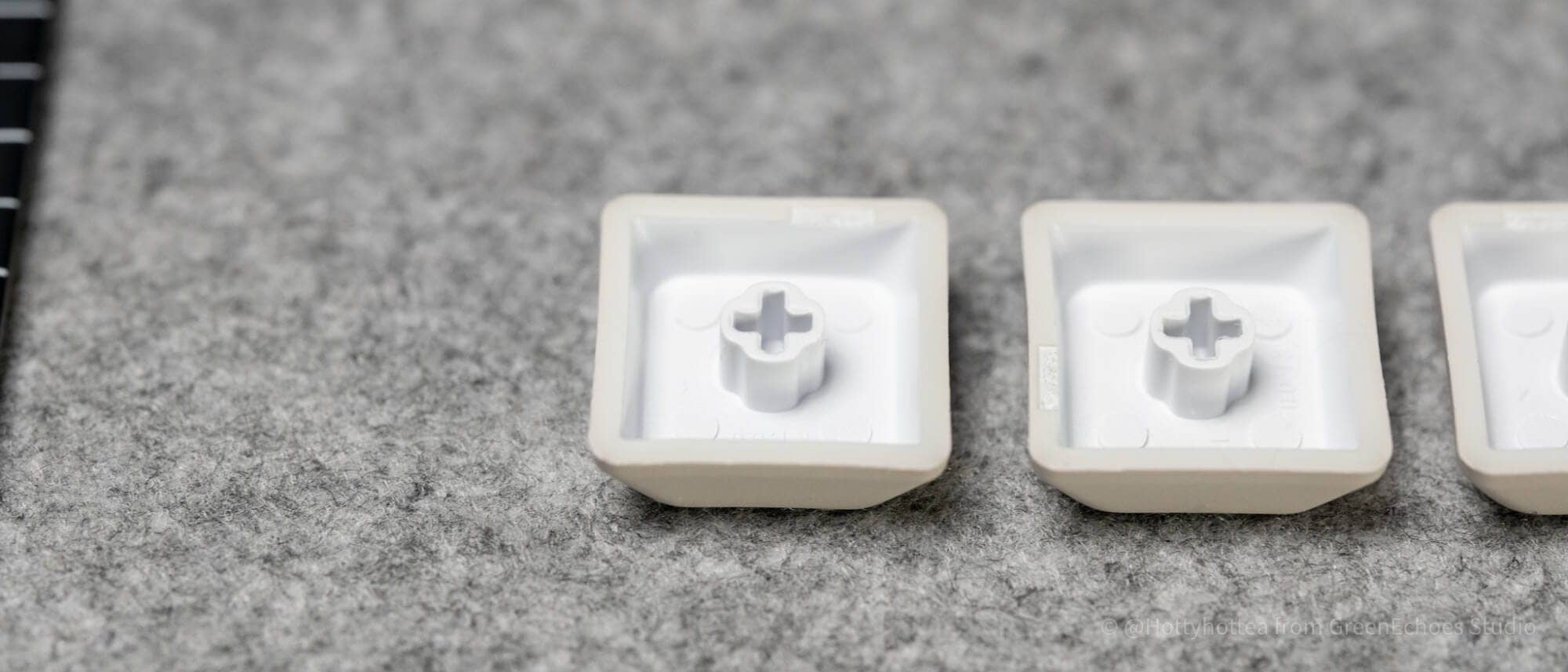
As for the keyswitches, the normal version is MX compatible keyswitches and the low-pro version is Gateron Low Profile 3.0 keyswitches.
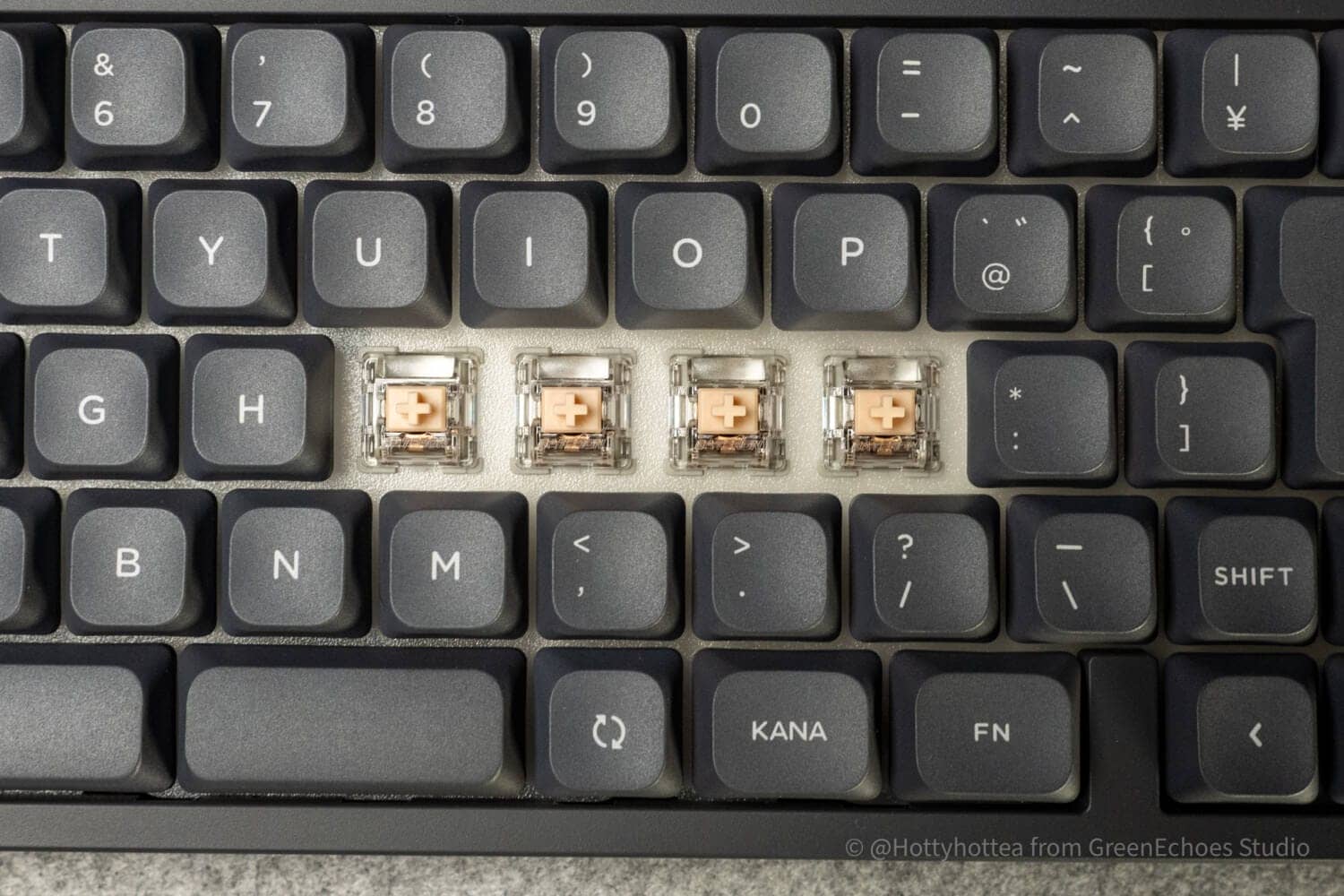
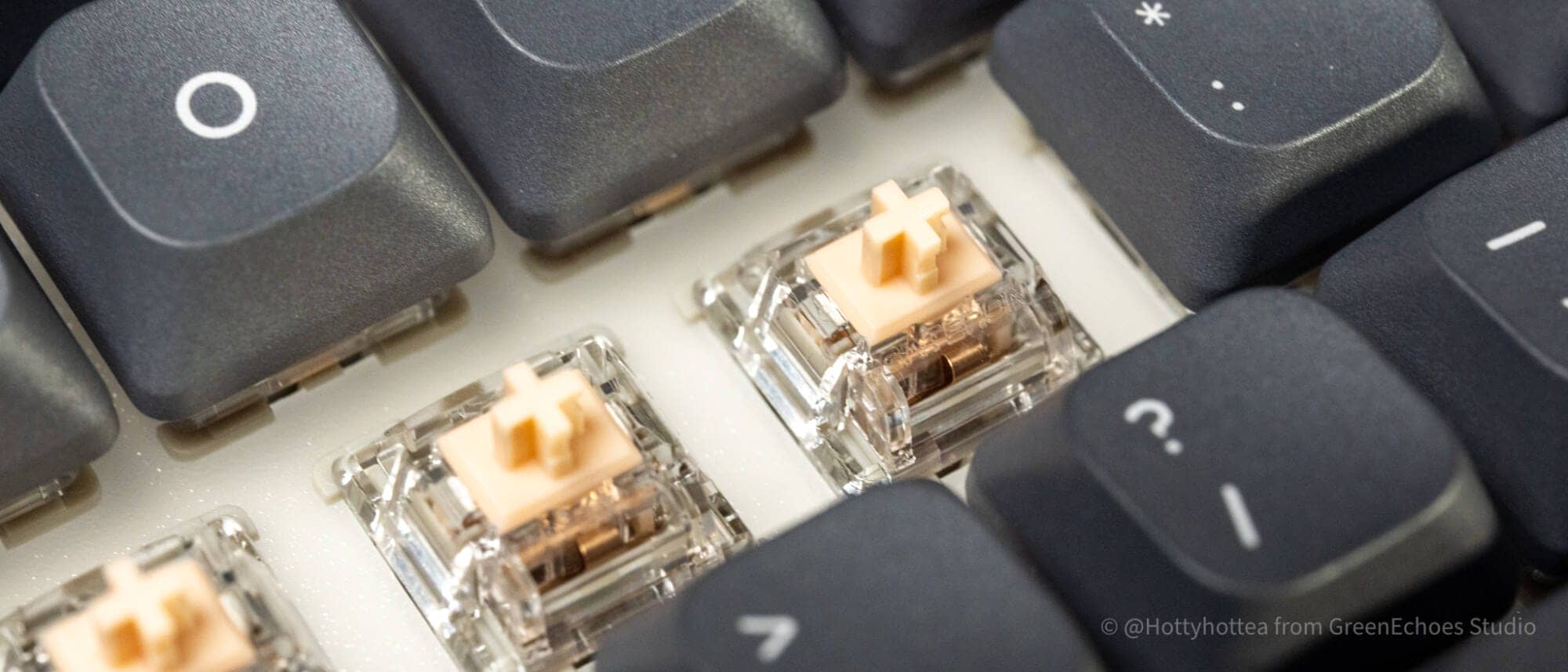
Both plate materials are polycarbonate.
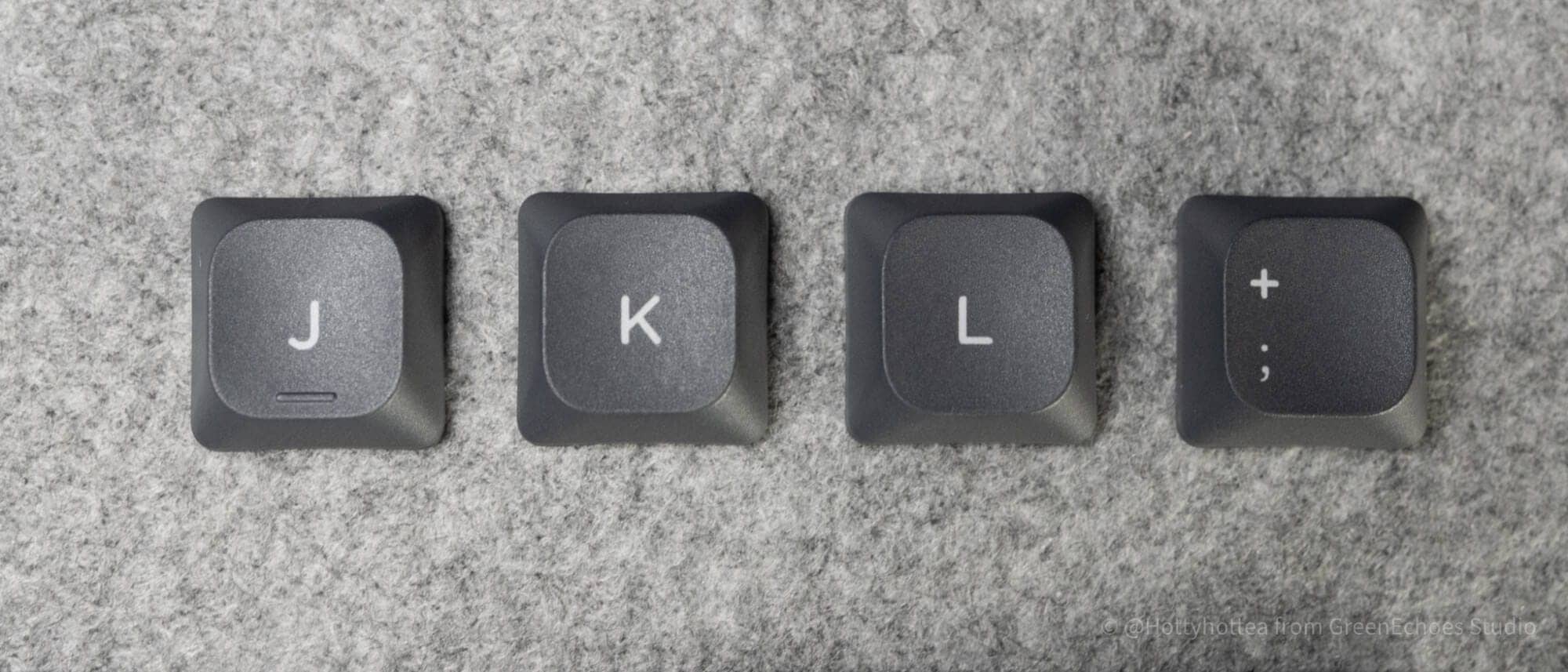
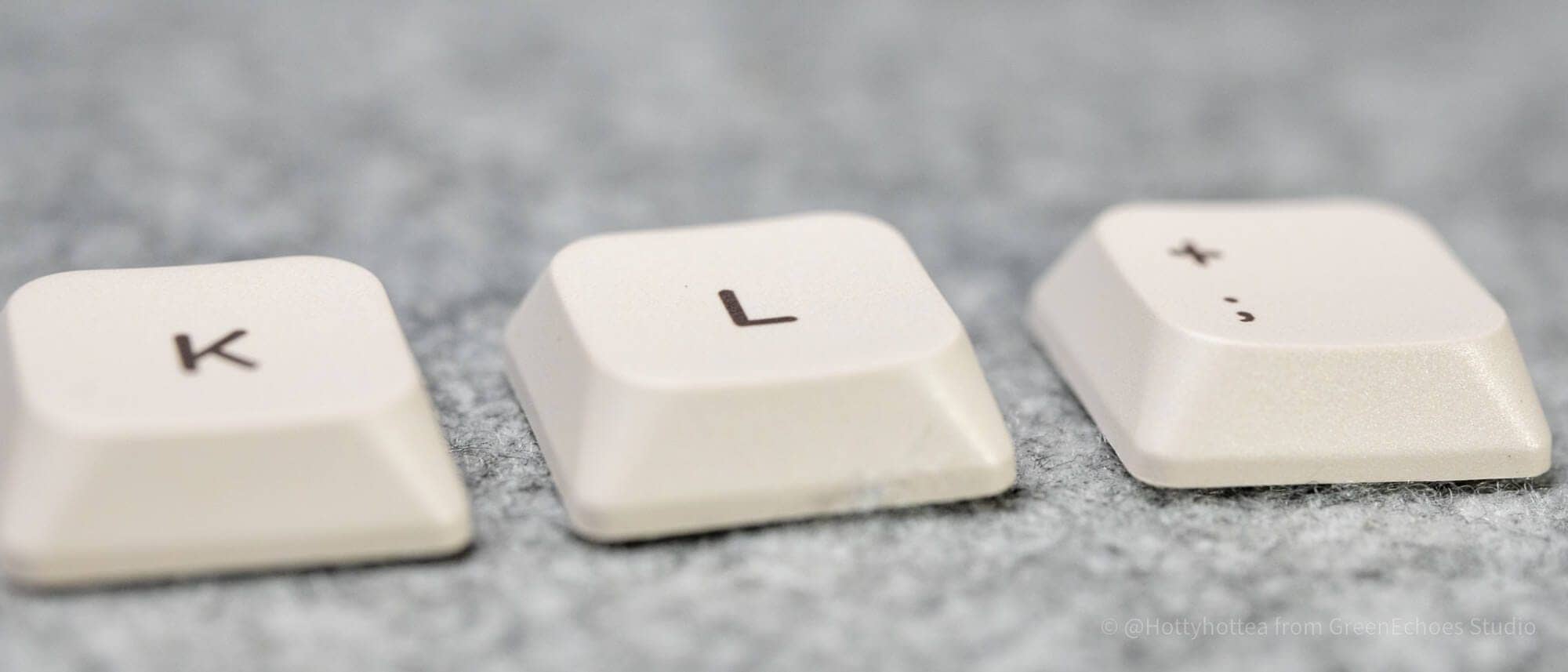
Let’s also look at keycaps.
The normal version is a step-sculptured style with different slopes for different rows, while the low-pro version has uniform slopes for all rows.
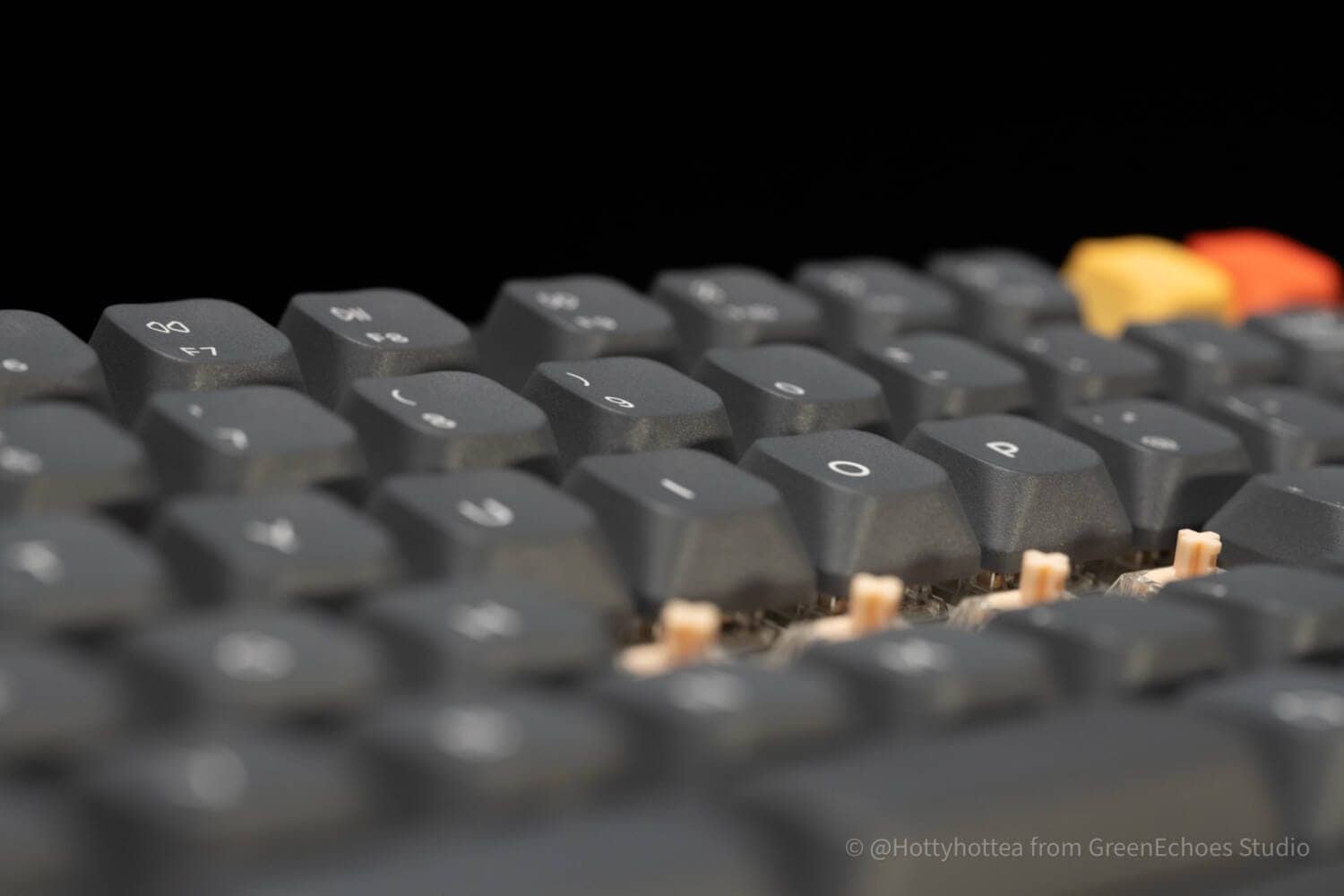
The key-top shape is a spherical design, with a mortar-like depression toward the center.
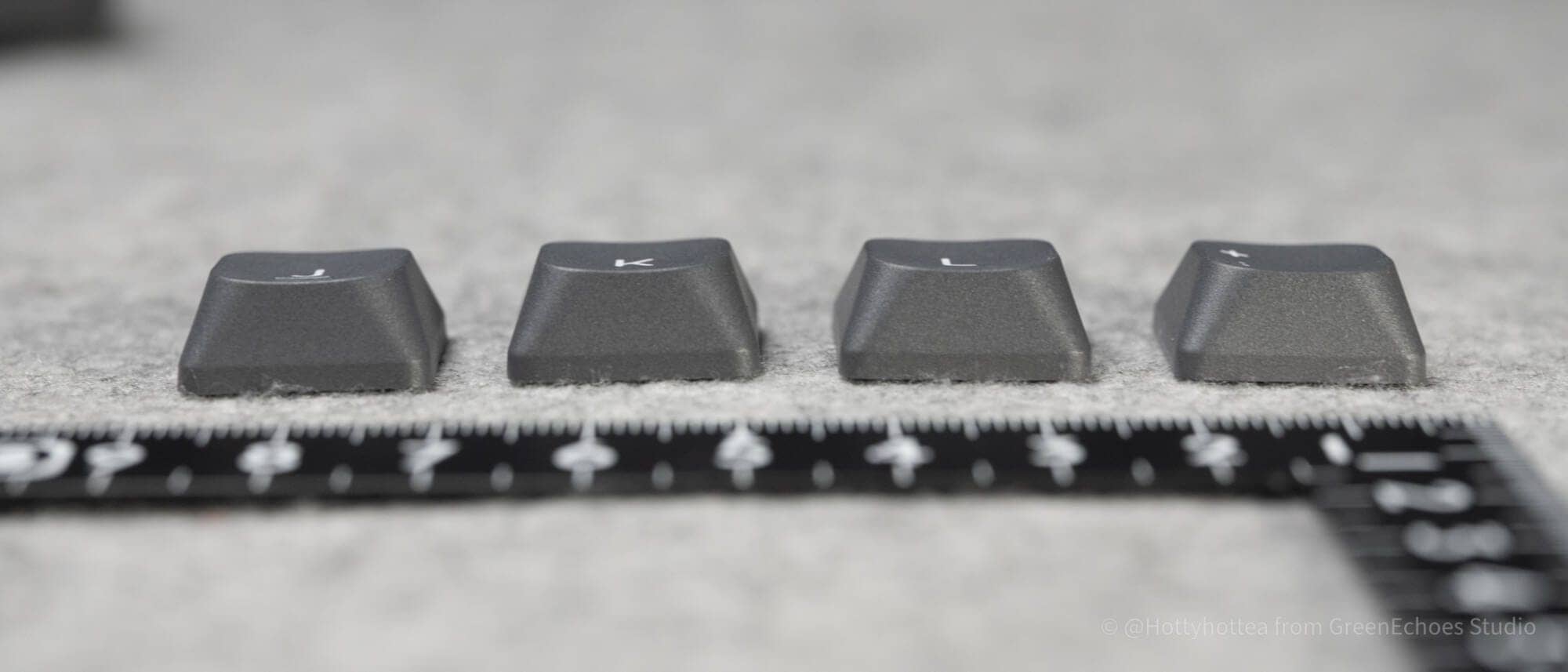
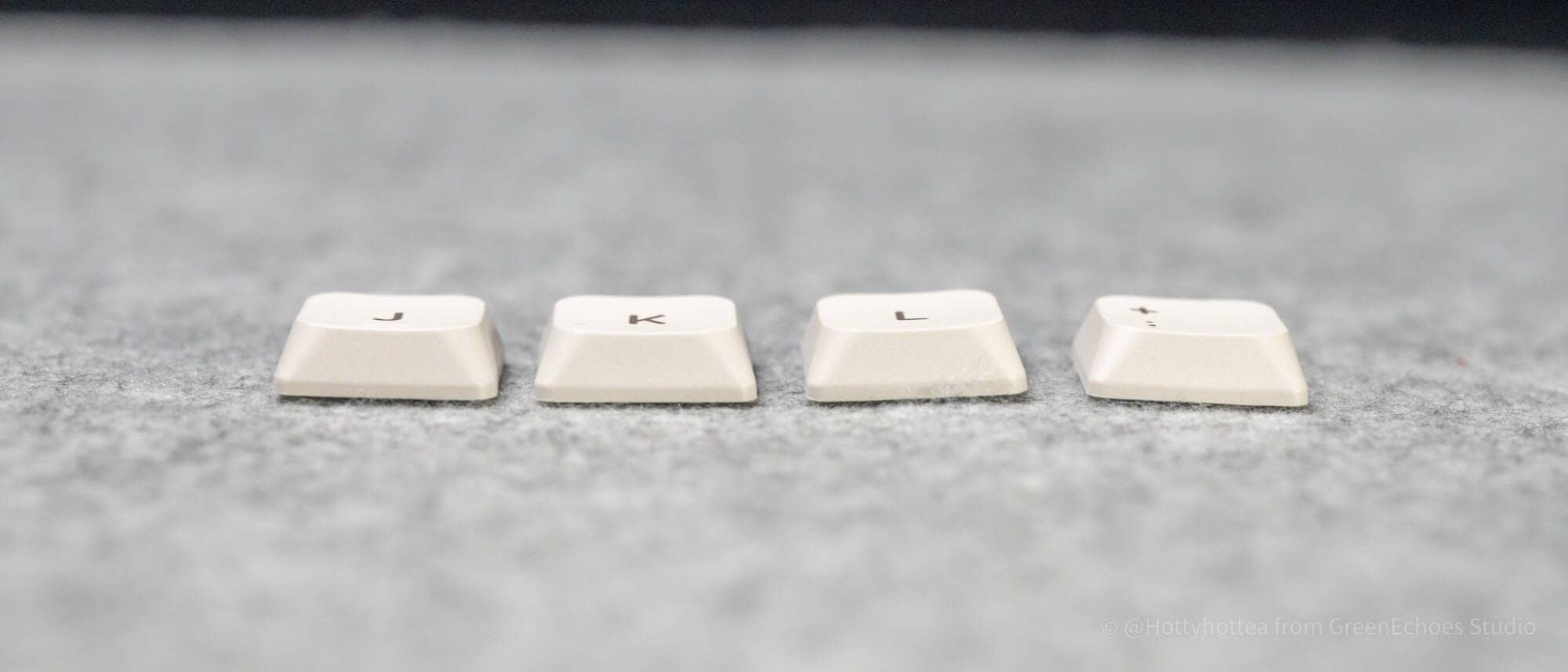
The keys are printed with sublimation printing and show no blotches.

Let’s take a look at the whole process from here.
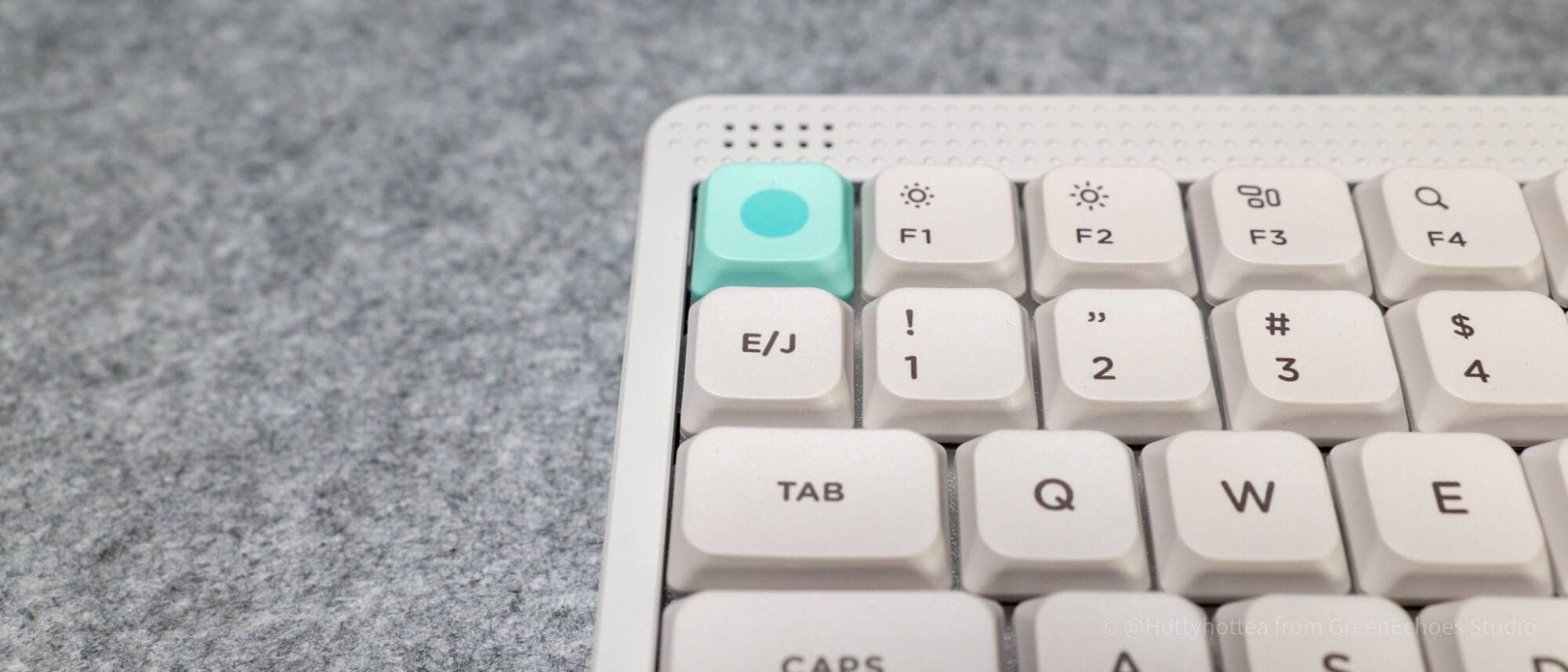
At first glance, the normal and low-pro version look the same, but the normal version has a separate F key and a different layout around the lower right arrow key.
The bottom row of the normal version has a 1.25/1.25/1.25/1u layout on the left side across the space bar, while the low-pro version has a 1.25/1/1.25/1u layout.
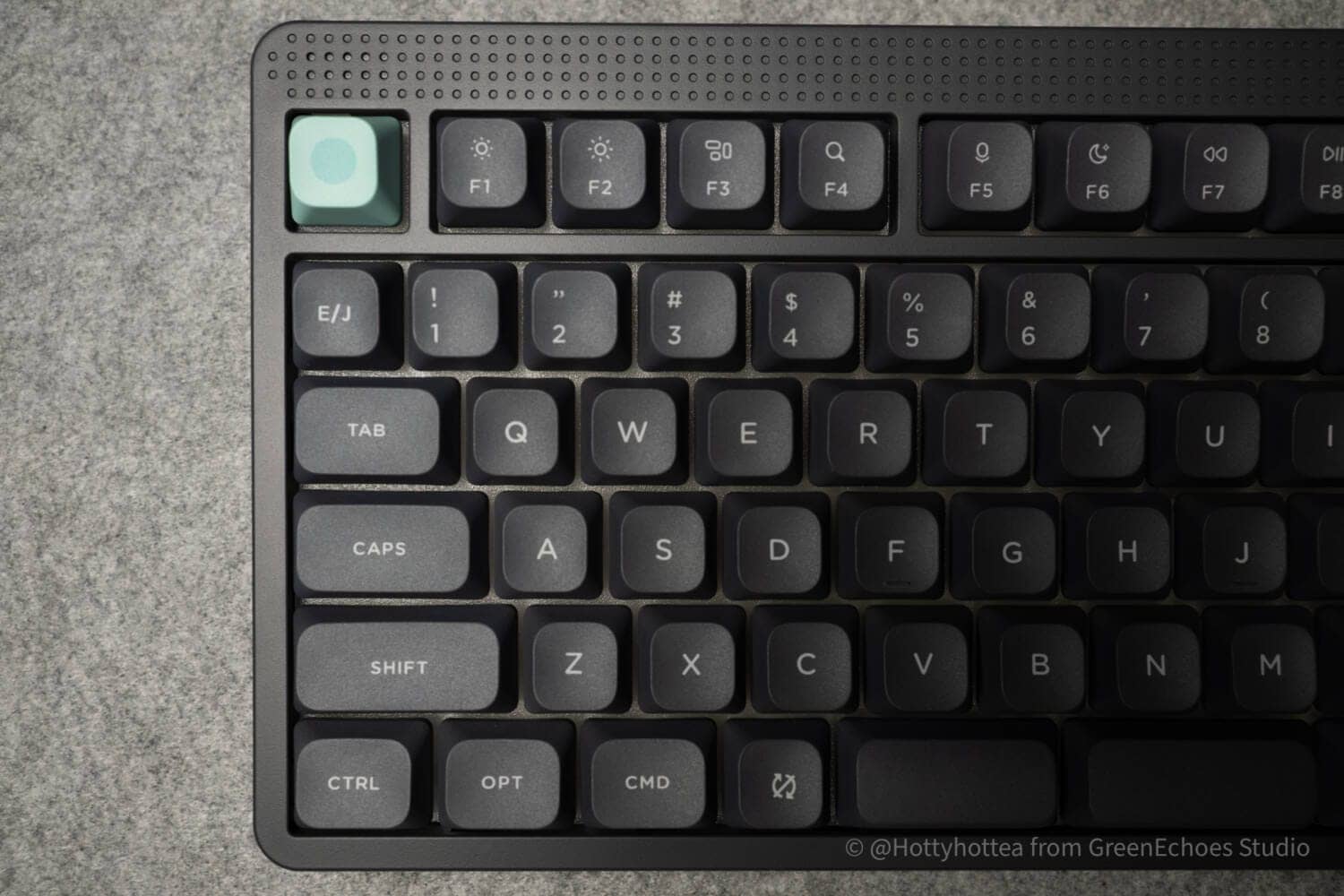
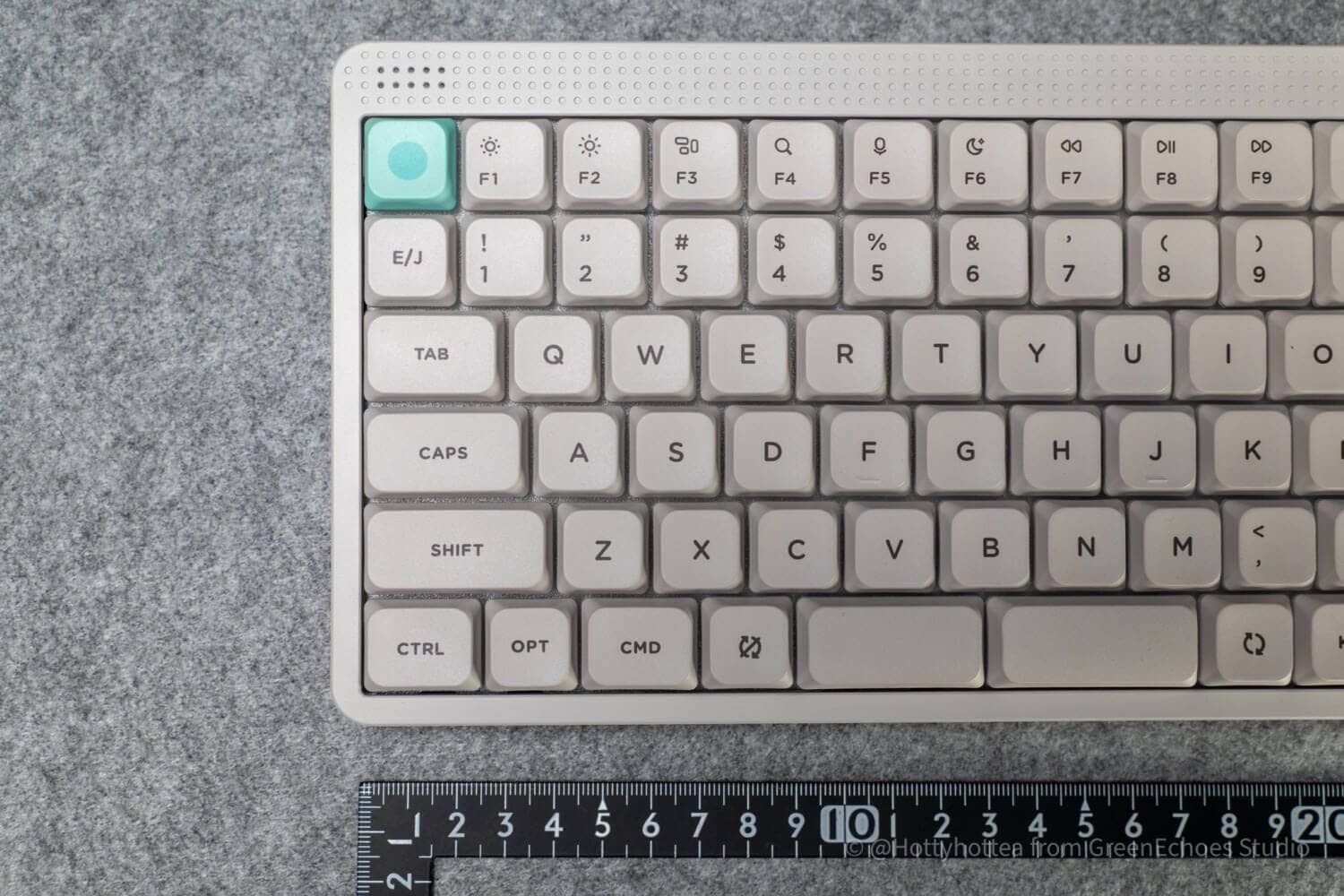
If we look at the left side of the arrow key “←,” the normal version has 0.25u of free space, while the low-pro version does not.
You will notice that the number of keys on the right side is also different from that of the right space bar.
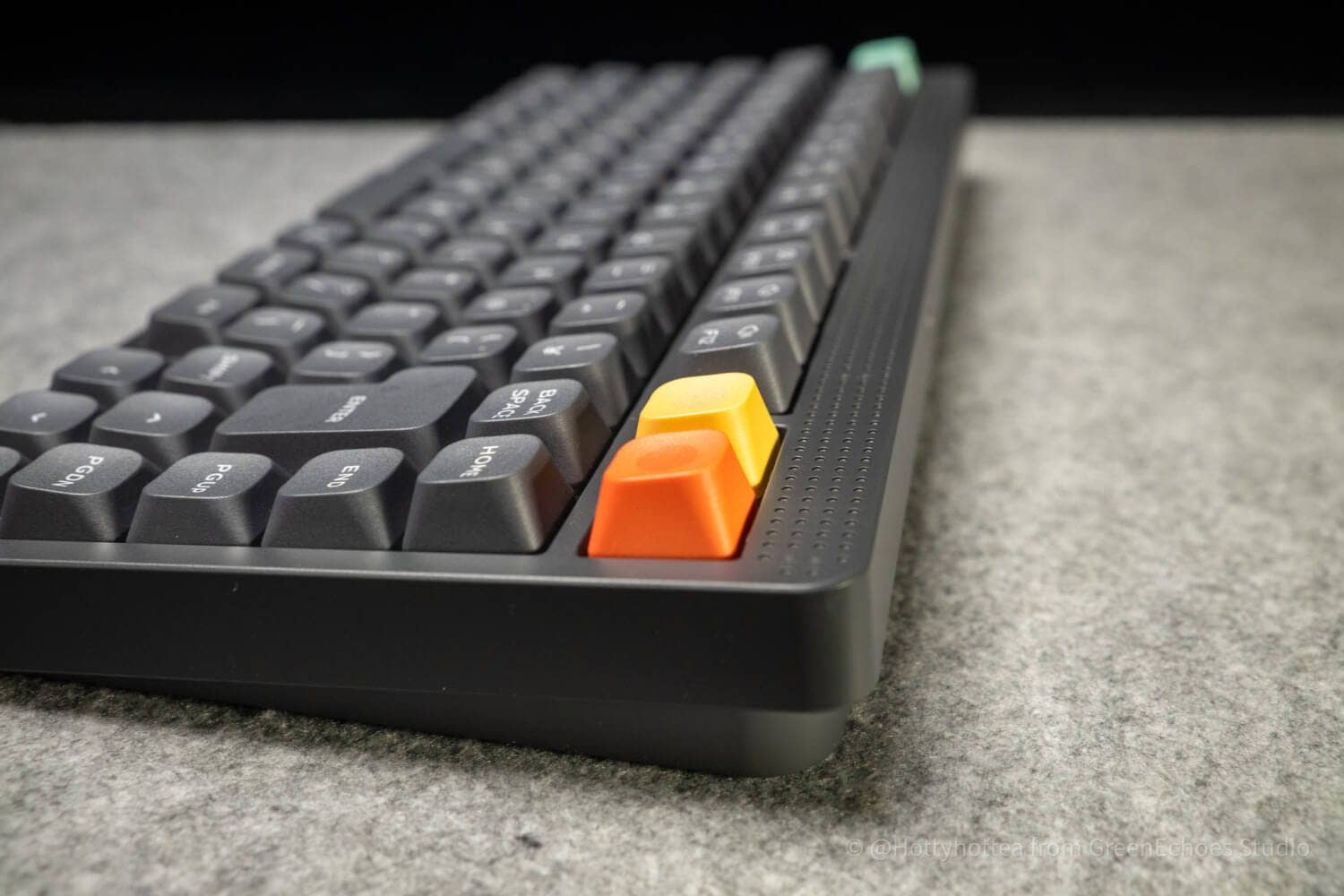
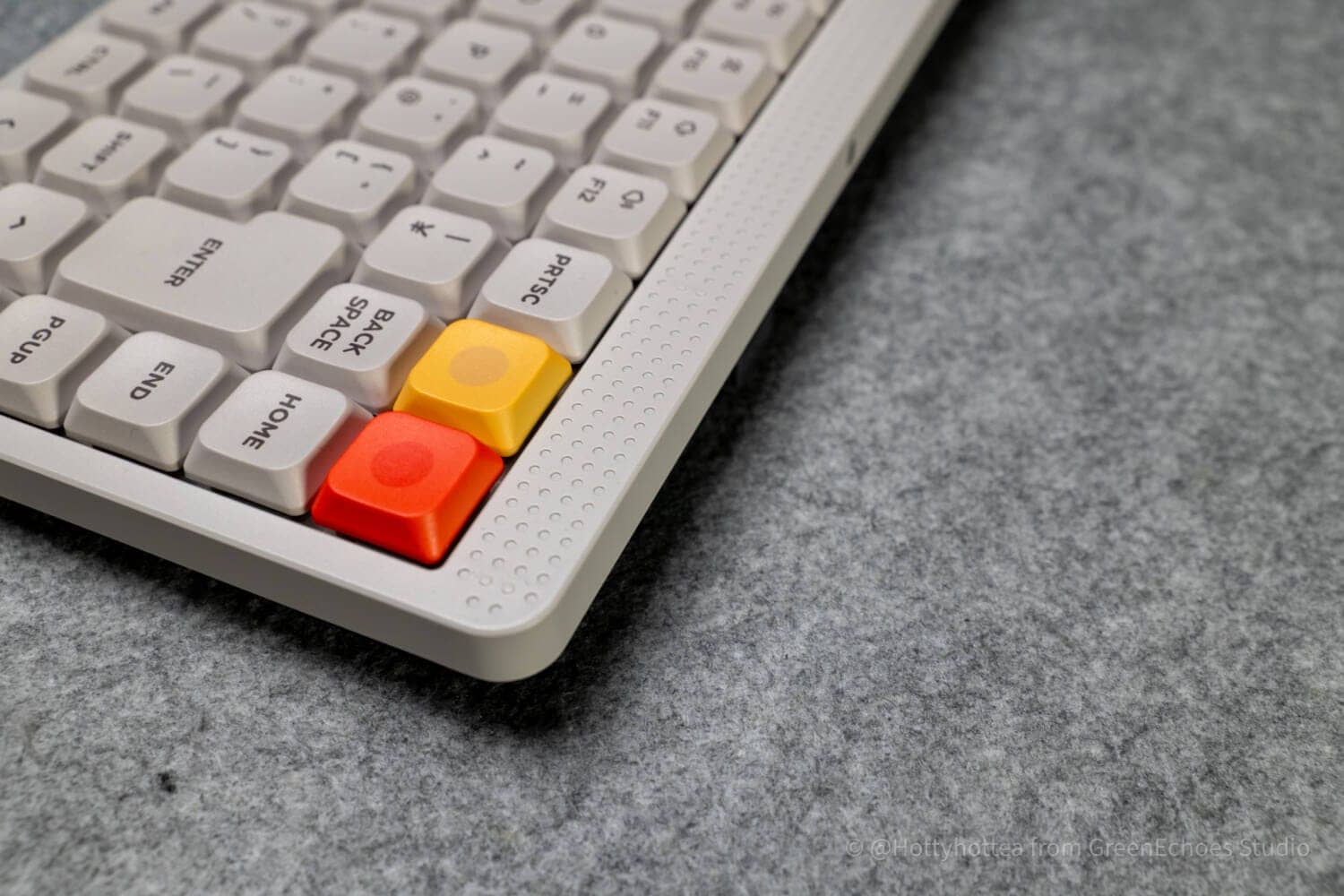
The upper right portion of the main unit is a touch-sensitive slide bar, and volume can be controlled by sliding it to the left or right as if stroking it.
A dot matrix indicator is provided above the Esc key, which displays various statuses in LED.
It blends in with the surrounding design and is highly design-made in that it is placed in a fairly natural way.
Then we will look at the sides.
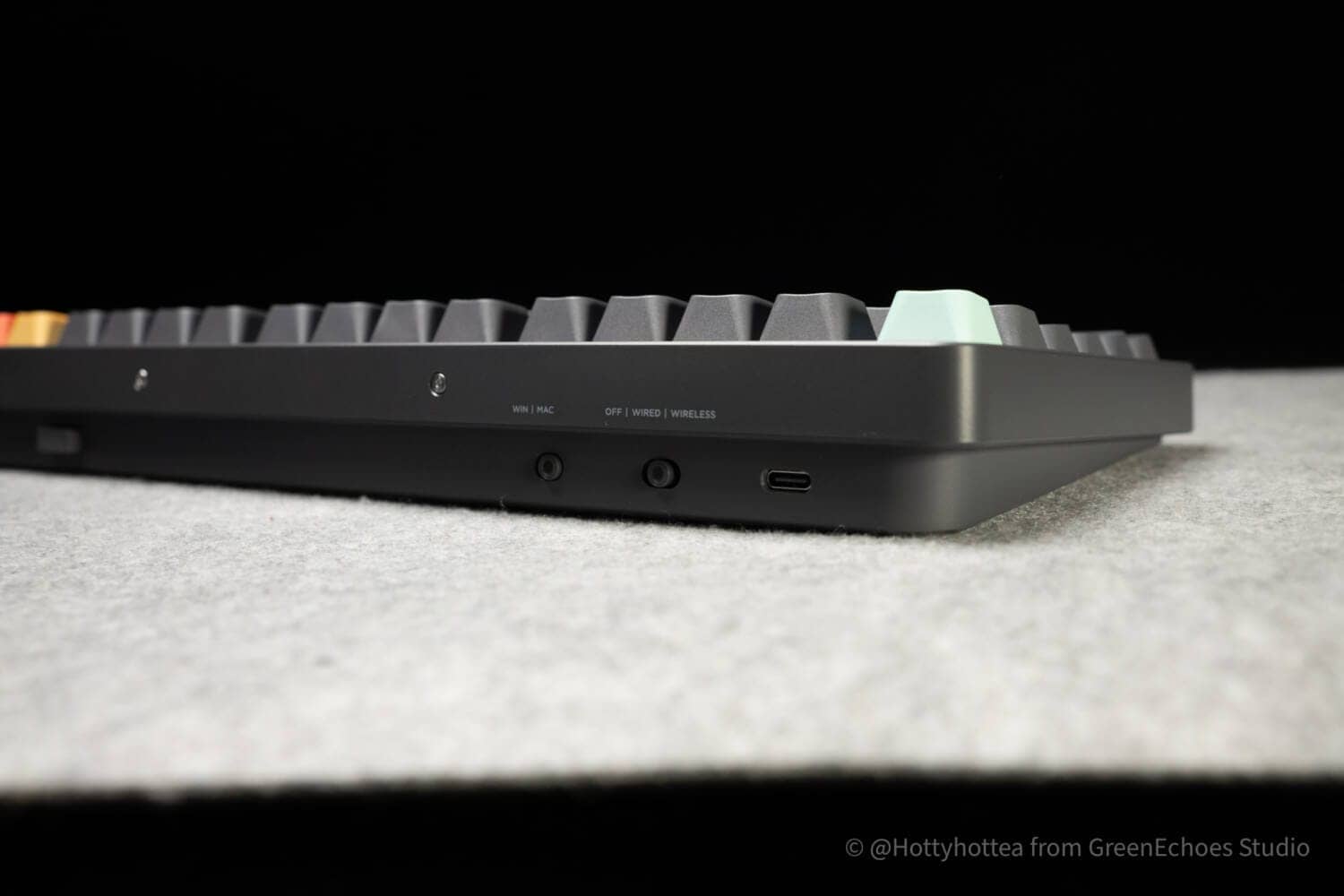
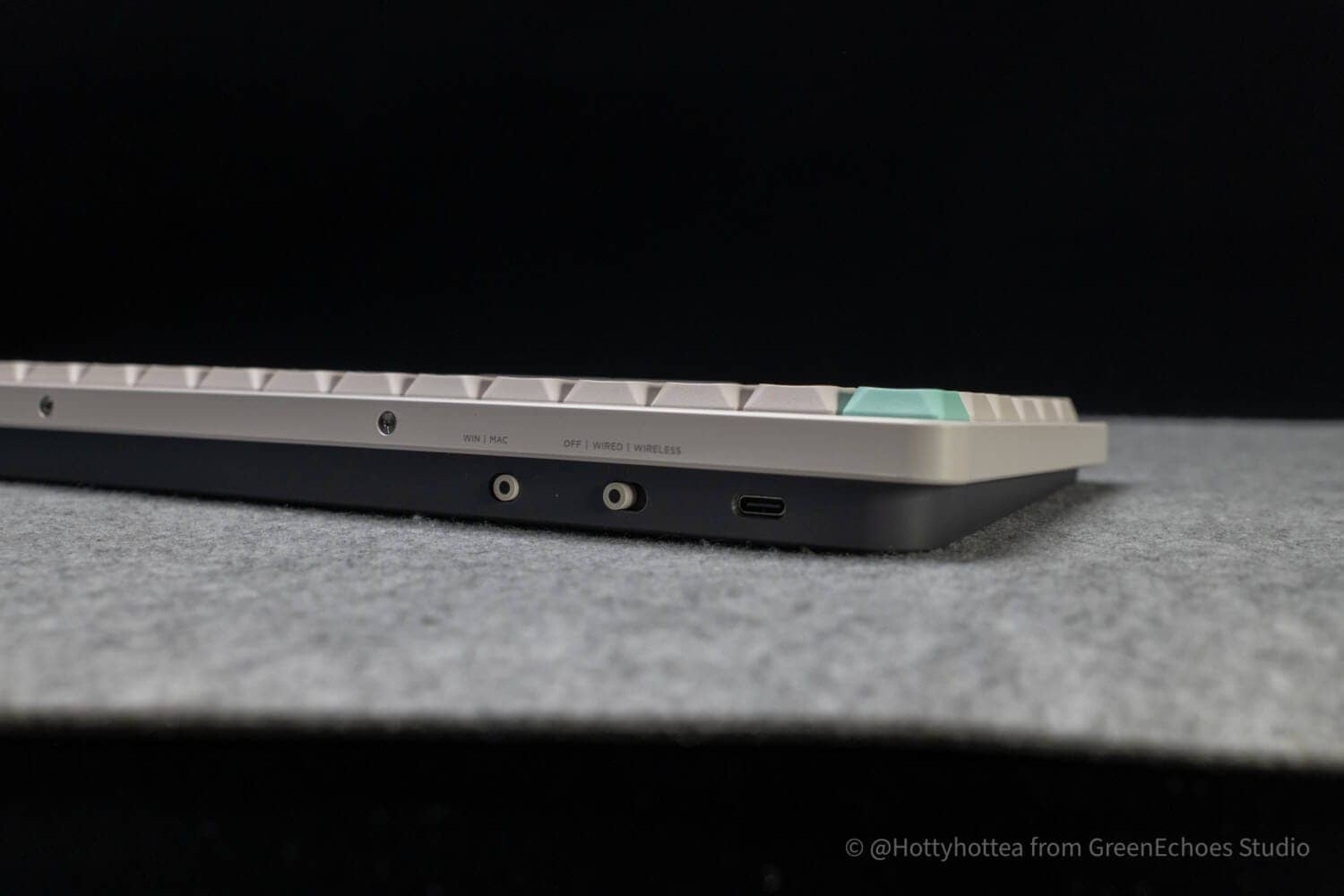
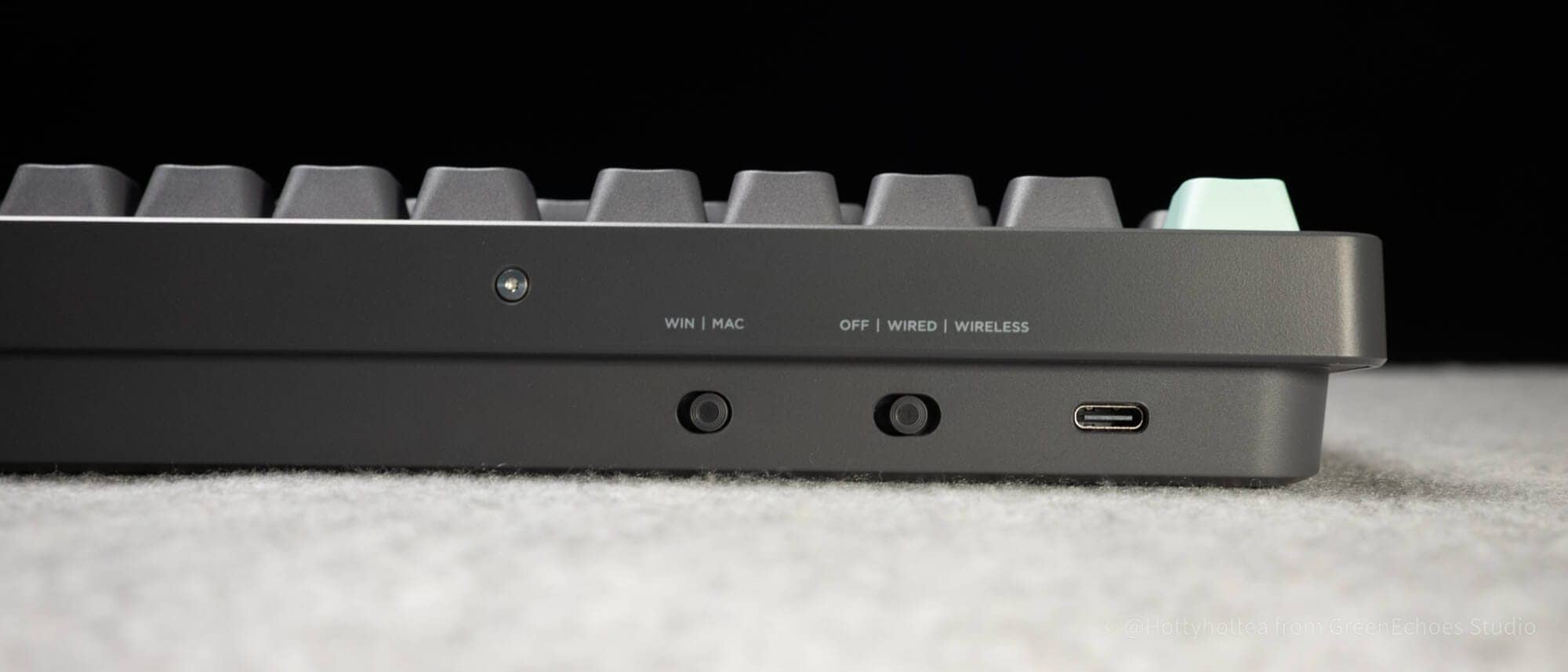
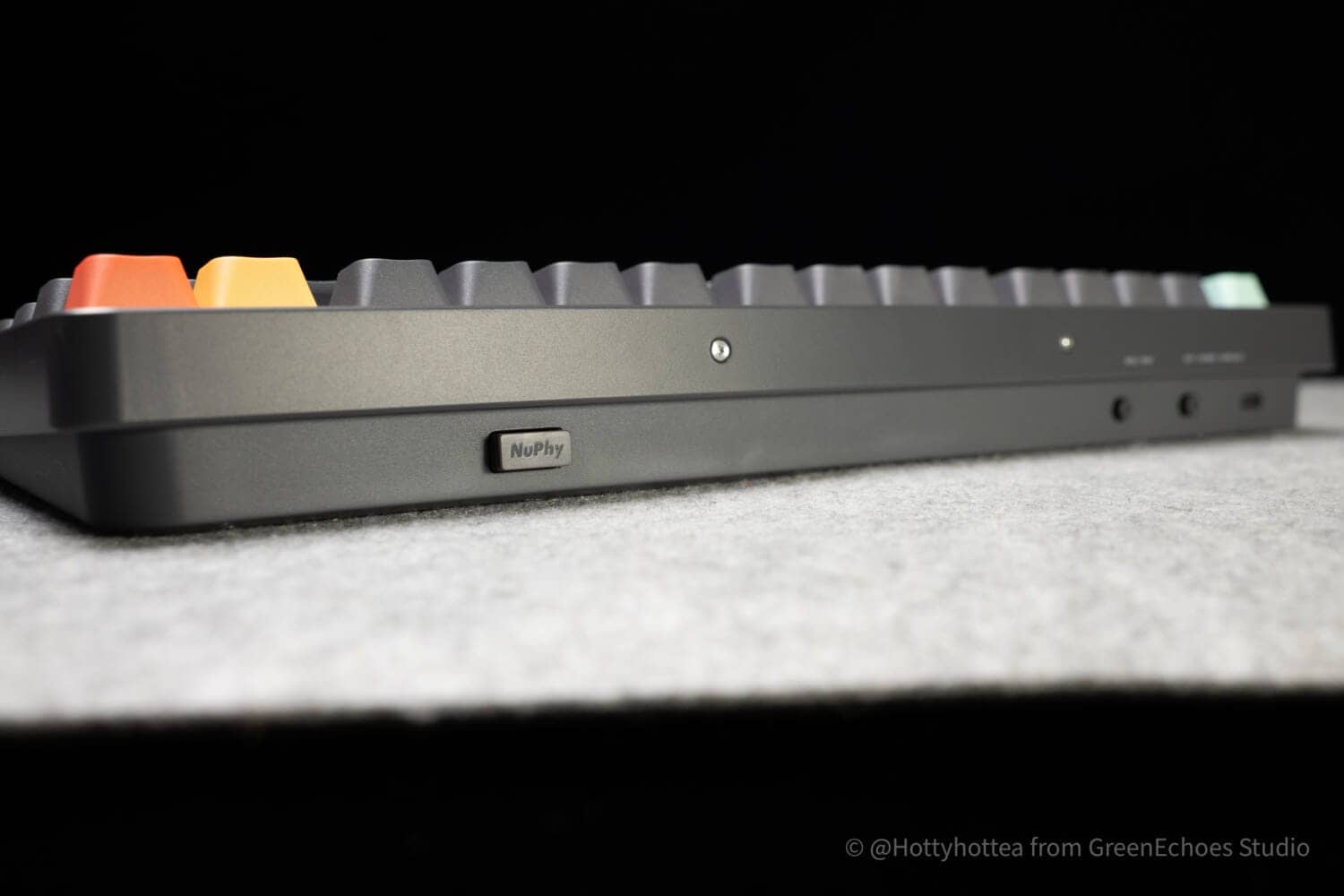
The control switches on the rear panel include a Win /Mac switch and a power switch and connection method slide switch.
The 2.4GHz wireless connection dongle is retractable into the main unit.
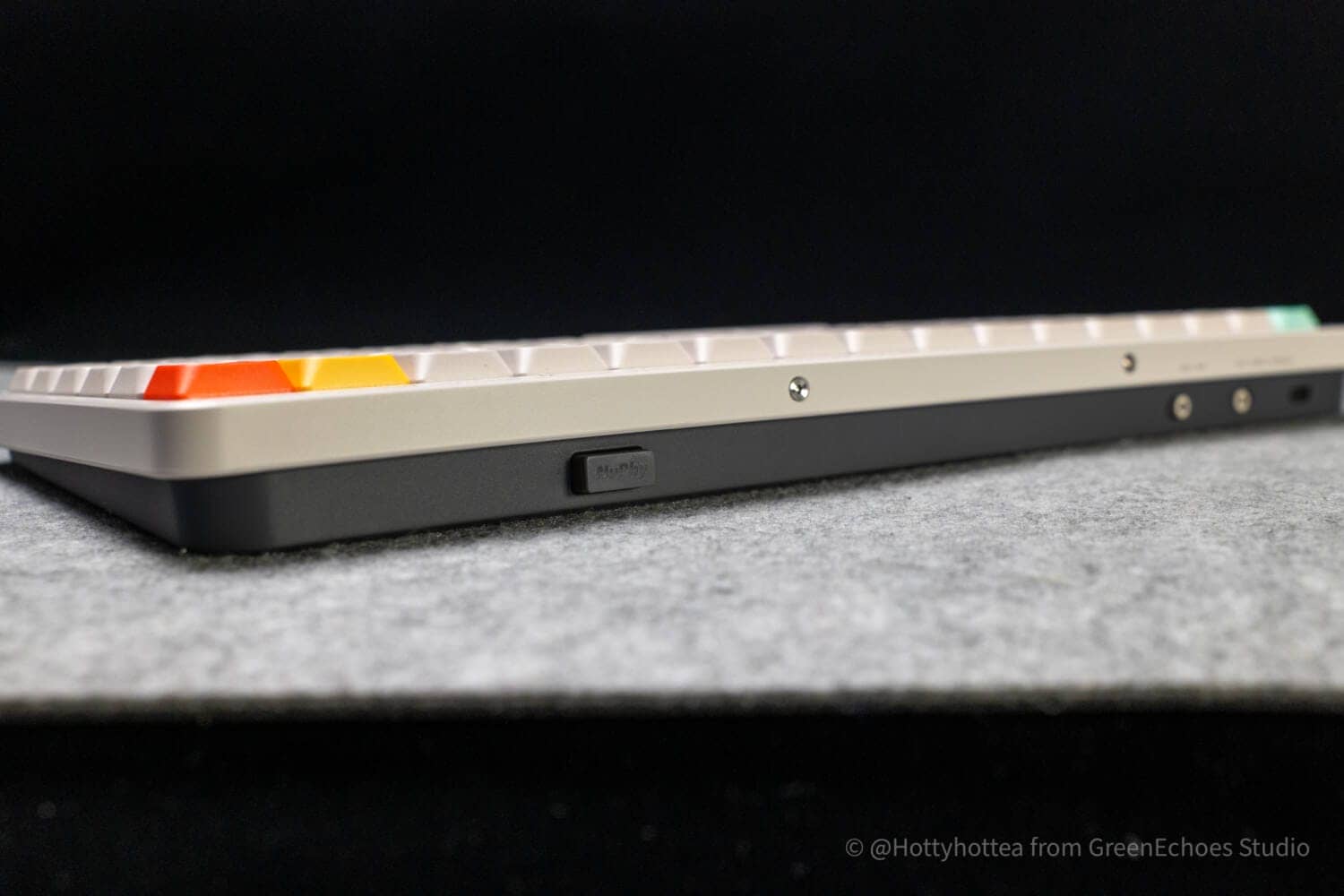
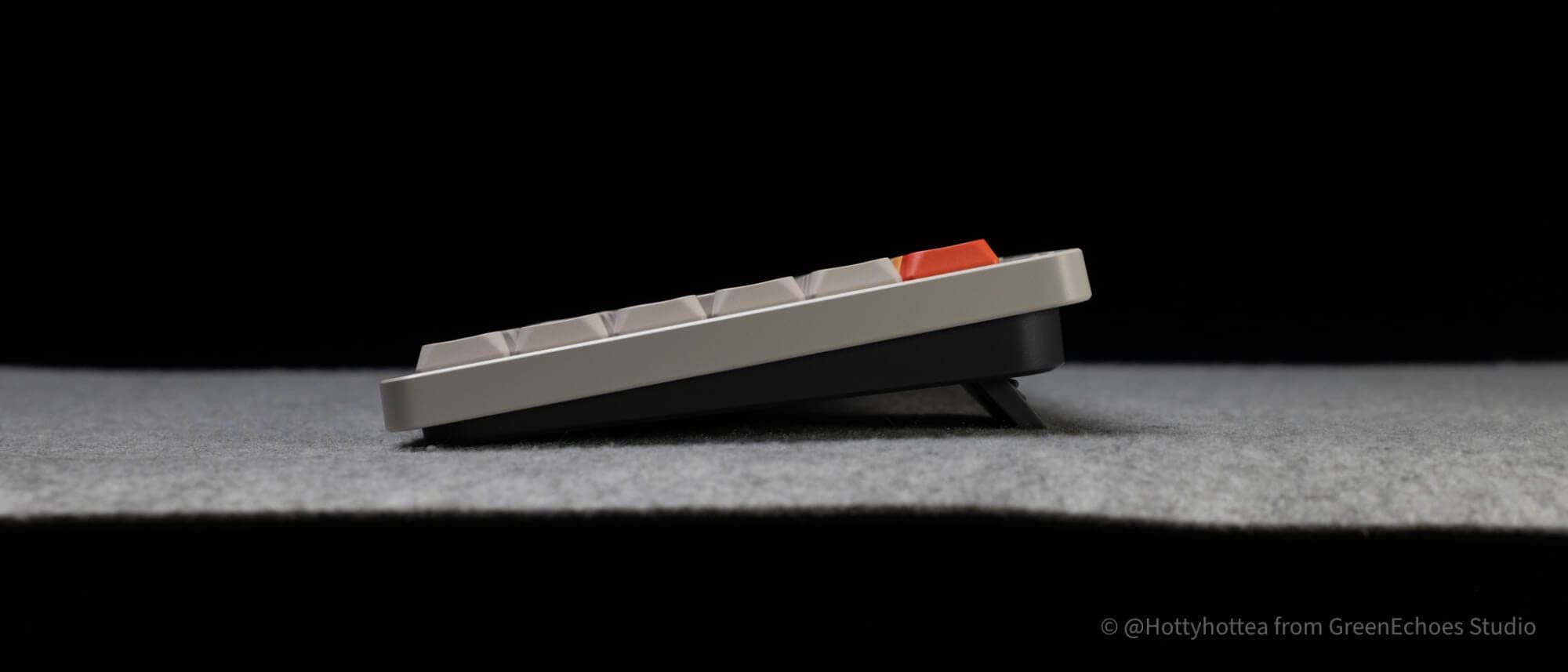
The bottom case and top frame are combined in this manner, and both bottom case colors are gray.
The bottom is equipped with retractable tilt legs and has a bar-type non-slip surface.
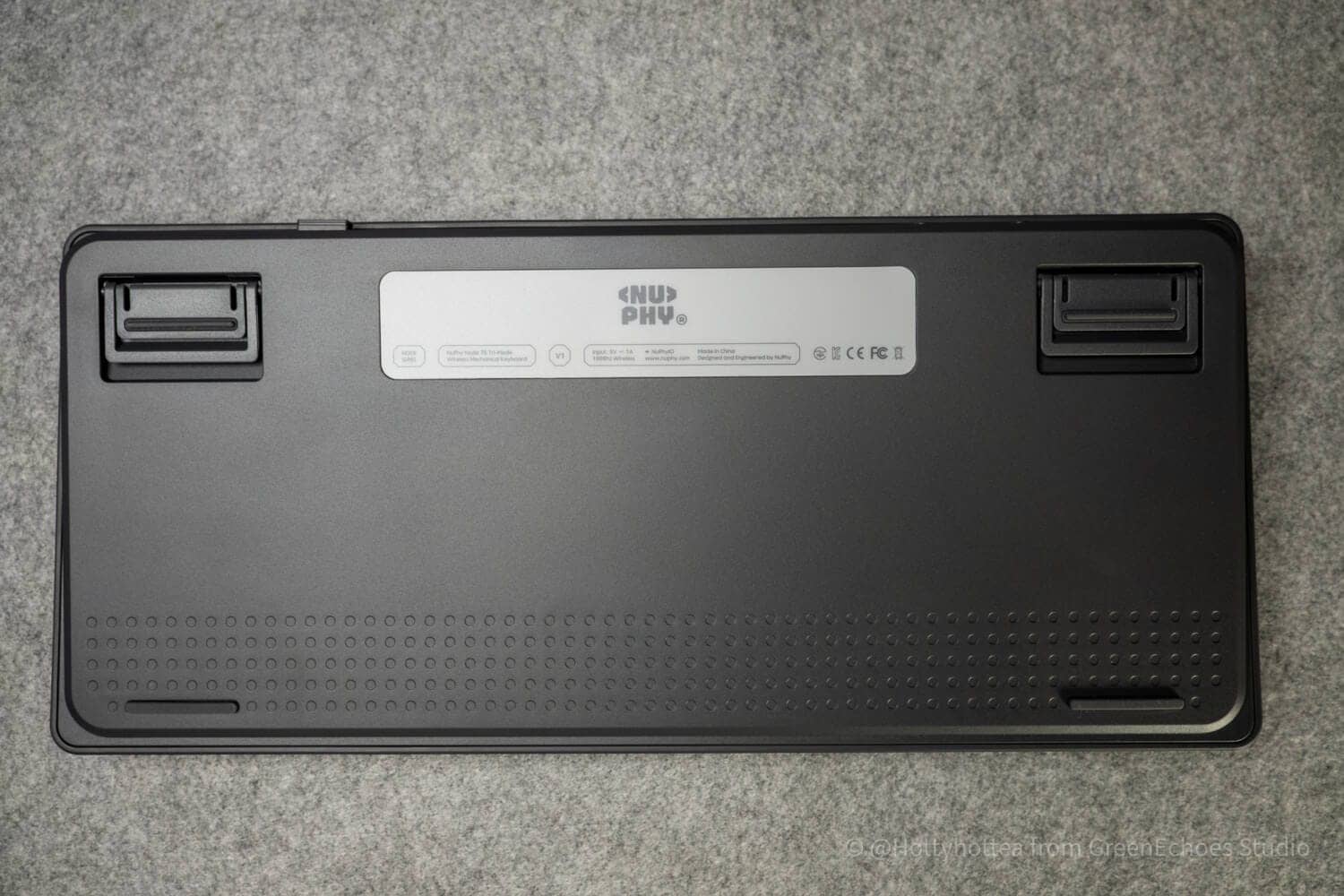
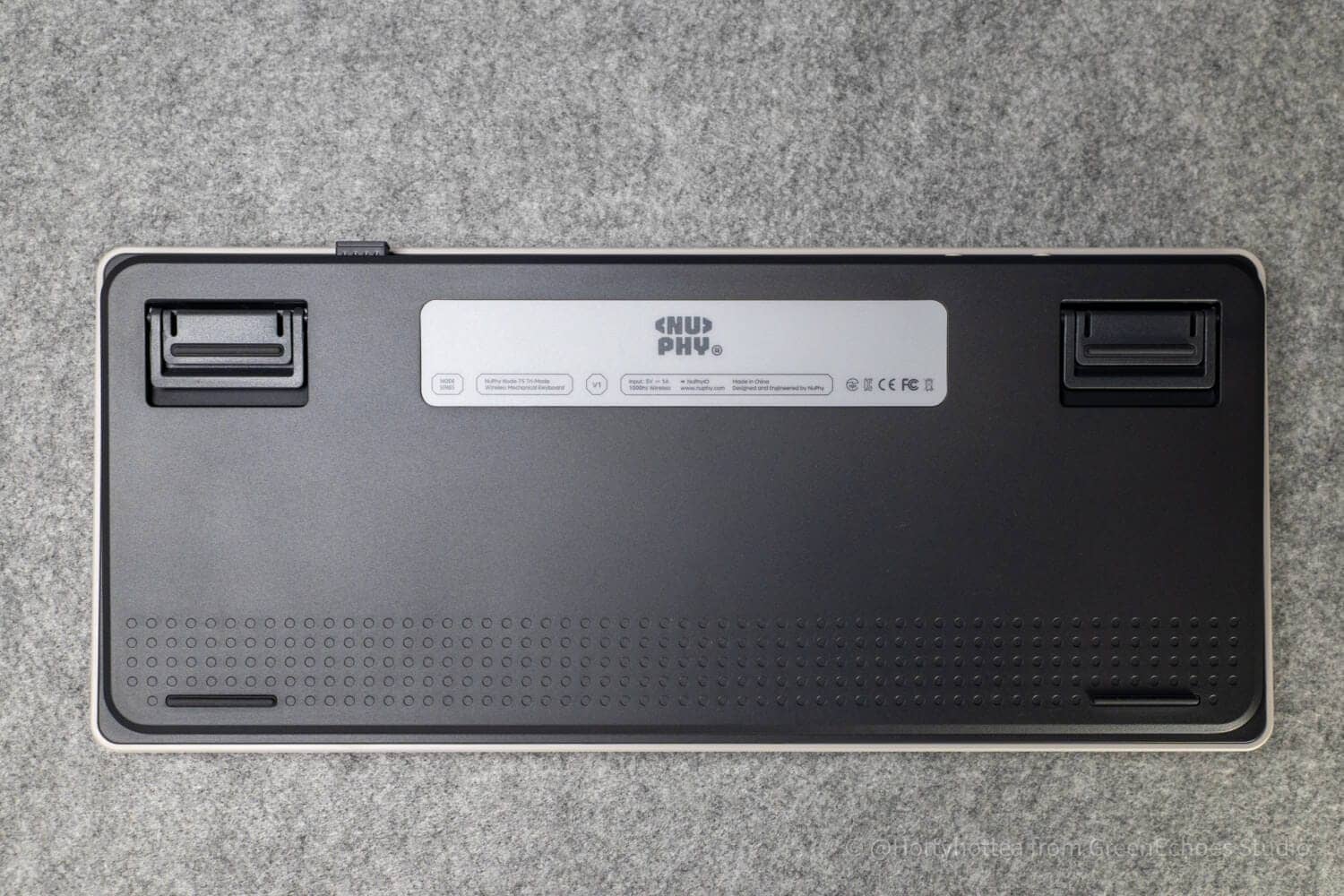
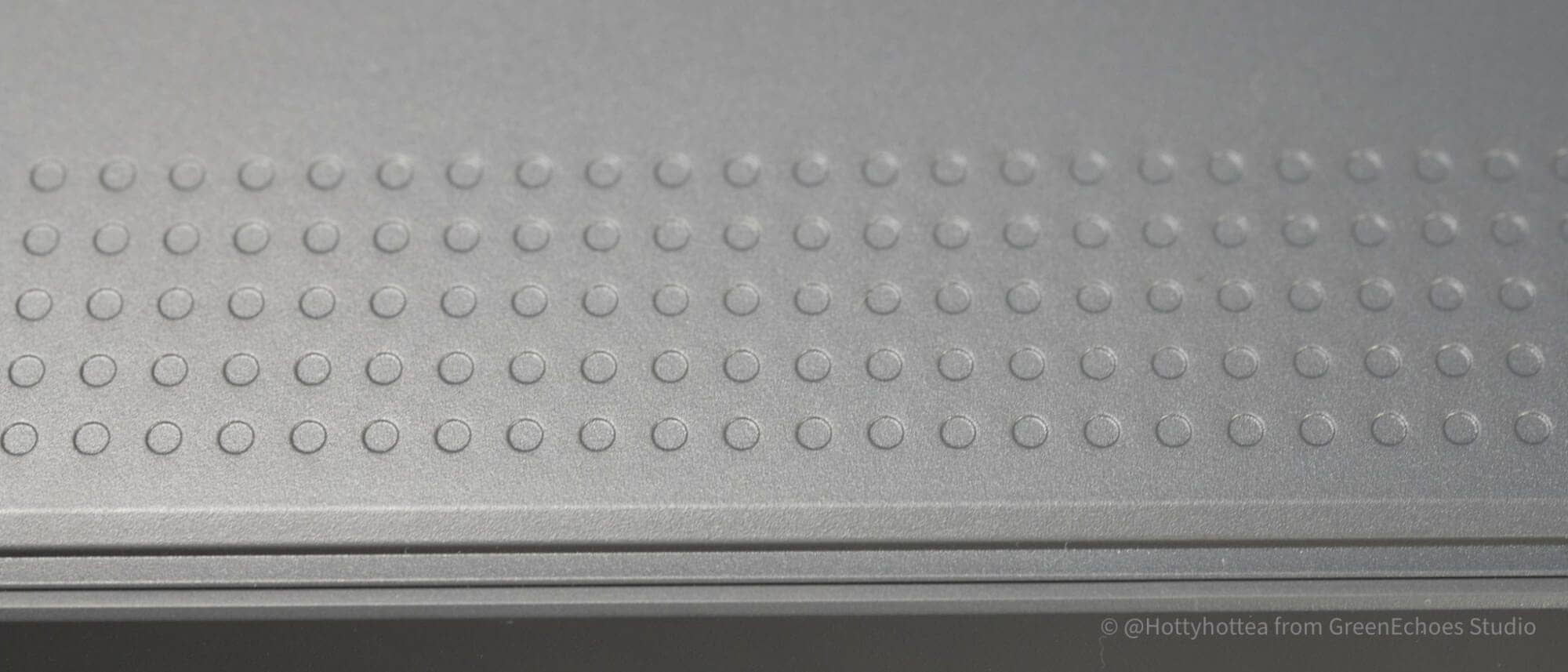
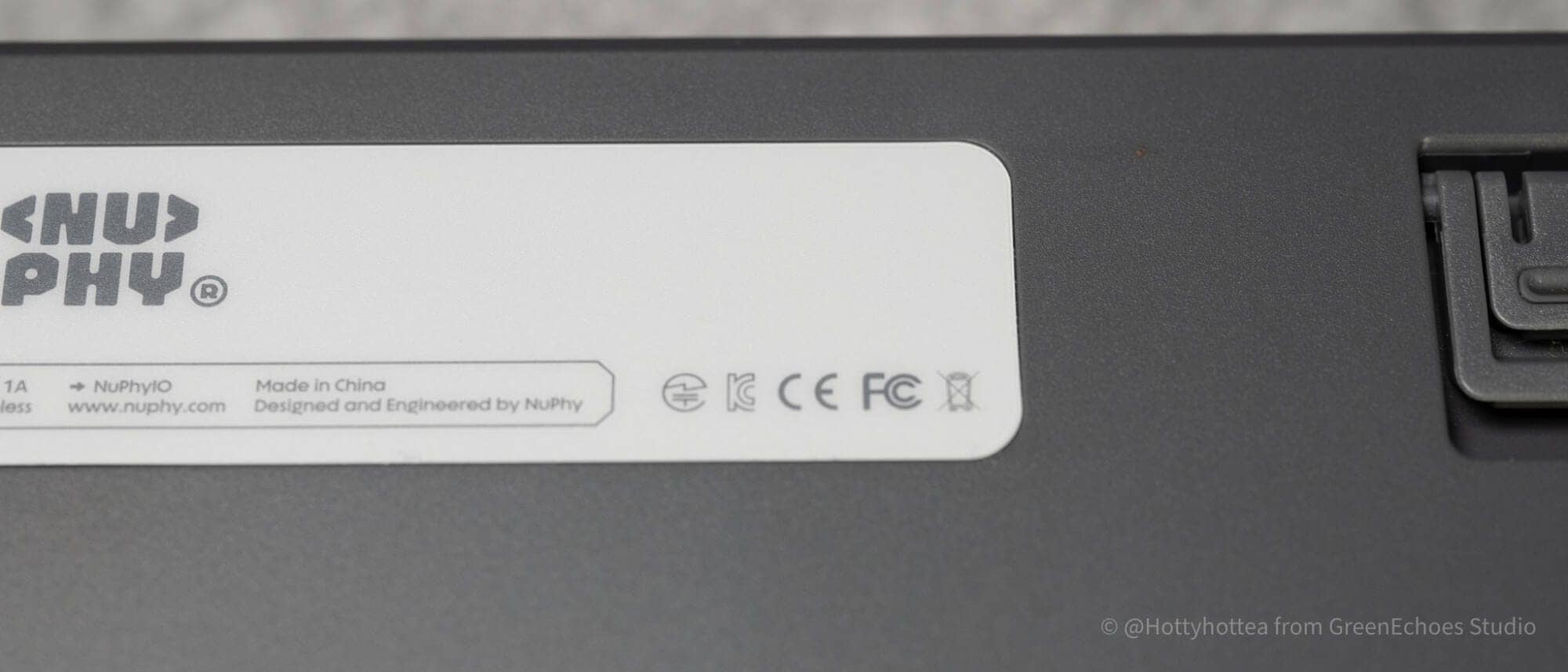
The technical certification mark is also printed clearly.
The tilt angle can be adjusted in three levels, including the default state, but it is important to check the angle as it differs slightly between the normal and low-pro version.
summary
This is our review of the Node75JIS.
NuPhy is unique in that it is releasing the global version first, followed by the Japanese-language and ISO versions.
The global standard is still the ANSI layout, but the Node75 is also a “new NuPhy brand popularizer” for NuPhy in that we have developed products that lean toward country-specific keyboard layouts, such as ISO-UK and ISO-FR.
With its Japanese keyboard layout and split space bar, this unit is one that will give you a sense of the new possibilities of Japanese keyboards.
If you are interested, why not pick up a copy?
Use coupon code “ryo10” for 10% off.
- First written on: March 28, 2026
- Last update: March 28, 2026
- Method of coverage: Product offer
- Reference and image taken from: http: //sanyollc.com/products/node75-jis-wireless-keyboard
- Conflicts of interest: Product offering: Yes Monetization link in this paper: Yes
Greenkeys operates solely on performance-based advertising and does not use Google ads because they reduce usability.
Please support us through Buy Me a Coffee if you enjoyed reading the article so that we can continue to operate the media.