
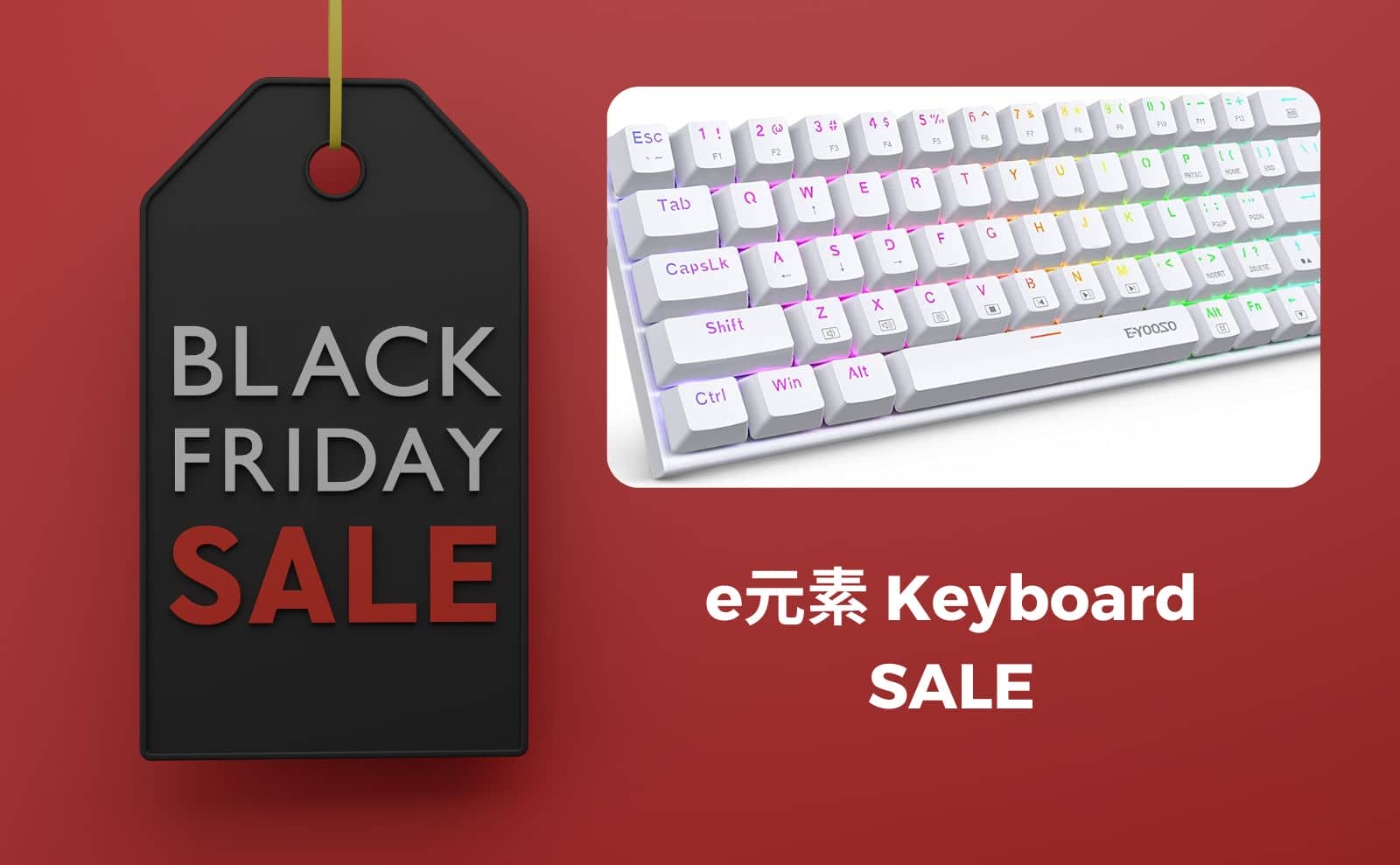


The e Element, which has become a popular introduction to mechanical keyboards, is now available in the Amazon Black Friday sale and is considerably less expensive.
The price reduction of even just the inexpensive e-element gives the impression that it has become quite a festival.
Opportunity to purchase mechanical keyboards starting at 3,000 yen.
This would be perfect for those who want to try it out…………………
If you are interested, why not take a peek?


e element recommended 100% layout keyboard
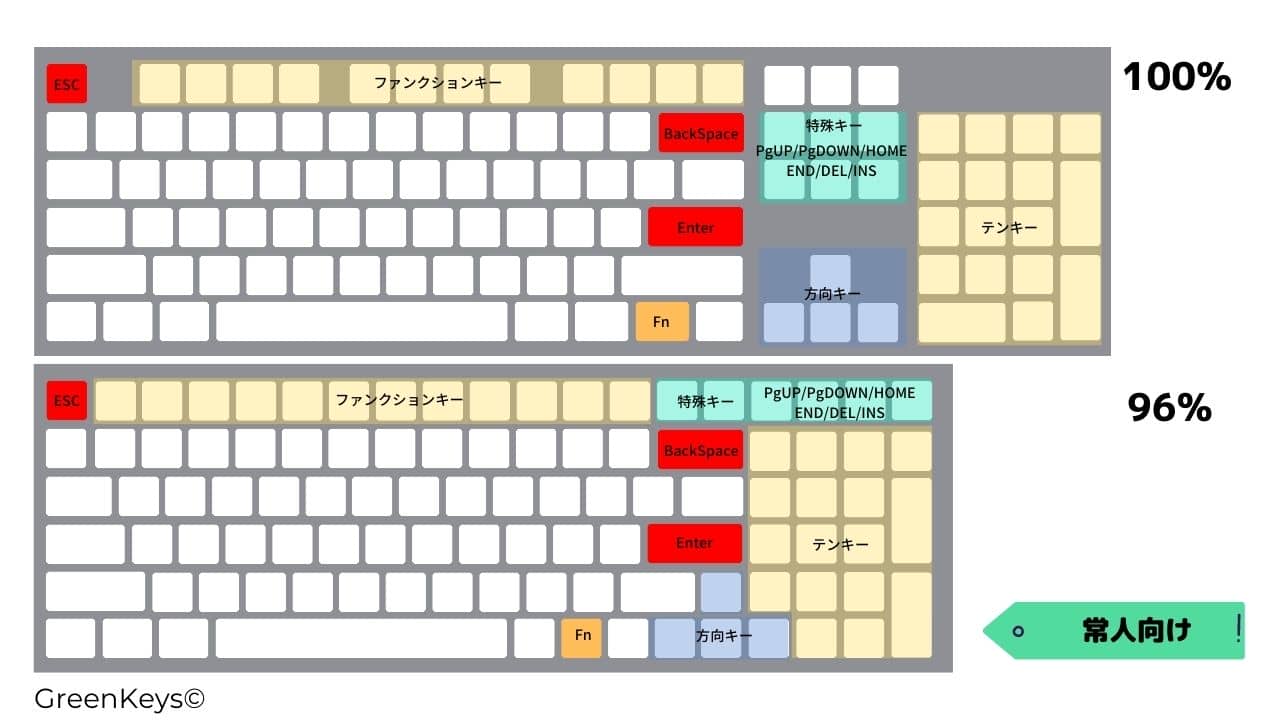
As the name suggests, a 100% layout keyboard is a keyboard with all keys aligned with a numeric keypad, special keys, and directional keys independent of each other.
It can be said to be recommended for those who have plenty of space to place it and for those who are not too concerned about the distance to be traveled by the right hand.
e element recommended 80% TKL layout keyboard
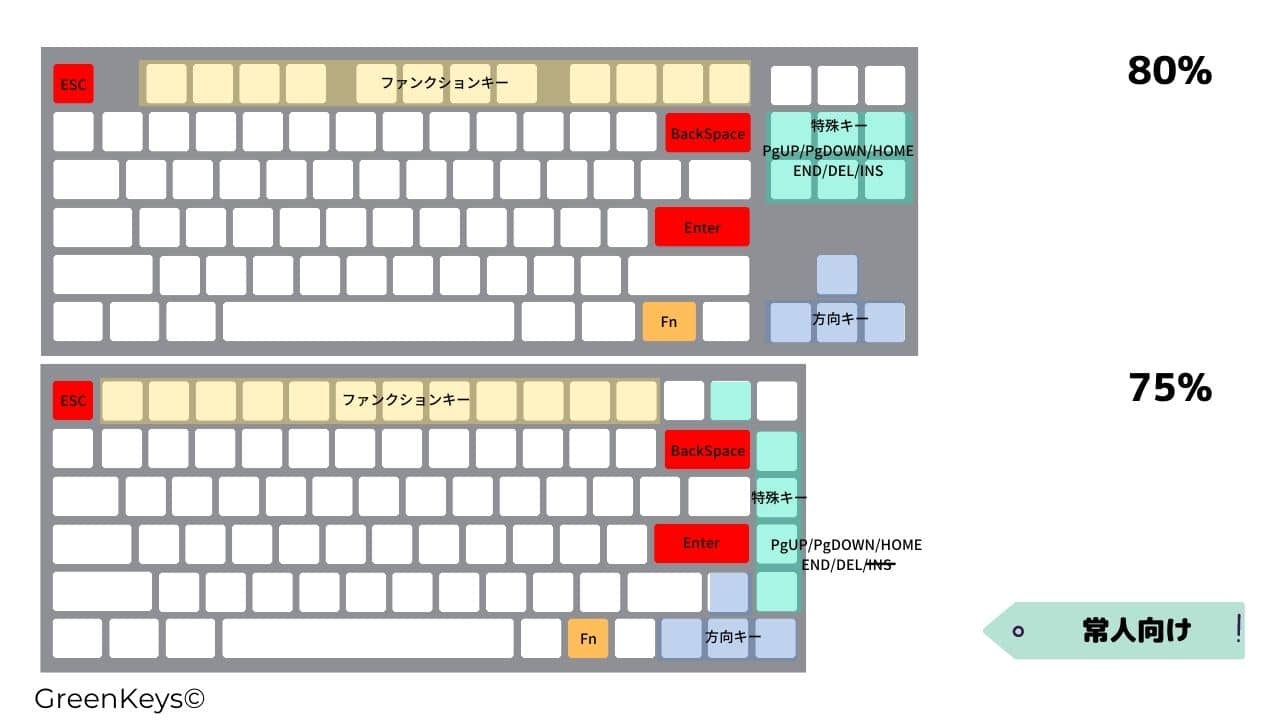
The 80% TKL (tenkeyless) layout omits the numeric keypad and has separate directional keys.
If you do not have the opportunity to type numbers frequently, an 80% layout will work fine.

This is a somewhat special arrangement.

e element recommended 75% layout keyboard

The 75% layout is a layout in which the directional and special keys are squeezed into the right side.
Typical compact keyboards often use this layout.
This is the most popular form.

e element recommended 60% layout keyboard

This is the array that I personally use the most.
With the 60% layout, the top row of function keys, directional keys, and special keys are omitted and must be entered using the Fn key combination, which takes some time to get used to.
Recommended for those who do not want to move their fingers from the home position.
It’s more of a layout for experts, so if you’re up for a challenge, give it a try!


Google検索の「優先ソース」にGreenkeysを追加します
Add Greenkeys as a Preferred Source on Google

