


I finally came across something that I personally thought, “This! I finally came across something that I personally thought was “the one” and I will share it with the neighborhood.
One of the problems I have with making my own keyboards is that many models do not have a tilt angle.
Typical off-the-shelf keyboards are sloped from 5 to 9 degrees and are often shaped to fall toward the front.
This way, the distance (or maybe psychological distance) from the home position to the topmost key is shortened, or when pressing the topmost key, the palm does not come in contact with the bottommost key.
(Some people prefer negative camber or a flat profile x flat angle, so it’s a matter of preference.)
In this regard, many home-built keyboards, although they come with rubber feet, do not have the same tilt angle as ready-made keyboards and require a little ingenuity.
The question is, “Then what kind of things should I put on them to angle them?” I guess.
This article presents the author’s best solution at this time.

Typical keyboard tilt angle
As a skin feeling, I feel that a typical keyboard is set at a tilt angle of about 5 to 8 degrees.
Some off-the-shelf models can be tilted further by putting out “legs”.
The HHKB, which has an 8-degree tilt angle by default, can be raised two more steps from here, but I don’t use it because it is quite “devil’s camber”.

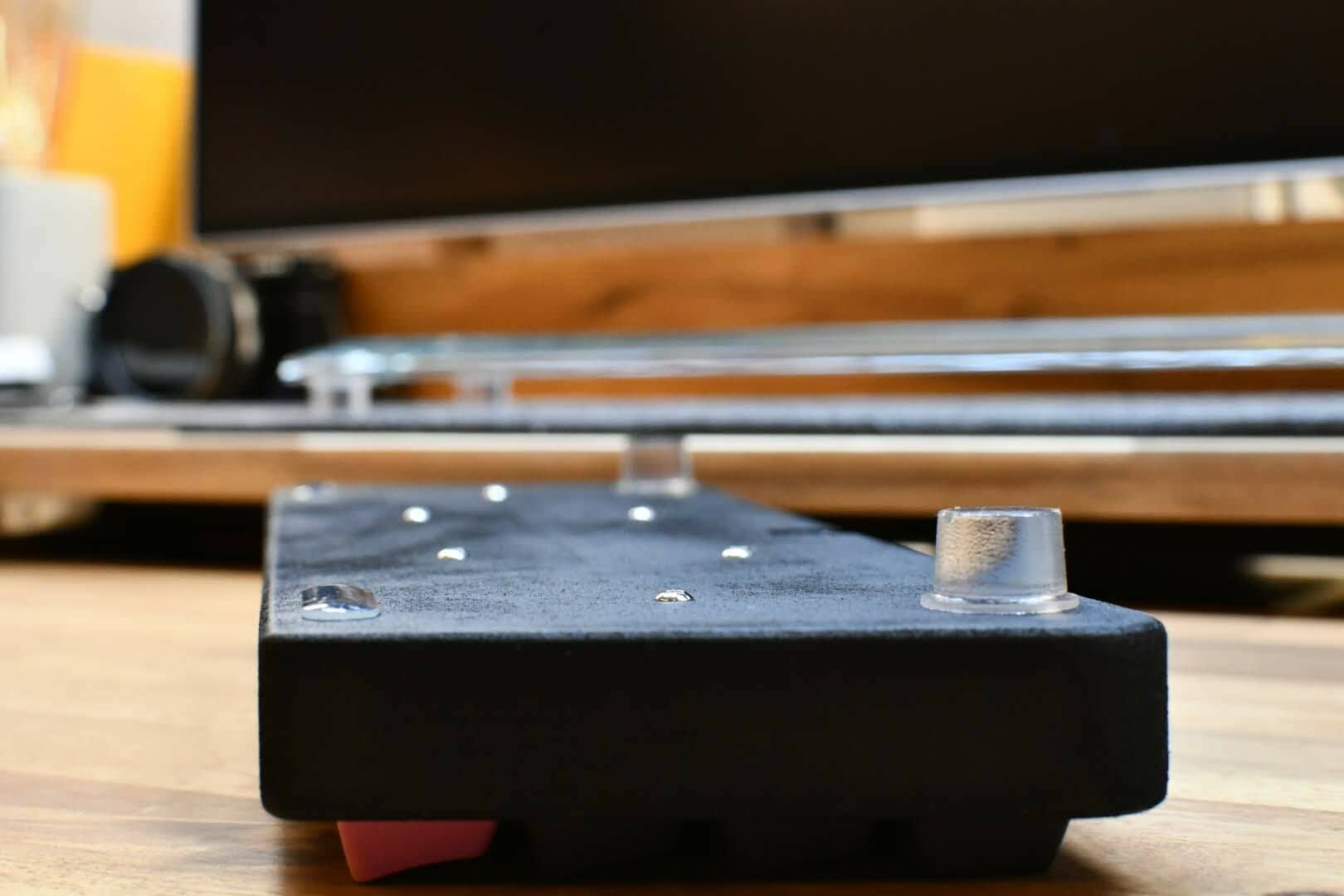
The best part for creating a sloping angle is the “doorstop rubber”.

In conclusion, my current optimal solution is “rubber per door”.
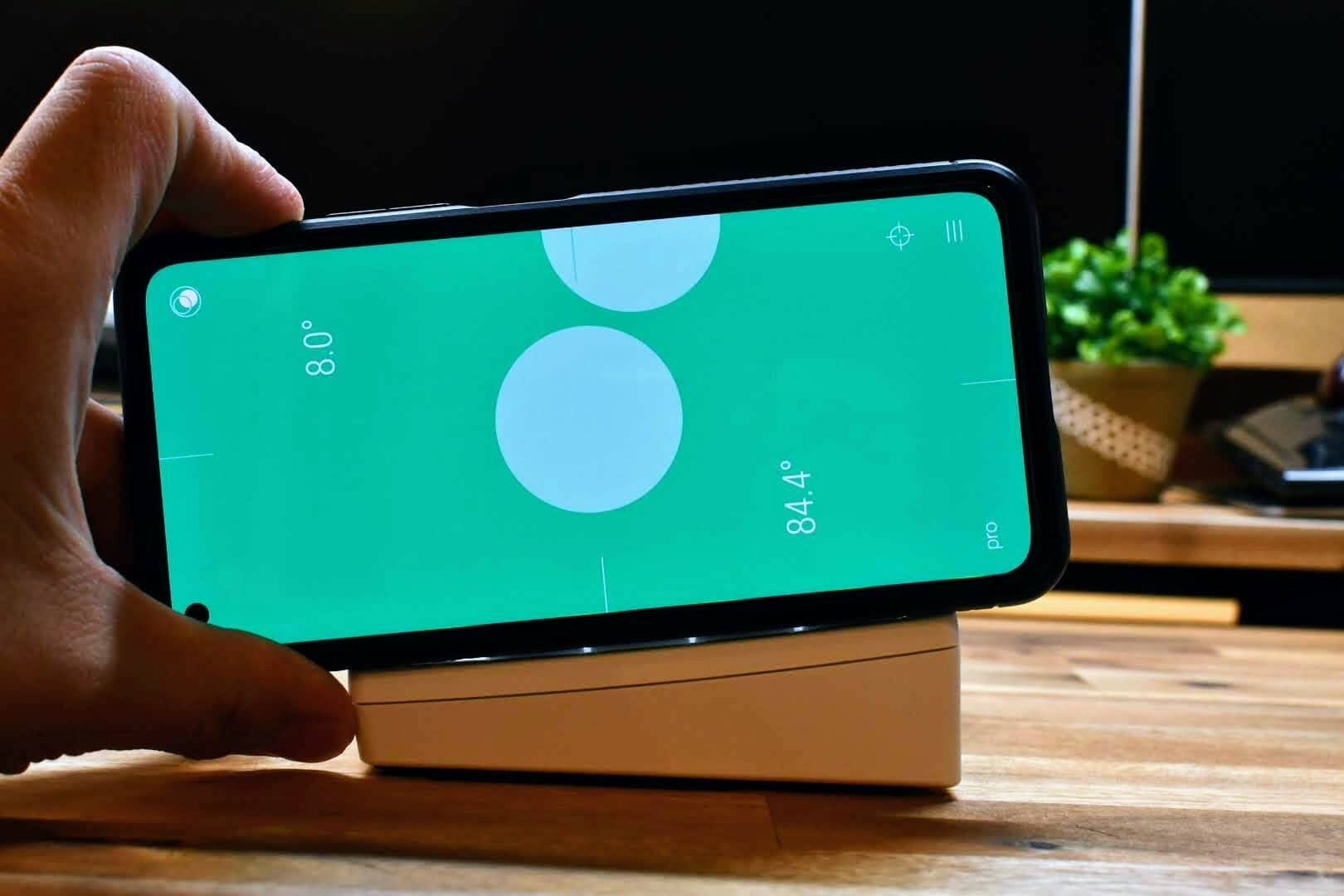
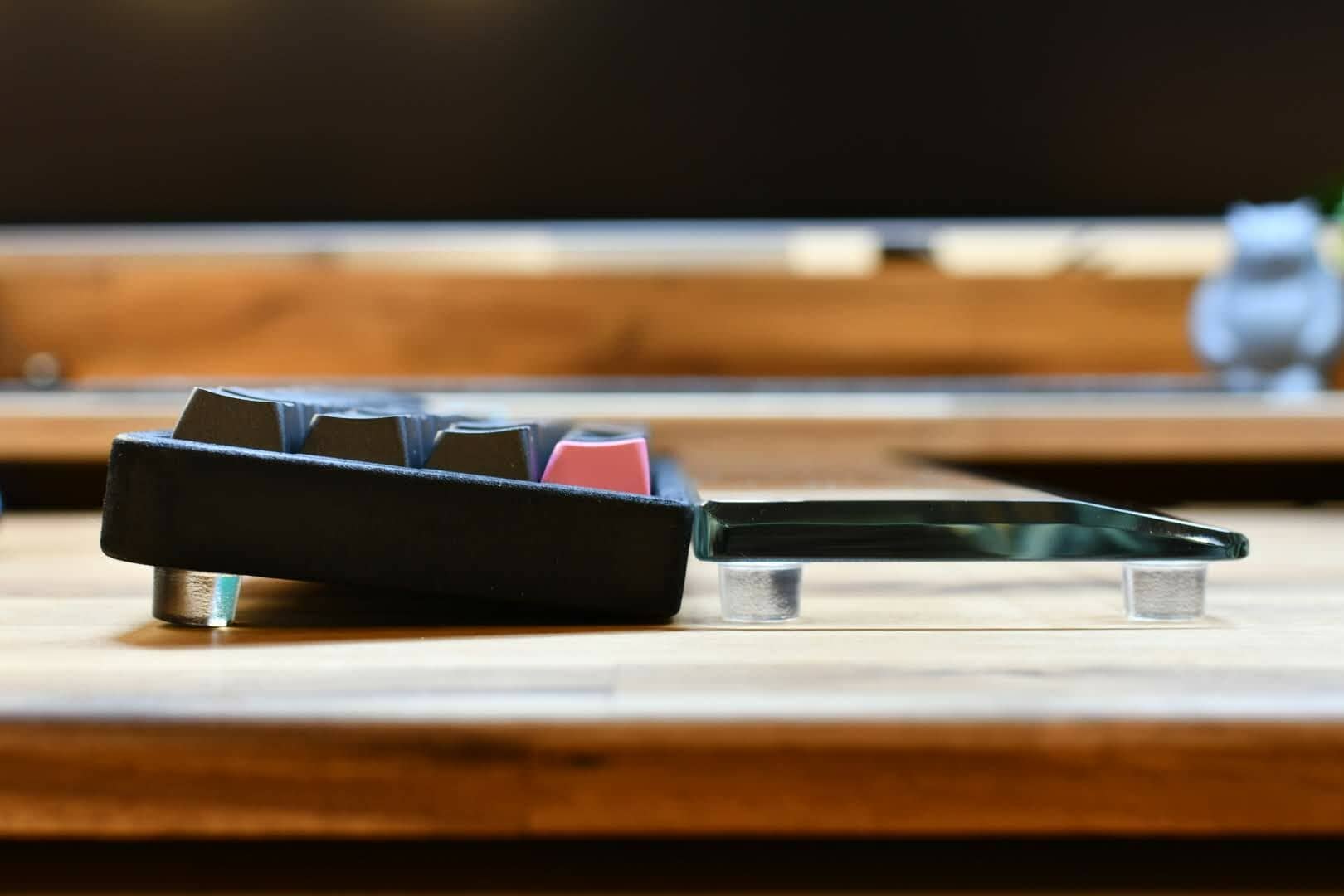
The one in the photo is 10 mm high, and at this height, it is possible to make a tilt angle roughly as shown below.
| keyboard | angle of inclination |
|---|---|
| 40%. | 7 to 8 degrees |
| 60%/65 75%/80 96%/100 | 6 to 7 degrees |
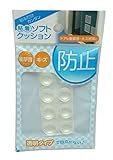
I chose the “round 15.9mm high by 10.1mm” one, but there are so many options.

It is also nice to know that you can choose the angular shape according to your preference.
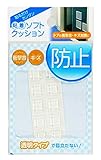
Let’s see what it actually looks like in pictures.

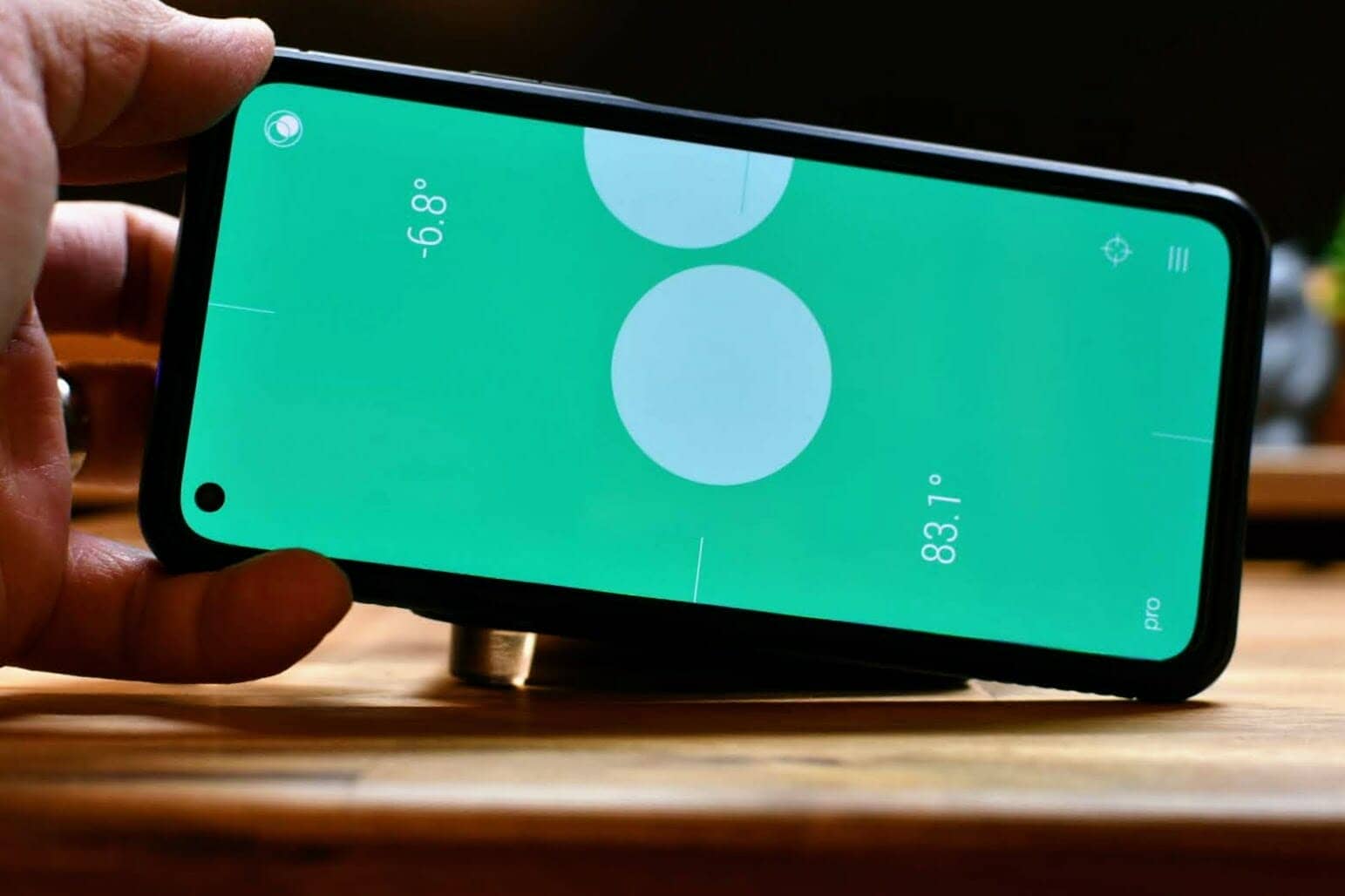
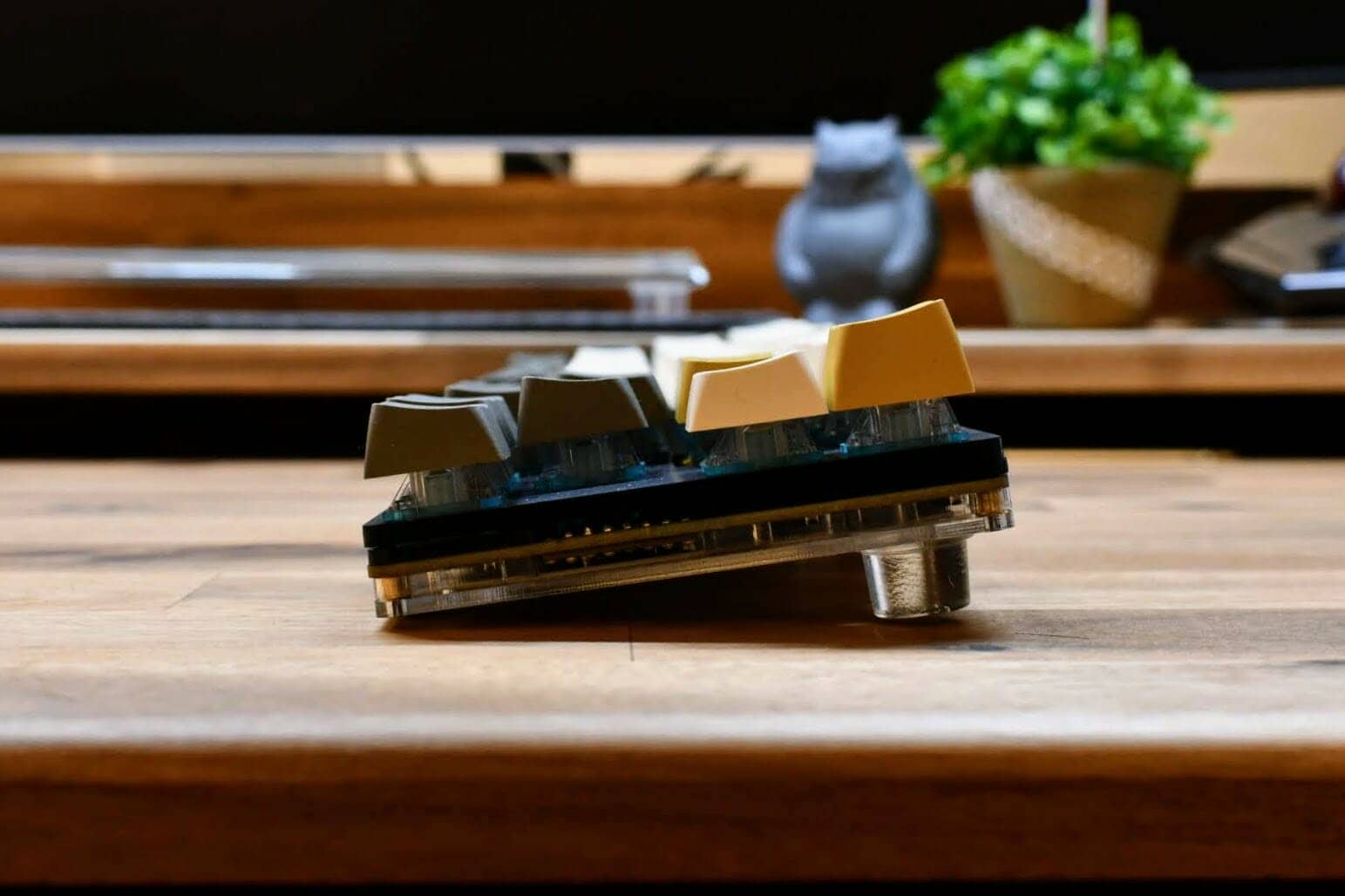
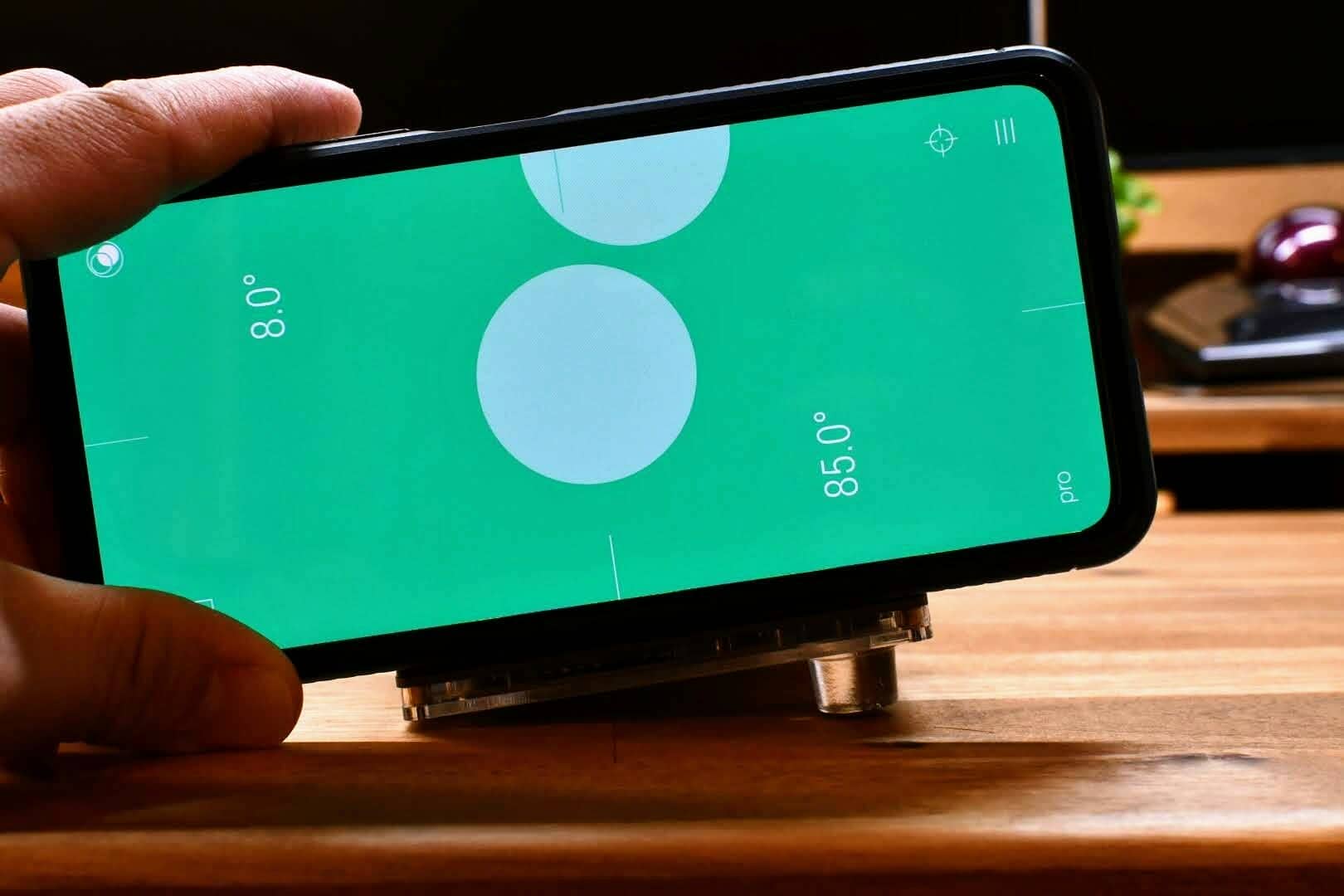
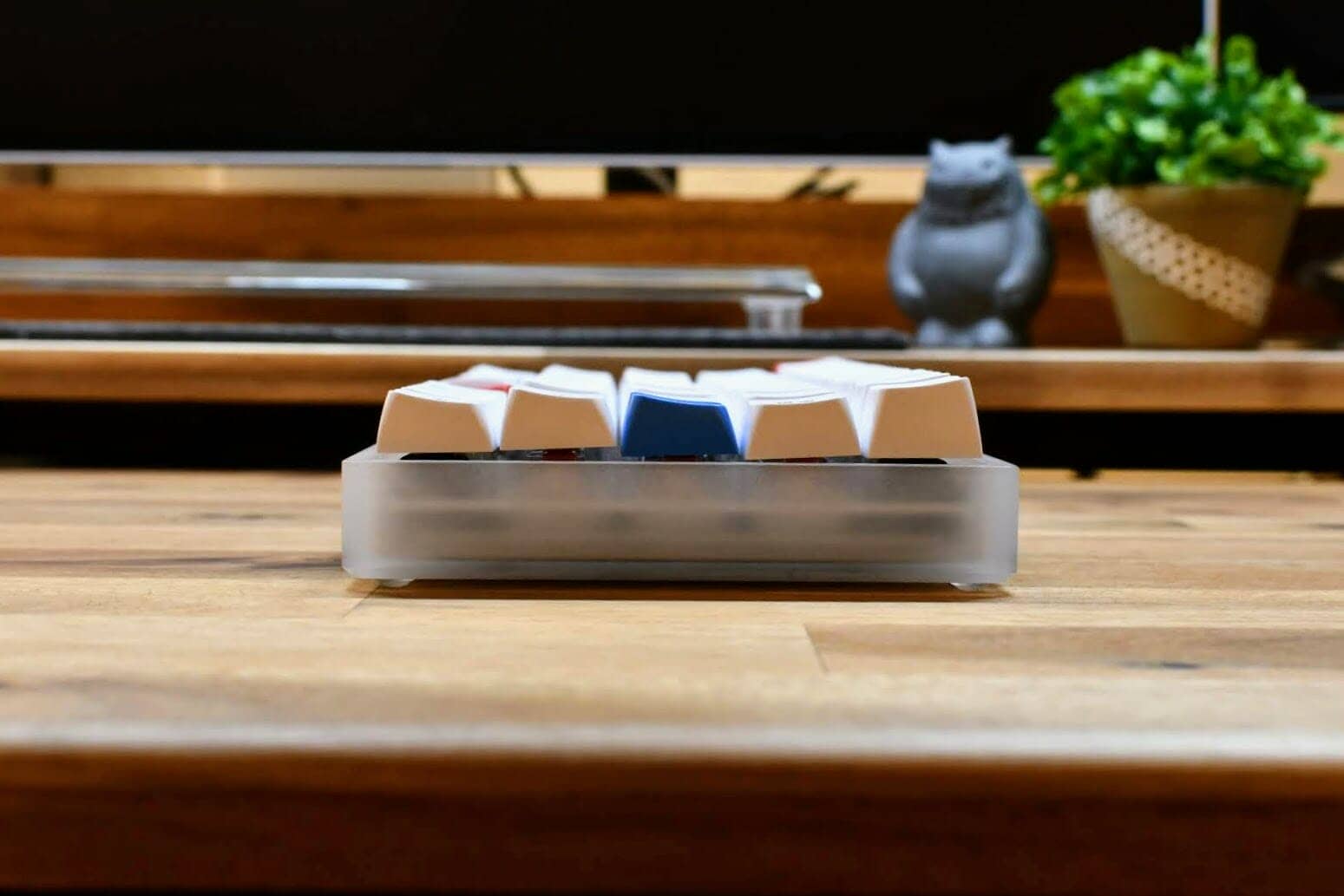

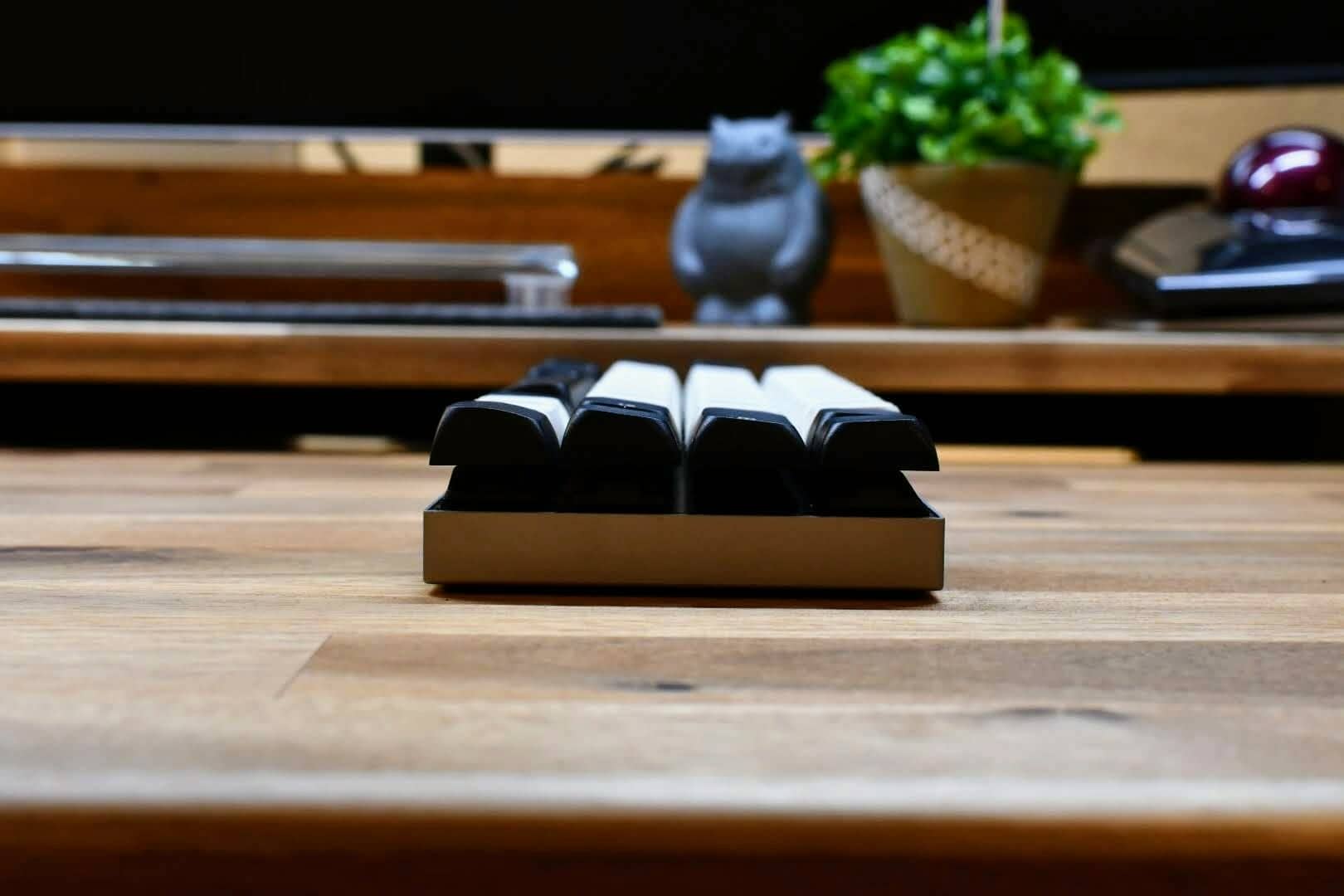

Considering the keyboard height and palm rest height as a set, it is also possible to achieve trueness.

The back side looks like this.

I can’t go back to the cushion foam I had before.
Until I found this doorstop rubber, I had to cut out PORON foam or urethane foam to adjust the height.
Below is a view of Vortex Core and Yamada53AN with urethane foam.
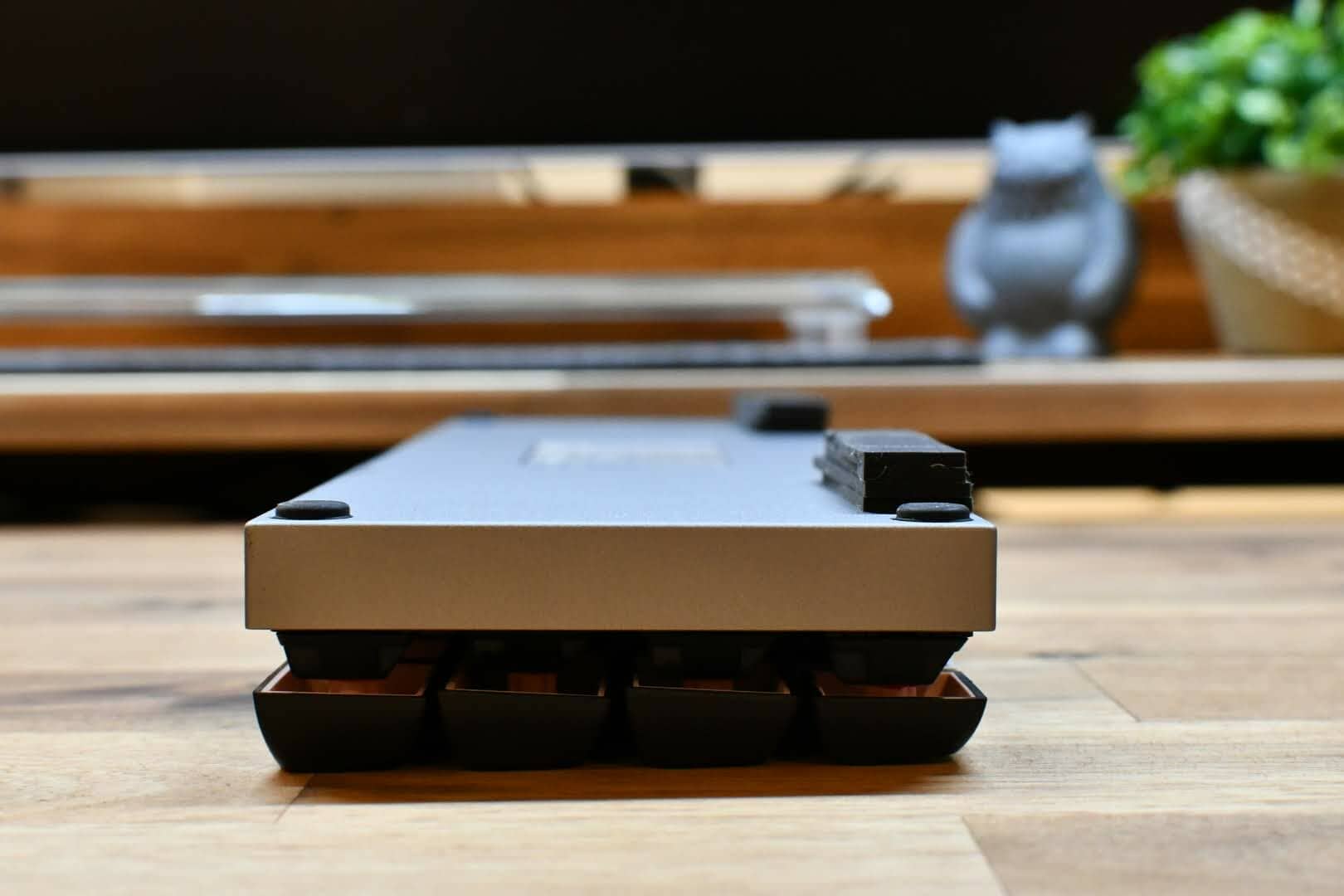
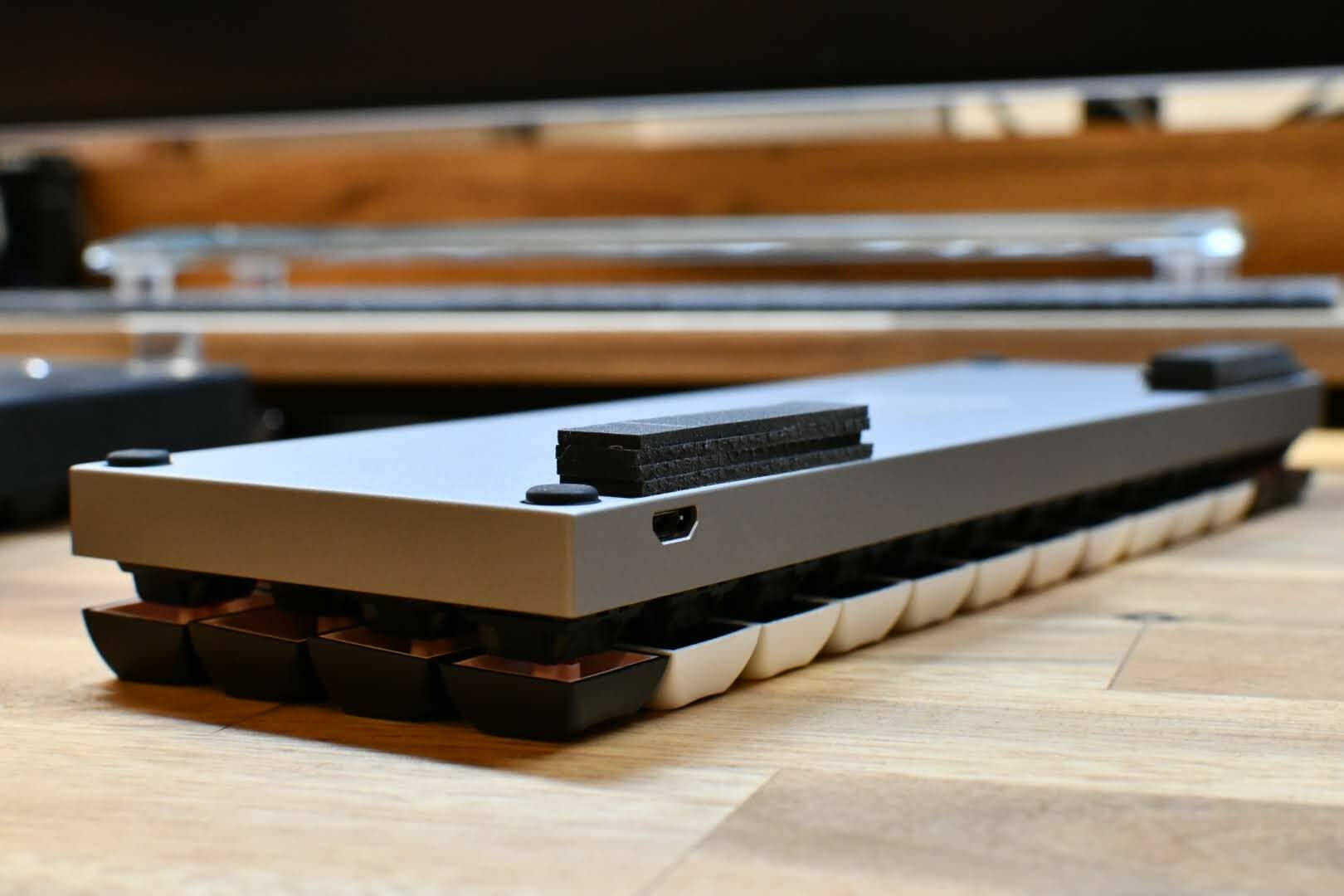

This is a good thing, but I was not satisfied with it because of the problem of its looks and the problem of it being too soft when typing.
Actually, this may be the one used in the “Diamante Glass Palm Rest”.
Suddenly, I looked at the leg of the palm rest I usually use… probably the same product I found this time.

I personally recommend this palm rest, so please give it a try.


Google検索の「優先ソース」にGreenkeysを追加します
Add Greenkeys as a Preferred Source on Google