


On August 18, 2025, Lofree Japan (Sanyo LLC) updated its official X to announce that the keymap change web application for the Lofree Flow Lite series, which had been suspended, is now available again.
https://t.co/SNA0wDgagf
– Lofree Japan (@Lofree_japan_m) August 18, 2025
It has been reopened to the public!
As a result, Lofree Flow Lite is compatible with Windows /macOSX, but until then, the only keymap change application available was Lofree Keymapper, a Windows-only local application, which was not convenient for Mac users. Lofree Flow Lite is compatible with Windows /macOSX.
This is where the “Web-based Keymap Change Application” came in on July 22.

However, it had a serious bug in the release stage and was suspended as of the end of July 2025.

 Kawamura
The problem was fatal: if we tried to change the keymap without skipping the firmware update, the firmware itself broke down and became unusable. (A recovery solution was later presented.)
In response to this, the bugs have been fixed in this re-released version.
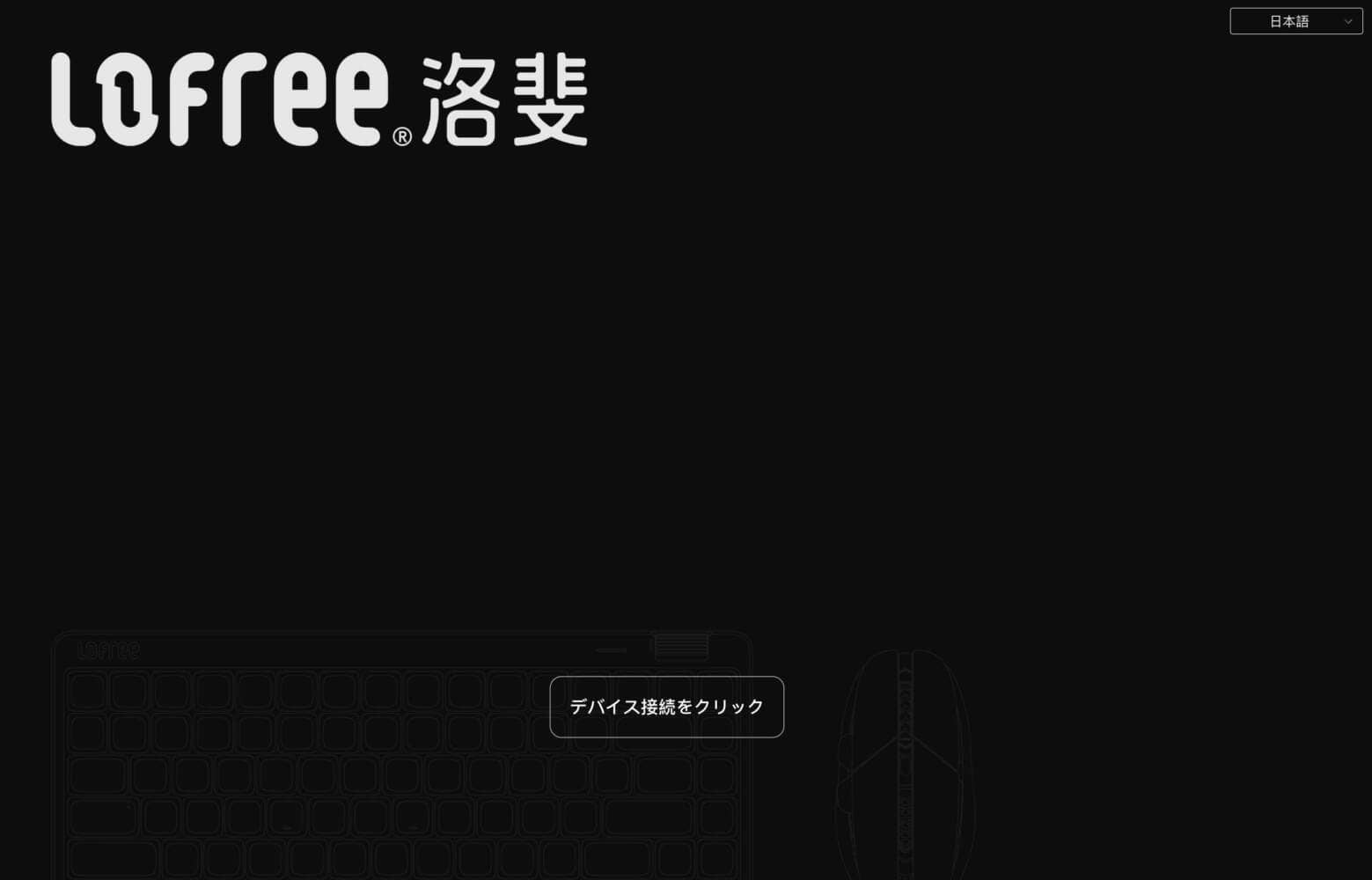
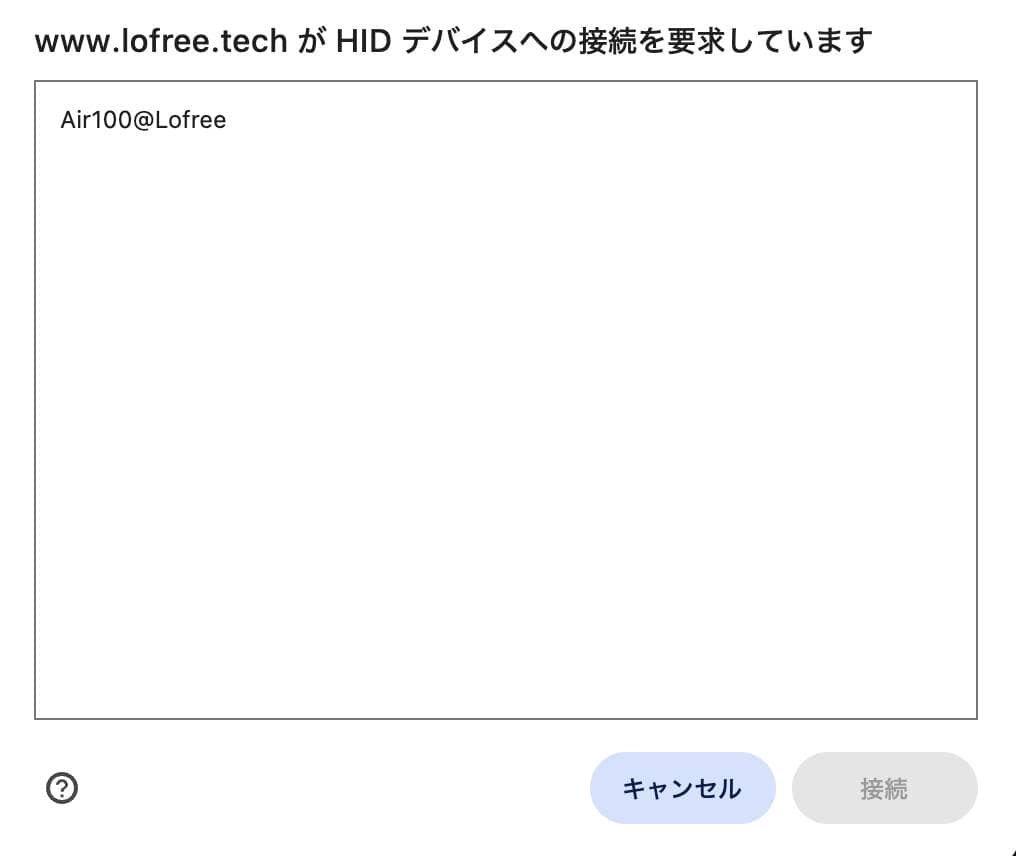
As we proceeded in order, we found a new statement.
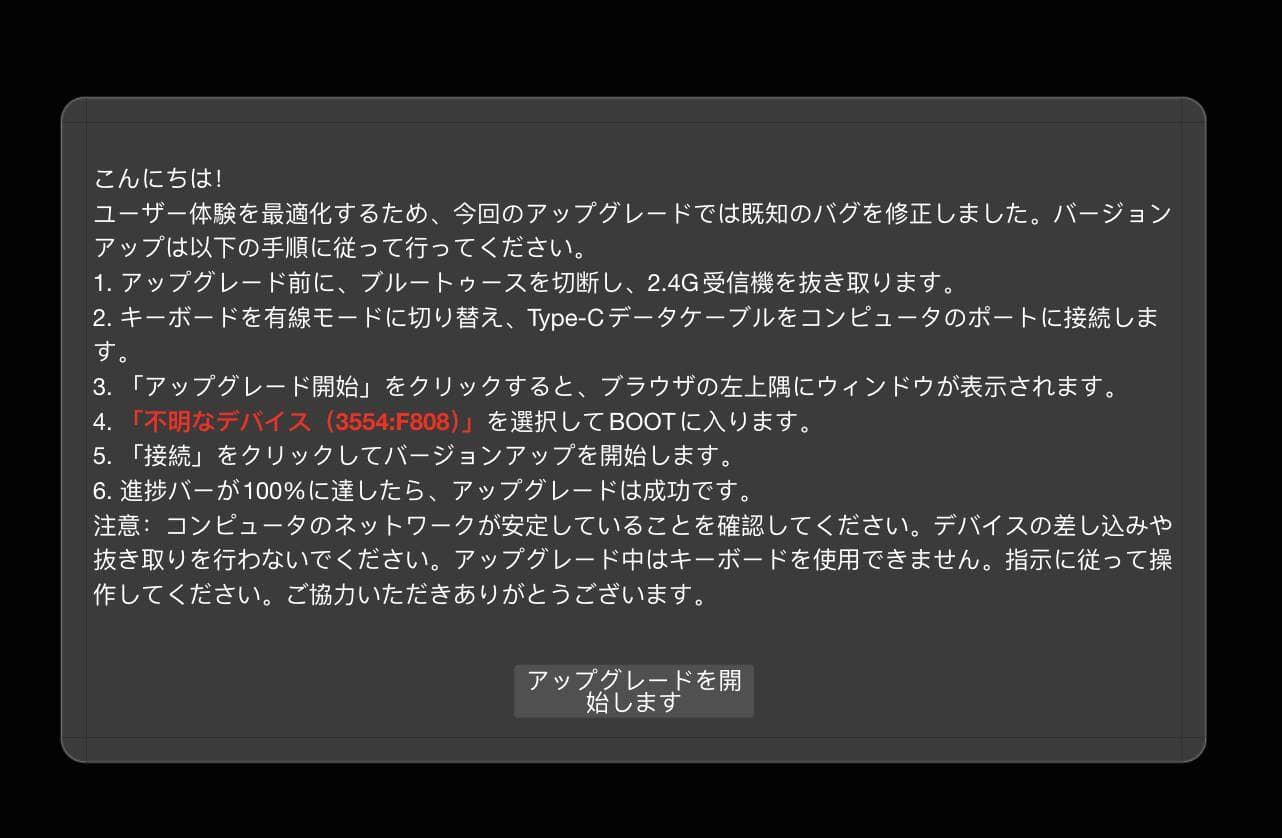
Hello!
In order to optimize the user experience, we have fixed known bugs in this upgrade. To upgrade, please follow these steps:
1. Disconnect Bluetooth and unplug the 2.4G receiver before upgrading.
2. Switch the keyboard to wired mode and connect the Type-C data cable to a port on your computer.
3. Click on “Start Upgrade” Click on it and a window will appear in the upper left corner of your browser.
4. Select “Unknown Device (3554:F808)” to enter BOOT.
5. Click “Connect” to start the upgrade.
6. When the progress bar reaches 100%, the upgrade is successful.
Note: Make sure your computer network is stable. Do not plug in or unplug any devices. The keyboard will not be available during the upgrade. Please follow the instructions. Thank you for your cooperation.
I started the update with trepidation and…
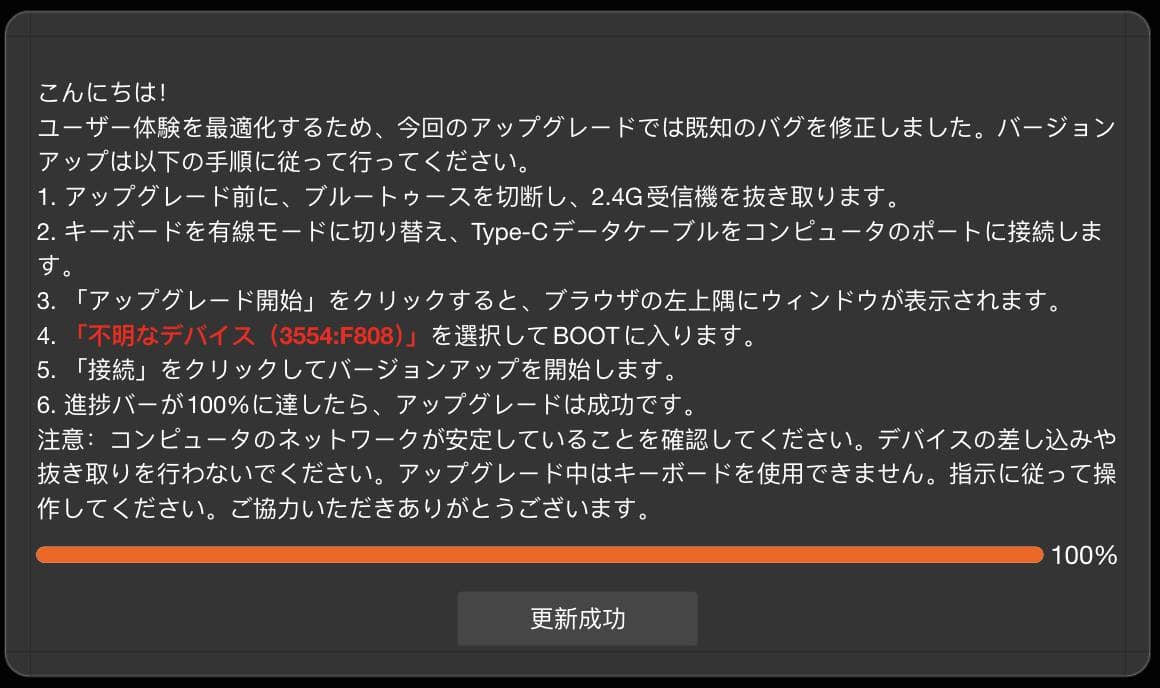
It appears that the update was successful.
We then reloaded and confirmed that the keymap could be changed without problems.
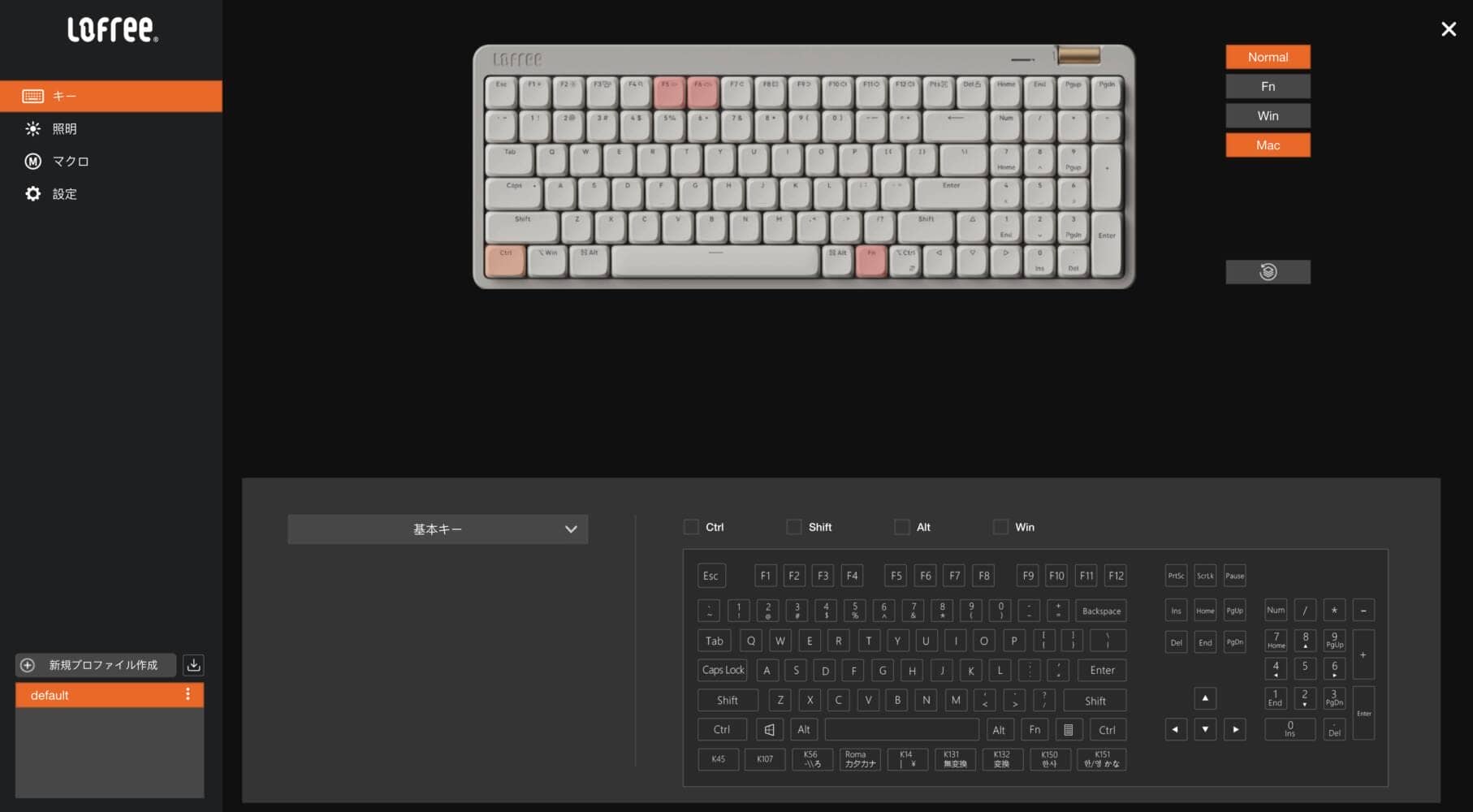
Of course, Flow Lite JIS has been modified to allow keymap changes.
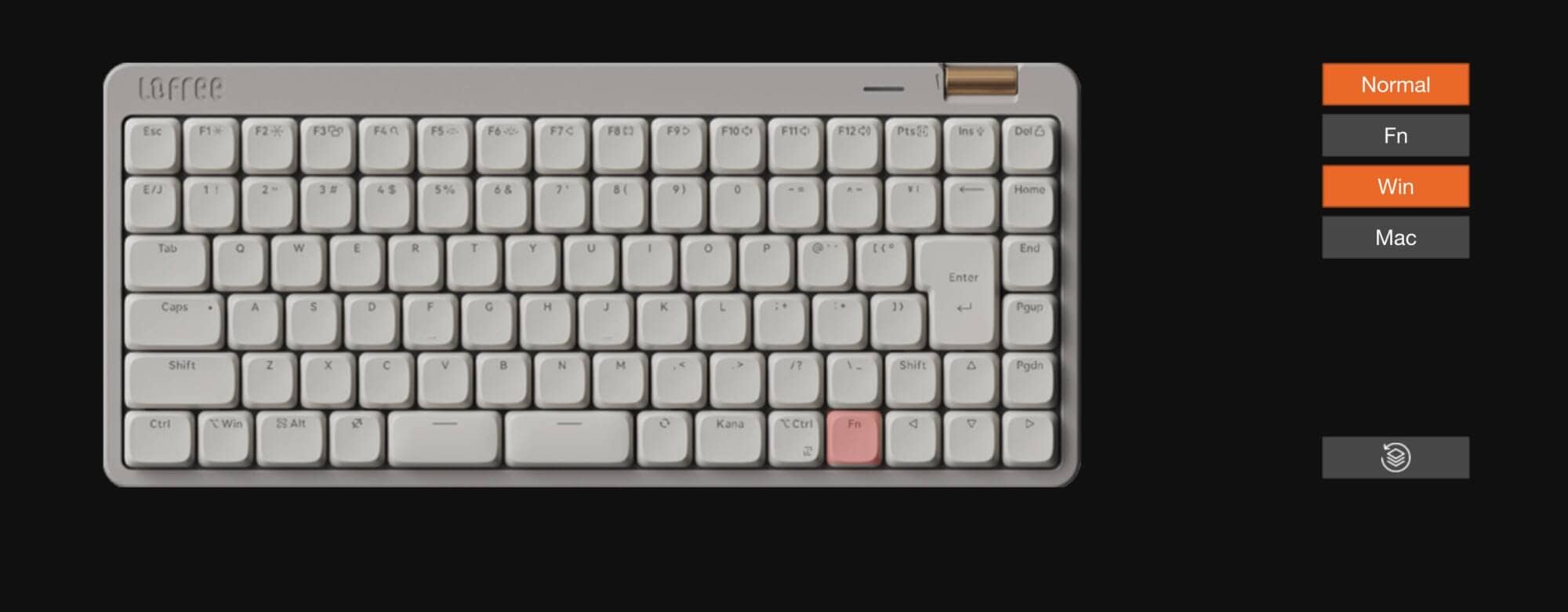
Now, finally, Mac users can purchase Flow Lite with confidence.
Lofree Flow Lite JIS is available at Lofree Japan.
Use coupon code “ryo10” for 10% off.

Discount Code: ryo10 ryo10
to save 10% off your purchase.
\ Japan, this way/
Products only available through Lofree Official
(Coupon code supported)


Google検索の「優先ソース」にGreenkeysを追加します
Add Greenkeys as a Preferred Source on Google

