


It is packed with appeal that cannot be dismissed by the term “entry-level machine.
The Node series was sold on the official website on November 10, 2025, but pre-orders began on December 30, 2025, through NuPhy’s Japanese distributor, DIGIART (Sanyo Godo Kaisha).
In addition to the price tag of about 17,000 yen, it has a simple color scheme that looks good on an office desk and a design reminiscent of Dieter Rams’ “Law of Good Design,” plus the ability to choose between normal profile* and low profile, depending on your preference, It is the easiest to choose from among NuPhy’s products to date.
Cherry MX compatible normal profile, but it is referred to as “Hi-Profile” in the product introduction.
This article reviews the newly released NuPhy Node Series.
precautions
At the time of writing, January 11, DIGIART does not have a 96% layout version of the Node series, the Node100 lineup.

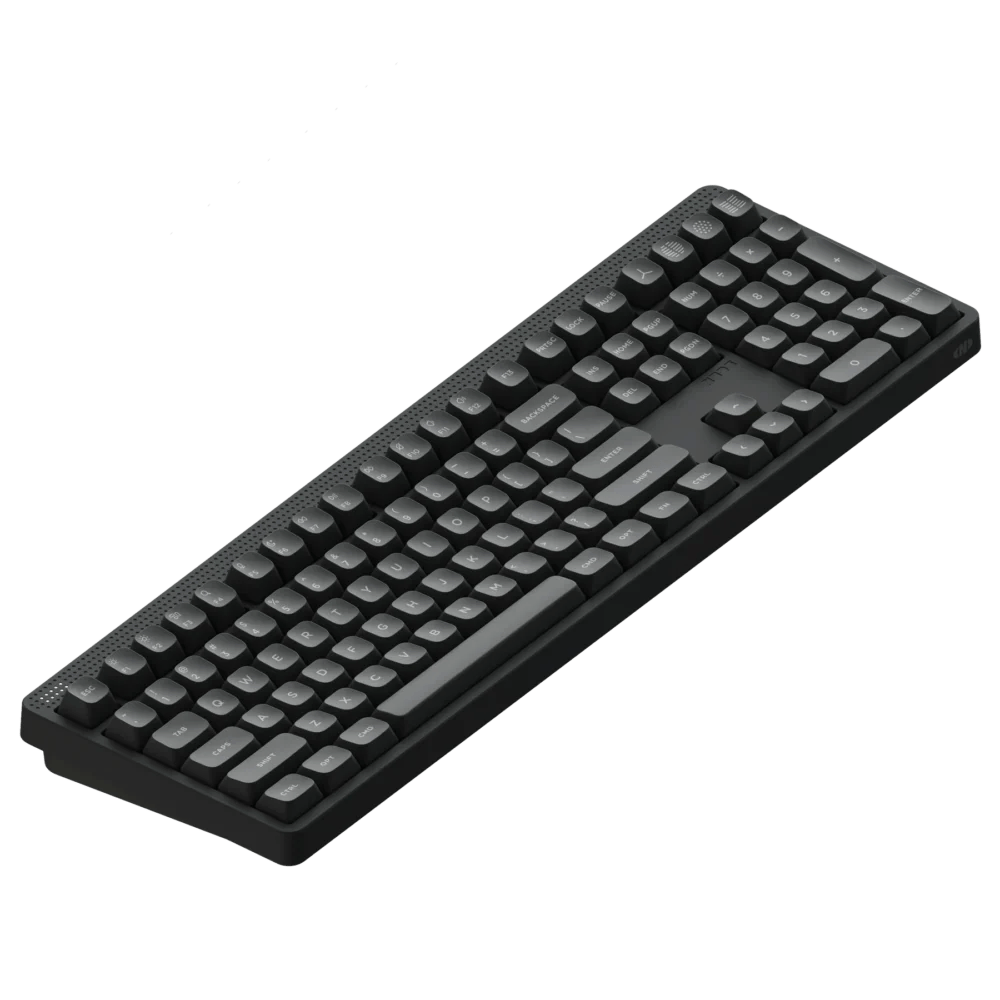
If you would like to purchase Node100, please do so from the official international store.
The Node Series in 30 Seconds
- The most cost-effective NuPhy keyboard.
- Equipped with pressure-sensitive touch bar
- High-pro or low-pro depending on preference.
- Ideal for office use with chic design and quiet keyswitch selection
- Design that appeals to everyone
- Keymap changes can be made on the web
- Compatible with Windows /Mac
- オフィスユースでも使える「オトナデザイン」が秀逸
- コスパ最高で買いやすい
- 好みに応じたキーキャップカスタマイズができる
- ハイプロ/ロープロを選択できる
- NuPhy IO2.0での「痒いところに手が届く」キーマップ変更がすばらしい
- ロープロファイルなのにストローク幅がノーマルプロファイルに近い
- 打鍵感と打鍵音は良くも悪くも樹脂筐体のそれ
- ロープロファイルキースイッチにしてはストロークが深すぎると感じる場合も
- 現時点では日本語配列がラインナップされていない
- ハイプロファイル版ではキーキャップ形状が合わないケースもありそう
- Windows用のキーキャップがもっと欲しい


NuPhy Node Series (Low-Profile/Hi-Profile) Price, Sales Format, and Availability
- Availability: ★★★★★ (very readily available)
- Price: 17,600 yen (tax included)
- 10% off (15,840 yen (tax included)) with coupon code “ryo10” only on the official website
- Form of sales: Pre-order sales
- Shipping time: Late Jan.
- Available at: DIGIART (Japan official store) / Official overseas website / Bic Camera.com / Yodobashi.com
NuPhy Node Series (Low-Profile/Hi-Profile) Specification Overview
スペック概要を見る▷▷
| (data) item | Node 75 Low-Profile | Node 75 High-Profile |
| layout | ANSI 75% No Japanese alignment at this time | ANSI 75% No Japanese alignment at this time |
|---|---|---|
| Number of keys | 84 key | 82 key |
| Switch type | low profile | high profile |
| mount(ing) system | Gasket mount | Gasket mount |
| stabilizer | Plate Mount | Plate Mount |
| hot swap | support | support |
| backlight | North Face RGB LED (20 modes) | North Face RGB LED (20 modes) |
| access method | 2.4GHz / Wired (USB-C) / Bluetooth 5.0 | 2.4GHz / Wired (USB-C) / Bluetooth 5.0 |
| Pauling rate | 1000Hz (2.4G/Wired) / 125Hz (BT) | 1000Hz (2.4G/Wired) / 125Hz (BT) |
| keycap | Double-shot nSA Profile | Double-shot mSA Profile |
| Housing material | Top/bottom: ABS, plate: PC | Top/bottom: ABS, plate: PC |
| Size | 317.1 × 137.1 × 14 mm | 318.1 × 141.5 × 18.9 mm |
| weight | 659g | 827g |
| Typing angle | 4° / 8° / 11 | 6° / 9° / 12 |
| Battery capacity | 3000mAh | 4000mAh |
| Continuous use time (lights on) | Approx. 60 to 100 hours | Approx. 60 to 100 hours |
| Continuous use time (lights off) | Up to approx. 1000 hours | Up to approx. 1000 hours |
| Supported OS | macOS / Windows / Android / iOS | macOS / Windows / Android / iOS |
Package Contents
- Keyboard x 1
- 2.4G receiver x 1
- USB-C to USB-C cable x 1
- USB-C to USB-A conversion adapter x 1
- Key Cap/Switch Puller x 1
- Replacement keycap x 3
- Dot design keycap x 3
- Quick start guide x 1
NuPhy Node Series (Low-Profile/Hi-Profile) Review Environment
The review environment is as follows
- Connection environment: macOS
- Switch used: Low-Profile:Blush nano/Hi-Profile:Brown Max
- Layout: 75% ANSI
- Primary use: content writing (typing Japanese)
キースイッチスペックはこちら▷▷
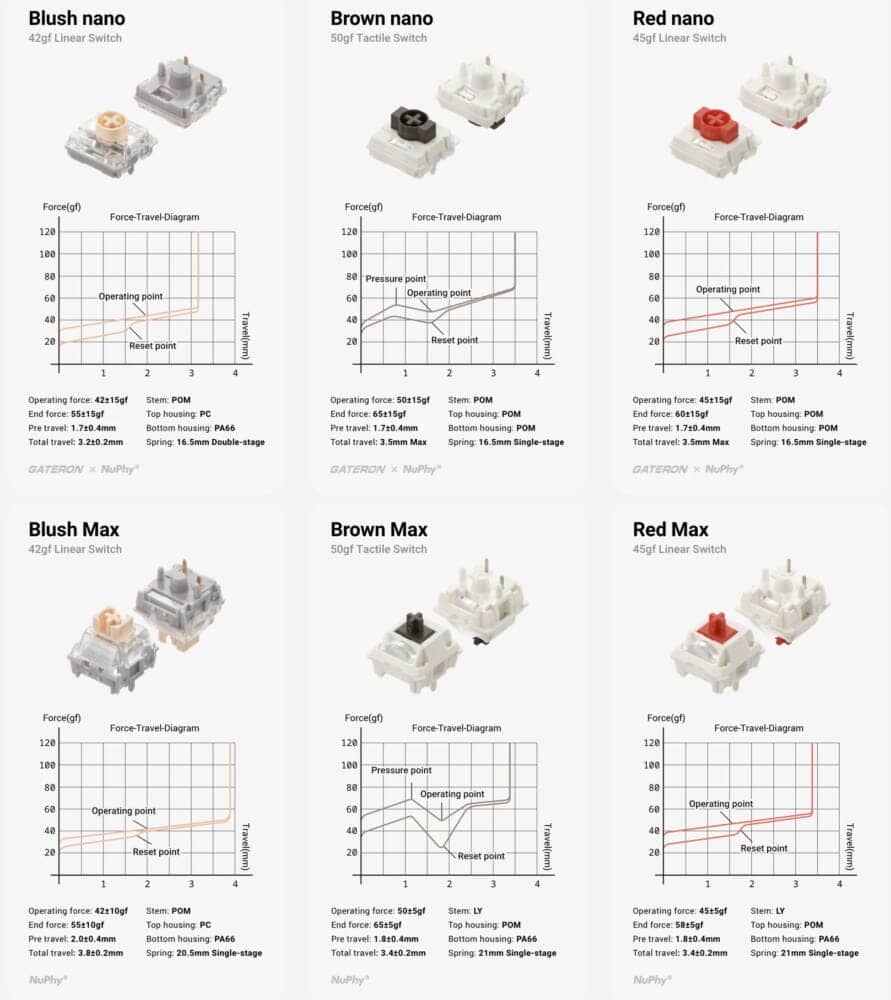
| switch(es) name | type | Operating pressure | End Force | Stroke (Total Travel) | Contact point (Pre-travel) | Features & Materials |
| Red nano | linear | 45±15gf | 60±15gf | 3.5mm Max | 1.7mm | Stem: POM ・Housing: POM (Top/Btm) ・Standard red-axis key feel |
|---|---|---|---|---|---|---|
| Brown nano | tactile | 50±15gf | 65±15gf | 3.5mm Max | 1.7mm | Stem: POM ・Housing: PC(Top)/POM(Btm) ・Solid click feeling |
| Blush nano | Silent Linear | 42±15gf | 55±15gf | 3.2mm | 1.7mm | Stem: POM ・Housing: PC(Top)/PA66(Btm) ・ Double stage spring ・Slightly shallow stroke for high speed input |
| switch(es) name | type | Operating pressure | End Force | Stroke (Total Travel) | Contact point (Pre-travel) | Features & Materials |
| Red Max | linear | 45±5gf | 58±5gf | 3.4mm | 1.8mm | Stem: LY material (smooth) ・Housing: POM(Top)/PA66(Btm) ・21mm Single stage spring |
|---|---|---|---|---|---|---|
| Brown Max | tactile | 50±5gf | 65±5gf | 3.4mm | 1.8mm | Stem: LY material (smooth) ・Housing: POM(Top)/PA66(Btm) ・21mm Single stage spring |
| Blush Max | Silent Linear | 42±10gf | 55±10gf | 3.8mm | 2.0mm | Stem: POM ・Housing: PC(Top)/PA66(Btm) ・Deeper stroke (3.8mm)** than standard |
Evaluation of keystroke feel and keystroke sound
Node75 Low-Profile Bulsh nano (silent linear)
- Loudness of keystrokes: ★☆☆☆☆ (almost inaudible)
- Sound level: – (barely audible)
- Key weight: Normal (42gf is in the lightweight category, but may feel slightly heavy due to the deep stroke for low-profile switches)
- Bottoming feeling: quite soft (less rubbery)
- Key wobble: normal
Node75 Hi-Profile Brown Max (Tactile)
- Loudness of keystrokes: ★★★★☆ (ambient level of concern)
- Tone Height: Intermediate (equivalent to a typical keyswitch)
- Key weight: Slightly heavy (many people may feel it is slightly heavy because it is a type of tactile switch where the yama comes at the beginning of the press)
- Sense of bottoming out: clear
- Key wobble: normal
Advantages of NuPhy Node Series (Low-Profile/Hi-Profile)
Let’s begin by looking at the advantages of the Node series.
Advantages of NuPhy Node Series (Low-Profile/Hi-Profile)
- Excellent “adult design” that can also be used in the office.
- Best cosmetics and easy to buy.
- Keycap customizable according to your preference.
- High/low pro can be selected
- Great “itchy” keymap changes in NuPhy IO 2.0!
- Deep stroke width even in low profile
Excellent “adult design” that can also be used in the office.
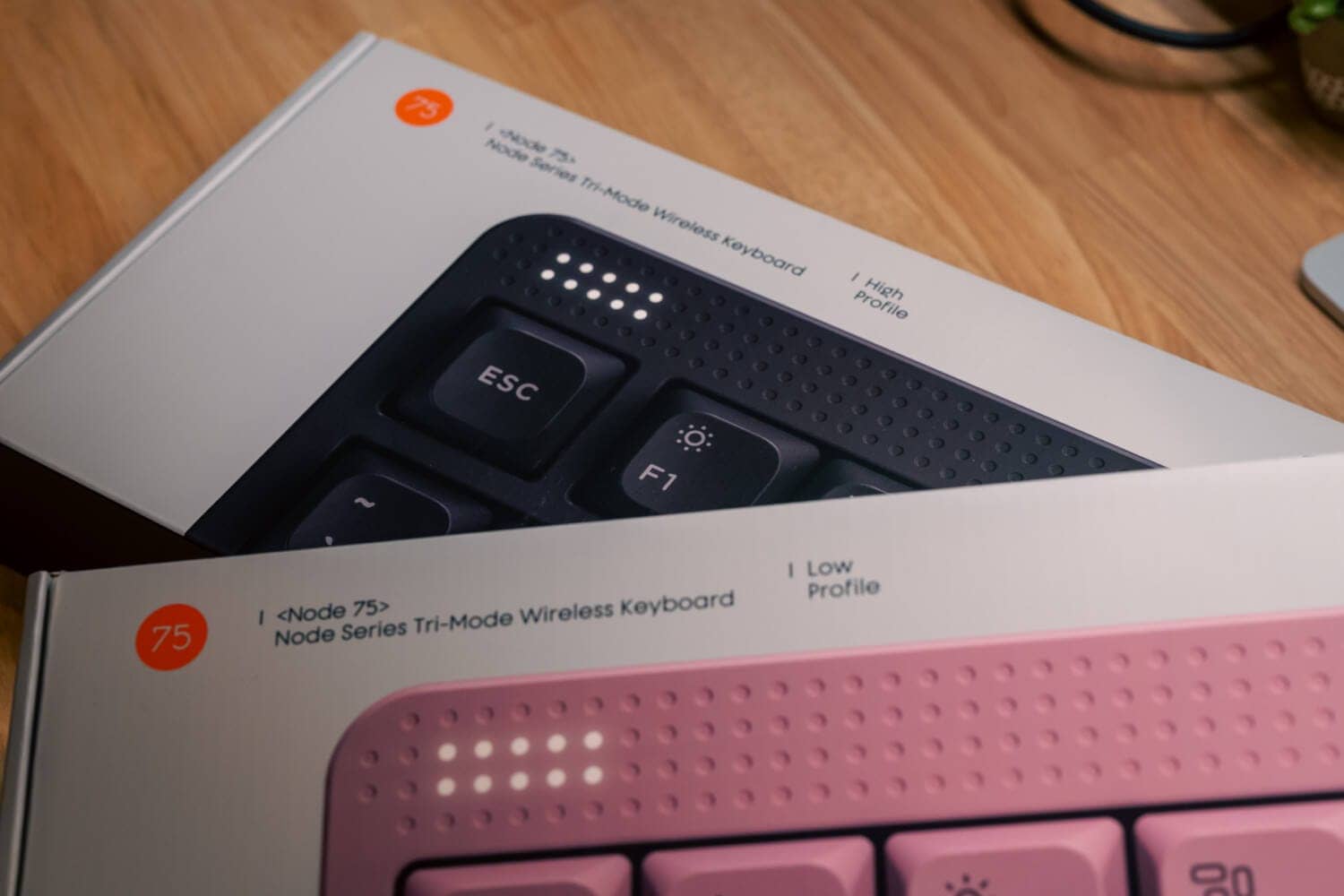
The Node75 has a great “geek design” that can be used for office use, which is a great advantage that many people share.
Many people may intuitively feel “nostalgic” or “modern and stylish” when they see Node75 for the first time.
Although this is not officially stated, it is clearly an awareness of the “Law of Good Zain 10” proposed by Dieter Rams.
Its dot matrix and geometric forms are reminiscent of the work of Dieter Rams, the legendary designer behind the golden age of the German home appliance manufacturer Braun – especially the famous “T3” radio.

Dieter Rams is at the origin of the “functional and minimalist” aesthetic that has greatly influenced modern Apple products.
NuPhy may be trying to reconstruct it not as mere nostalgia, but as a “new standard” that fits in with the modern desk.
Most people recognize NuPhy as a brand that makes “keyboards with pop and sparkling green, red, and yellow accents.
However, this Node series is different.
Clearly, the target audience has shifted from “enthusiasts” to “the masses,” and the coloring has been chosen to “blend in casually.

The dot matrix in the upper right is no mere decoration.
The way it glows to subtly communicate battery level and connection destination is more like a “precision instrument indicator” than a gaming device, and is full of care.
Best cosmetics and easy to buy.
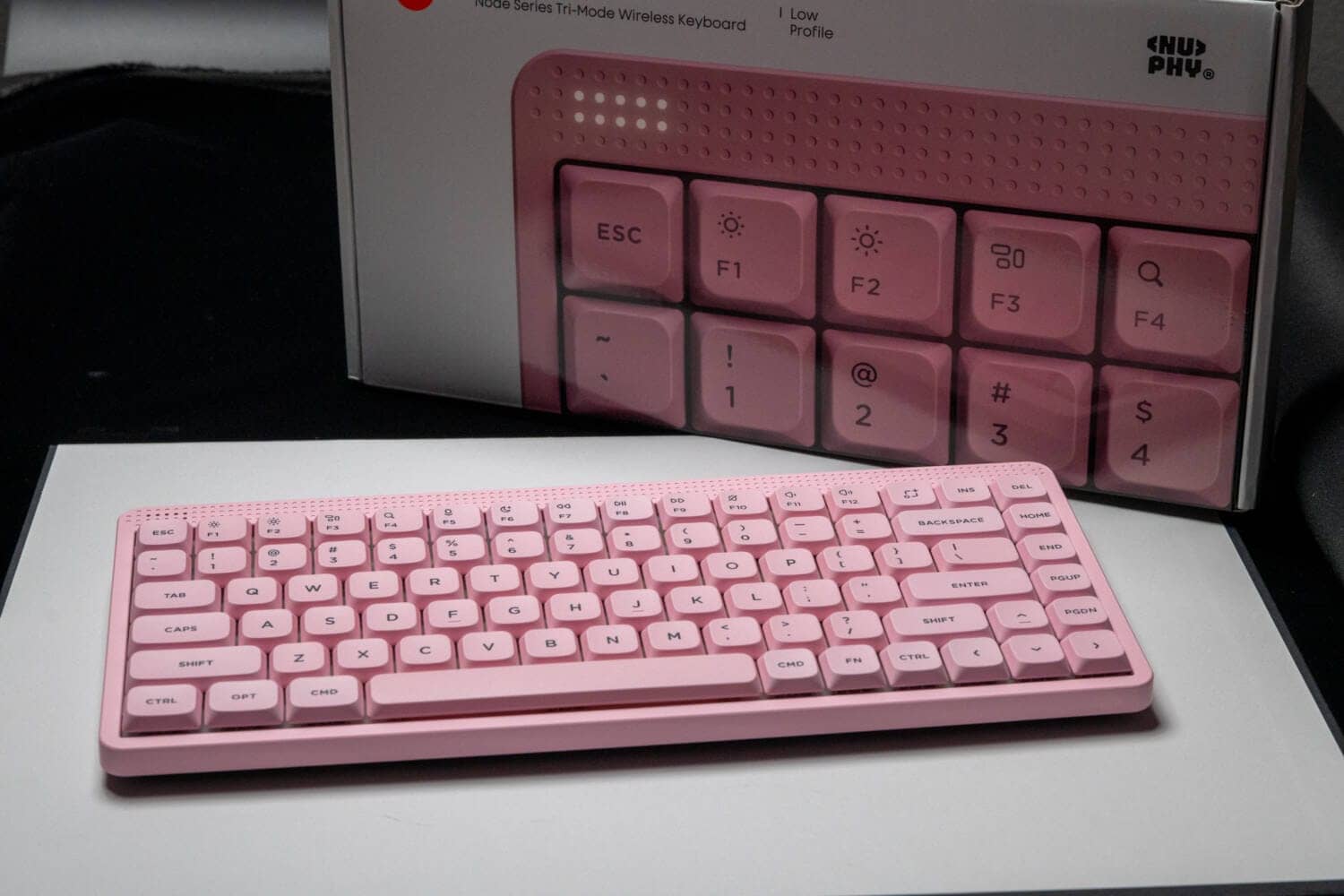
The Node series is the “least expensive” model in NuPhy’s keyboard lineup.
Whereas the “HALO” series, which is positioned at the high end of the market, is priced at over 30,000 yen, this series can be purchased for 17,600 yen (tax included).
At this price, with the ability to change keymaps and this excellent design, I am sure that many people will want to give it a try.
Keycap customizable according to your preference.
As mentioned at the beginning of the Merit section, the key point in this keyboard’s looks is its “gay design.
In other words, “coloring that is not too assertive” can be said to be the key point for office use.
However, to meet the needs of those who want to decorate their home with a pop, a replacement keycap with dot design is also included.


 Kawamura
In this way, you can also enjoy the change in appearance according to your needs.
High/low pro can be selected
The Node series is available in either High Pro (regular Cherry MX compatible model) or Low Pro (lower height model than the Cherry MX compatible standard).

This is not a “hybrid configuration by recombining parts” as was done with “Kick75,” but rather a clear “same concept with different height options” idea.
We recommend that you choose the High Pro model if you prefer the deep keystroke feel of a mechanical keyboard, and the Low Pro if you want to enjoy typing like a notebook computer.
Great “itchy” keymap changes in NuPhy IO 2.0!

The Node series supports NuPhy IO 2.0, a keymap and other modification web application originally developed by NuPhy.
QMK/VIA” is the most common keymap change application seen these days, but VIA requires a dedicated “.json” file for keymap change in many cases, and requires specialized knowledge in terms of customization, leaving issues in terms of ease of use.
NuPhy IO 2.0 eliminates all of these issues, allowing for more intuitive keyboard customization regardless of the operating system, which is a major advantage over the competition.
Deep stroke width even in low profile
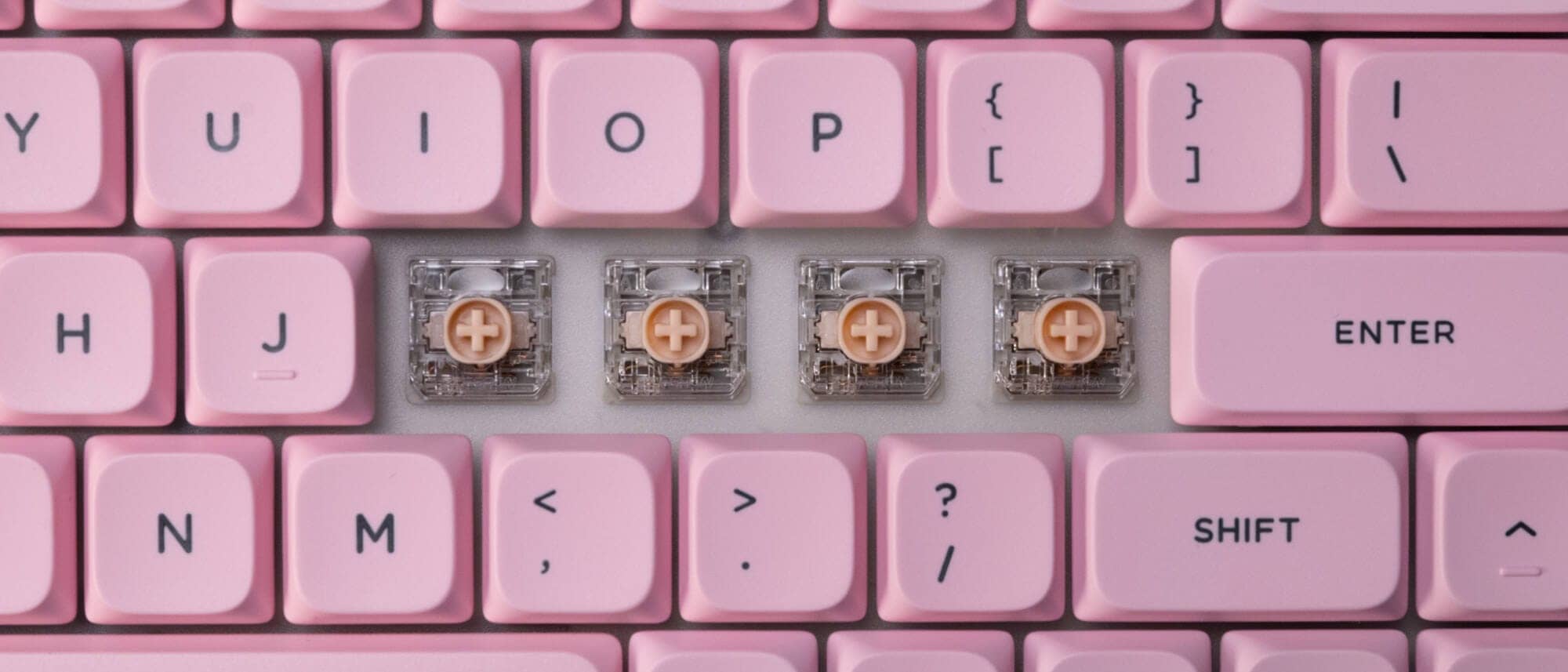
The Gateron Low-Profile 3.0 (00 nano series) used in the low-profile models of the Node series offers the same stroke length as the normal profile despite the low-profile keyswitch.
In other words, the ability to type with the stroke feel of regular Cherry MX compatible key switches is a major advantage.
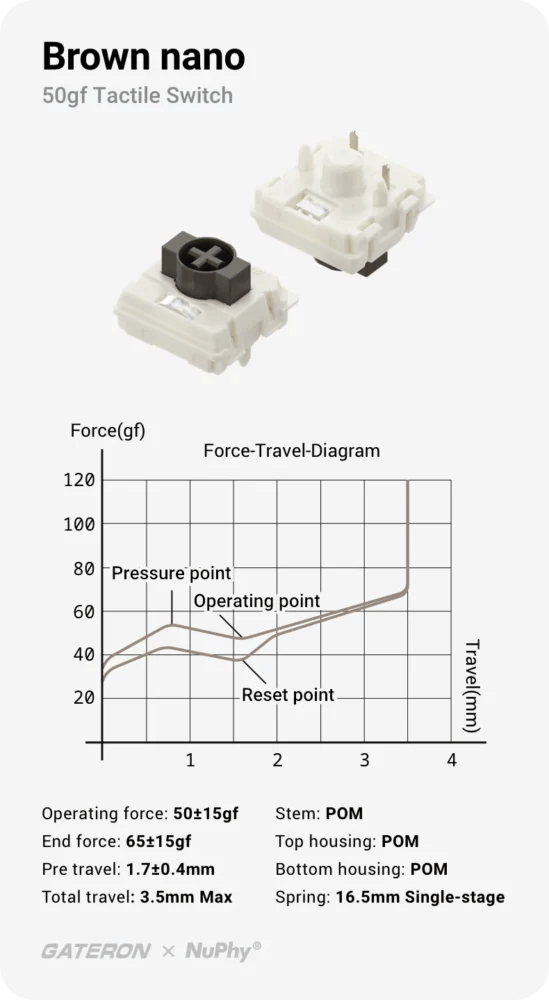
Thus, Blush nano is 3.2mm long, equivalent to the silver axis of Cherry MX, and Brown/Red nano is 3.5mm long, slightly shorter than the 4.0mm of Cherry MX.
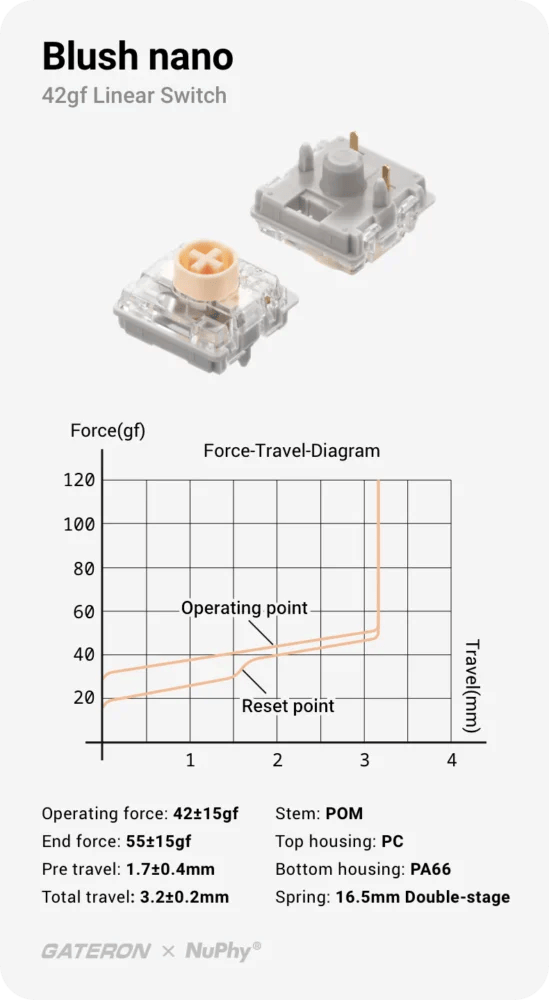

The low-profile design is also comfortable for those who are “concerned about the short stroke of the low profile.”
KawamuraAlthough it is hard to discard the key feel of the Cherry MX, it is inevitably higher up from the desk due to its structure.
If this happens, the wrist may become sore if the palm rest is not used.
It is the only one that can be used without a palm rest and has a stroke length in the normal profile class.
Disadvantages of NuPhy Node Series (Low-Profile/Hi-Profile)
We will look at some of the disadvantages to look for before purchasing the Node series.
Disadvantages of NuPhy Node Series (Low-Profile/Hi-Profile)
- Key feel and sound is that of a plastic housing, for better or worse.
- Stroke may feel too deep for a low-profile key switch
- No Japanese-language layouts are available at this time.
- There may be cases where the keycap shape does not fit in the high-profile version.
Key feel and sound is that of a plastic housing, for better or worse.
It is still true that the keystroke feel tends to feel “cheap” compared to the Halo series, which uses an aluminum housing in its higher-end models.
The reality is that a heavy keystroke feel can only be obtained from a metal housing.
On the other hand, this is a matter of taste, so there is no need to be that greatly concerned.
This is a completely unimportant issue, especially if you are considering purchasing a mechanical keyboard for the first time.
Stroke may feel too deep for a low-profile key switch
This is an advantage of the Gateron LP 3.0 keyswitch used in the Node75 Low-Profile, but some may find the stroke a bit deep for a low-profile keyswitch.
In particular, those who are accustomed to the press feeling of the “Kailh choc v2” switch used in the “Lofree Flow” and other models may feel it even more strongly.
Most choc v2 keyswitches have a stroke set at 2.8mm, and the Brown nano/Red nono’s “3.5mm” stroke width is quite “deep” by comparison.
KawamuraBlush nano has a 3.2mm stroke, which I personally find acceptable, so if you choose a keyswitch, I recommend Blush nano.
If you prefer a shallower stroke, we recommend Lofree Flow Lite /Flow Lite JIS.
No Japanese-language layouts are available at this time.
This is annotated as “at this time,” but only English-language layouts are available for sale, with no Japanese-language layouts in the lineup.
The Node series is perhaps a model aimed at popularization among the “general public.
In general, it is said that the utilization rate of Japanese-language layouts in the Japanese market is more than 90%, and a lineup of Japanese-language layouts is essential for the mass market to purchase these products.
I look forward to seeing more of them in the future.
日本語配列普及についてのデータ▷▷
| Target Attribute | Japanese Array (JIS) | English Array (US) | Data Sources and Remarks |
| general market | Overwhelming majority (90%+ estimated) | minority | The standard PCs at electronics mass merchandisers, etc. are JIS layouts, and US layouts are mainly BTO (build-to-order), etc. |
| Gadget lovers (Apple users, etc.) | Approx. 65 | Approx. 24 | Viewer survey by gadget-based YouTubers (approximately 5,600 responses) [1]. |
| Web-based engineer (specific IT company) | 46% | 54% | Questionnaire for developers of FREEE Corporation (2022) [2]. |
1. for IT engineers and developers (tends to have a high US array rate)
- freee Developers Blog (2022) How has the keyboard situation changed next door in 2022?
- Findy / Engineers’ Feelings Poll (2024)Keyboard layout What school of thought? – Engineer’s Feelings Poll
2. for Mac users and gadget lovers
- YouTube:The plan to create 100 million Apple followers (2023) Which keyboard layout is No. 1 in popularity: US, JIS or UK?
3. general market (reference information)
- Although no official statistical data is available, the current situation where only “Japanese-language” models are available as storefront models in the personal product lineups of each major PC manufacturer (NEC, Fujitsu, Dynabook, etc.) is the basis for the overwhelming market share.
There may be cases where the keycap shape does not fit in the high-profile version.
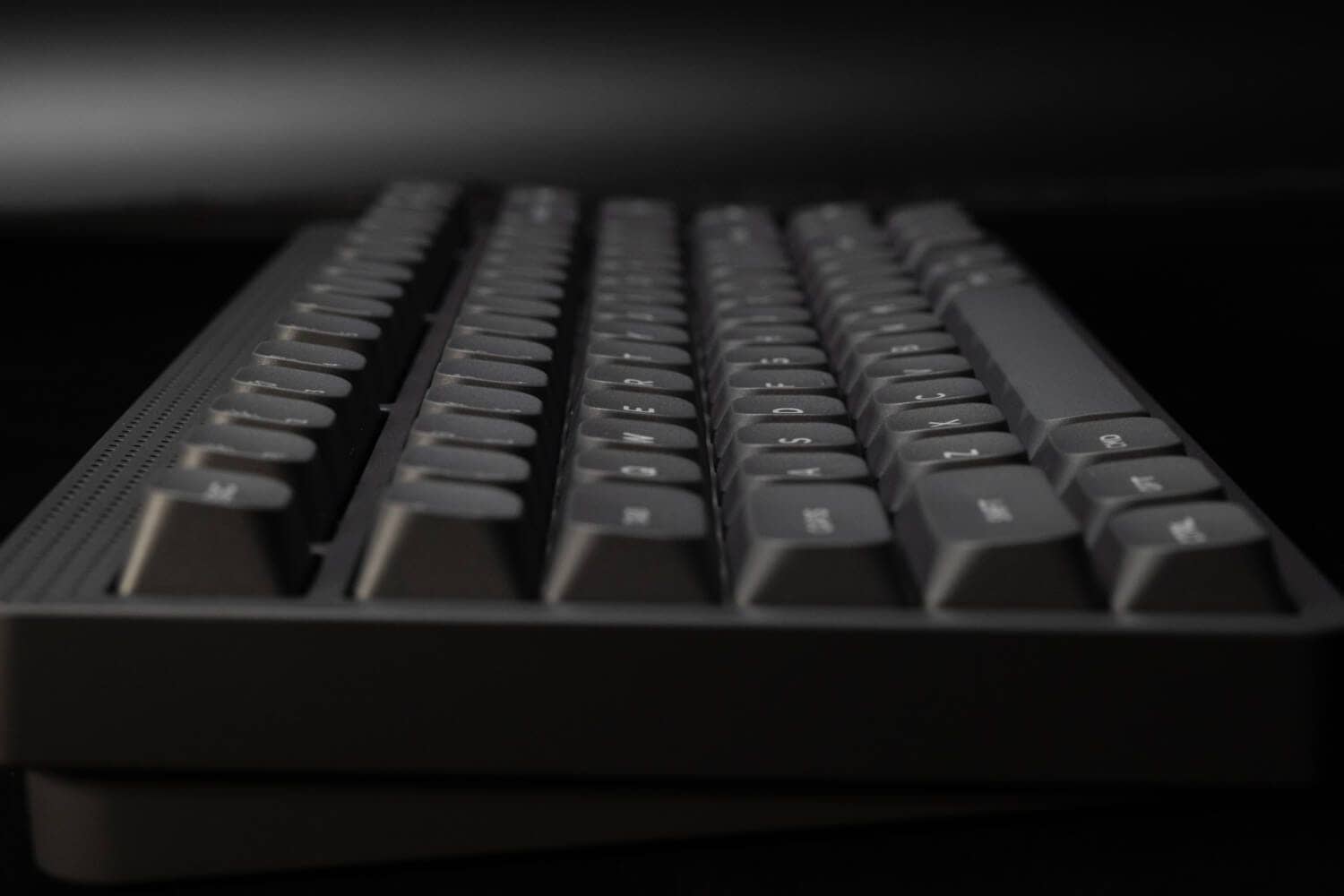
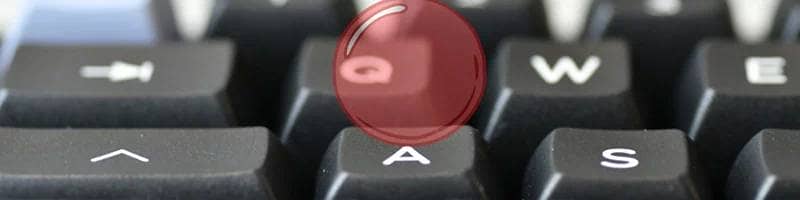
This is especially true for the Node75 Hi-Profile, but the keycaps used on the Node75 Hi-Pro are “spherical” in shape.
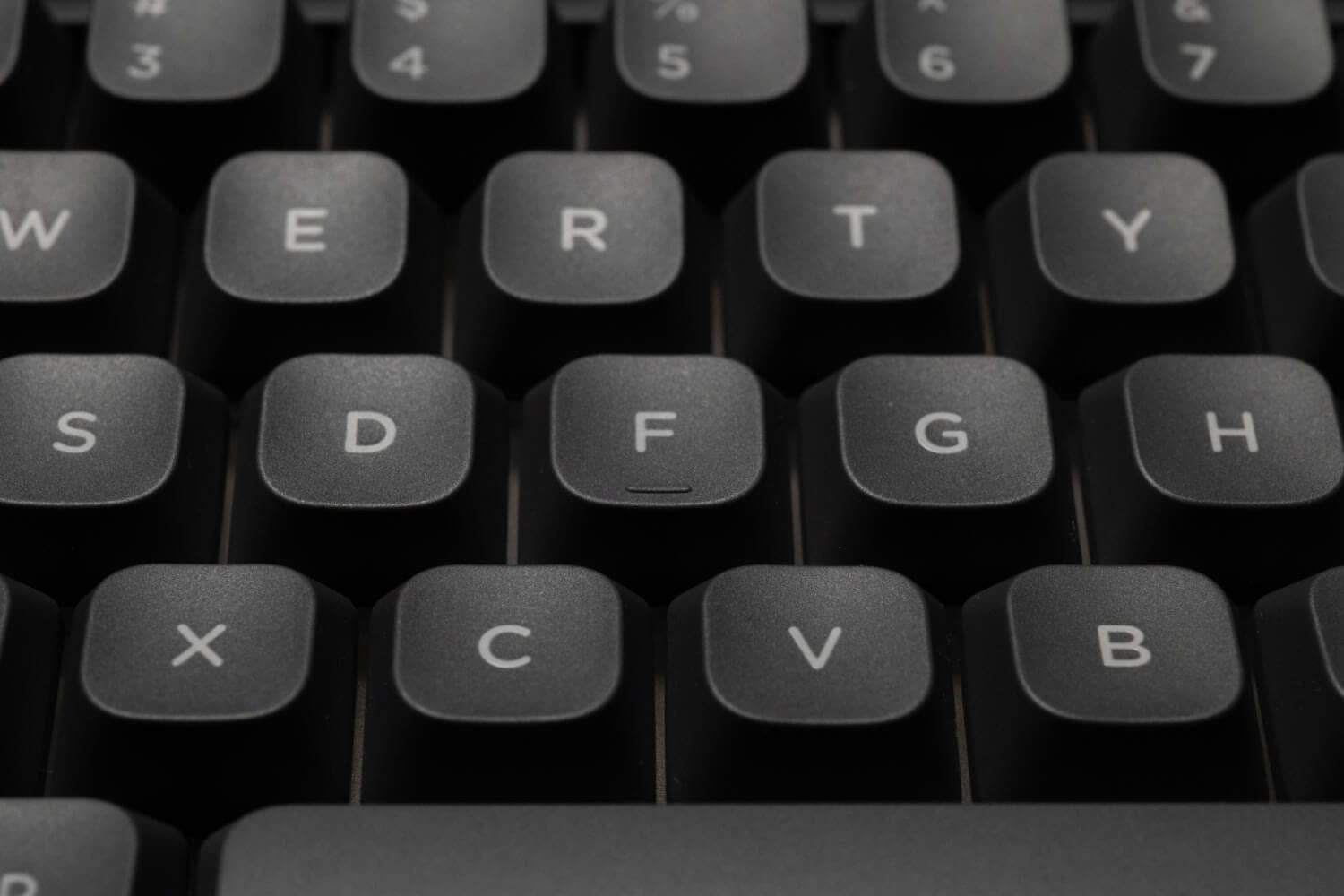
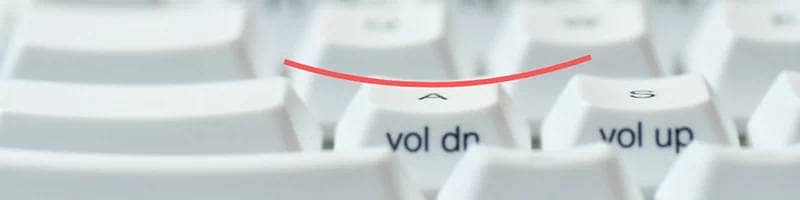
In other words, it is not the “cylindrical design” that is prevalent as the popular Cherry profile, and may be felt as a catch when stroking.
 Kawamura
These are perhaps only different design philosophies, not superior or inferior.
The cylindrical design excels at sliding sideways, while the spherical design specializes in capturing the keys from directly above.
The source of the spherical design is probably typewriters, which are fine if you have a downward typing style. It features a cute retro look.
I need more keycaps for Windows.
The default keycap for the Node series is for Mac.
Thus, at first, Windows users may notice two unfamiliar names, “OPT” and “CMD”.
Normally, there would be replacement keycaps for Windows, such as OPT to ALT, CMD to OS, etc., but the Node series has only the ALT key and no OS key.
Instead, a key with a calculator symbol is included.
After all, as a Windows user, I would like to see a key included that can replace CMD, even if it is not up to the Windows symbol key.
Comparison with similar concept keyboards
After all, many keyboards based on this concept are on the market, and recently Keychron and Lofree as well as IQUNIX have released high-quality mechanical keyboards.
However, the biggest competitors with respect to the Node series may be the Halo and Air series, which are positioned as higher-end models.
This comparison is in addition to the Halo /Air series,
| Model name | NuPhy Node75 | NuPhy Air75 V3 | Lofree Flow Lite 84 | NuPhy Halo75 V2 |
| Manufacturer | NuPhy | NuPhy | Lofree | NuPhy |
|---|---|---|---|---|
| profile | High / Low Selectable | Low (thin) | Low (thin) | High (Normal) |
| Design Theme | retro modern | pop | modern minimalism | pop |
| Housing material | ABS (resin) | Aluminum + ABS | ABS (resin) | Aluminum + ABS |
| Price range (approximate) | 17,600 yen | 28,600 yen | 17,600 yen | 33,000 yen |
| keymap change | Supported (NuPhy IO2.0) | Supported (NuPhy IO2.0) | Support (proprietary software) | Supported (NuPhy IO2.0) |
| target | Emphasis on design and cosmetics | Emphasis on portability and practicality | Emphasis on cost performance and key feel | Emphasizes keystroke sound and rigidity |
All prices include tax
1. NuPhy Air75 V3 (in-house / aluminum & multifunctional flagship)

After all, the best competitor for the Node75 low-pro version would be the Air75 v3, the upgraded flagship of their product line.
The Air75 v3 has undergone a complete makeover from the previous v2, with an aluminum top frame and gasket mounts, making it a different and more upscale model.
Another major feature is the “interchangeable modular knobs” that are new in V3.

The Node75 (Low-Profile) uses the same “Nano switch” as the Air V3 and has the same basic strength of keystroke feel.
However, by making the housing all resin, the price is reduced to nearly half (compared to the domestic price).
The same is true for the mount, but there is still a big difference in key feel due to the difference in chassis rigidity, and it is true that the aluminum model feels “sturdier” than the aluminum model.
KawamuraHowever, this is also a matter of taste, and I personally prefer the Node Lowepro series, which I can use for light and looks good on my desk.
Lofree Flow Lite (competitor / direct competitor in terms of cost and key feel)
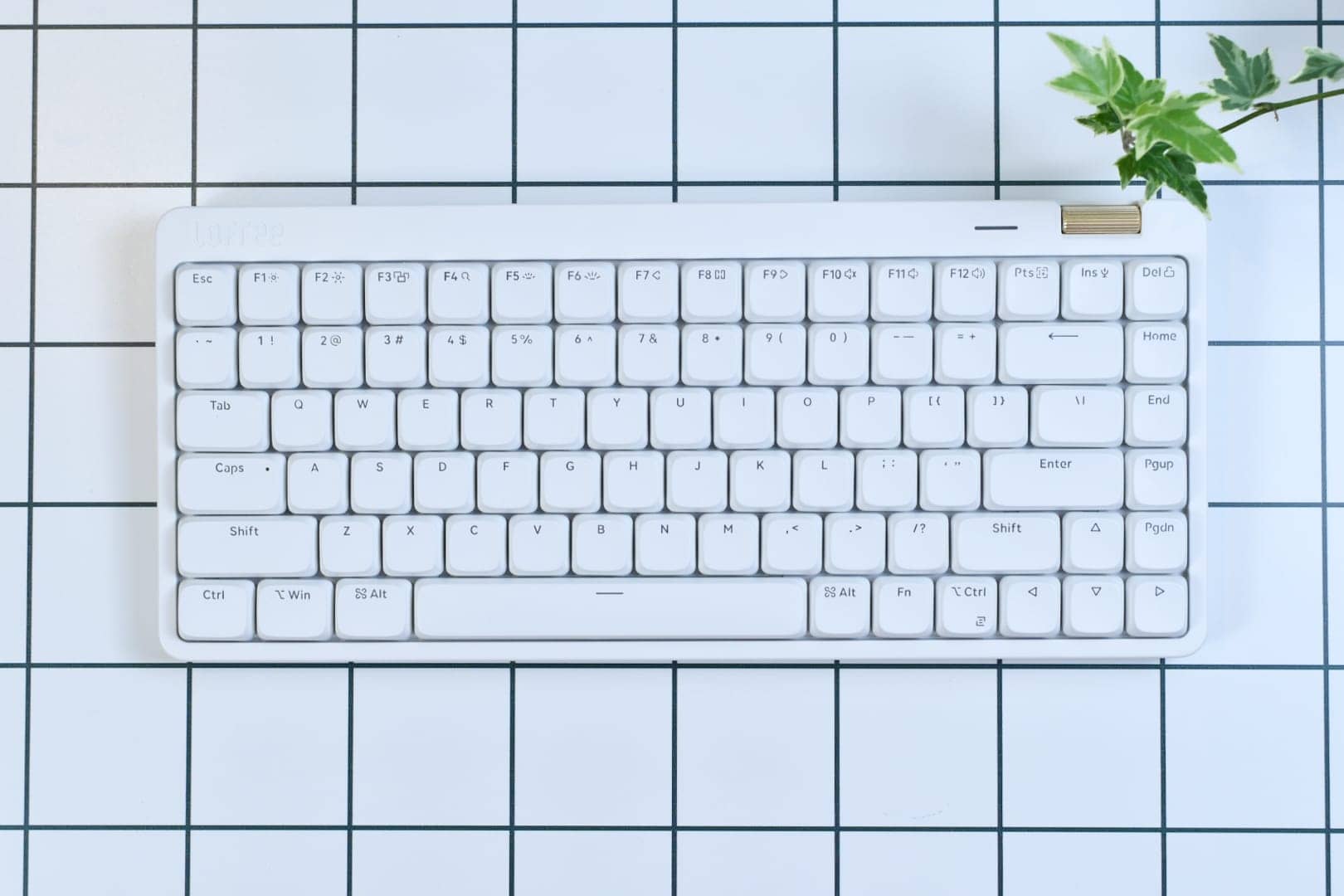
It is the biggest competitor with the same “plastic housing x gasket” concept as the Node75.
It is positioned as a lower-priced version of the higher-end FLOW model and is a competitor in the same position as the Node series, with the Air series as its flagship.
Flow Lite is superior in key feel.
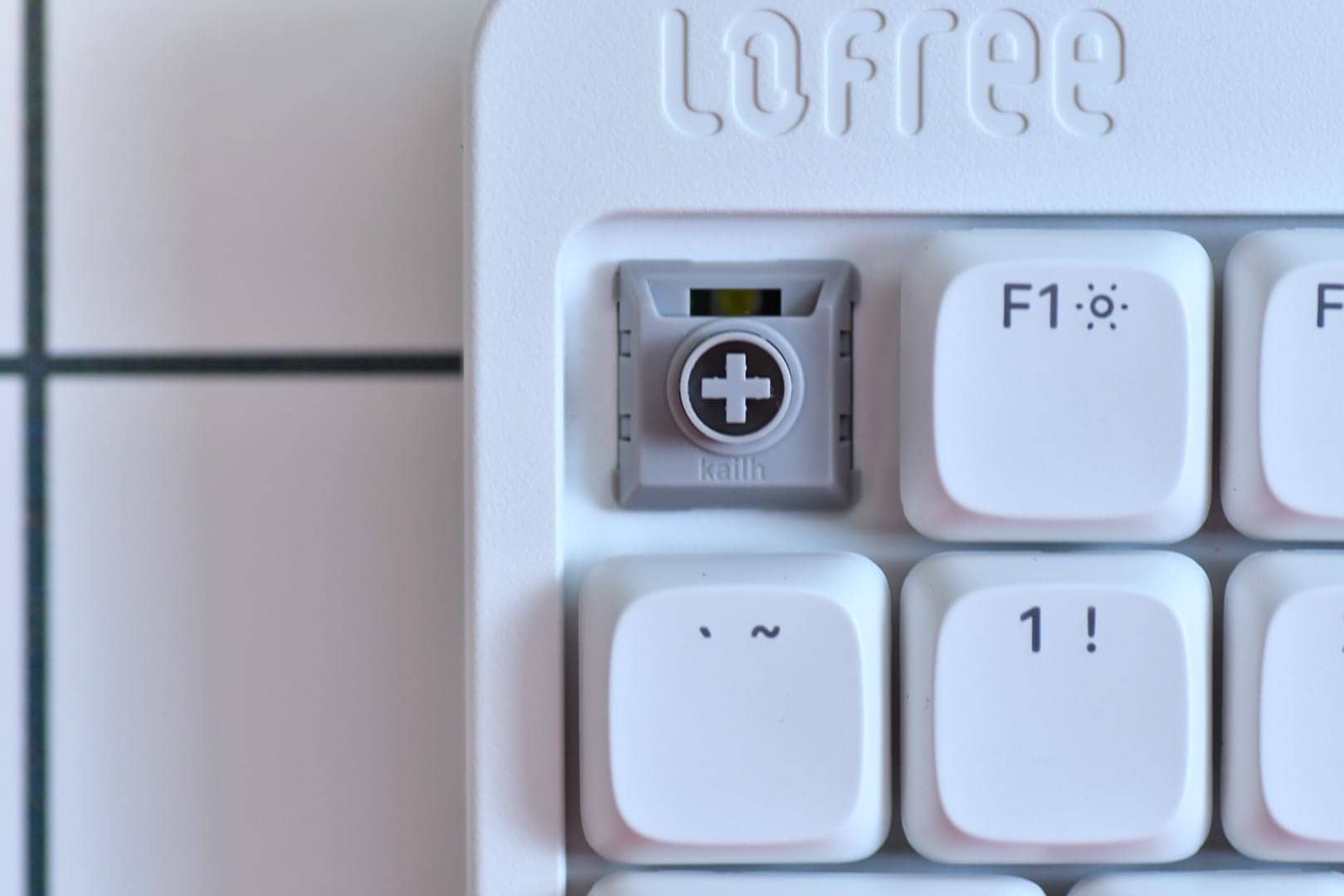
In terms of “key feel,” Flow Lite is probably the better choice.
This is simply a difference in that Kailh choc v2 has greater experience as a pioneer in the “keyswitch game”.
Kailh choc v2 has a 2.8mm short stroke design, which is typical of low-profile switches, and the pre-lubrication that has become popular recently provides a smooth keystroke feel.
On the other hand, Gateron LP 3.0, which Node75 uses, has only been released a short time ago, and there is still much room for brushing up.
Node75 is many steps ahead in terms of customizability
On the other hand, Node75 is many steps ahead in terms of customizability.
As for Flow Lite, at the time of release it was only a Windows-only keymap change application, but after an update, a web version was released to support the long-awaited keymap change for Mac users.
However, the inability to adjust the Mod-Tap settings and other fine details is a disappointment.
On the other hand, NuPhy has been developing its own keymap modification application for some time, and has released “NuPhy IO 2.0,” which allows modification of mod-taps and other settings in considerable detail.
Of course, the Node series is also compatible with the above, giving the impression that Node is superior in terms of customizability.

3. NuPhy Halo75 V2 (in-house / high profile comparables)

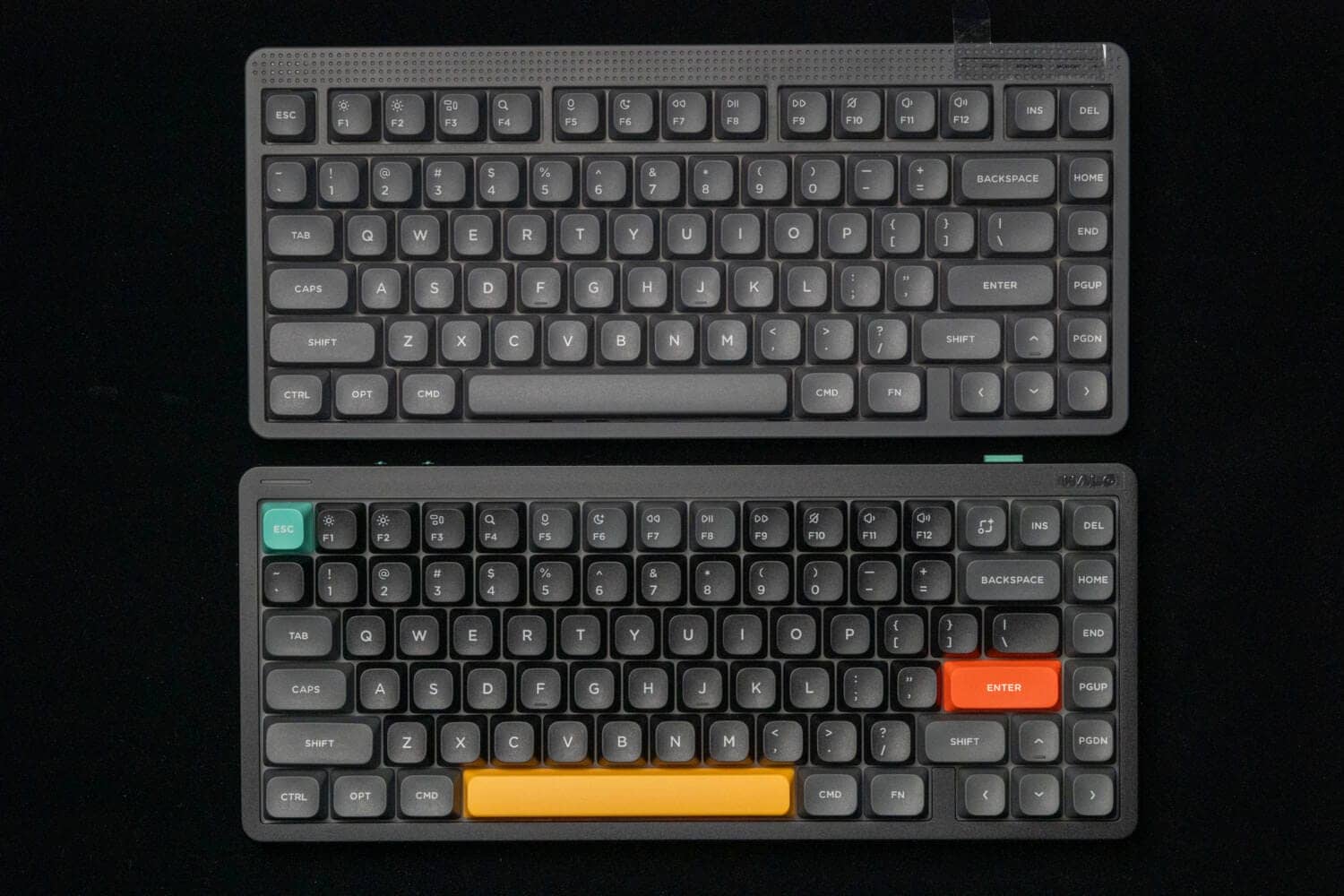
When considering the High-Profile version of the Node75, the comparison would be the Halo75 V2, which is our own higher-end model.
As for Halo75v2, the board has been changed to “NuPhy IO 2.0” compatible through minor updates.
In that respect, we are in the same position as Node75.
The most significant difference between the two models under the same conditions would be the housing.

The Halo75v2 is heavy with an aluminum housing, and the typing feel is quite massive.
On the other hand, all Node75 high-profile models have a resin housing, which is lighter in feel, for better or worse.
The price difference is also quite large, about 15,000 yen, which is a big difference.
Considering that both have multiple layers of sound-absorbing material and the same gasket-mounting mechanism, one might say that the Halo75v2 is better for ultimate typing feel, while the Node75 is better for light, casual typing enjoyment.
As for those who prefer designs that make use of margins, we recommend Node75.

NuPhy Node Series
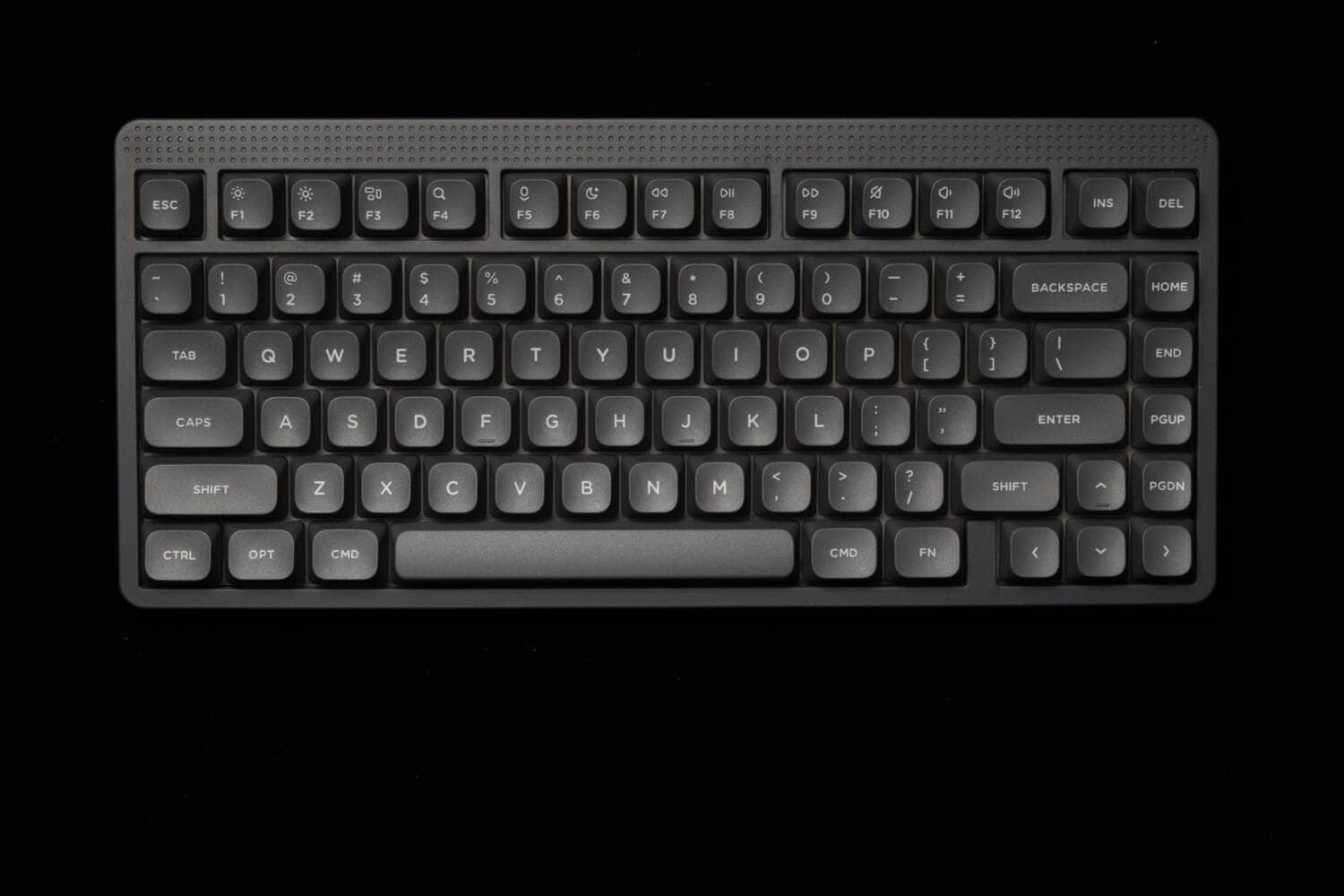
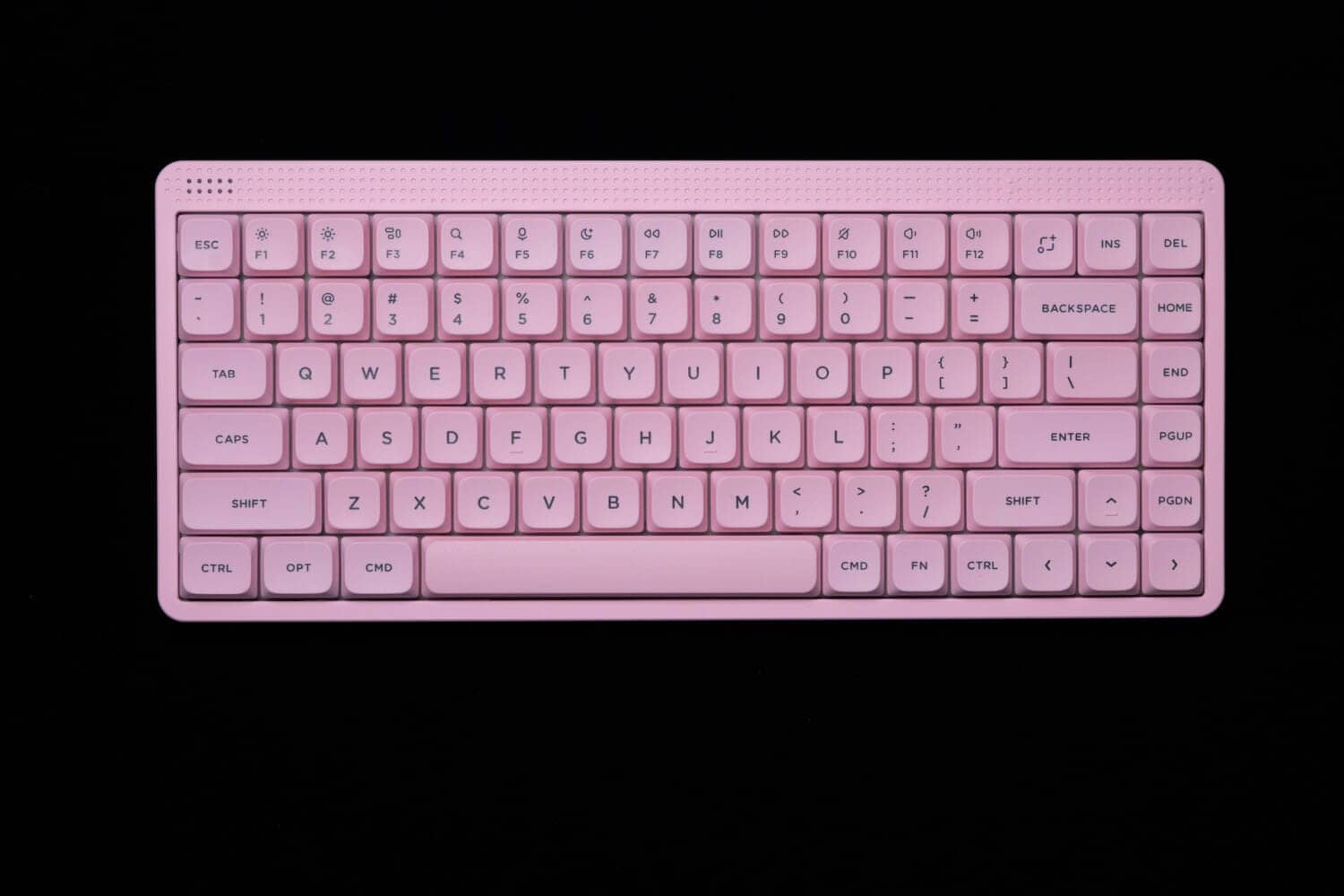
17,600-(tax included)
NuPhy Node Series (Low-Profile/Hi-Profile) Review
Let’s take a look at the actual keyboard.
We will be posting two versions, a high-profile version and a low-profile version, which you can expand and view from the accordion below.
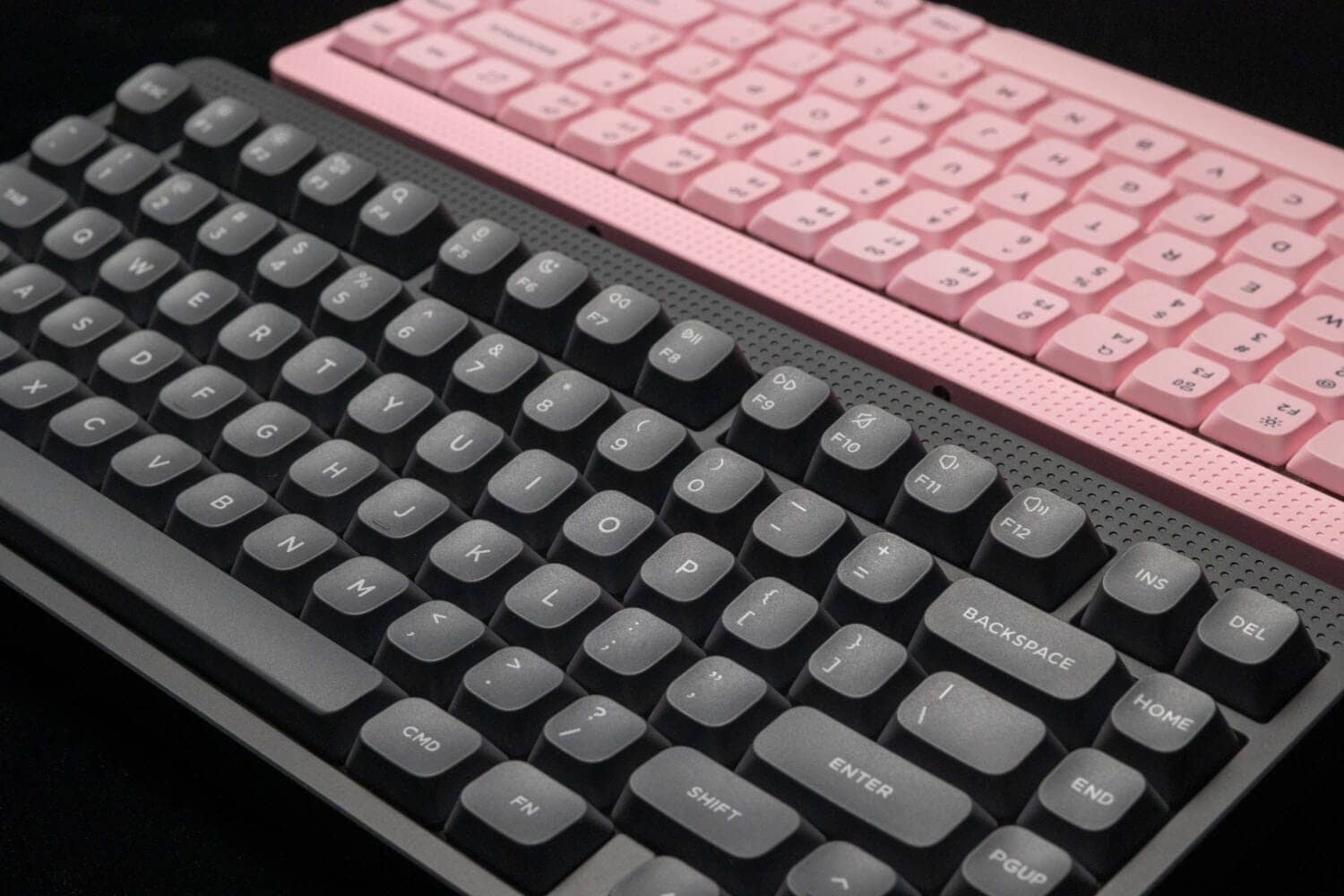
ハイプロファイル版
The high-profile version was loaned ink gray.
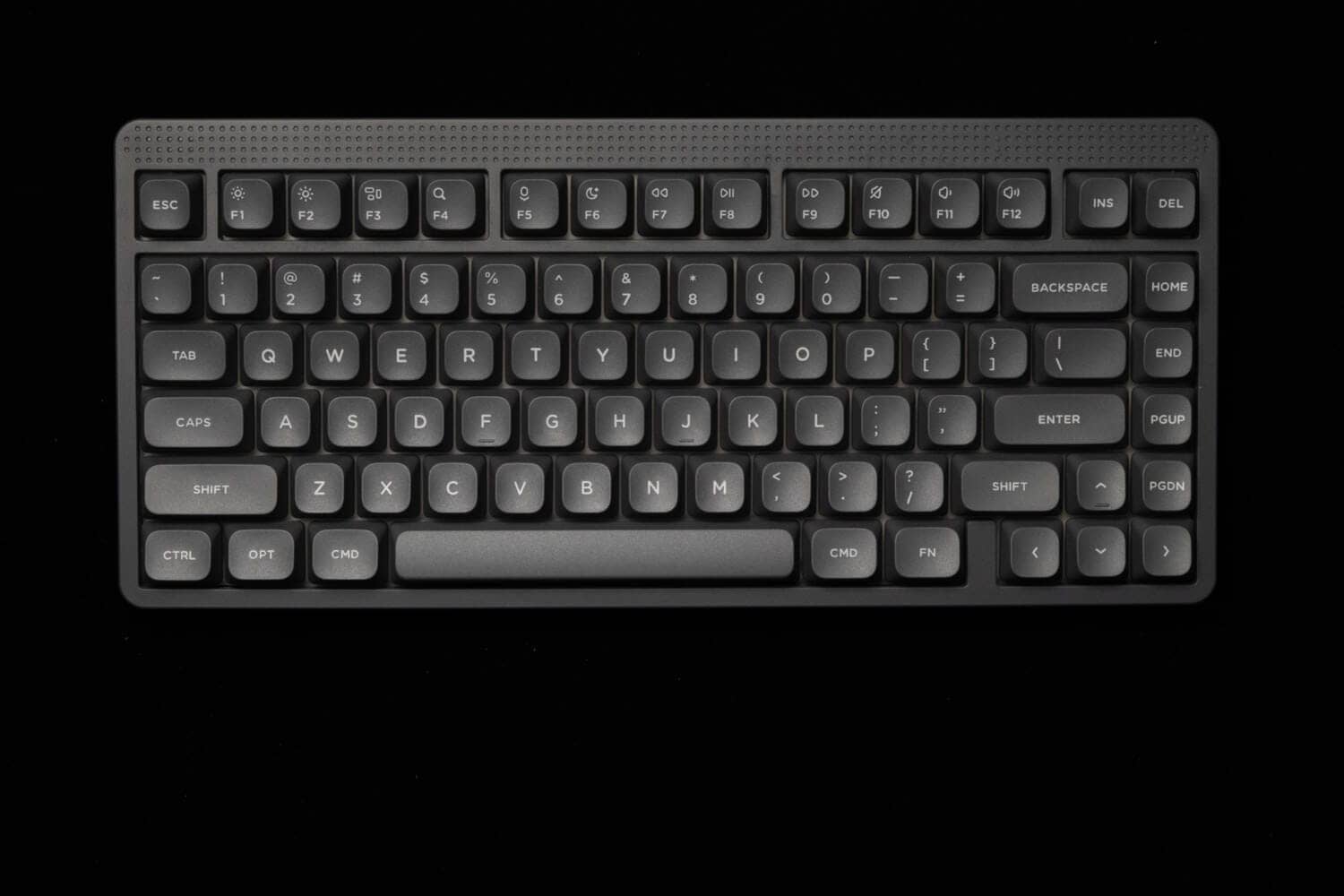
By itself, it looks “black” at first glance, but when compared, you can see how “gray-colored” this is.
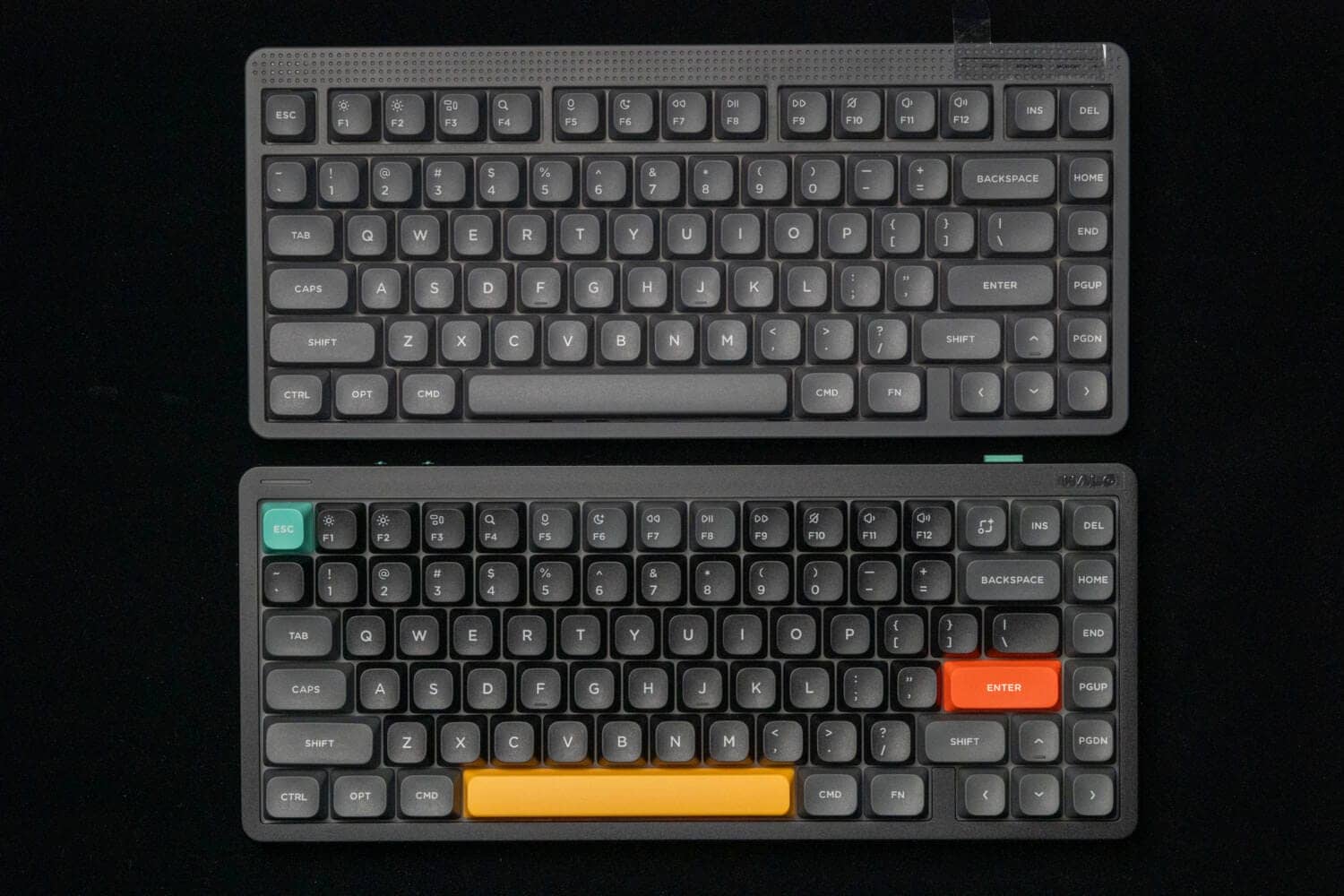
We will look at the details.
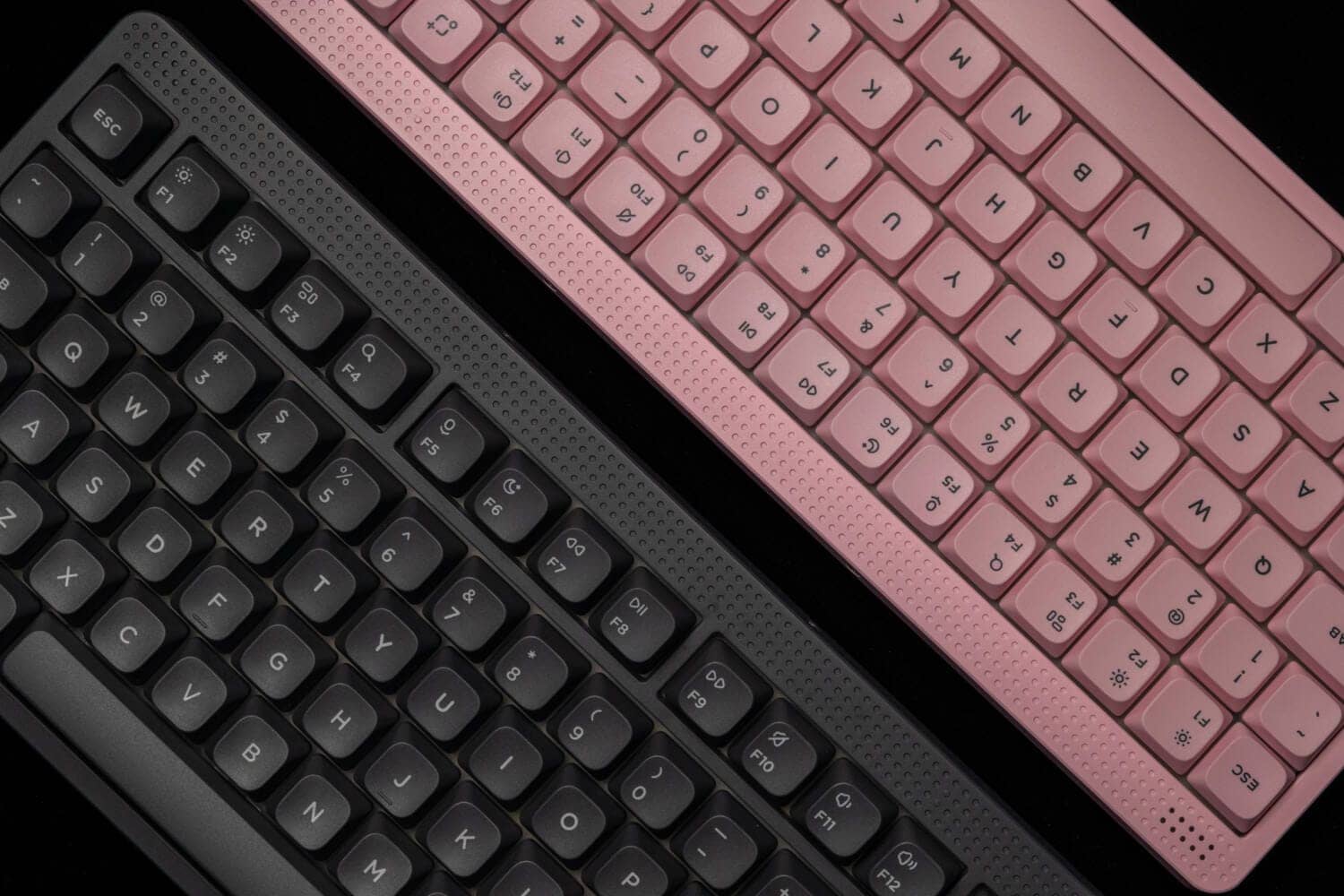
The case itself is designed to enjoy margins, with a blank space above the F key and a regular dot pattern that creates a very classical atmosphere.
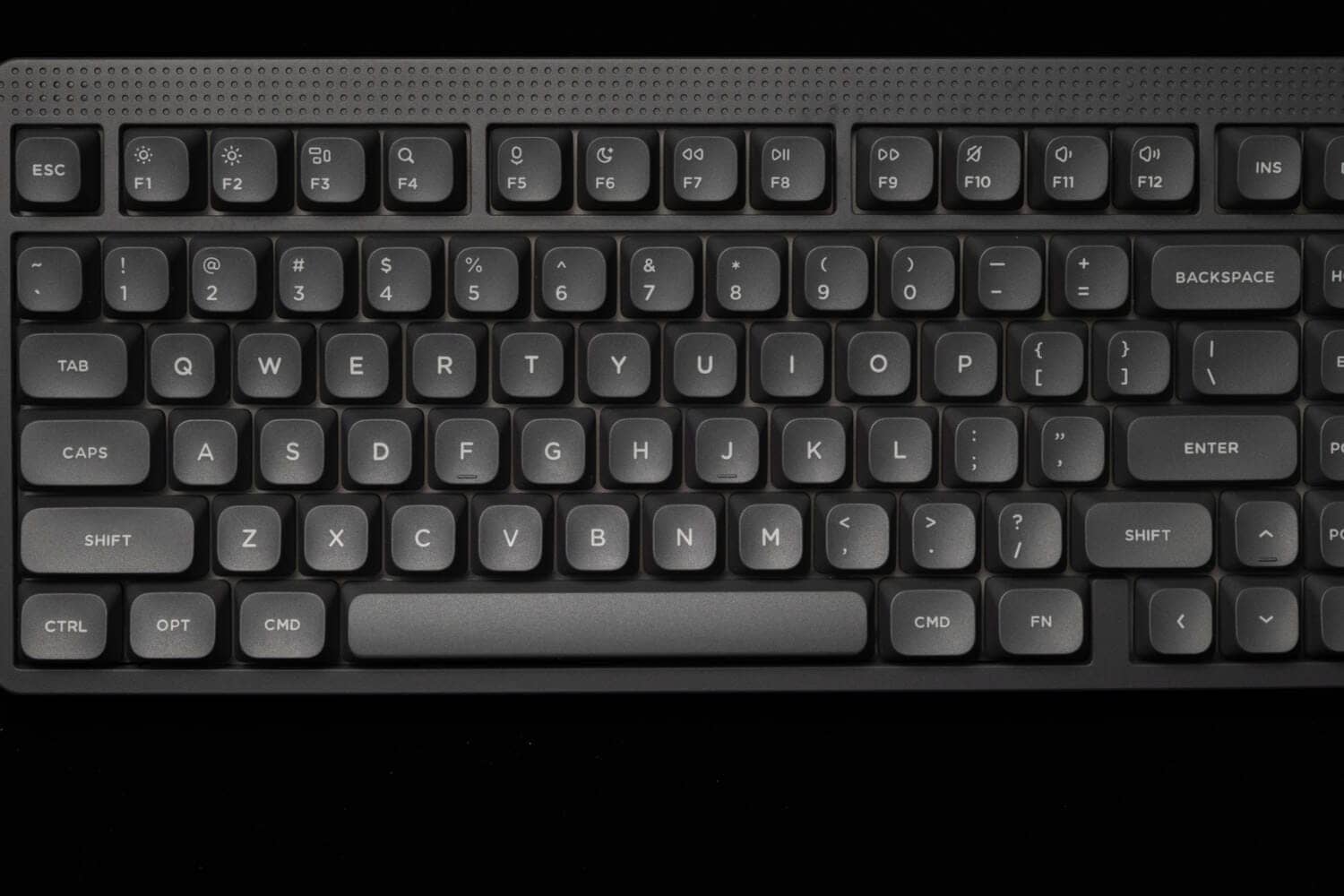
It features a separate F key and a much roomier look than the high-end Halo series.
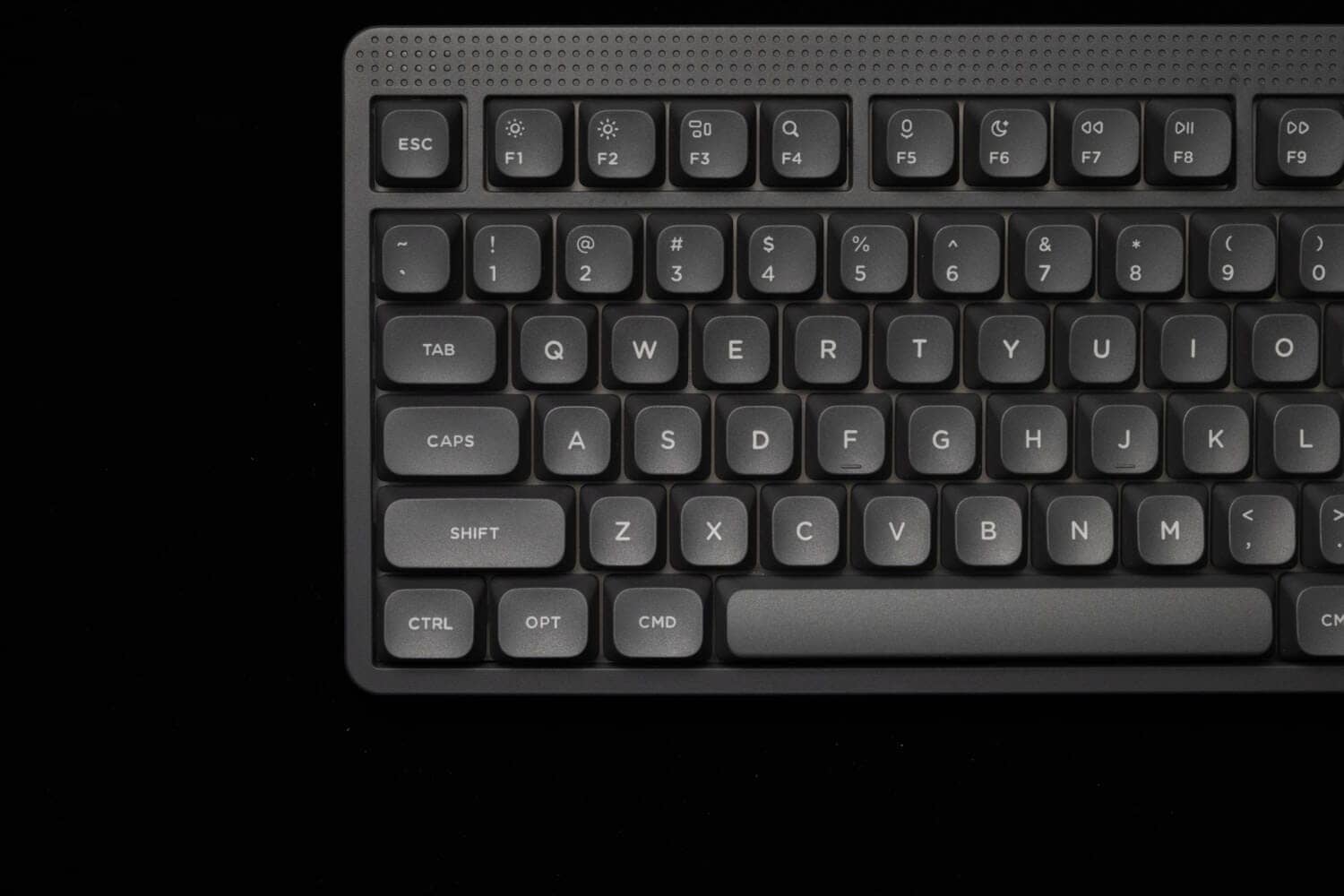
The default keycaps are for Mac, but can be replaced with OPT to ALT by using replacement keycaps.
However, it should be noted that there is no Windows icon, and only the icon of the calculator symbol is included.
KawamuraNot pictured, but included are the following keycaps
- ALT (1.25u) x 2
- Calculation mark (1.25u) x 1
- Accent key caps (for top row – 1.0u) x 3 (red, green, yellow)
Also included, but not shown here, are accent keycaps, which can be used in the traditional “pop NuPhy-like” manner.

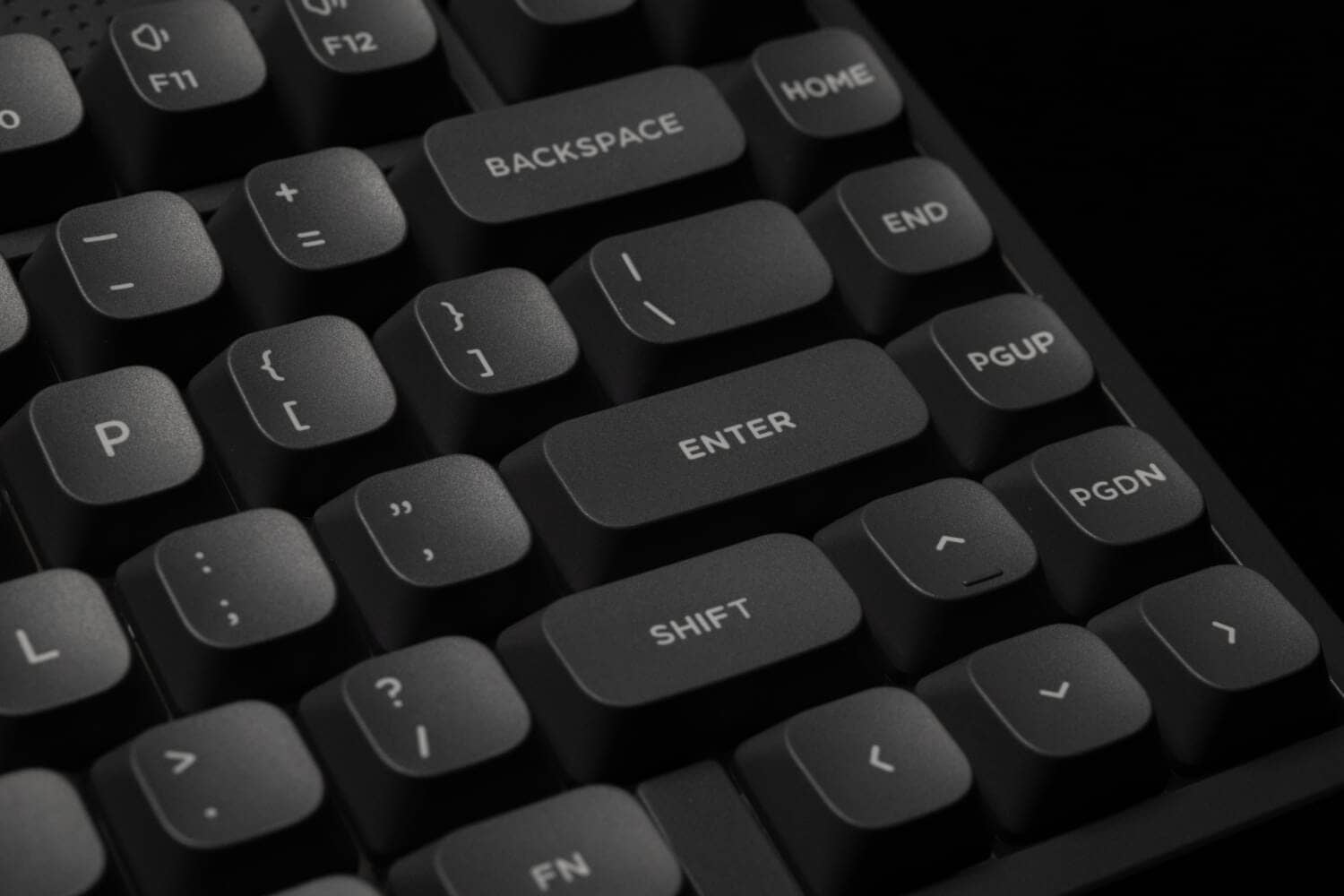

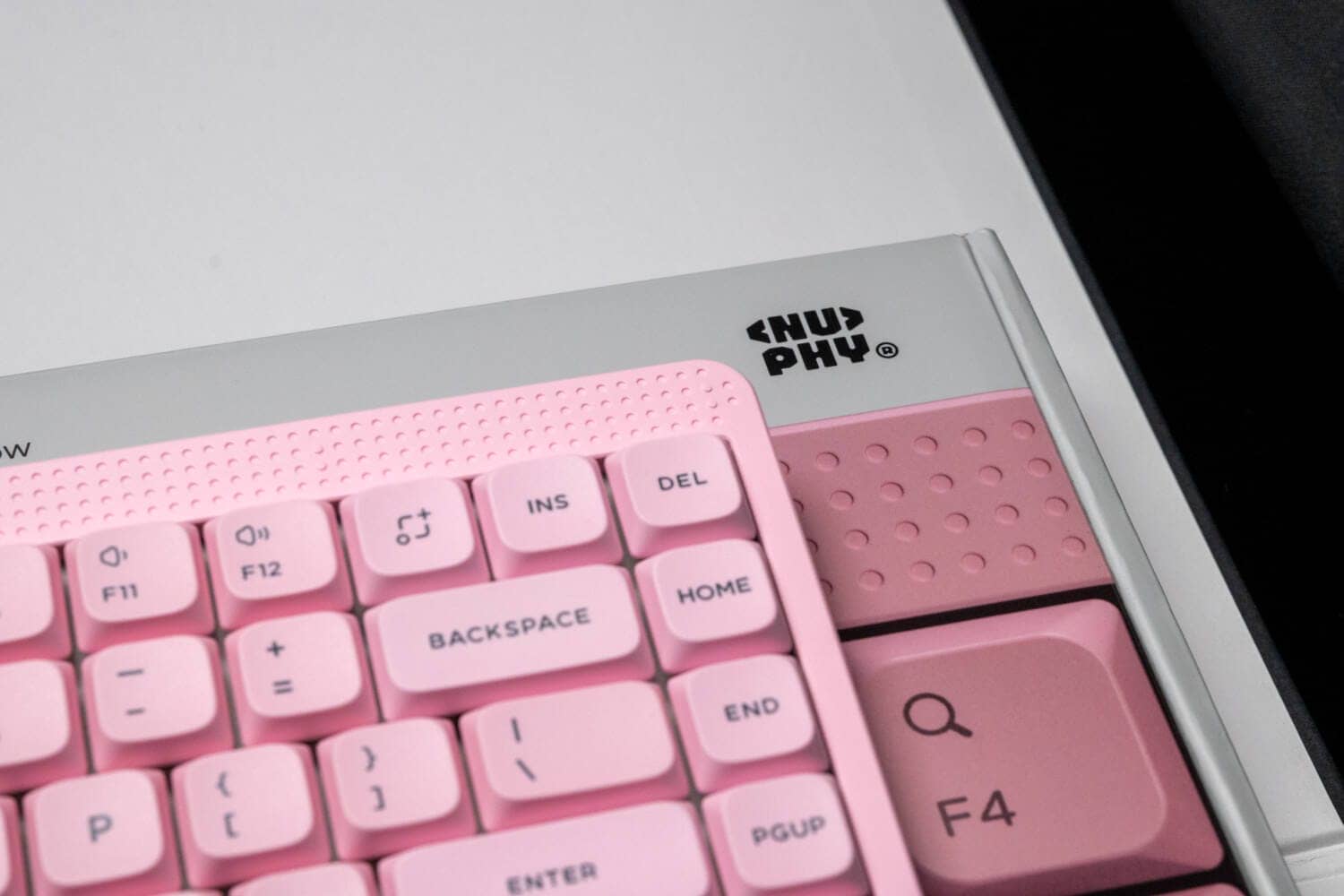
At first glance, the upper right portion of the screen appears to be empty, but this is the only pressure-sensitive touch bar where actions can be set with NuPhy IO 2.0.
The default setting is the illuminance setting. (Vol / Illuminance / Backlight can be controlled)
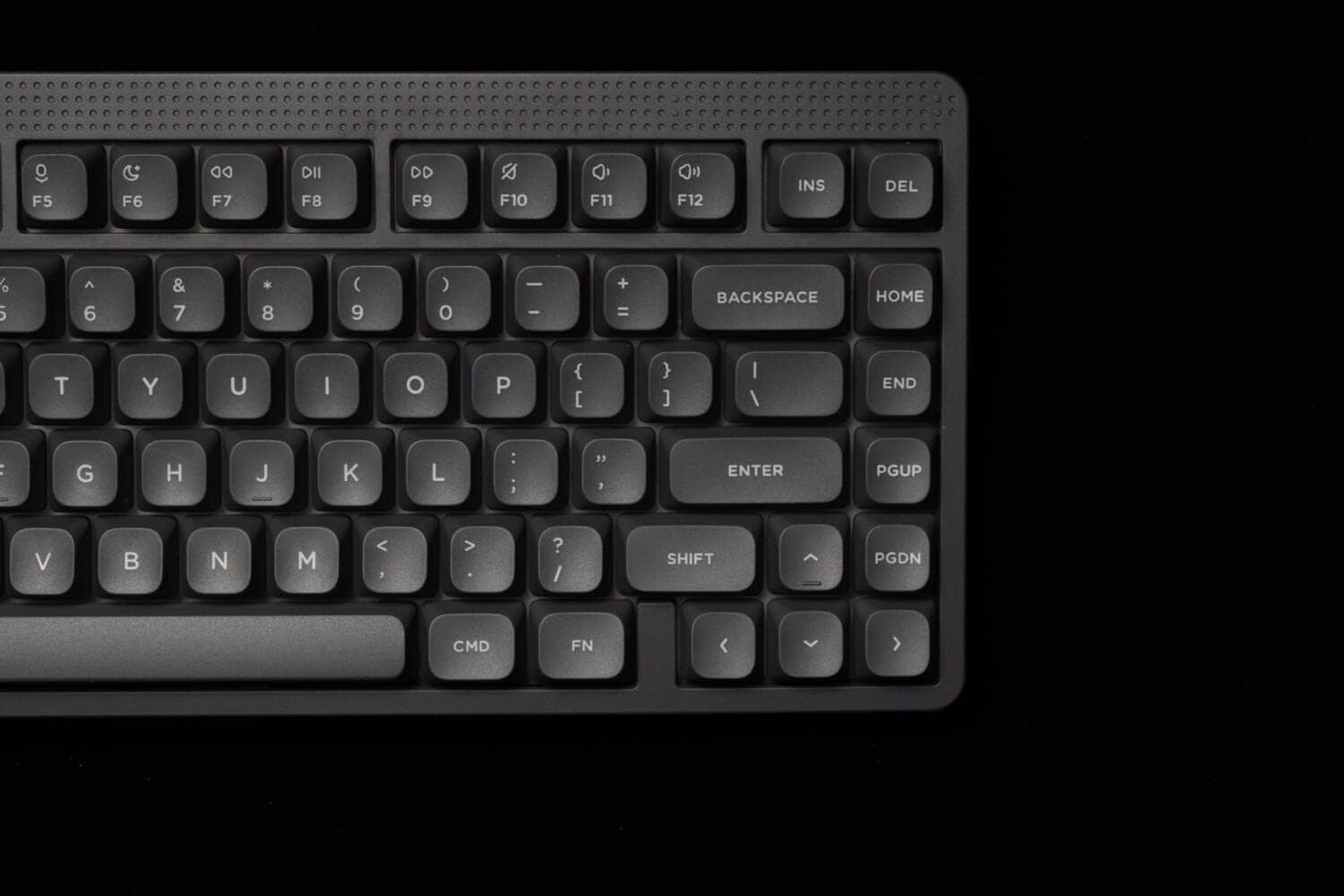
The dot matrix LED in the upper left corner functions as a battery indicator, a pace indicator when typing, and a light when CapsLock is activated.

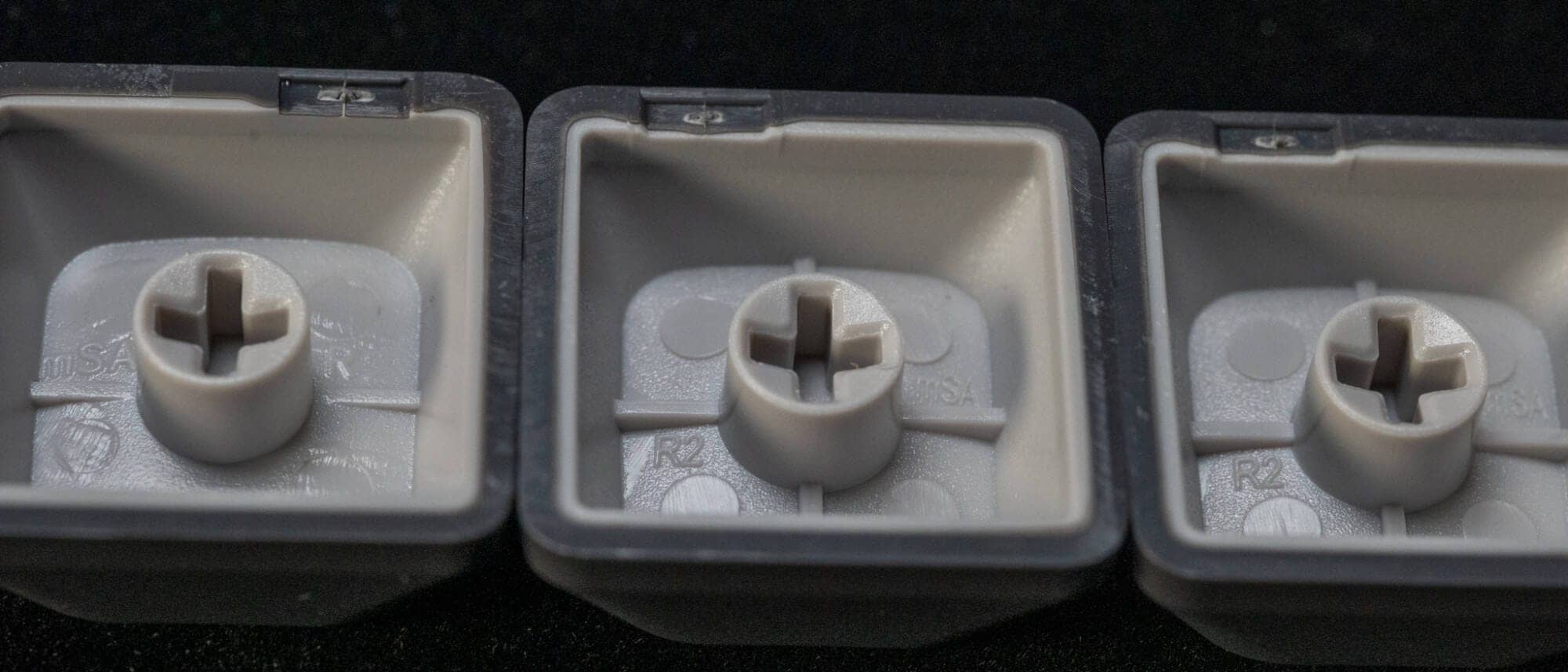
The keycaps are mSA profile, the homing keys are bar type, and the step-sculptured design with different slopes for each row.
Keycaps are made of PBT material and sublimation printing is used.
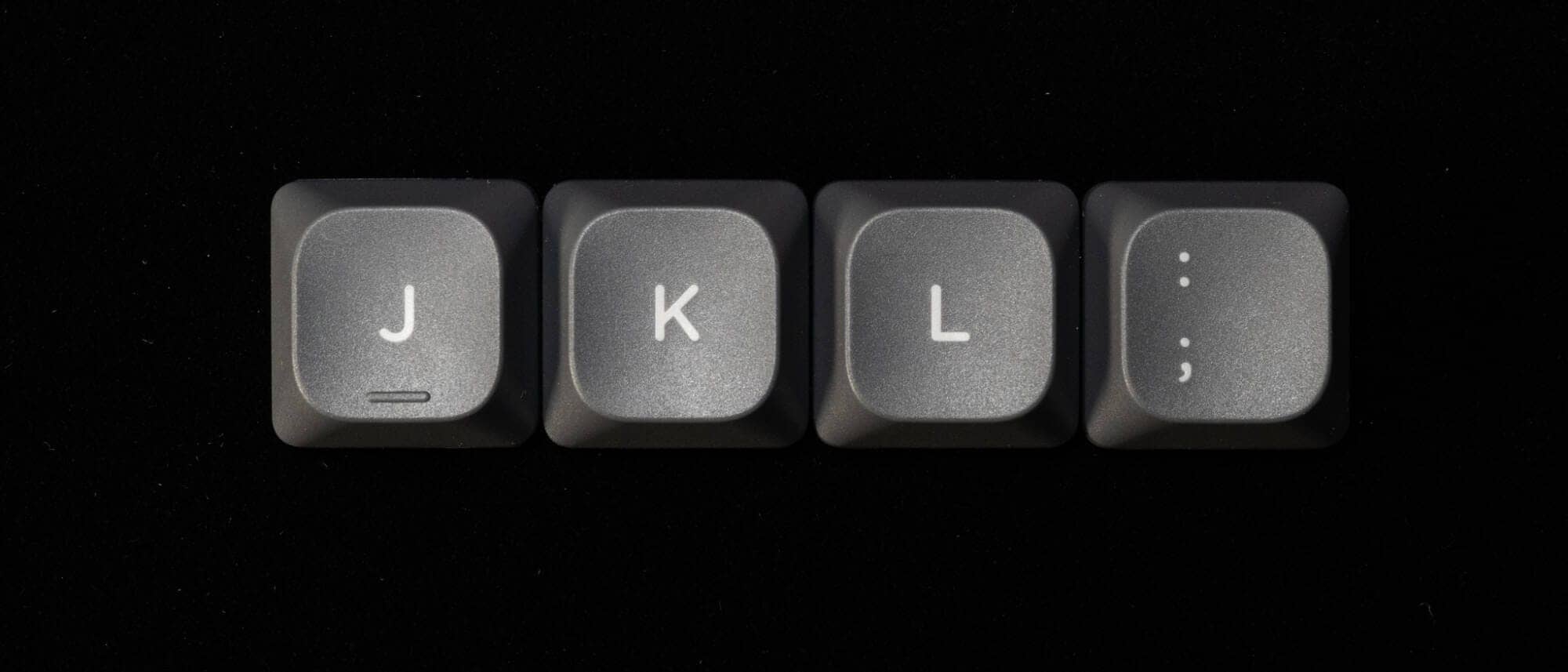
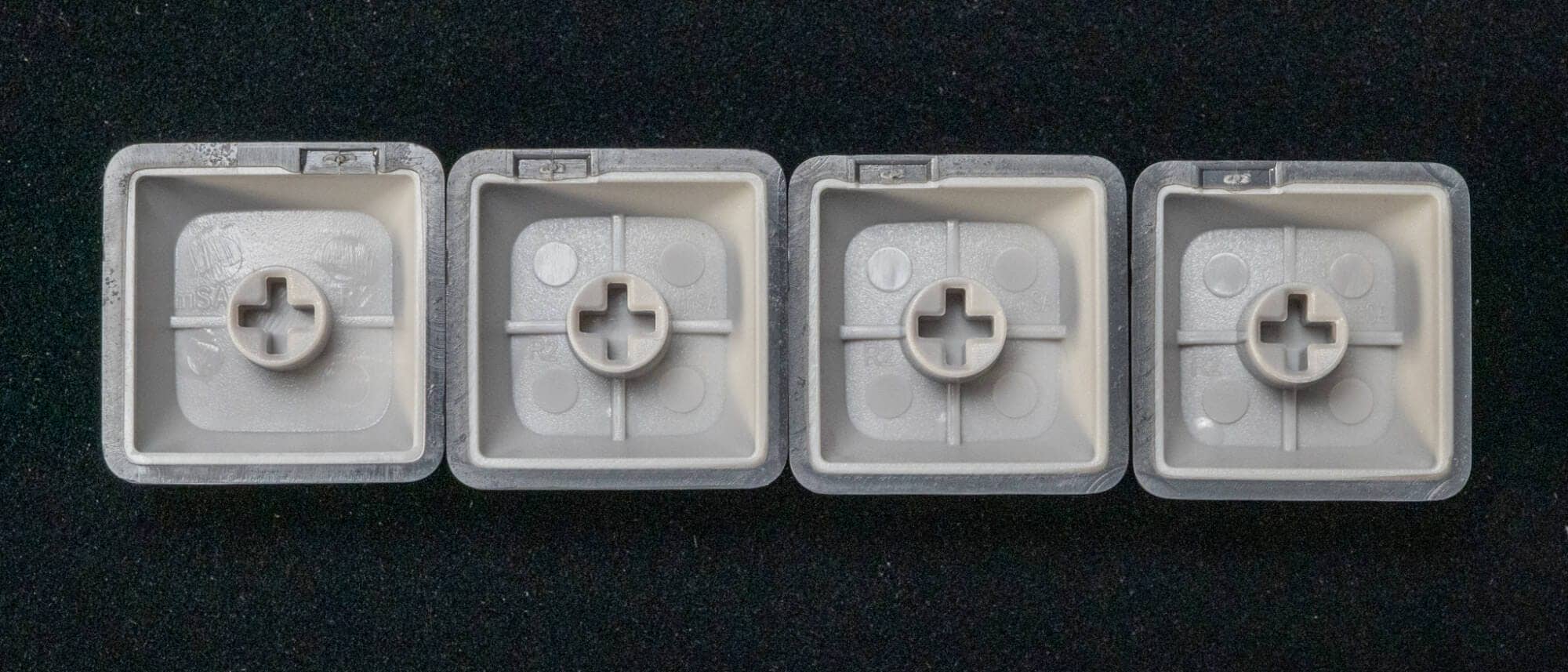
The stem molding is also very beautiful.
The step-sculptured design allows each key to confirm a line.
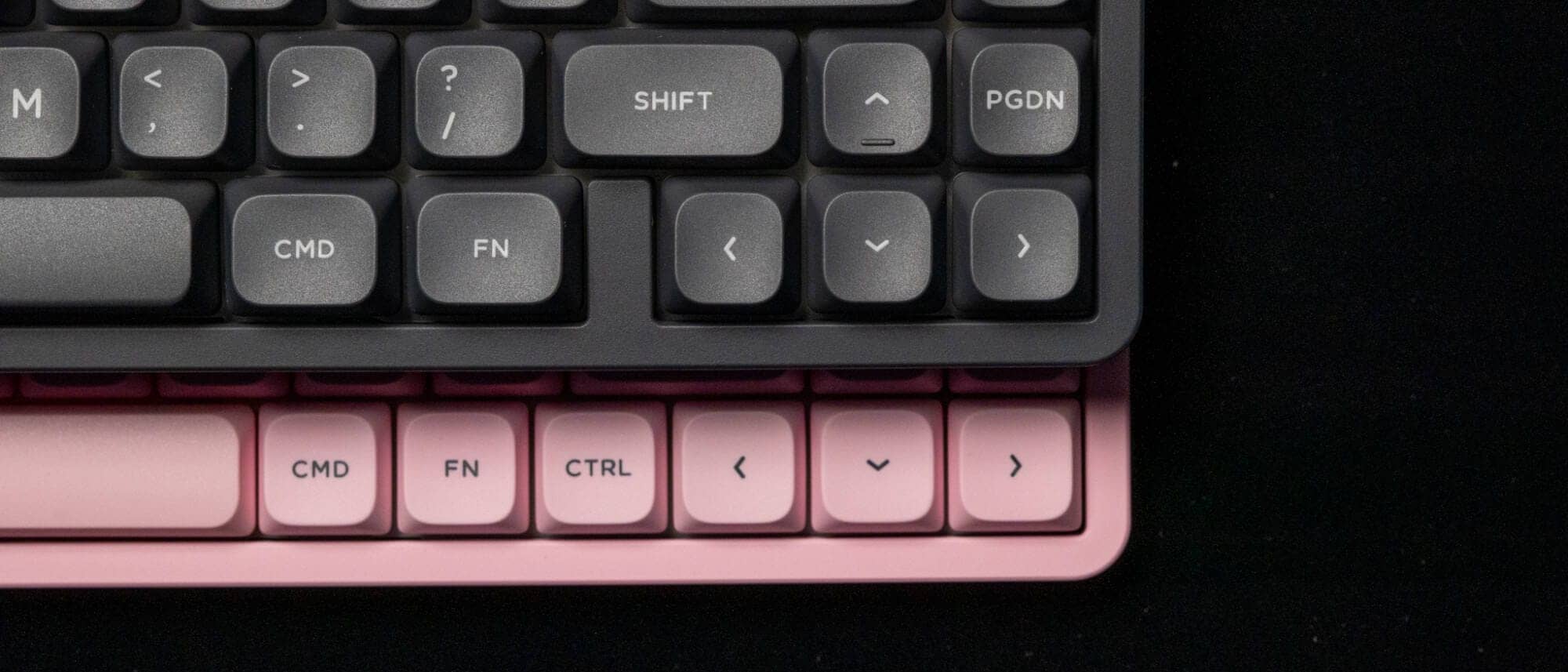
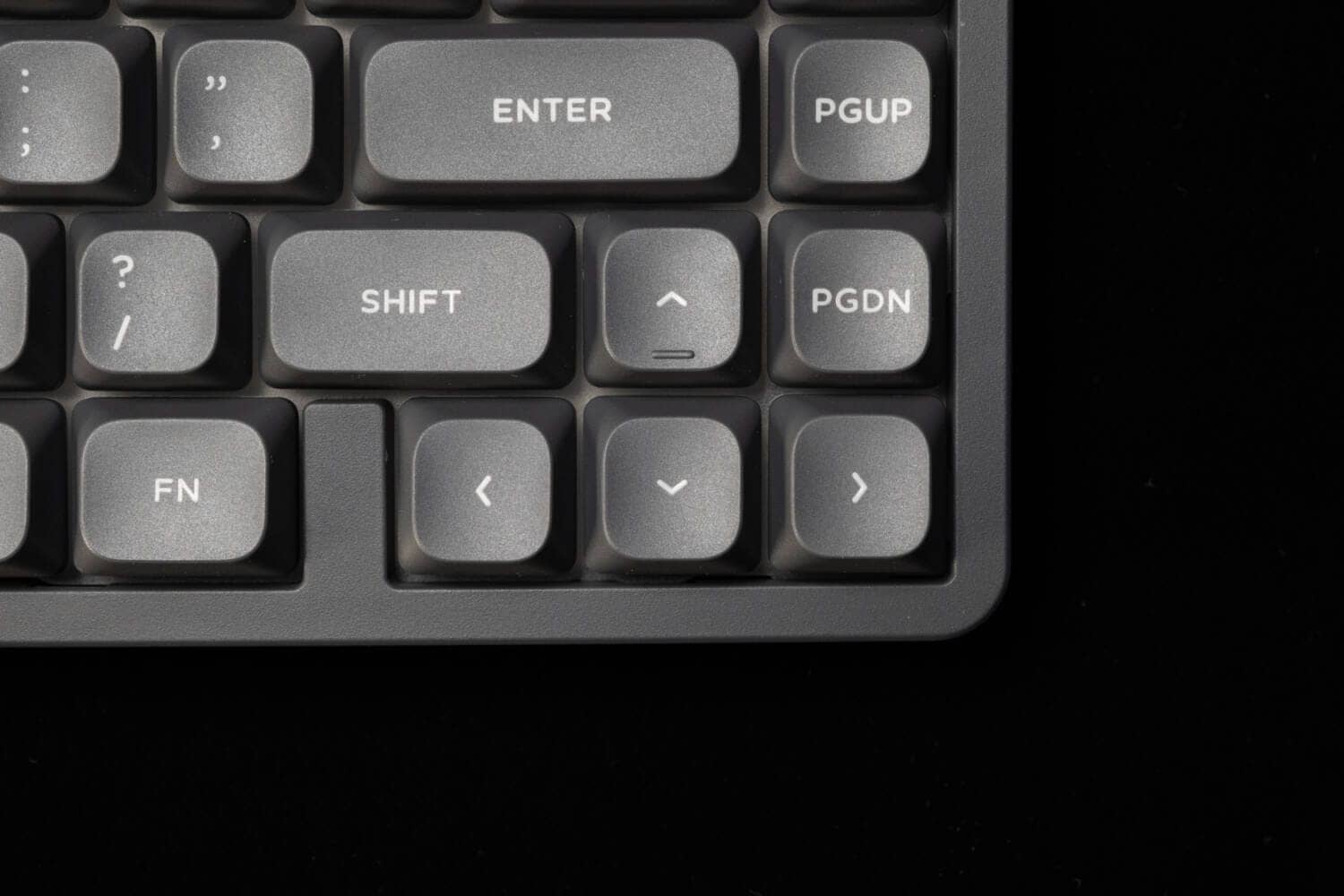
The bottom right corner of the bottom row has a 0.5u physical space open for easy no-look arrow key operation.
Let’s look at the sides from the back.
When wired, it is connected to the Type-C port on the left rear panel.
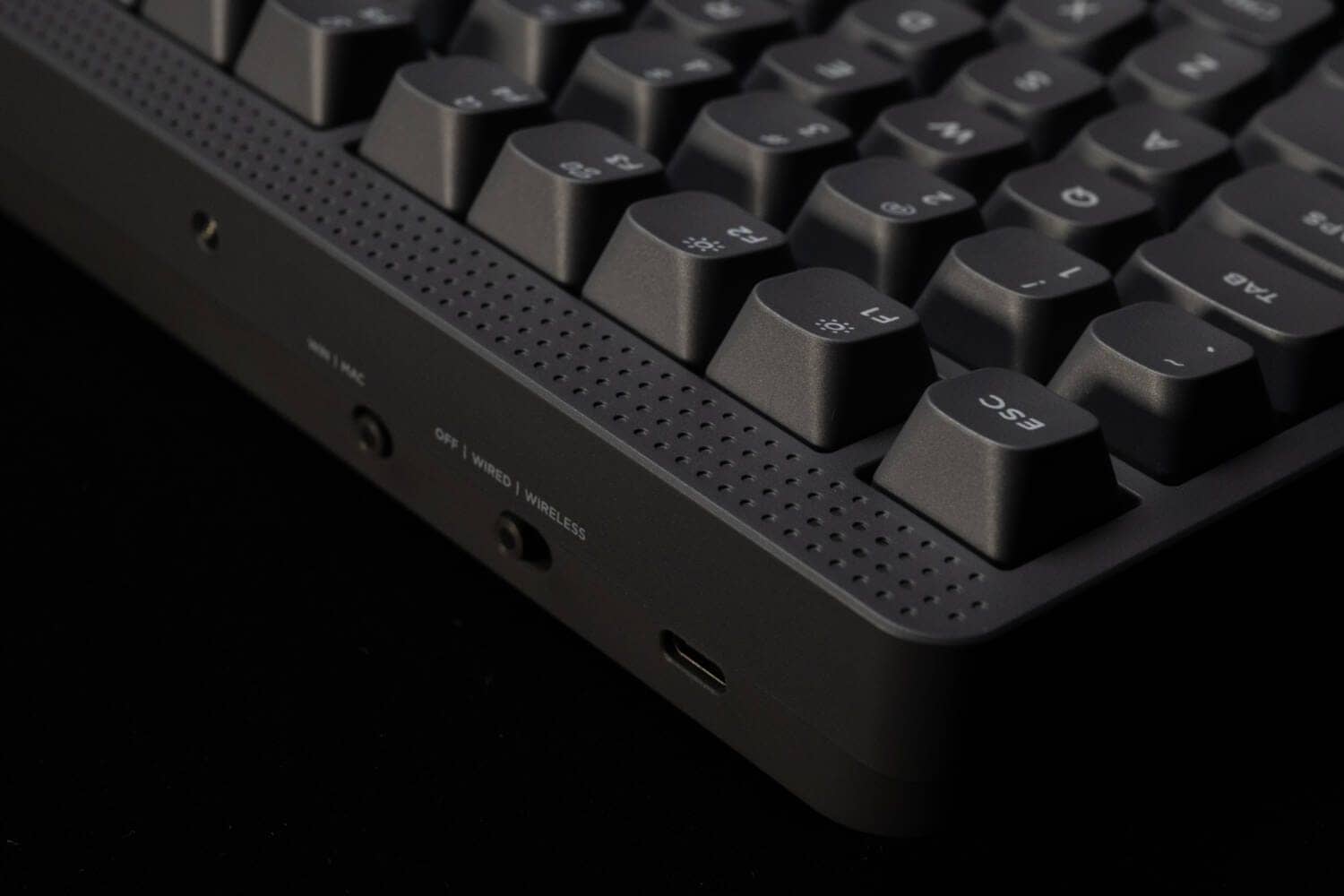
Unlike the traditional Halo series, the dot-oriented sliding buttons are very impressive.
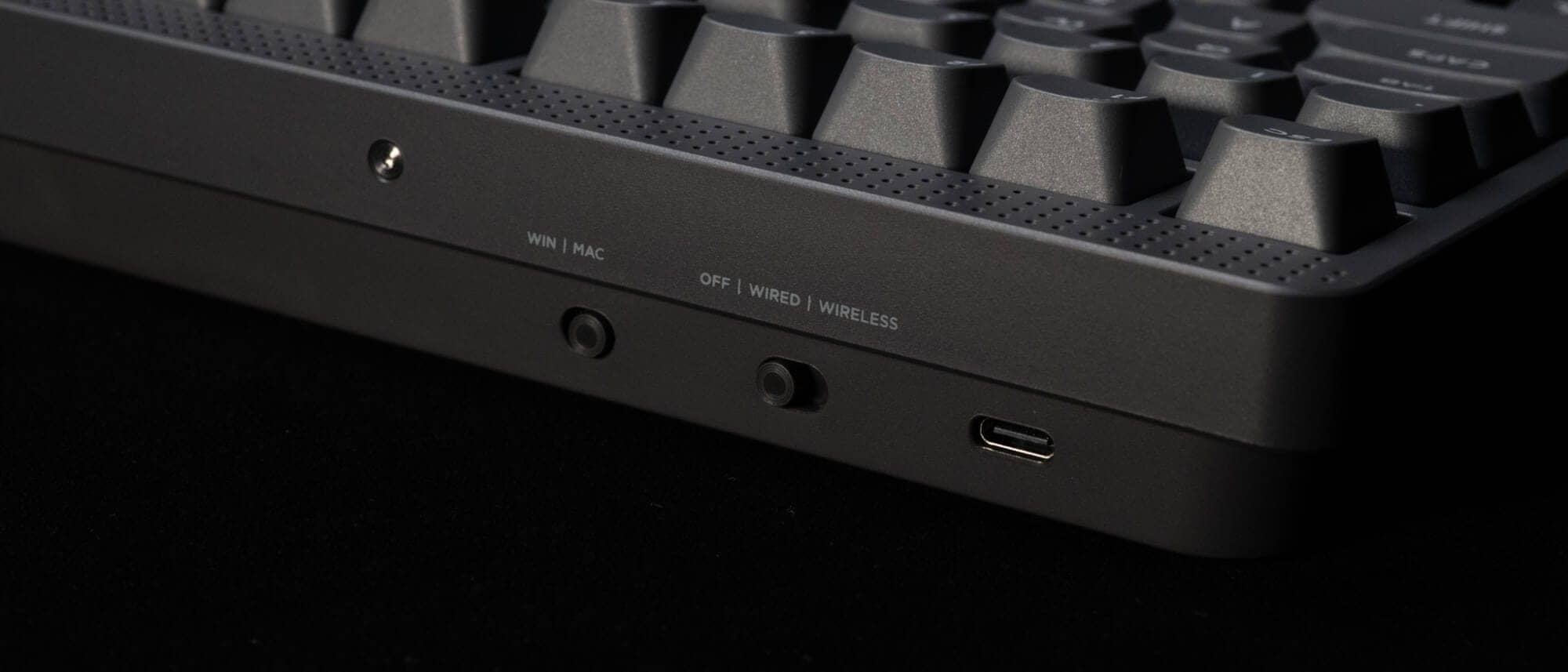
The right rear panel houses a dongle for 2.4GHz wireless connectivity.
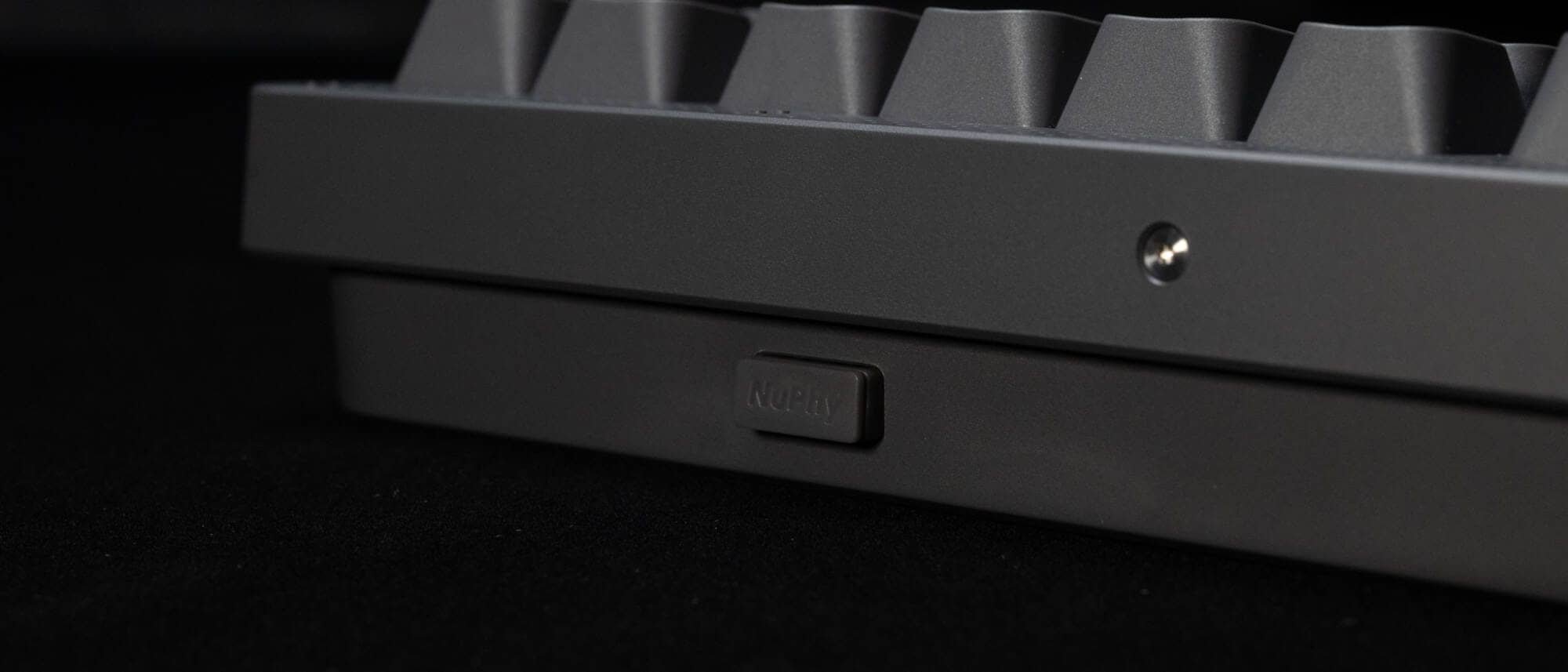
The new NuPhy logo is striking on the right side of the front side.

Let’s look at the bottom as well.
Tilt leg and logo stickers are attached to the bottom.
Four bar-type rubber feet are installed at the four corners.
It is also important to note that the keys are designed in a position that does not interfere with the keys on a laptop computer such as a Macbook.
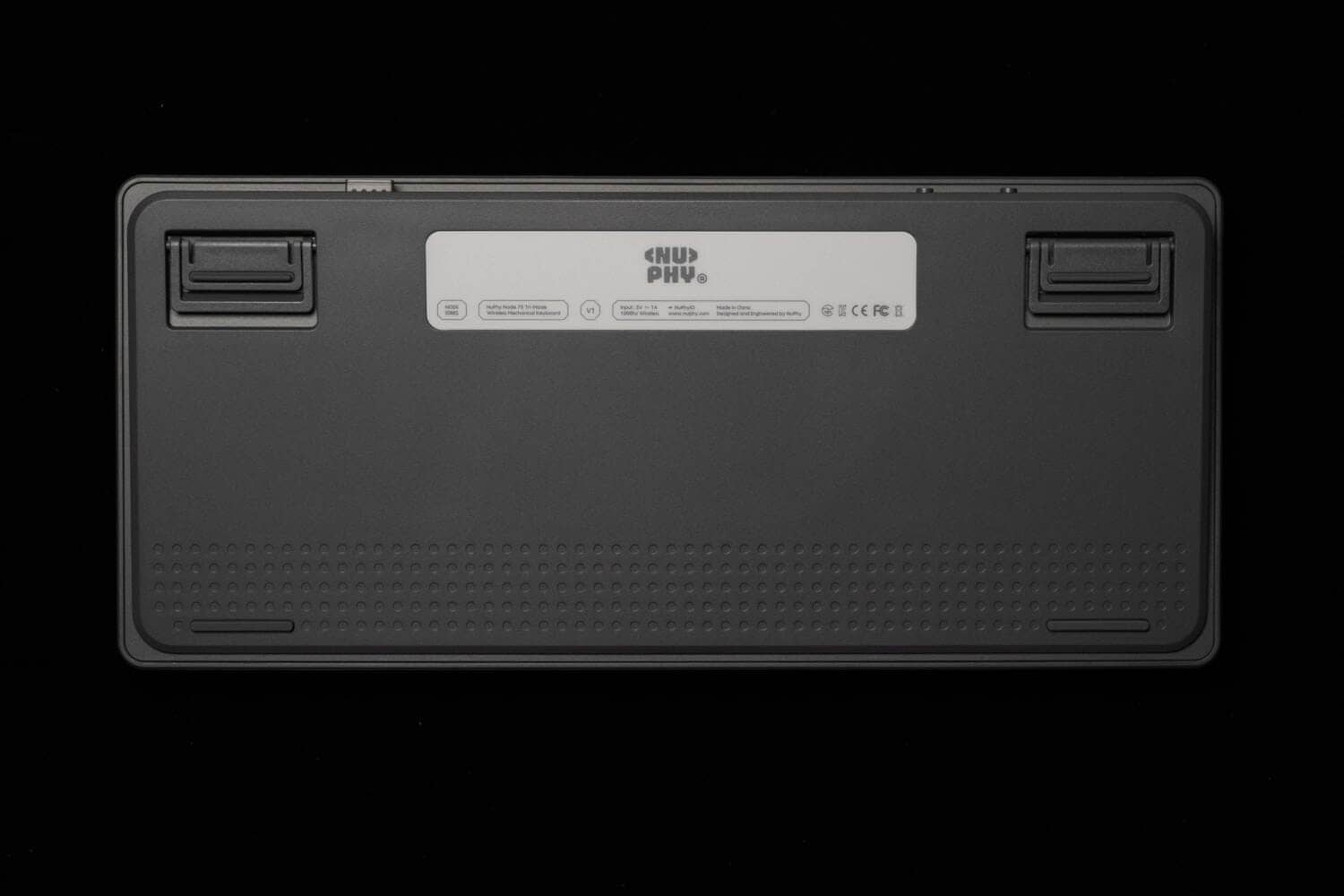
As for the tilt leg, it doubles as a bar-type rubber foot when the leg is not raised.
The slope can be increased by two additional steps.
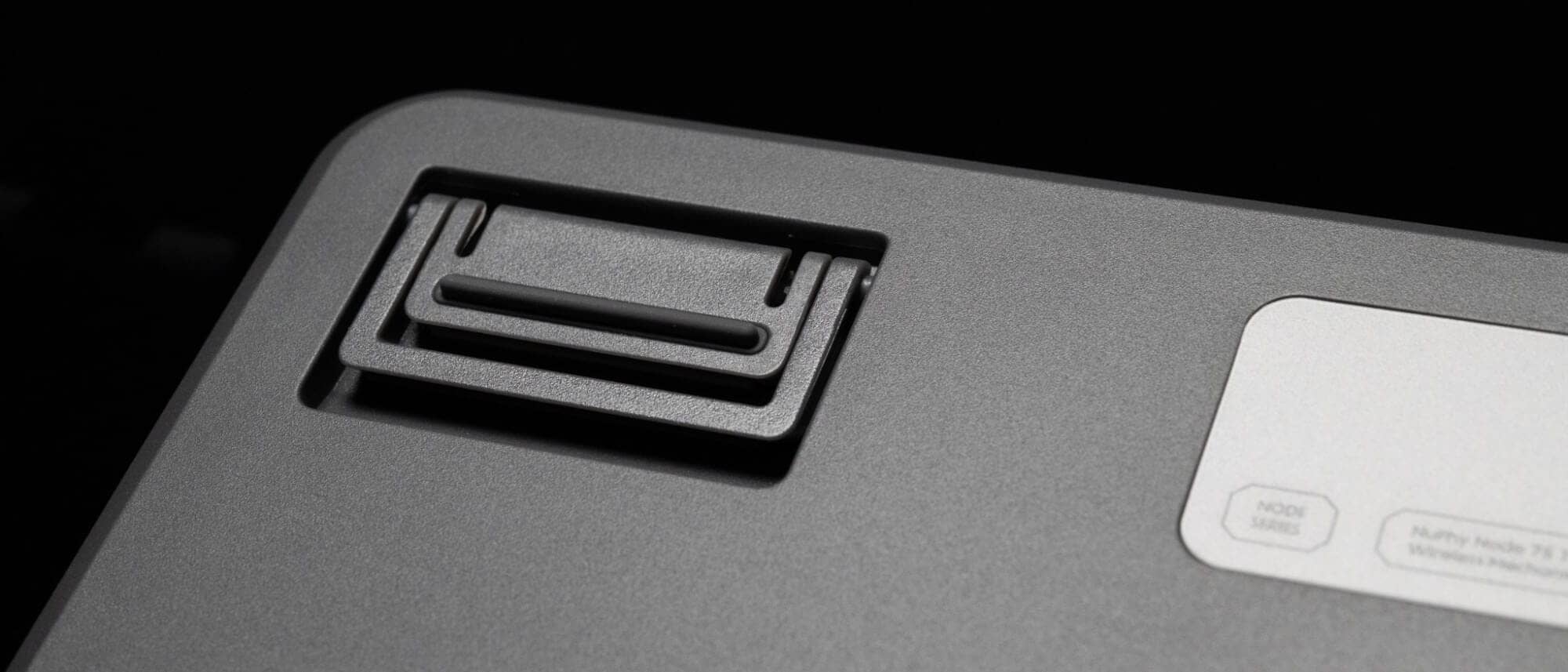
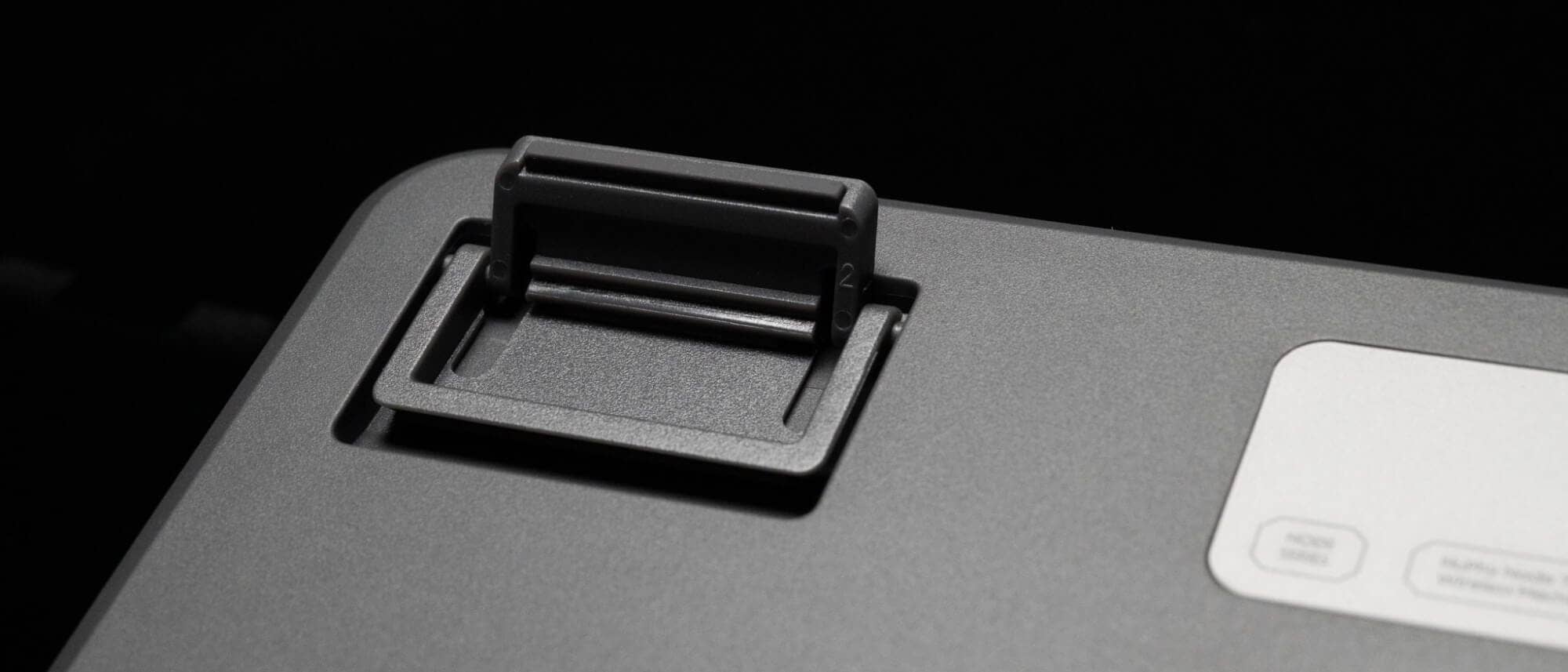
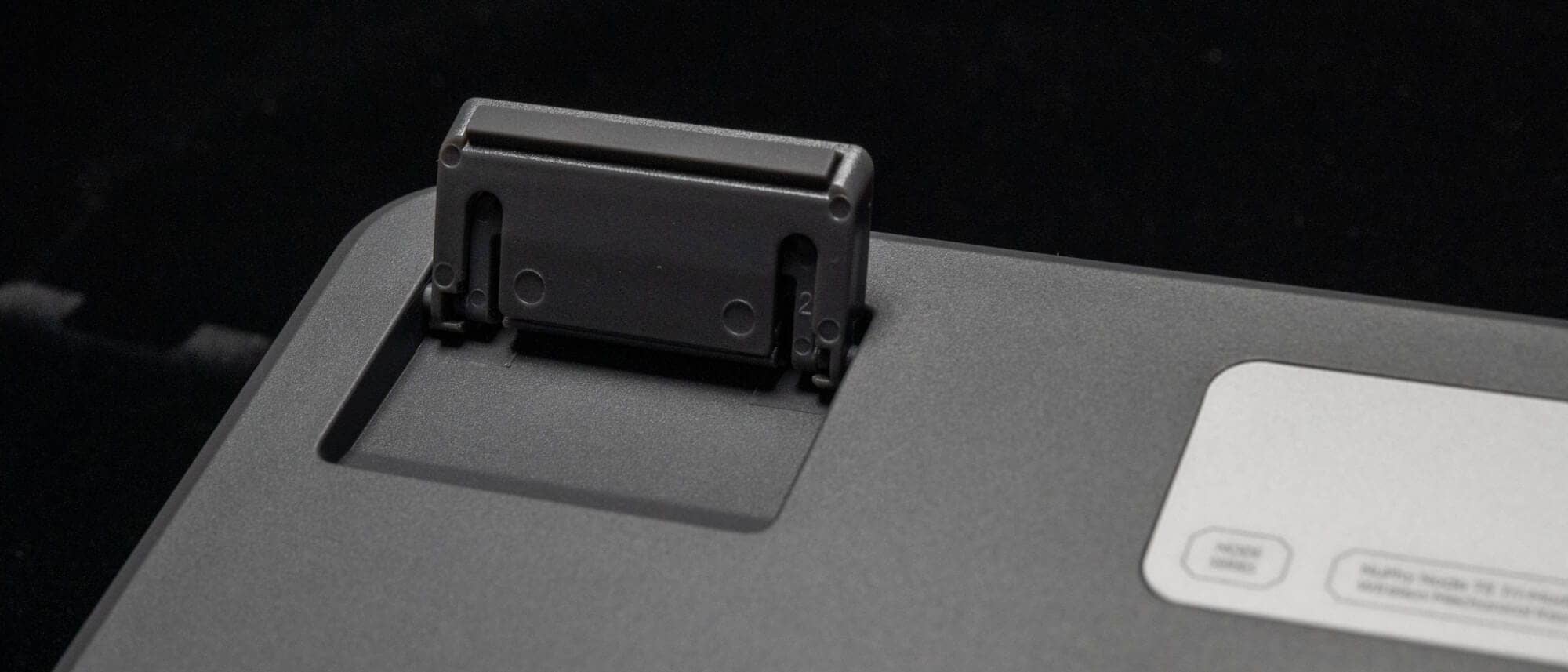
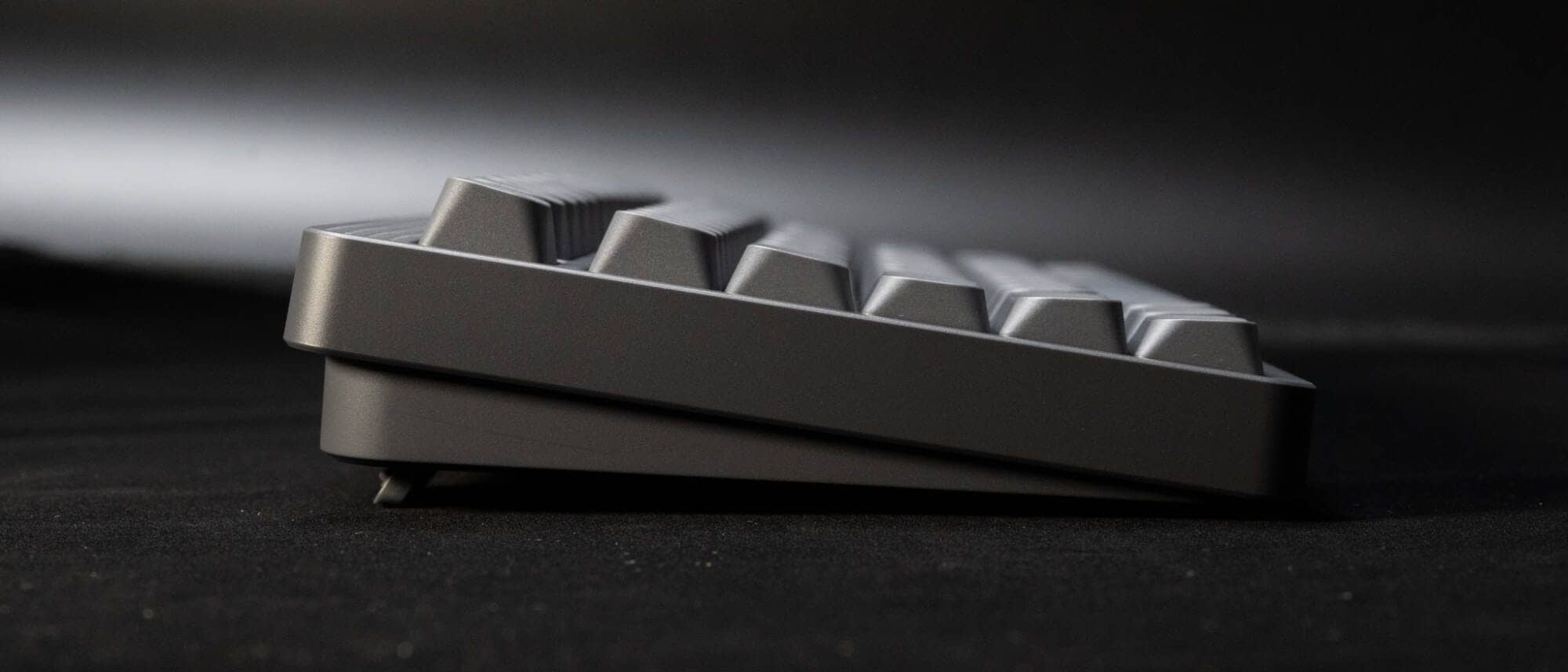
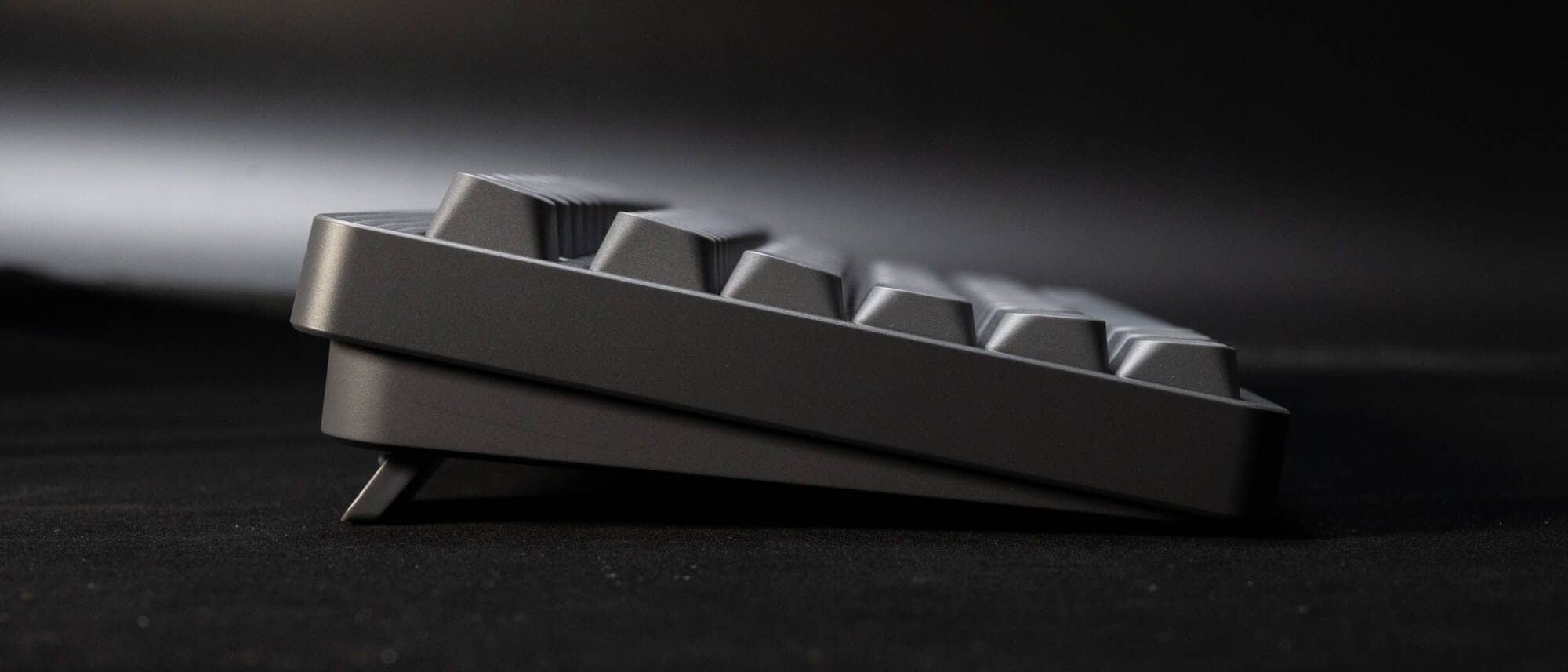
The inclination is 6° / 9° / 12° respectively, which is appropriate without raising the feet.

The fact that the technical certification mark is integrated with the bottom seal is quite favorable.
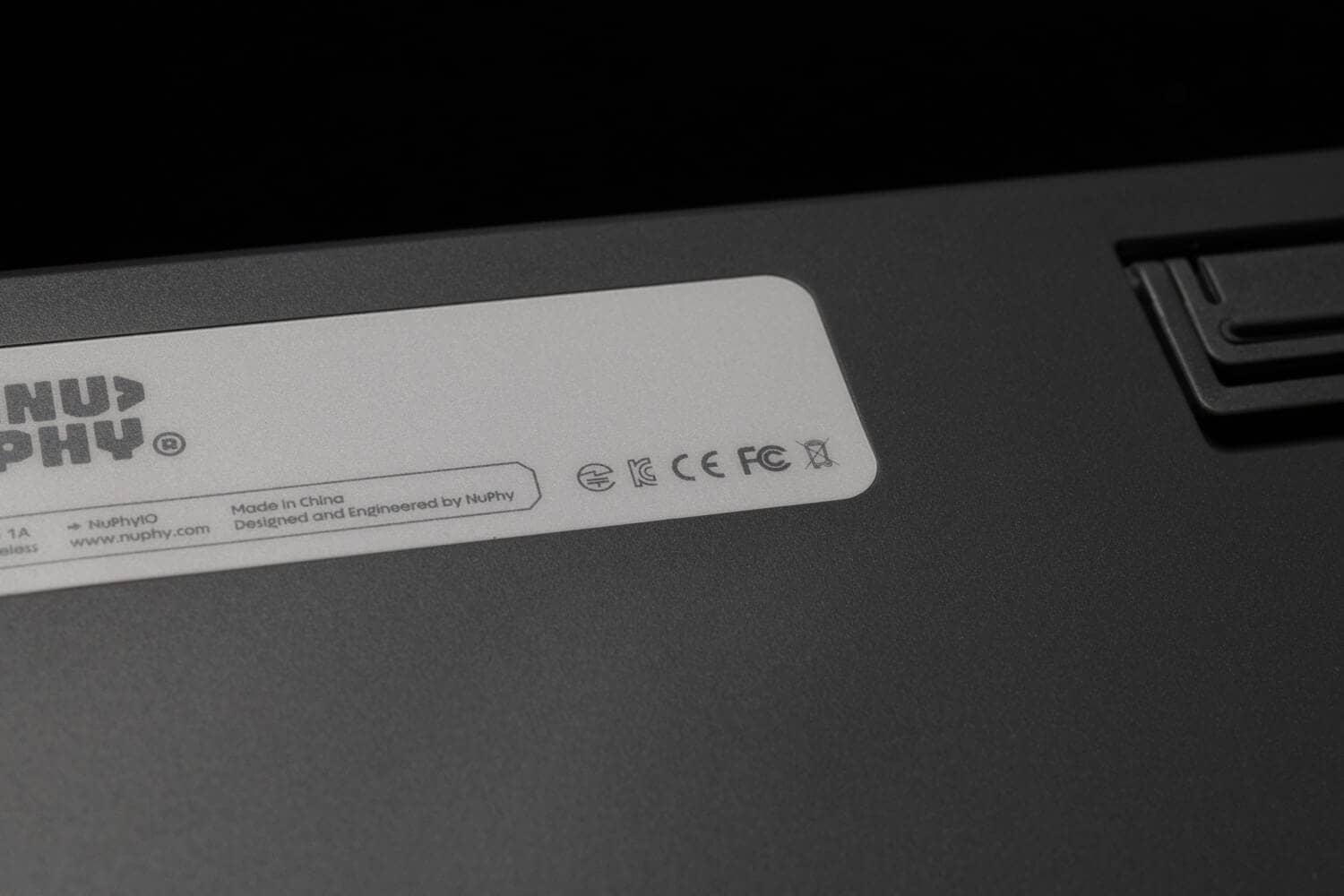
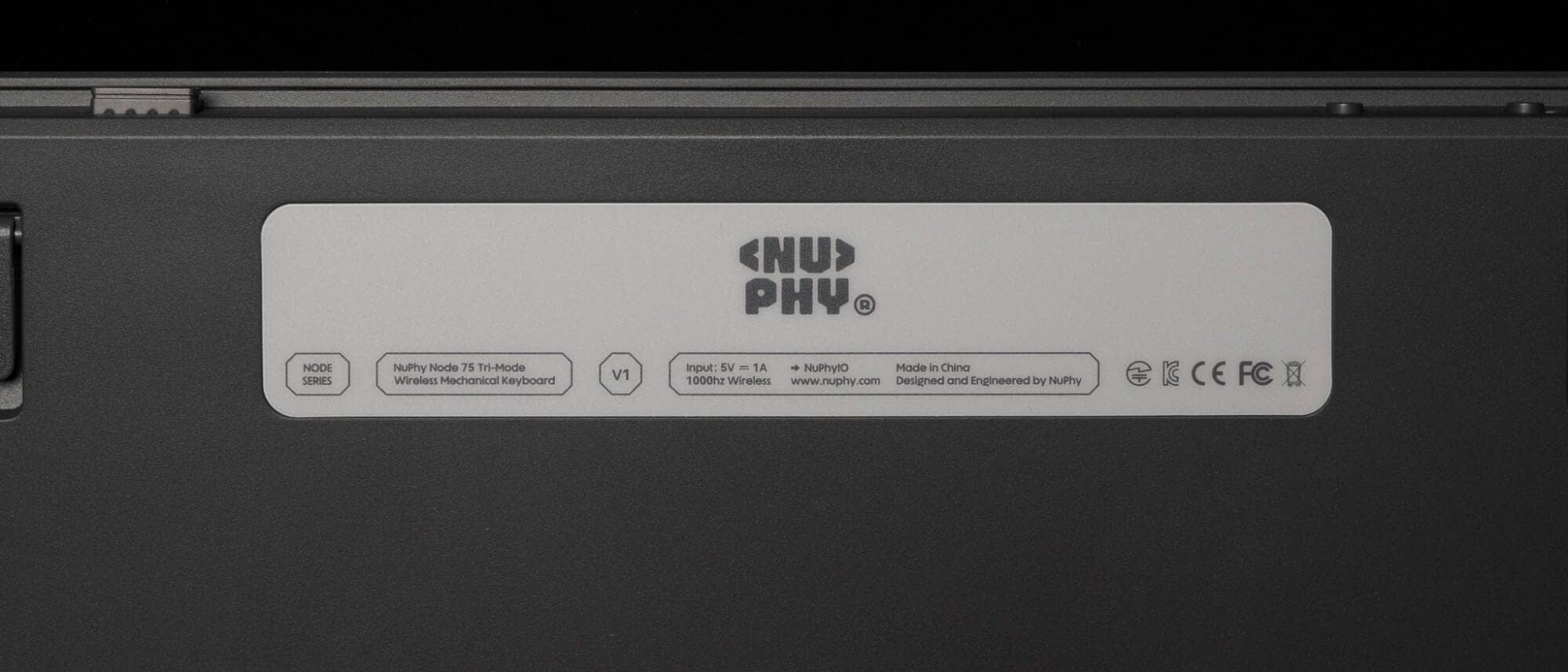
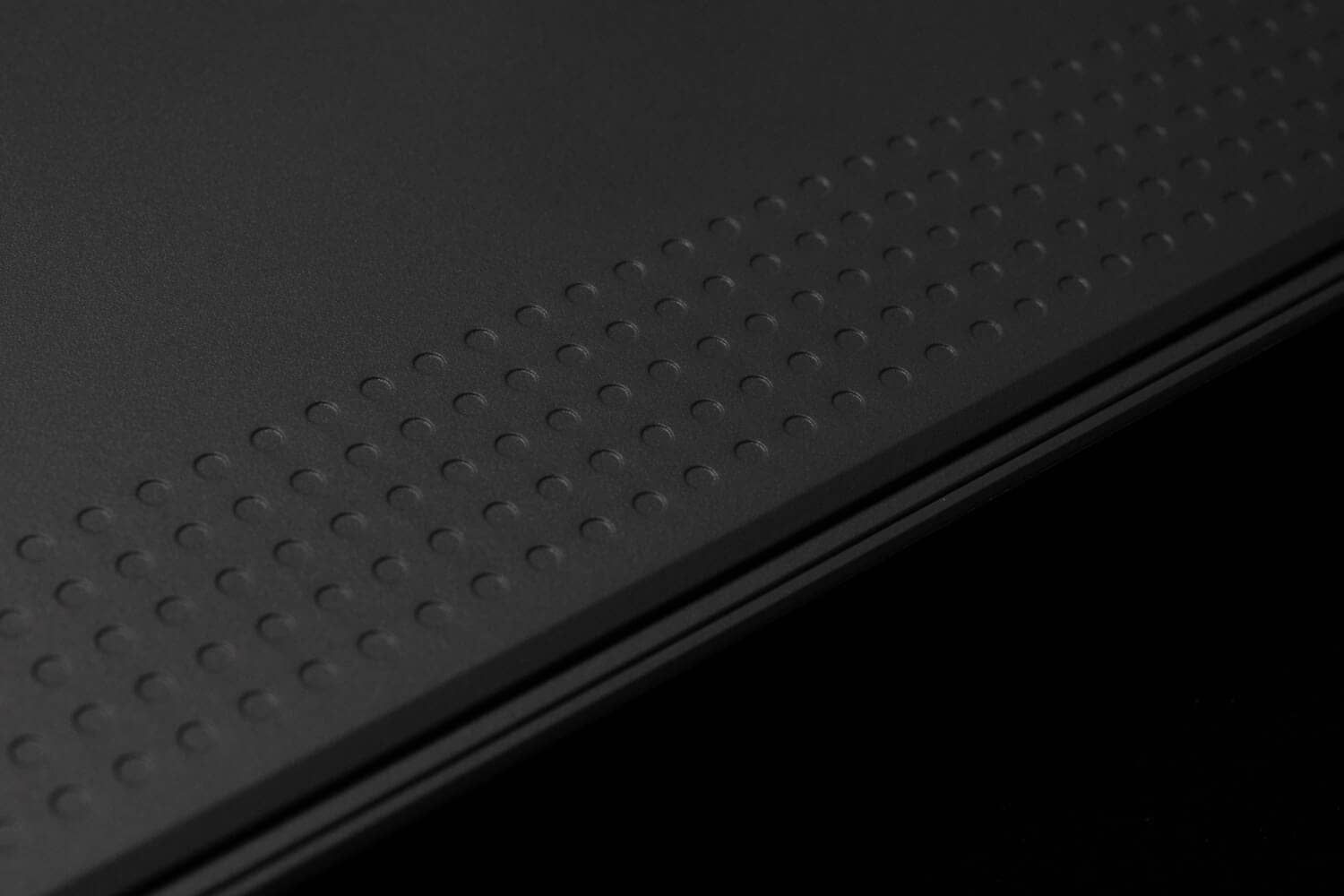
The bottom is also decorated with a dot pattern, giving a sense of unity in design.
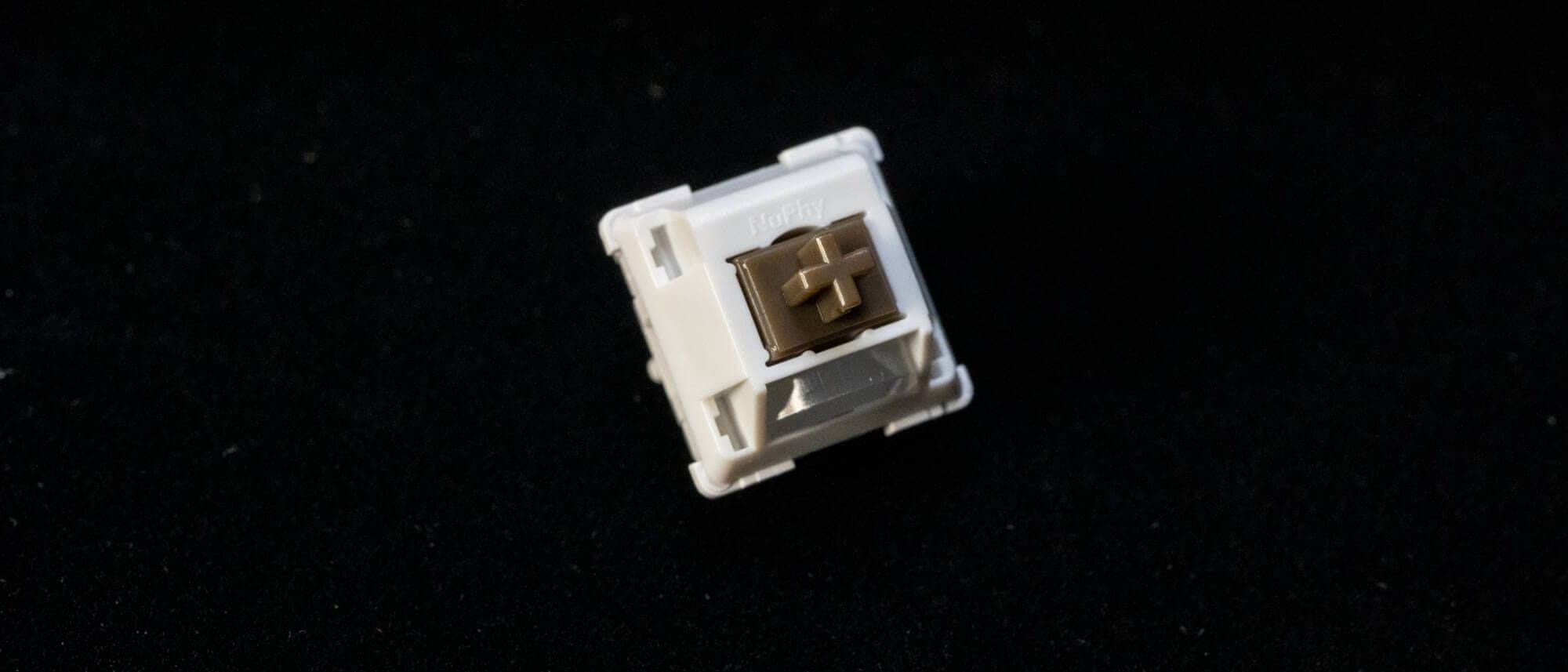
The keyswitches are the new NuPhy Max series, this time Brown Max keyswitches.
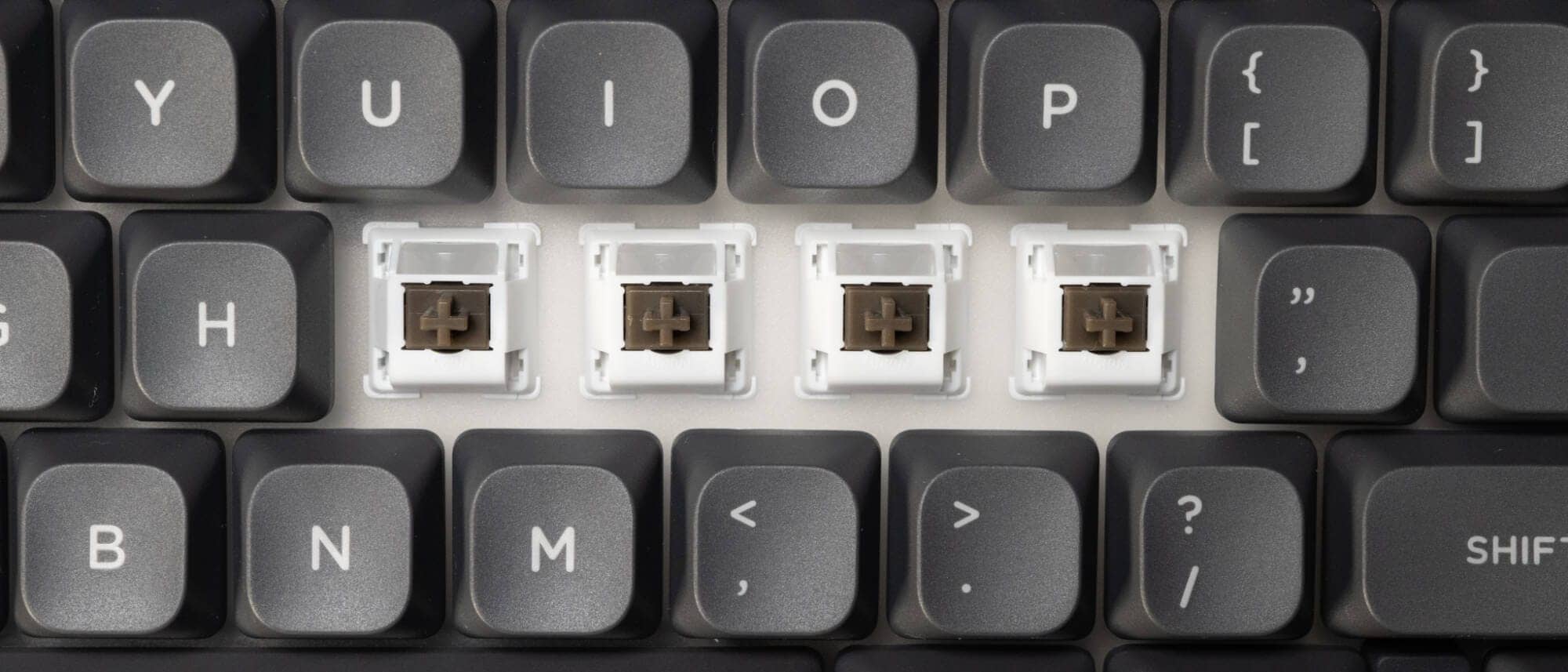
LED diffusers are included on the south side and are pre-lubricated.
This is an early bump style with a strong pile of tactiles coming from the beginning of the push.
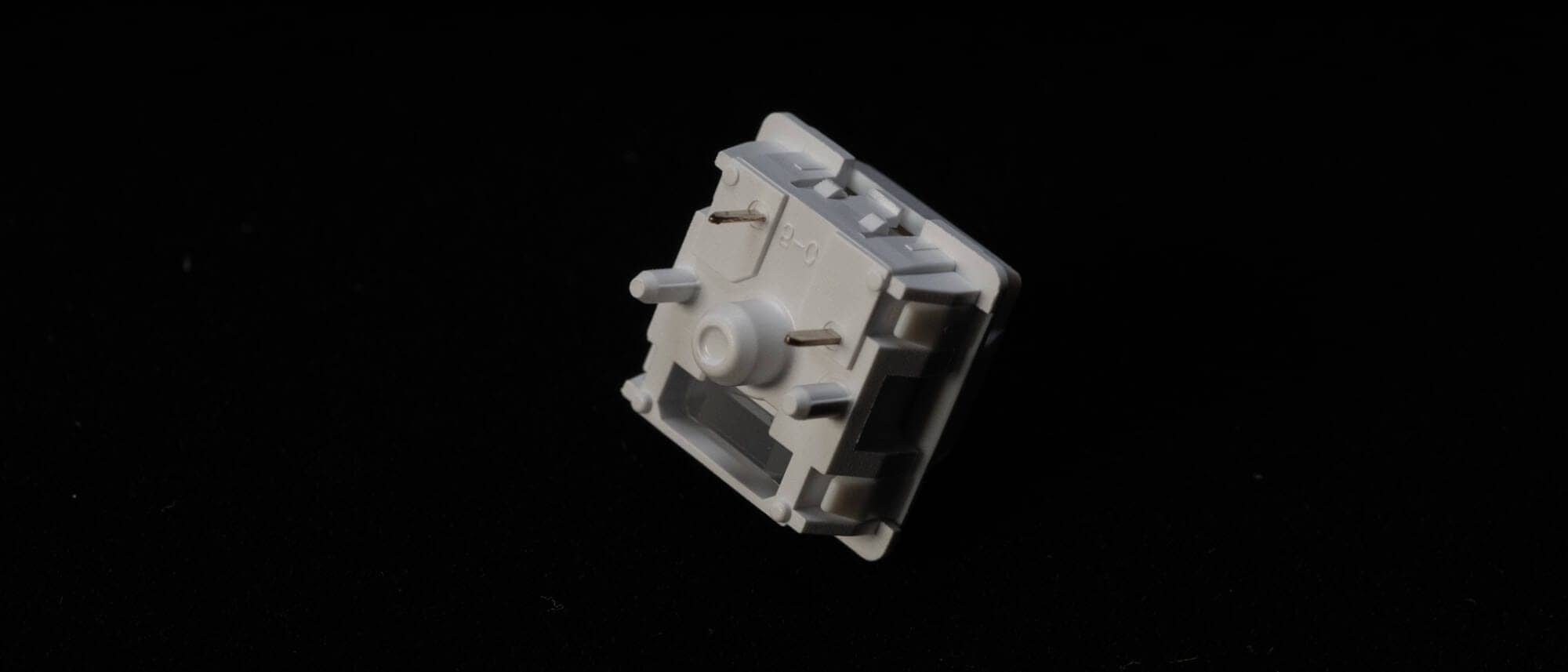
The switch plate is polycarbonate and the LEDs face north.
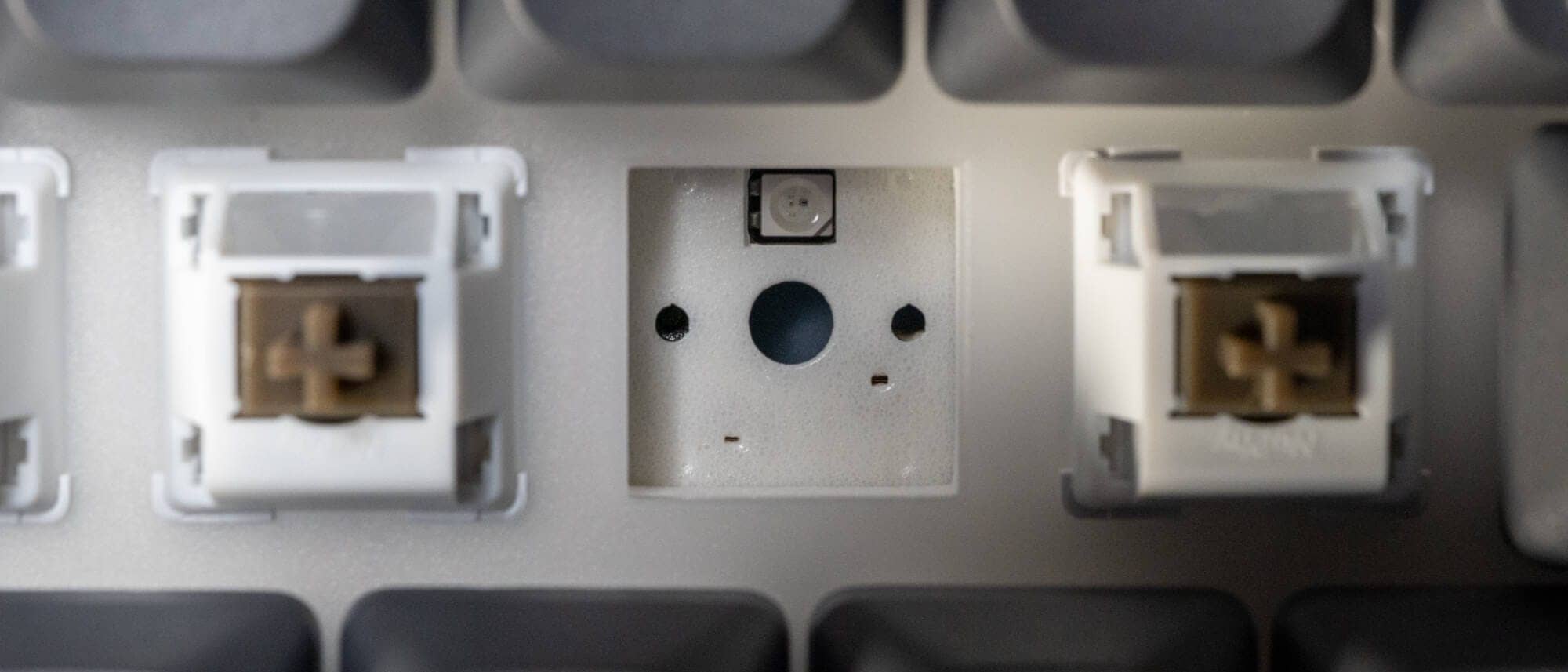
ロープロファイル版
Let’s look at the low-profile version as well.
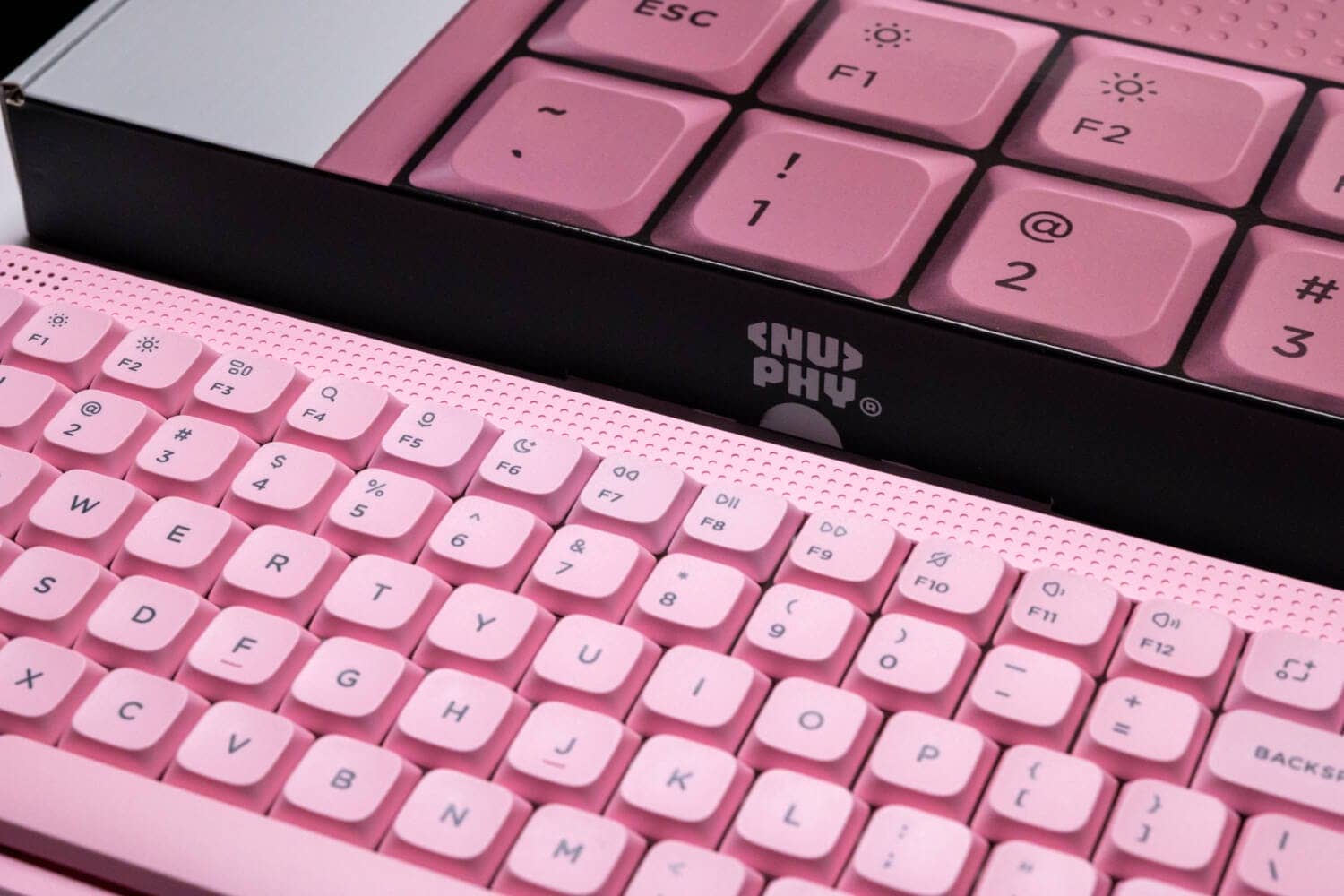
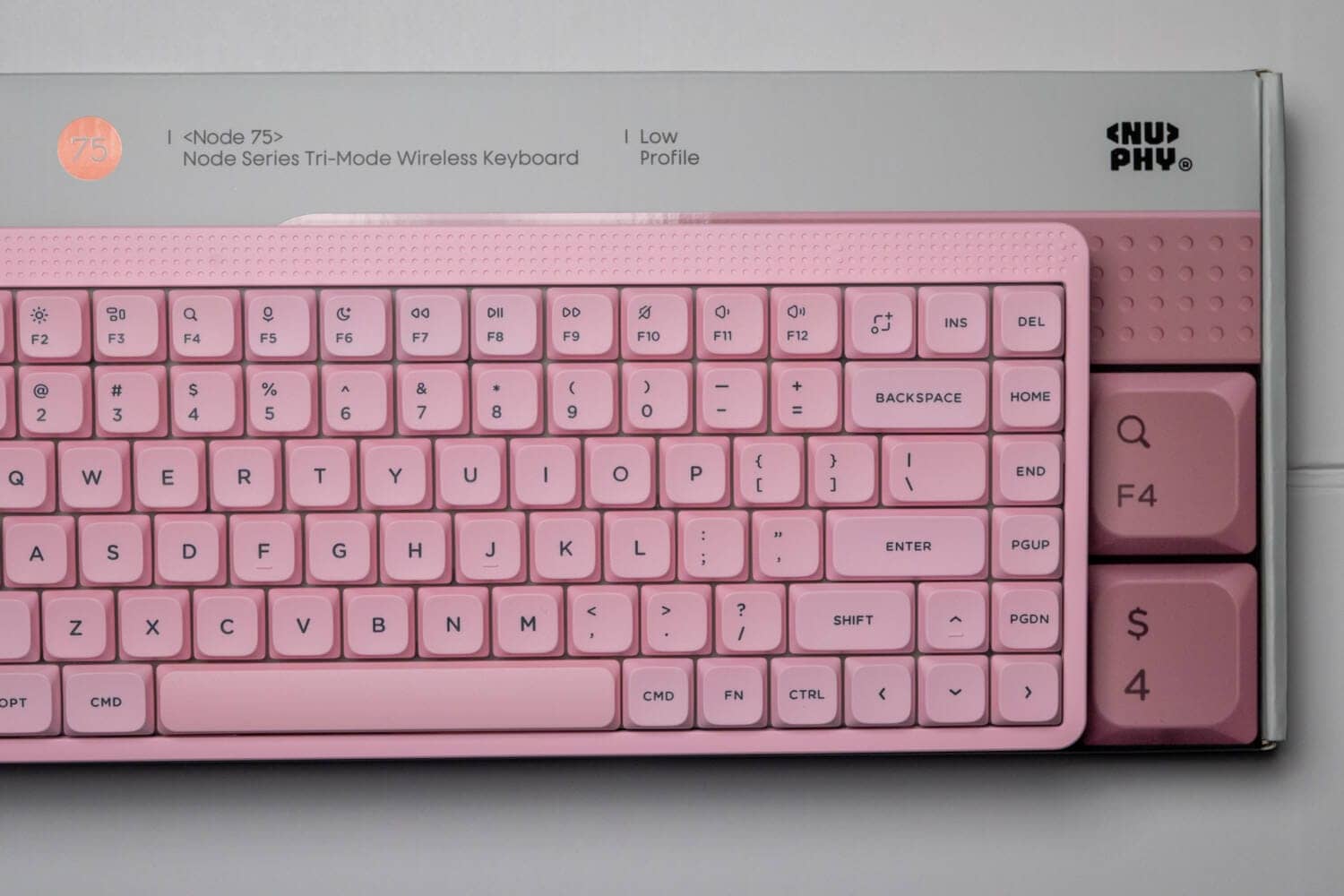
What a stylish exterior box!

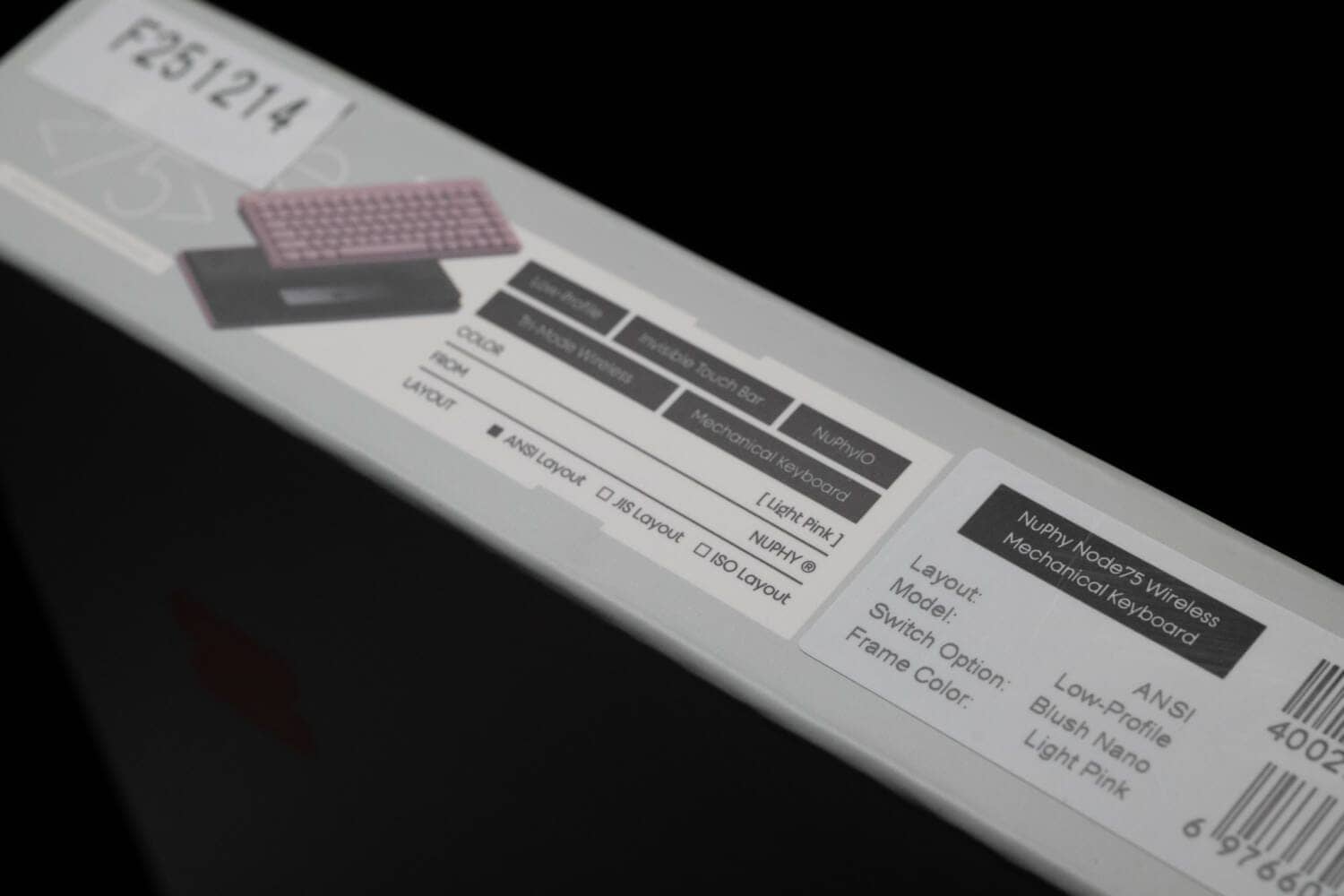
The dotted pattern on the packaging shows that the product is not only well-designed but also functional.
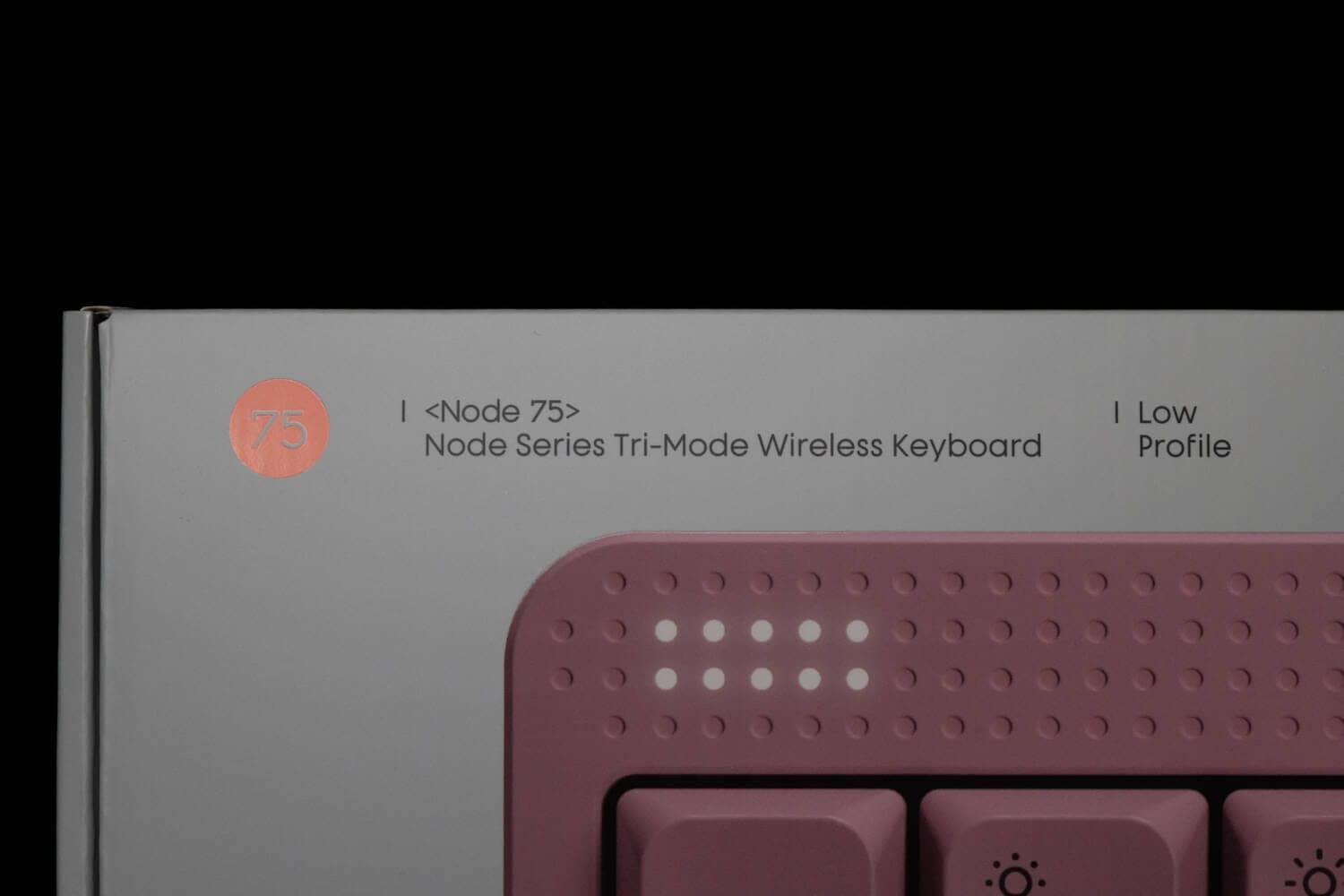
The dot matrix LED in the upper left corner functions as a battery indicator, a pace indicator when typing, and a light when CapsLock is activated.
At first glance, the upper right portion of the screen appears to be empty, but this is the only pressure-sensitive touch bar where actions can be set with NuPhy IO 2.0.
The default setting is the illuminance setting. (Vol / Illuminance / Backlight can be controlled)
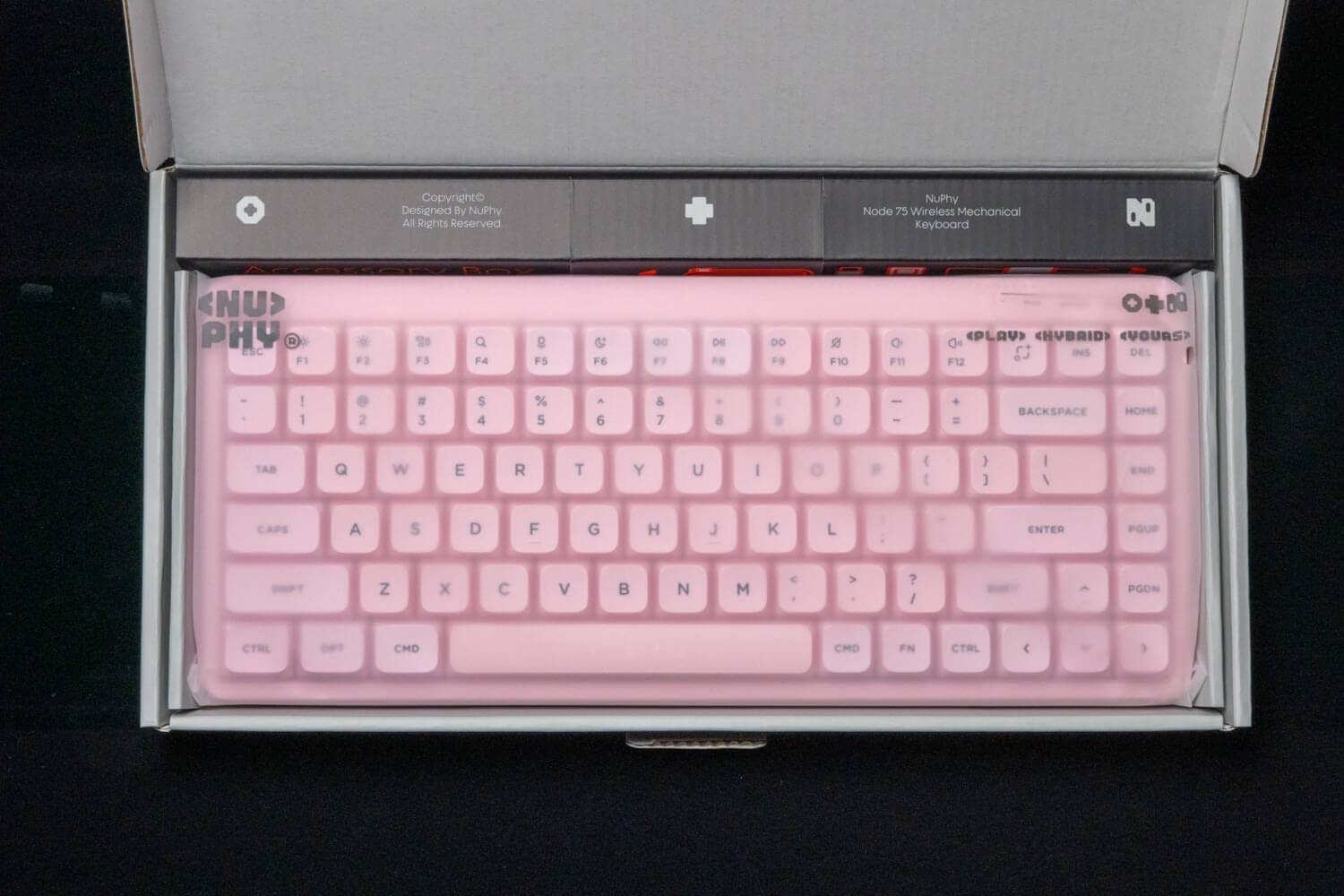
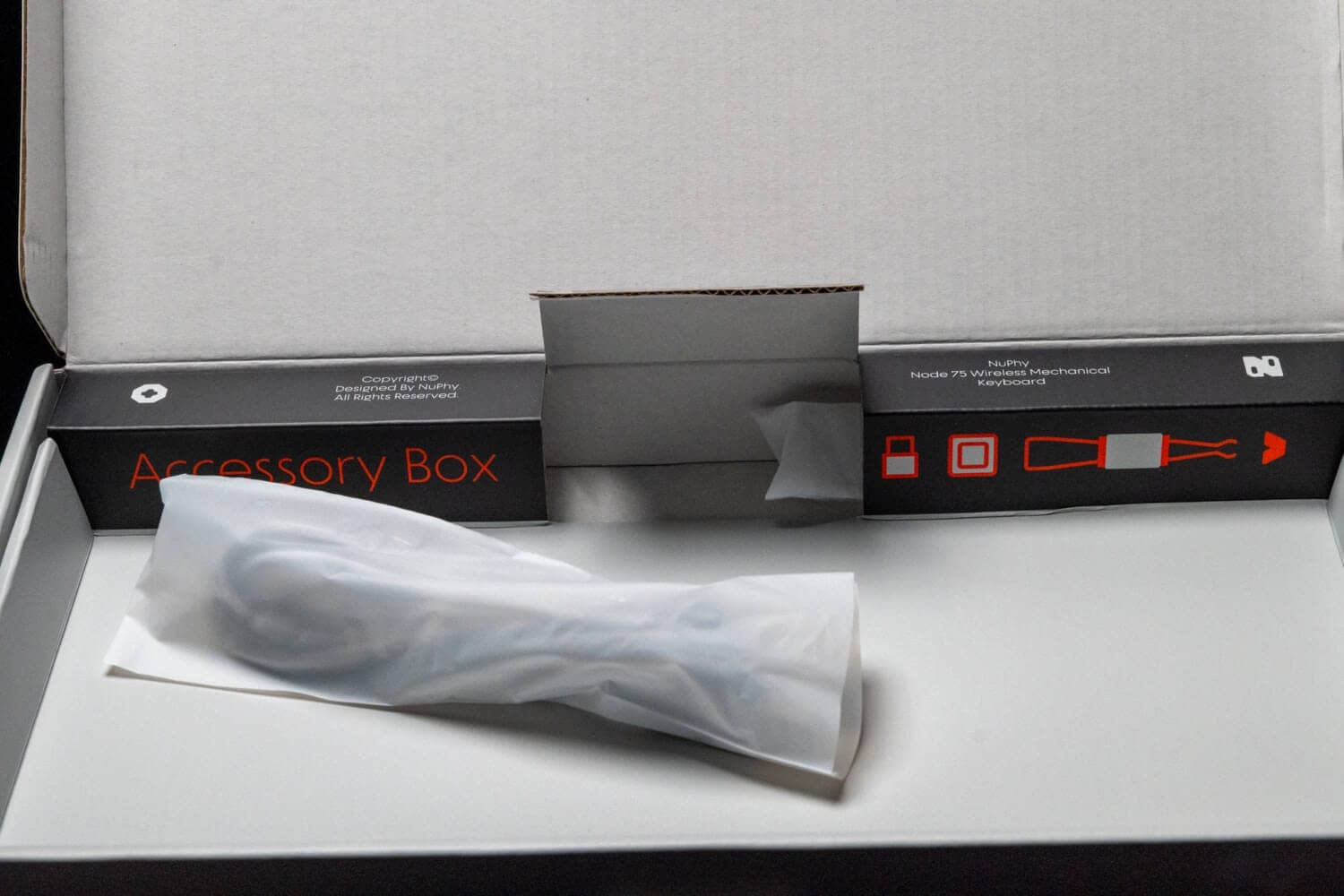
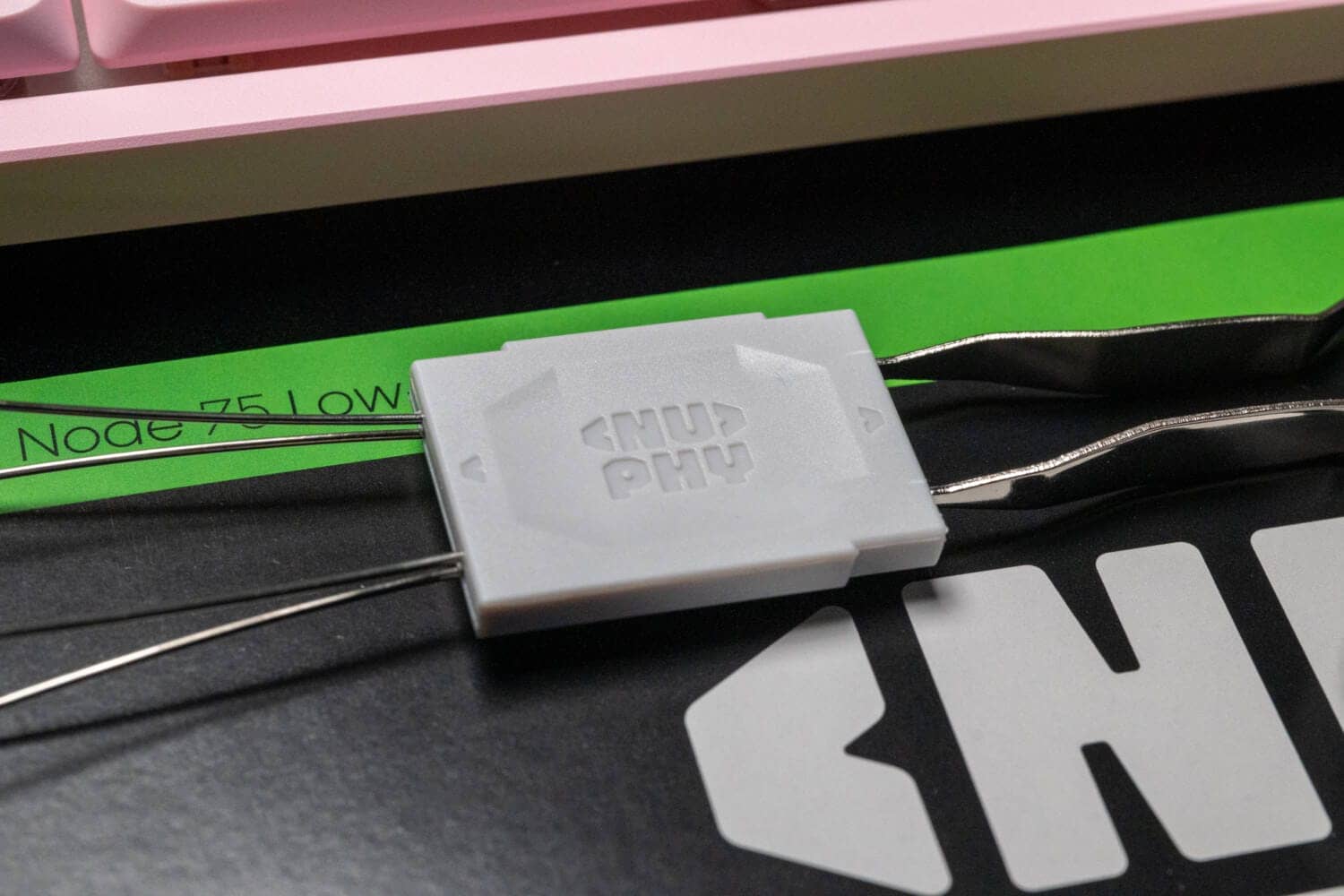
The back of the package contains the cable, replacement keycap, keycap/key switch puller, etc.
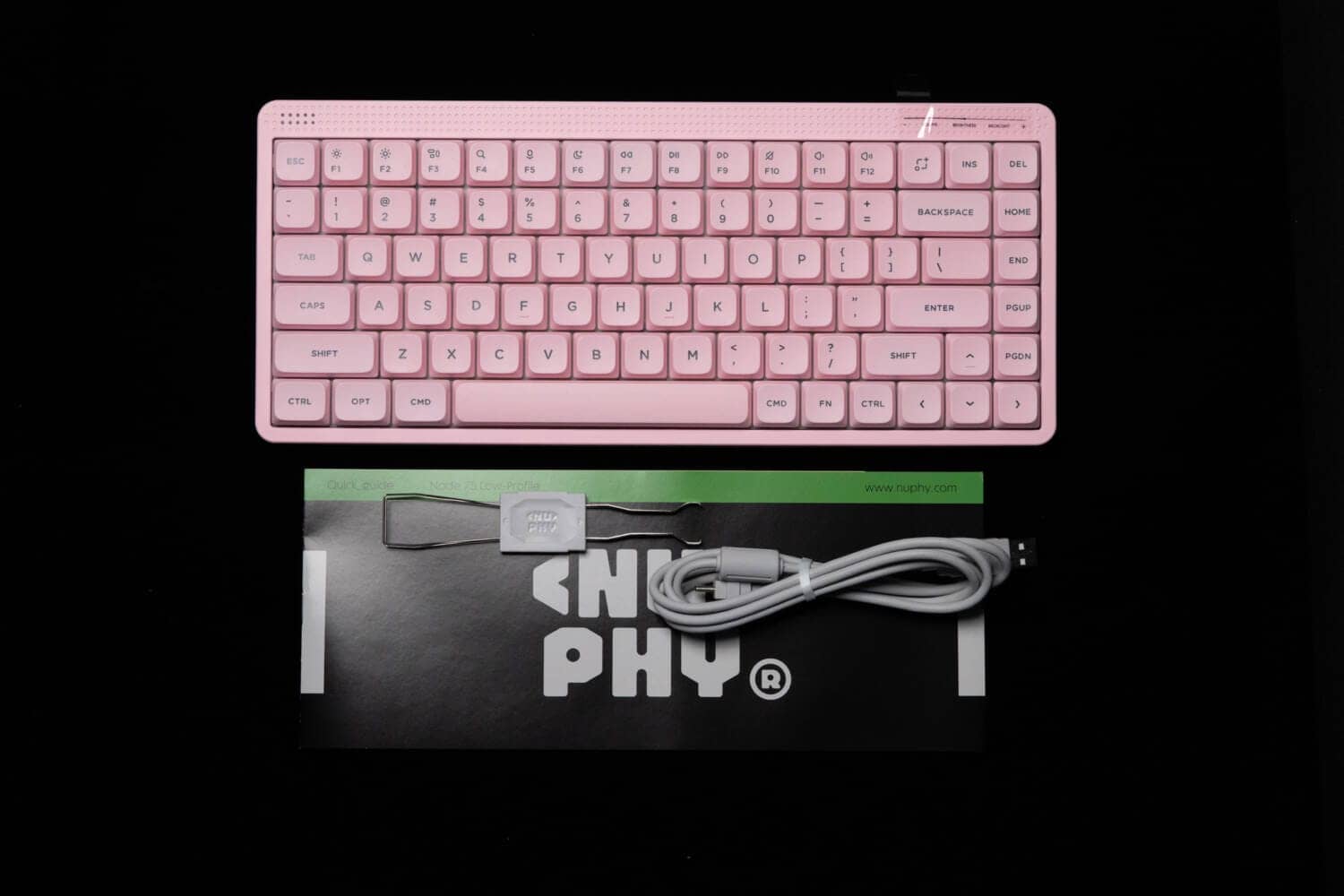
The new logo is cool.
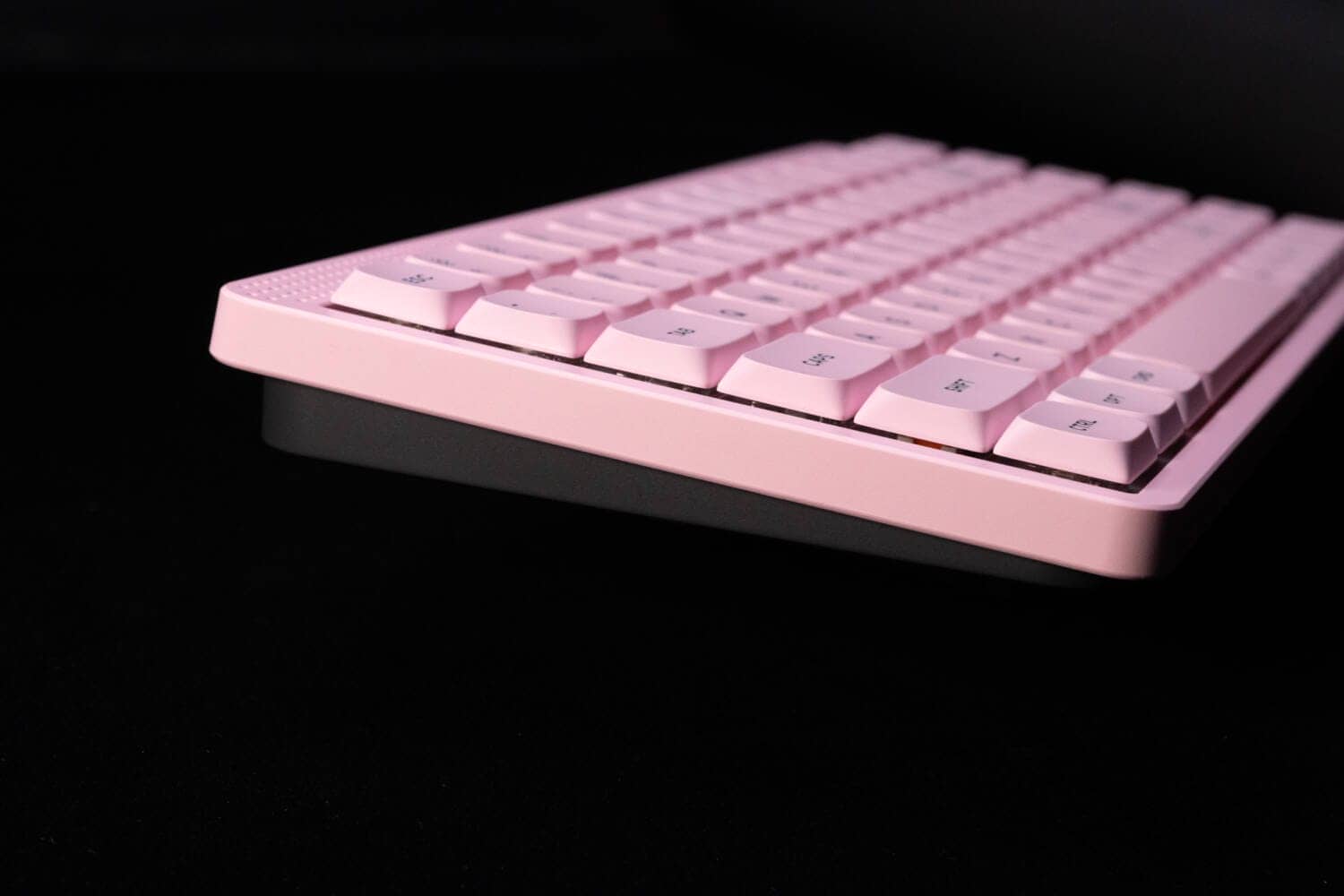
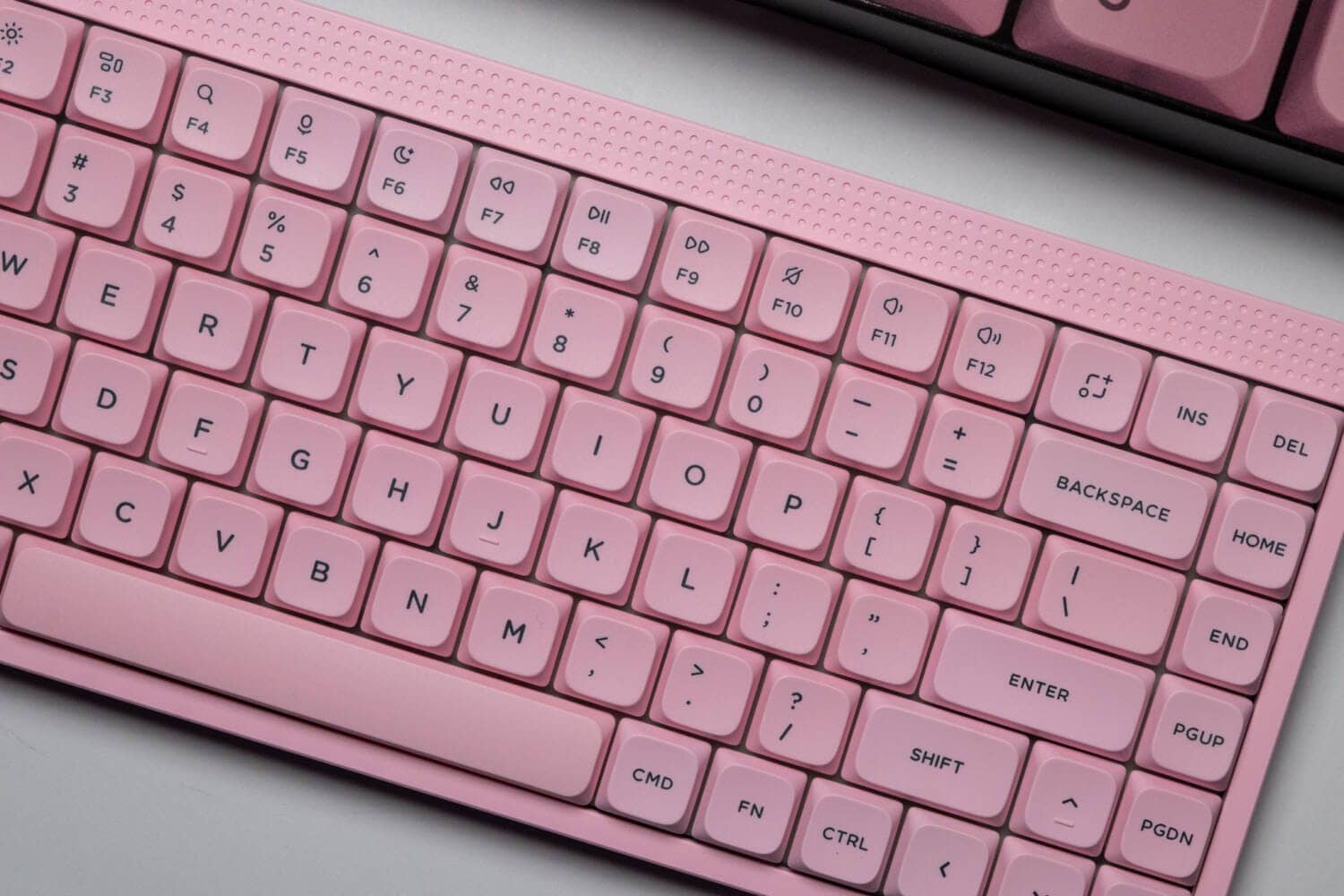
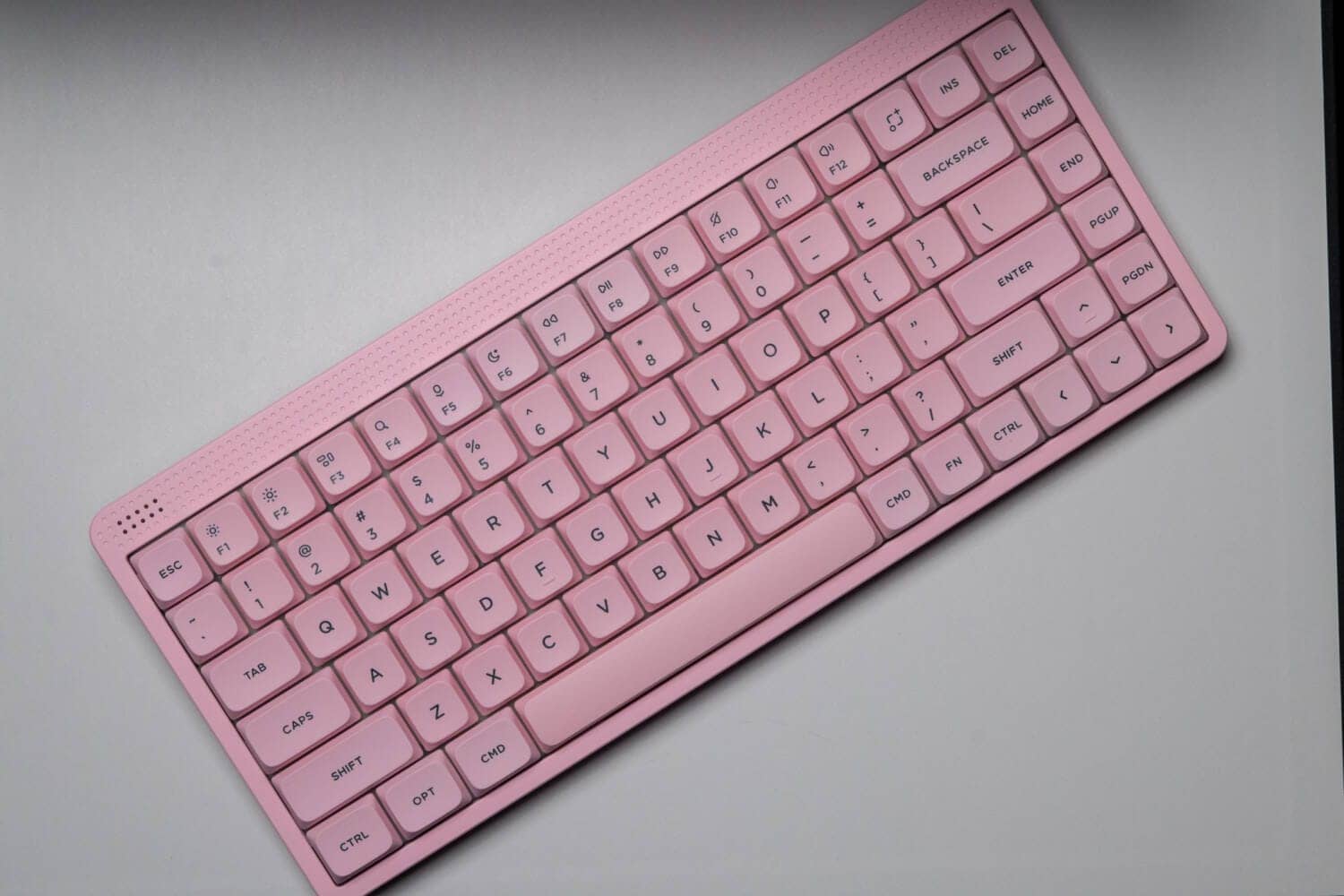
The pink color was reviewed this time.
The unified look of all pink, including the frames, is sure to appeal to pink lovers.
The default keycaps are for Mac, but can be replaced with OPT to ALT by using replacement keycaps.
However, it should be noted that there is no Windows icon, and only the icon of the calculator symbol is included.
KawamuraNot pictured, but included are the following keycaps
- ALT (1.25u) x 2
- Calculation mark (1.25u) x 1
- Accent key caps (for top row – 1.0u) x 3 (red, green, yellow)

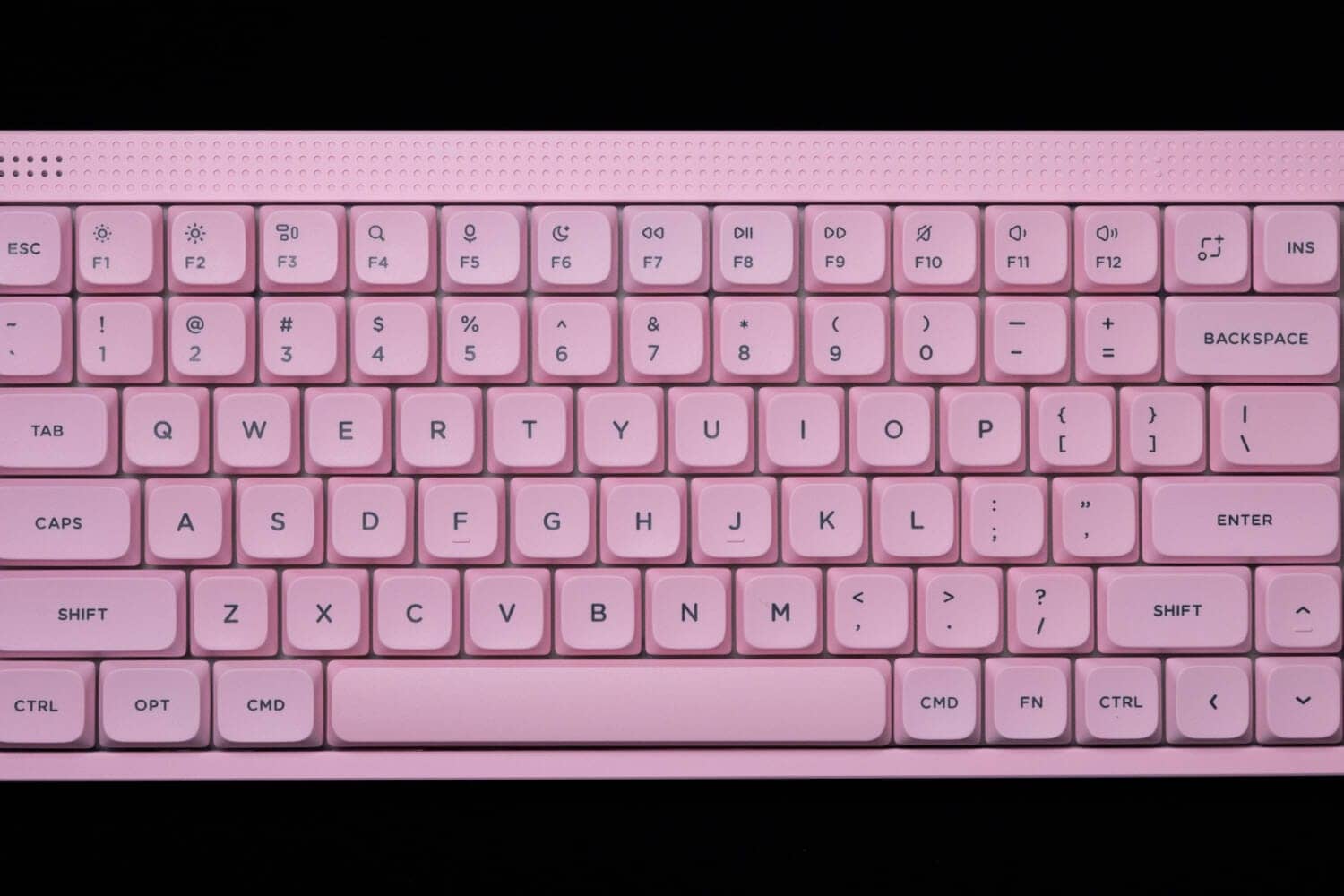
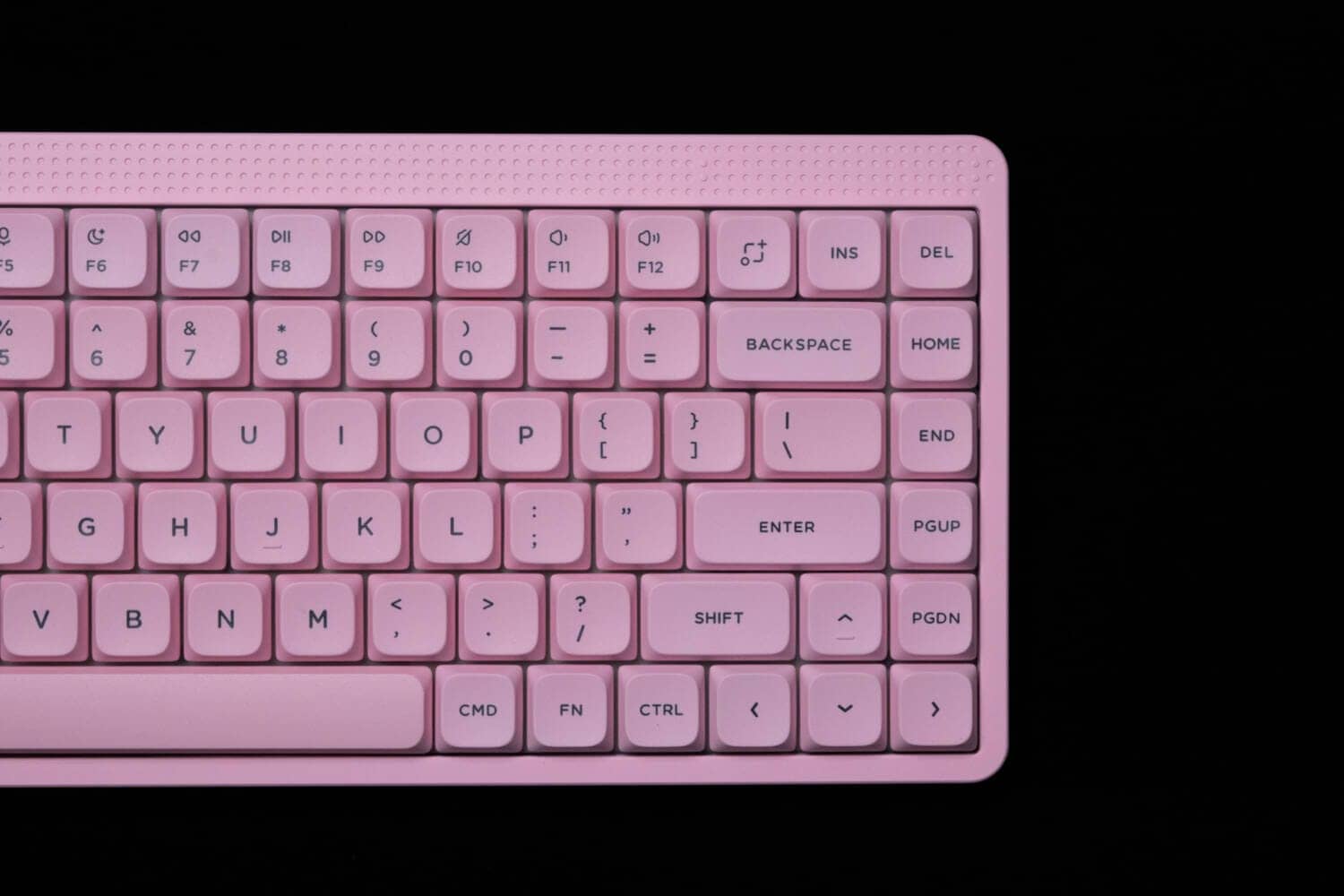
Unlike the high-profile version, it is important to note that the key layout in the lower right corner is not 1.25u 1.25u 0.5u blank, but three 1u size keys in a row, adjacent to the Arrow key, which requires attention for misoperation.
As mentioned at the beginning, the upper margin of the three keys in the upper right corner is a touch bar that can be used to control illumination and volume.
Above the ESC key in the upper left corner is an LED indicator.
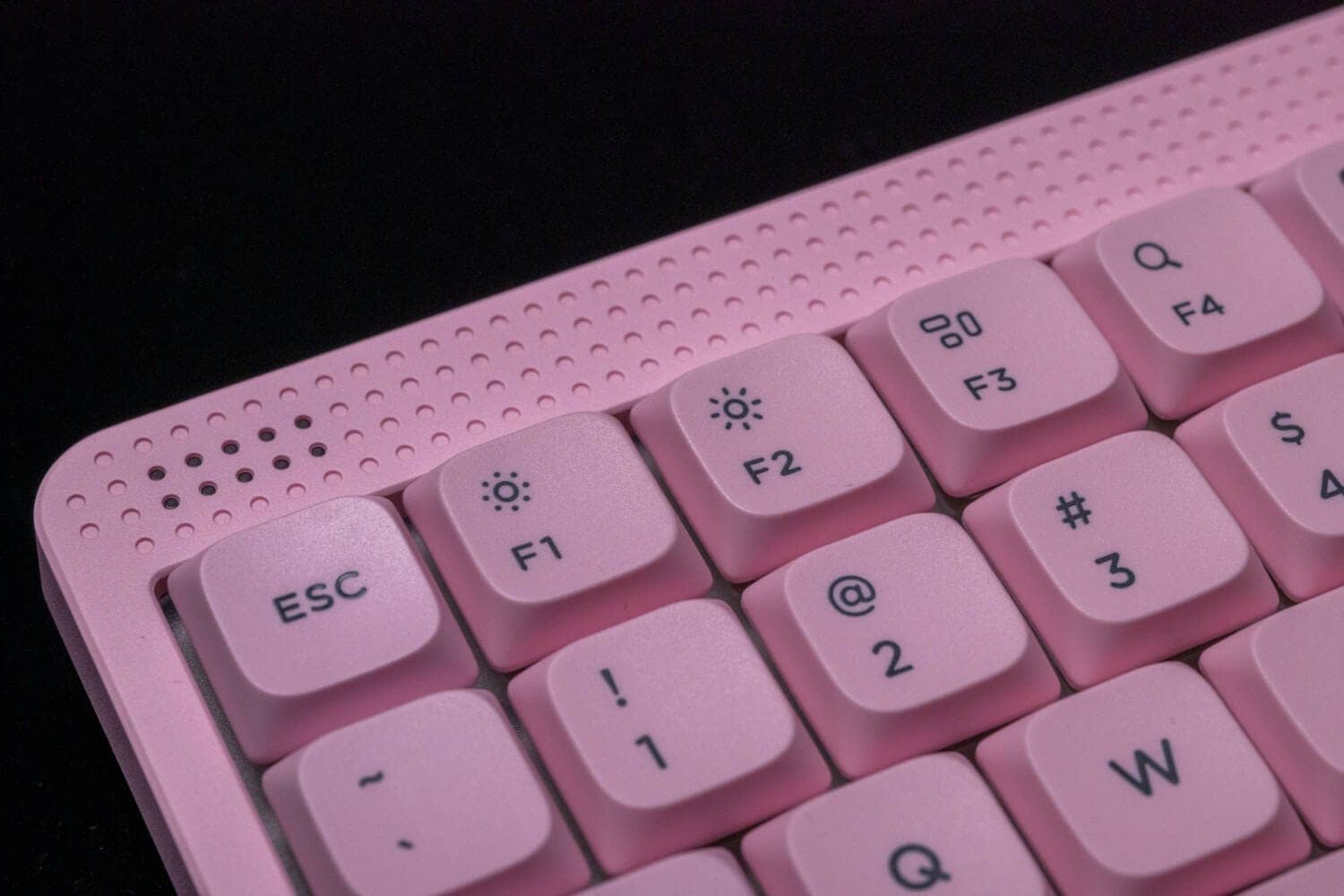
The key profile is NuPhy’s proprietary nSA profile, and the homing keys are bar type.
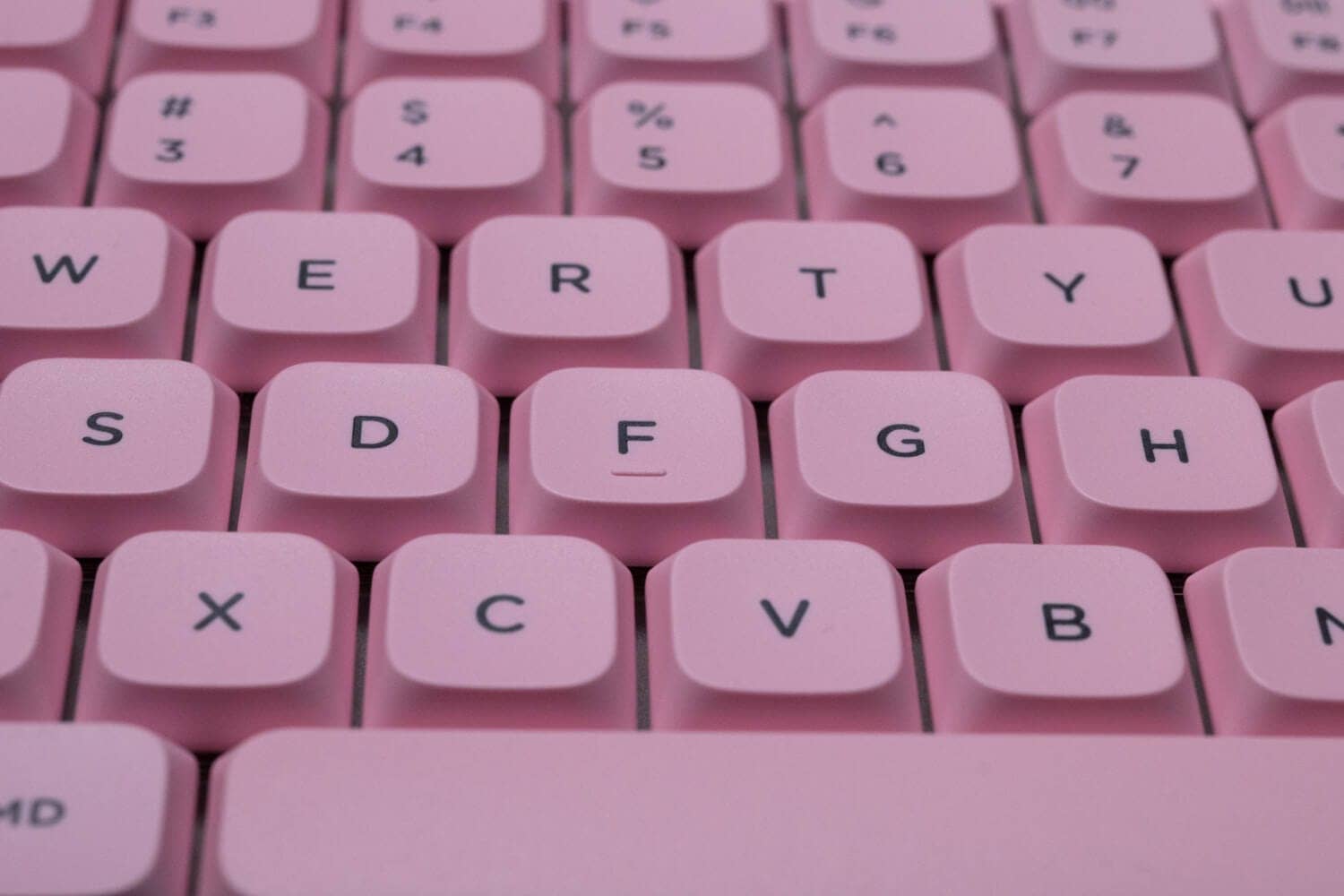
Unlike the high-profile model, it has a flat design with no difference in slope from row to row.
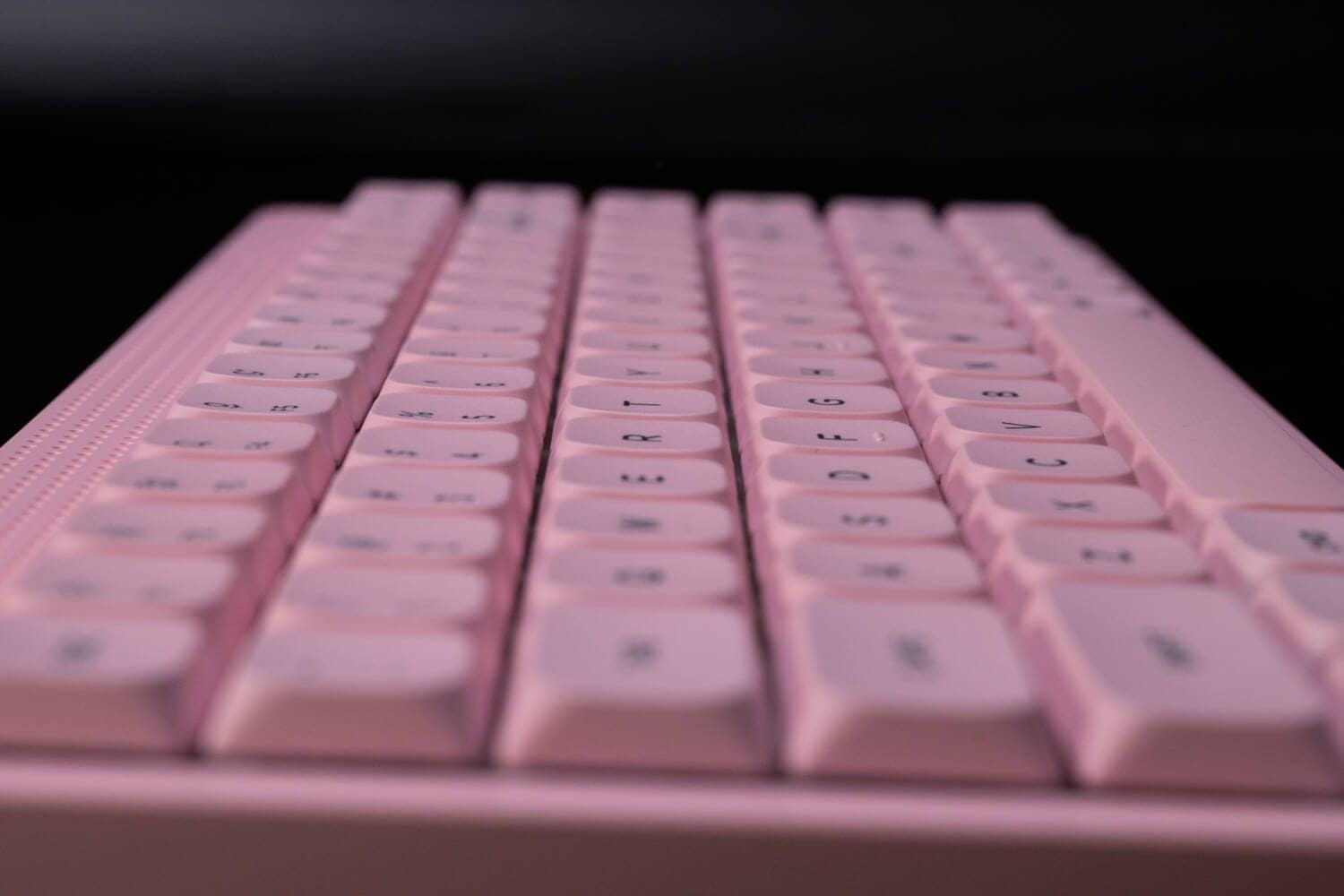
The keycap shape is a spherical design, depressed toward the center.
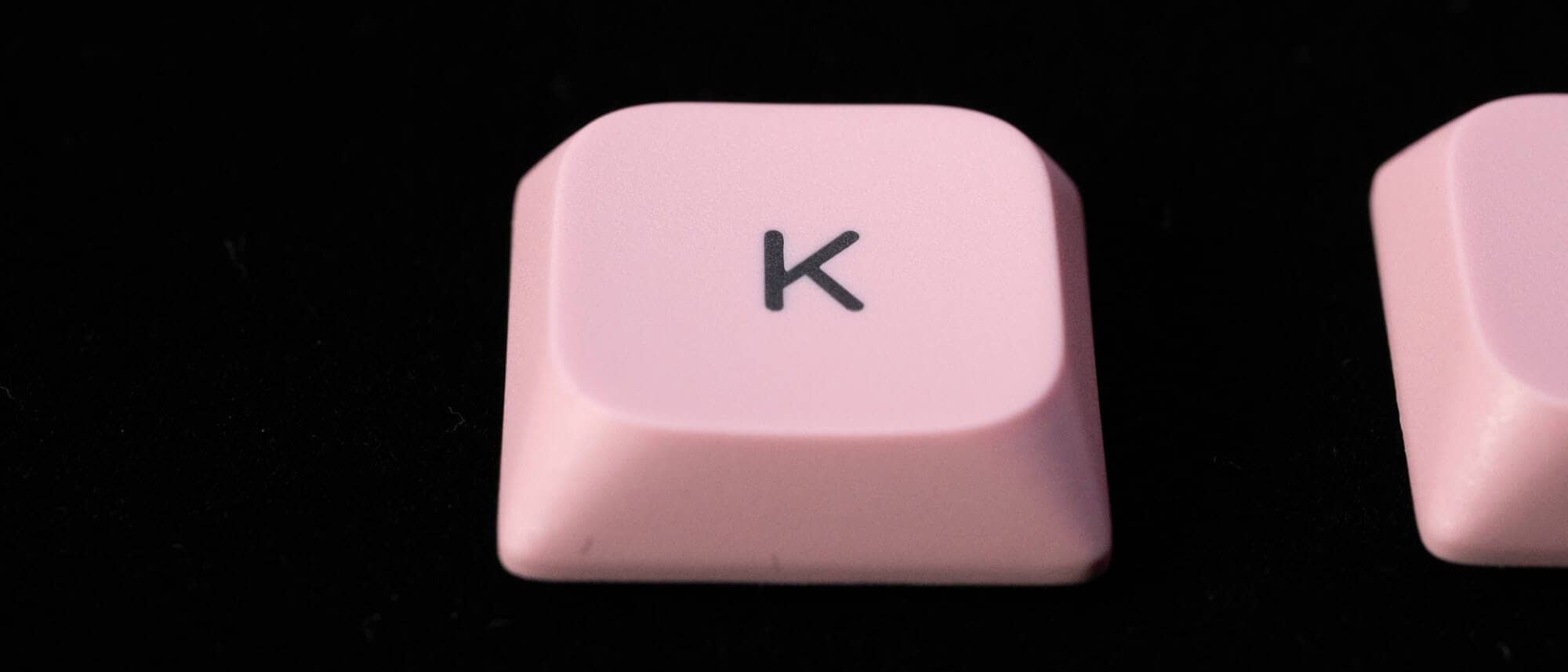
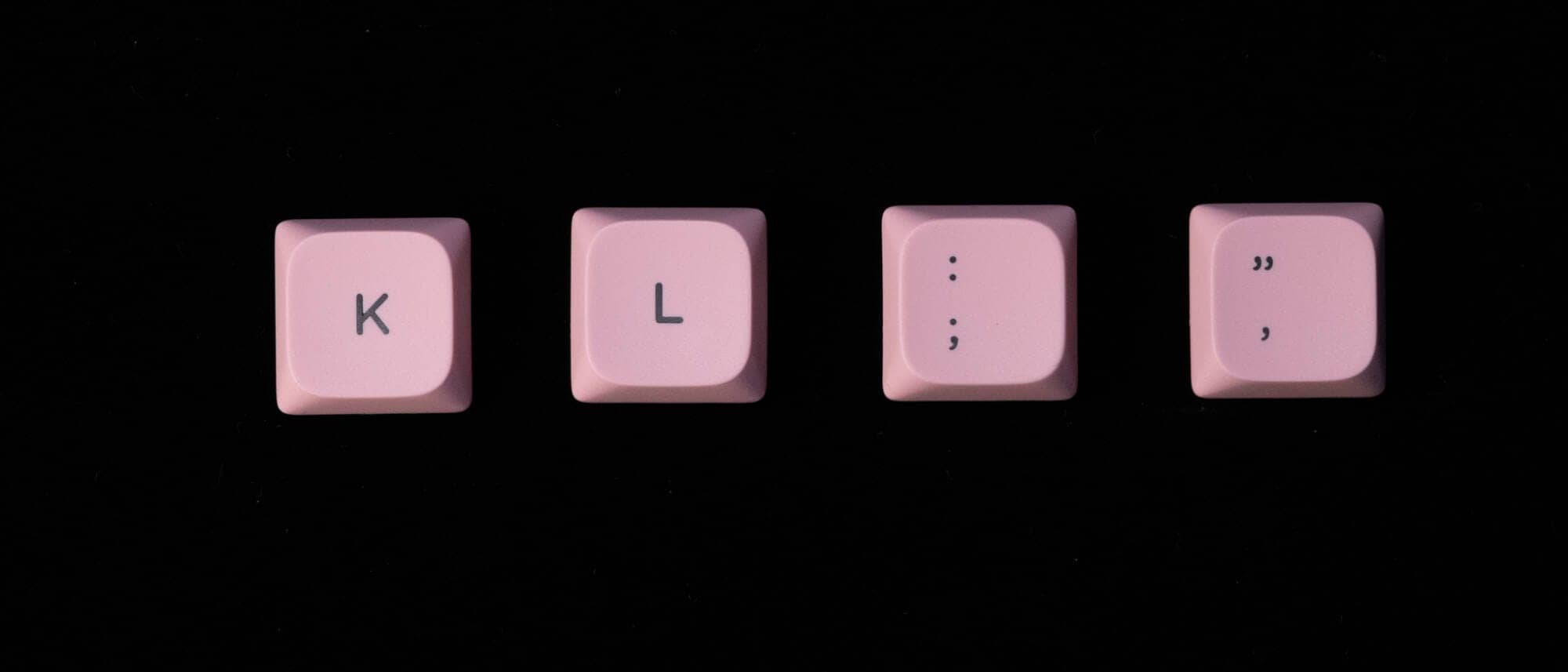
The printing is double-shot, and the stem molding of the keycaps is very careful.
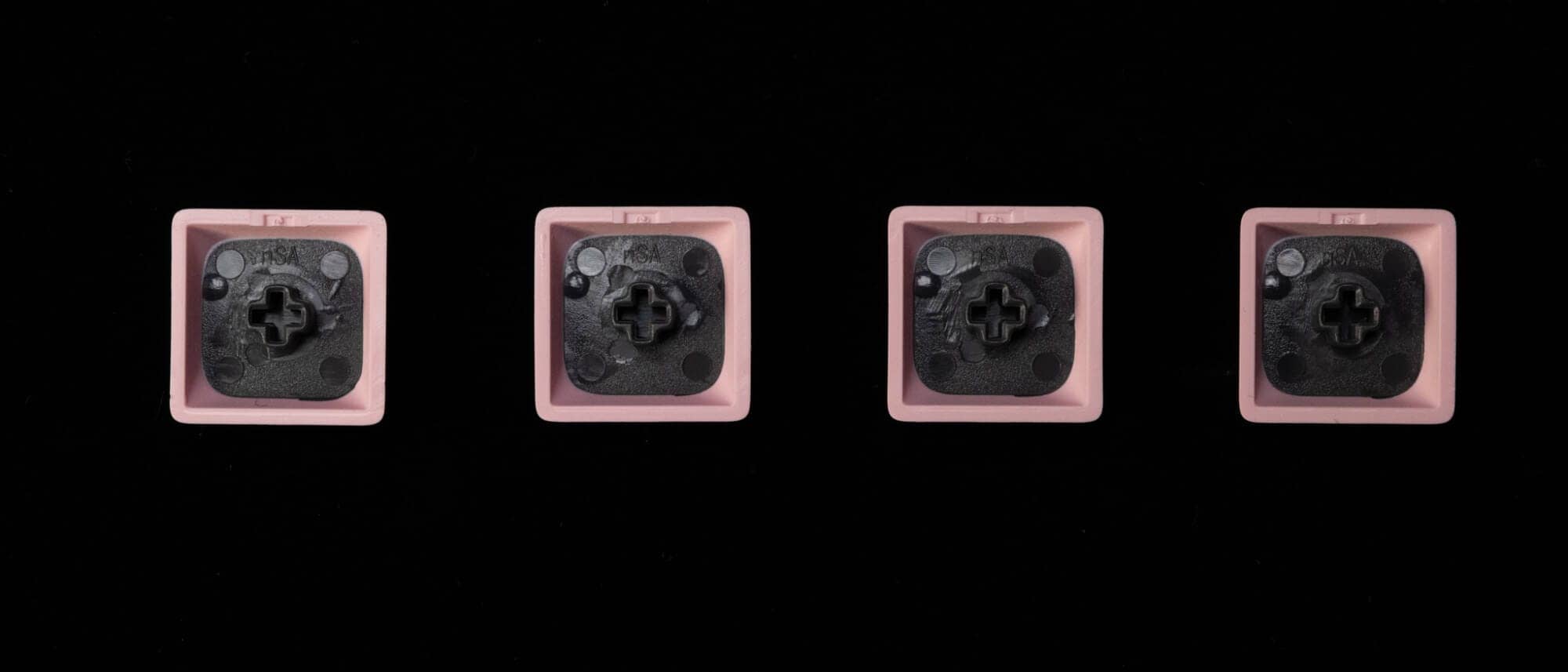
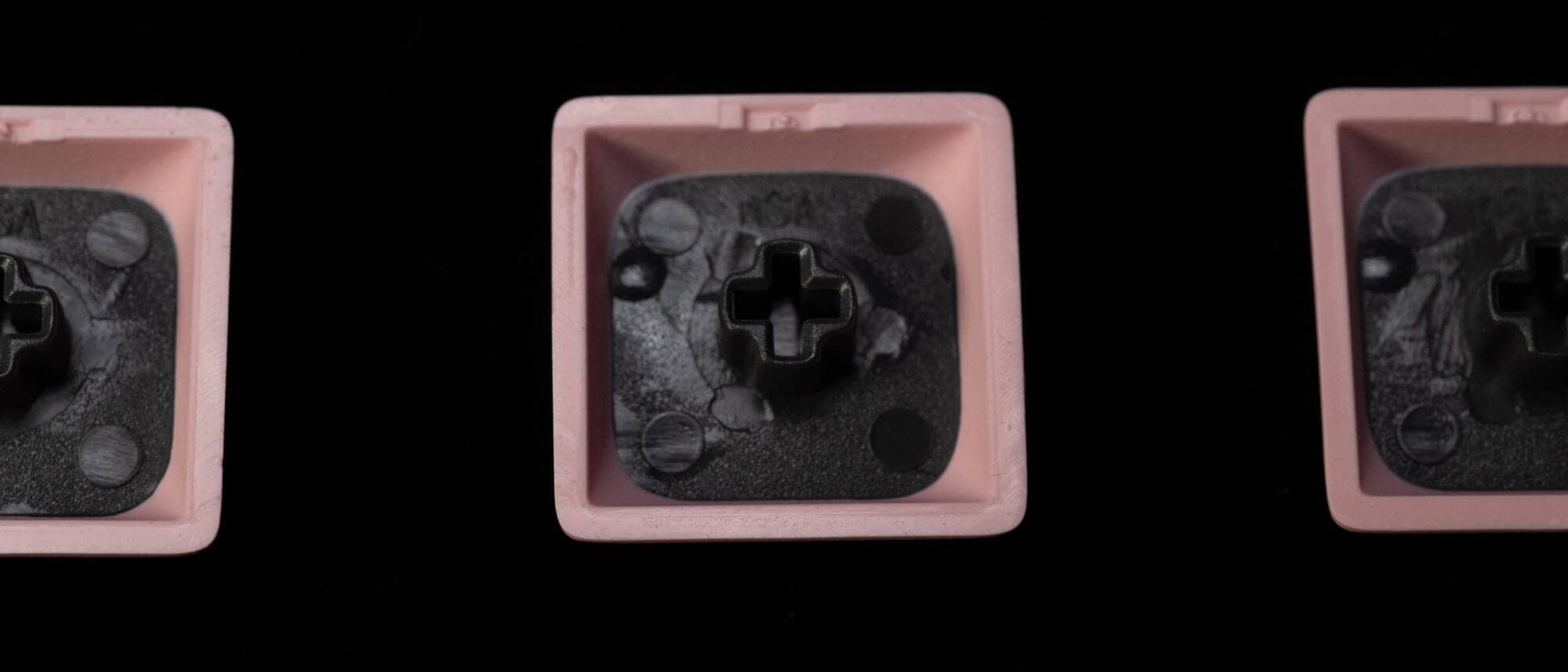
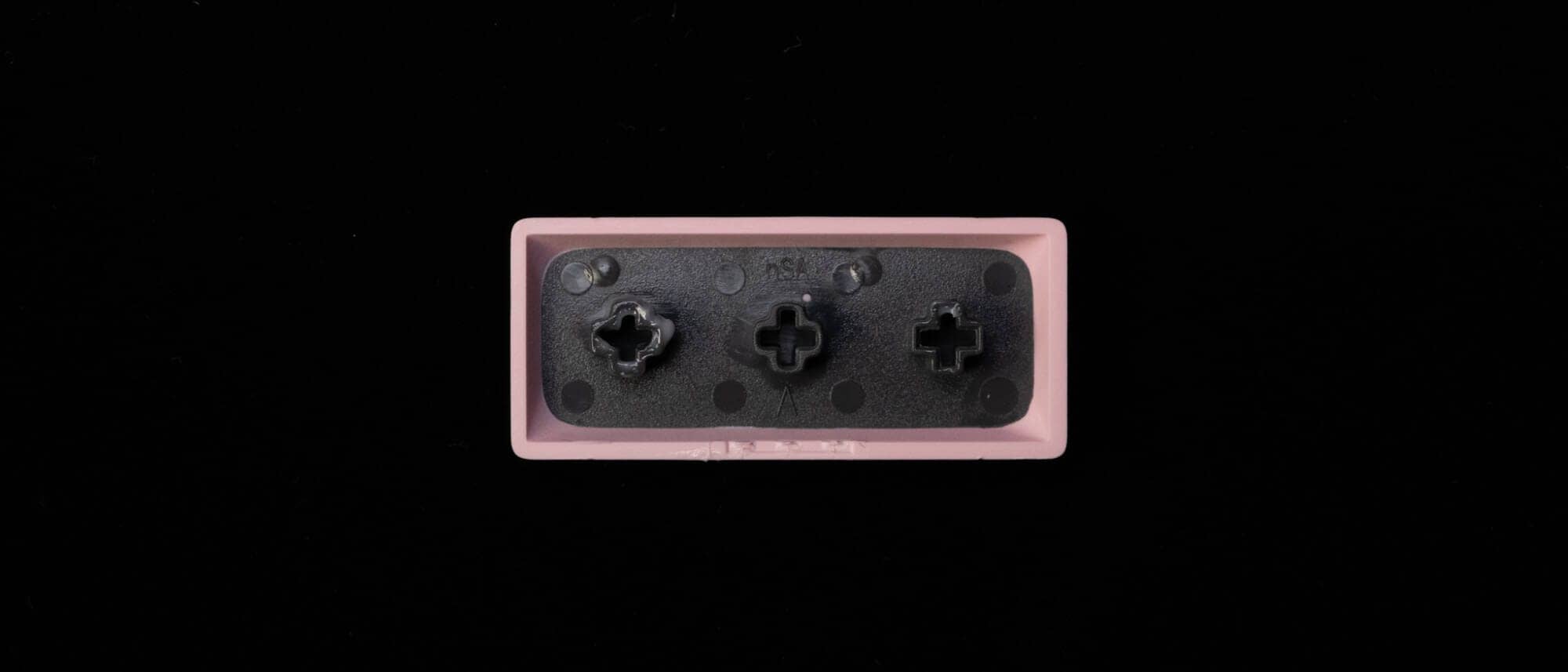
The switch plate is polycarbonate and the LEDs face north.
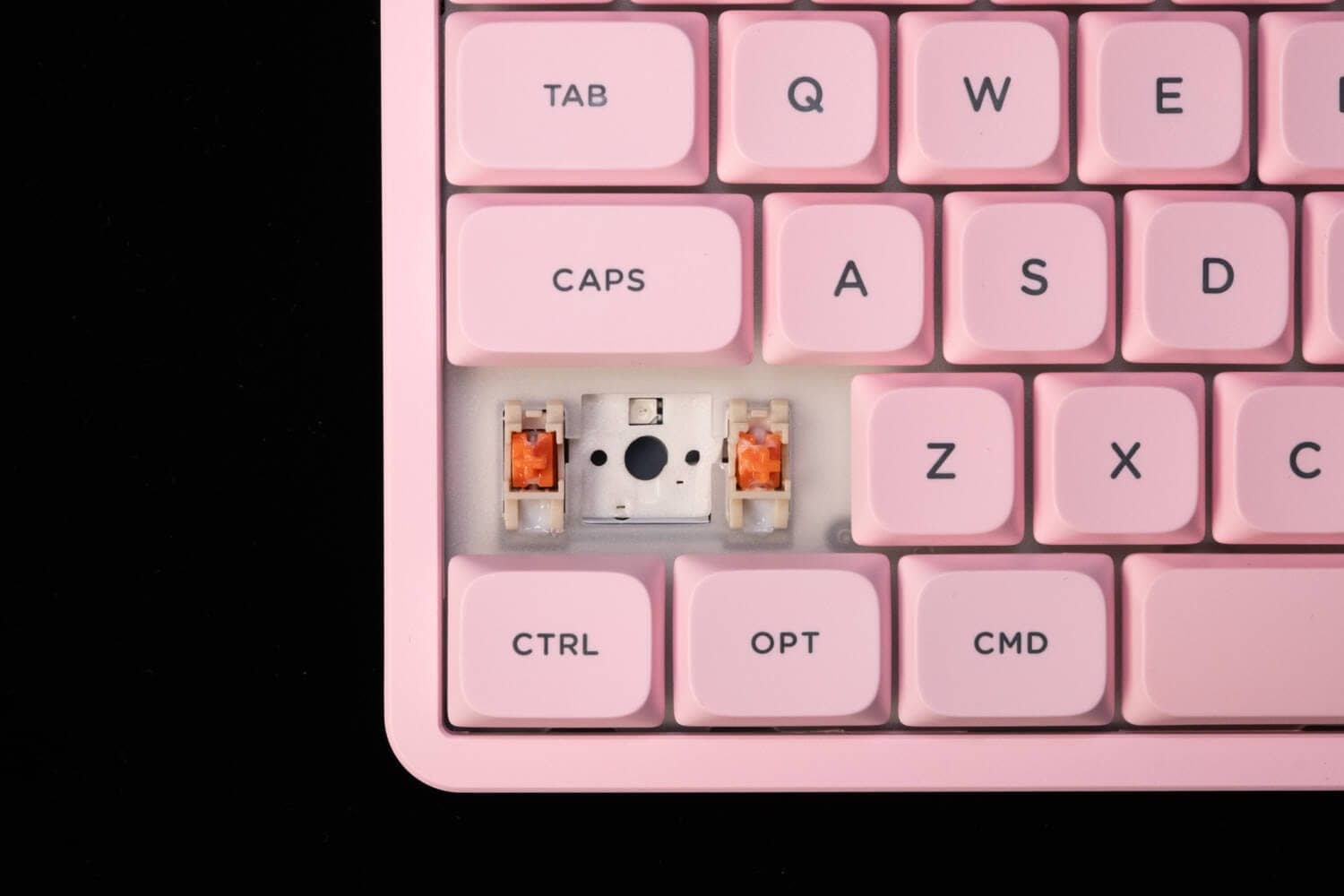
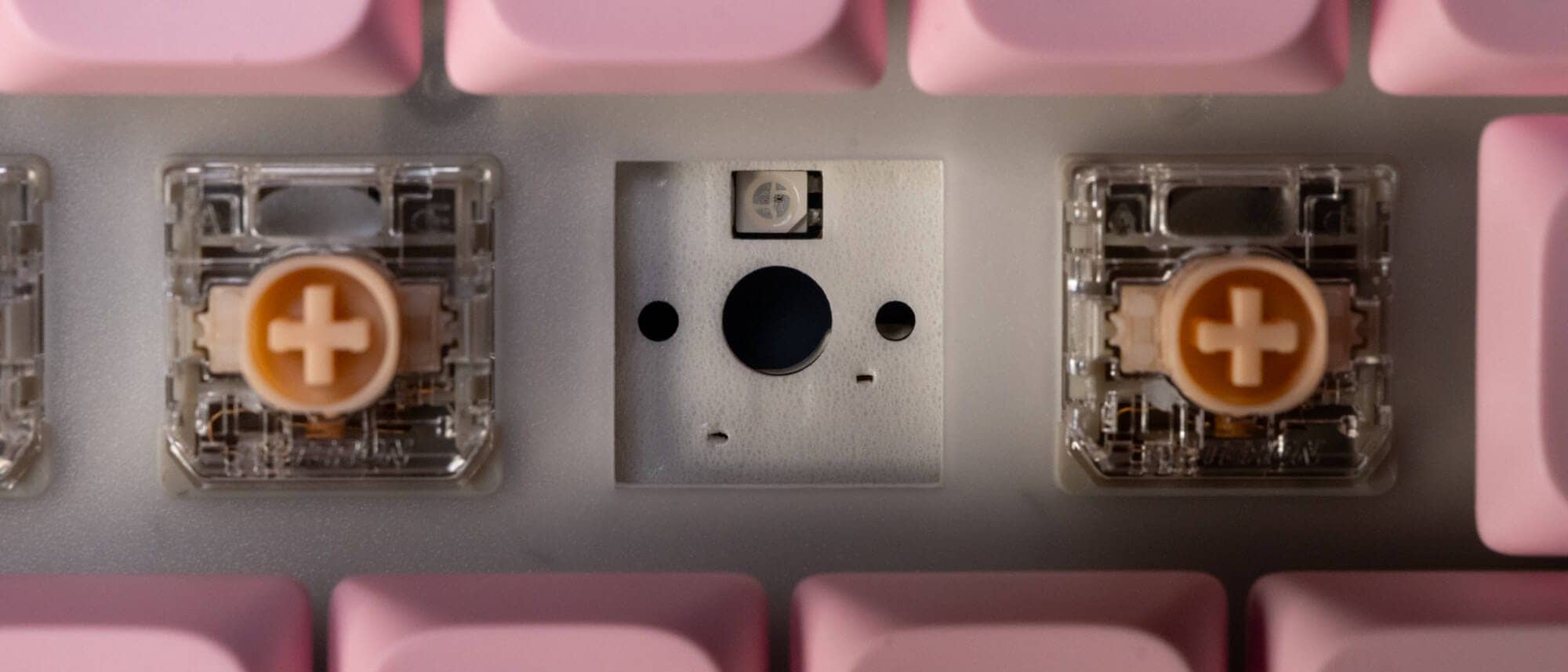
We chose the Blush nano, which is silent, linear, and the only one with a short stroke (3.2 mm travel).
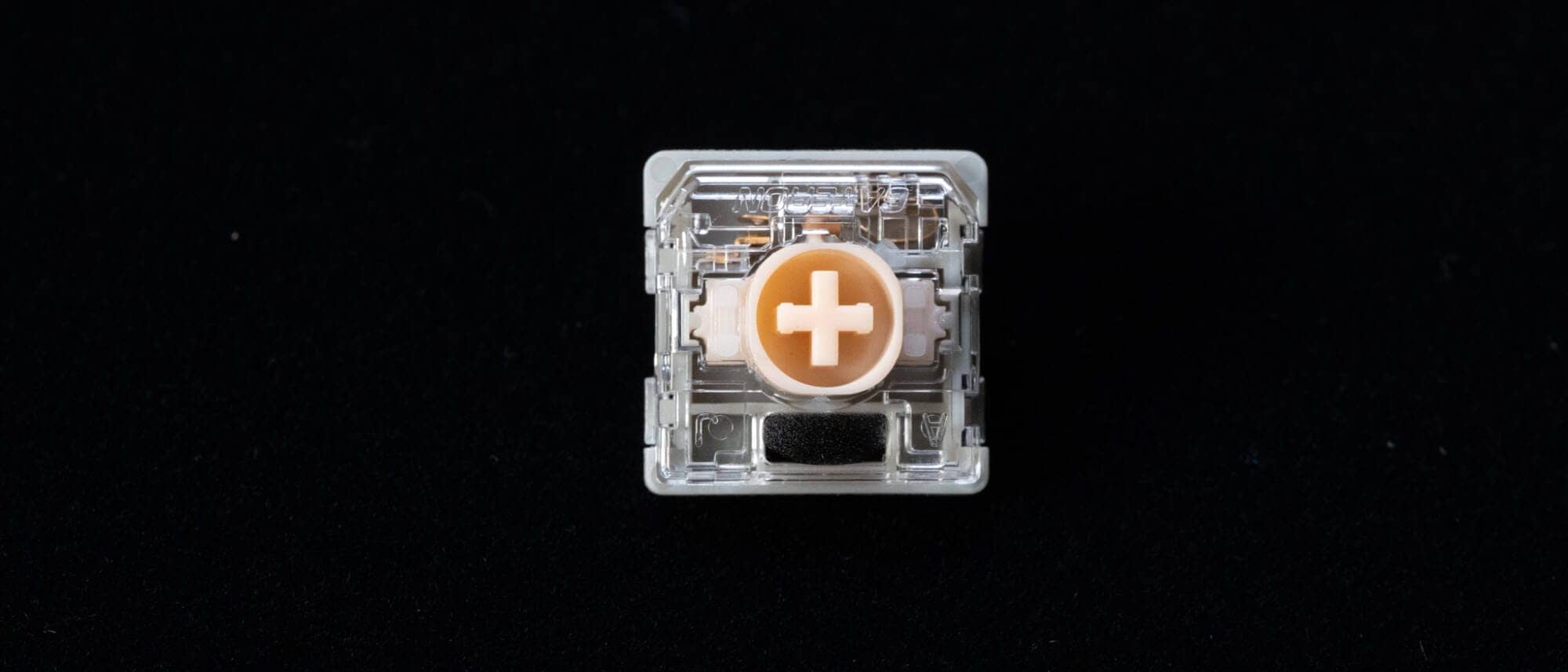
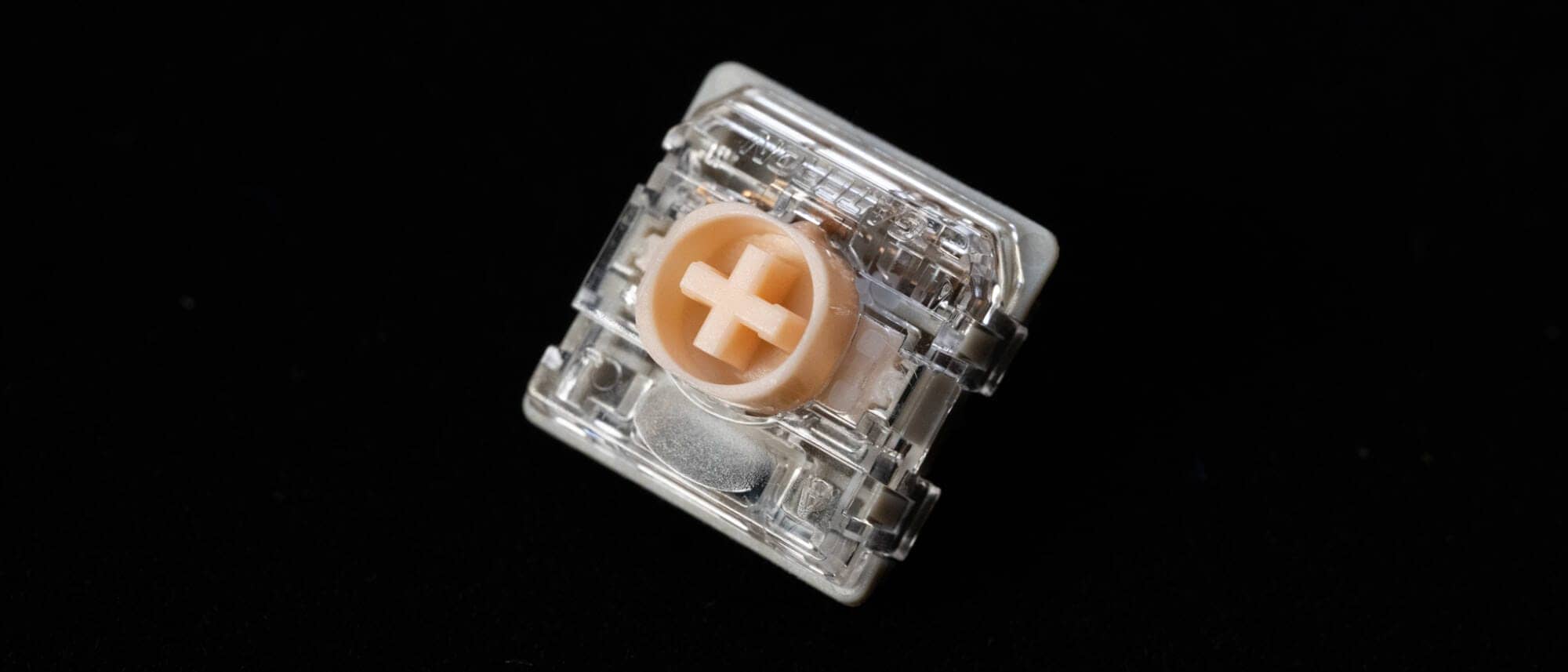
Compared to other keyswitches, the sound of keystrokes is almost inaudible, and there is no concern at all for office use.
As it is a short slot talk, fast typing is expected.
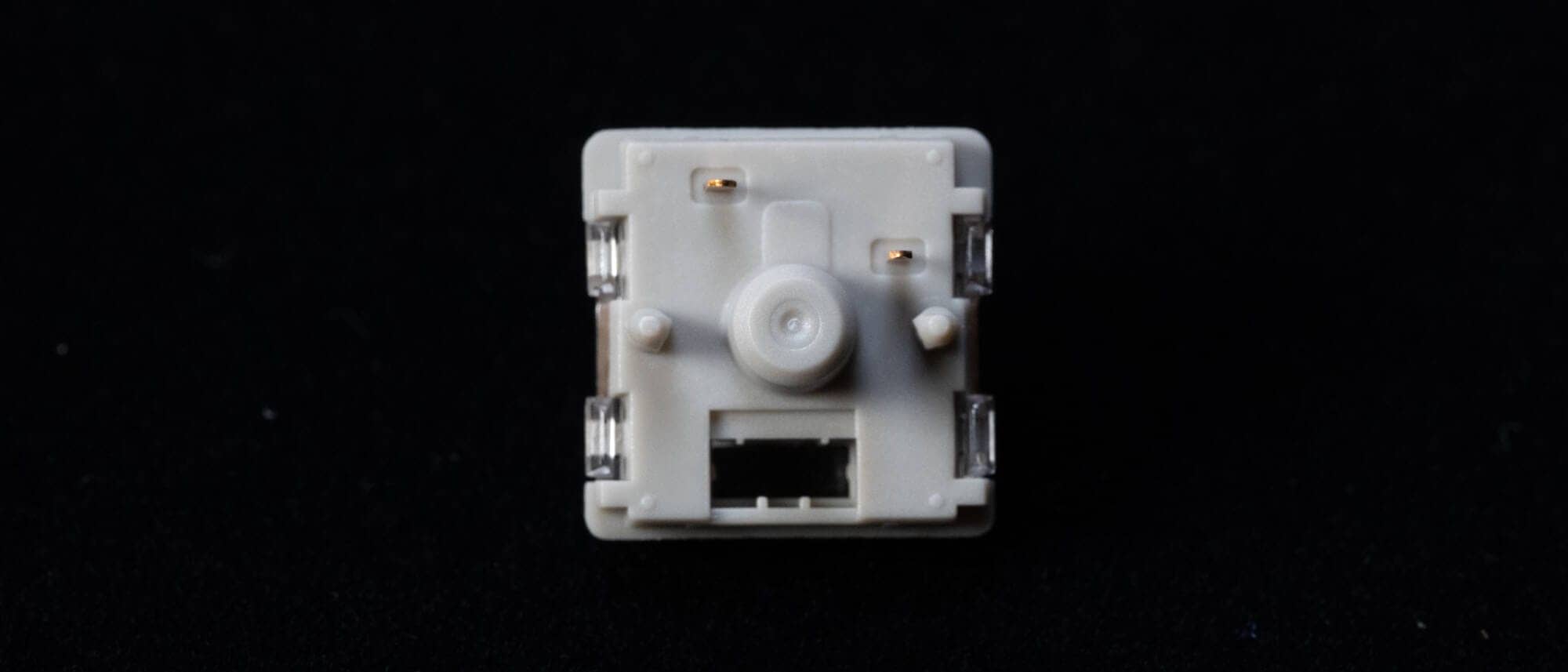
Let’s look at the back from the side.
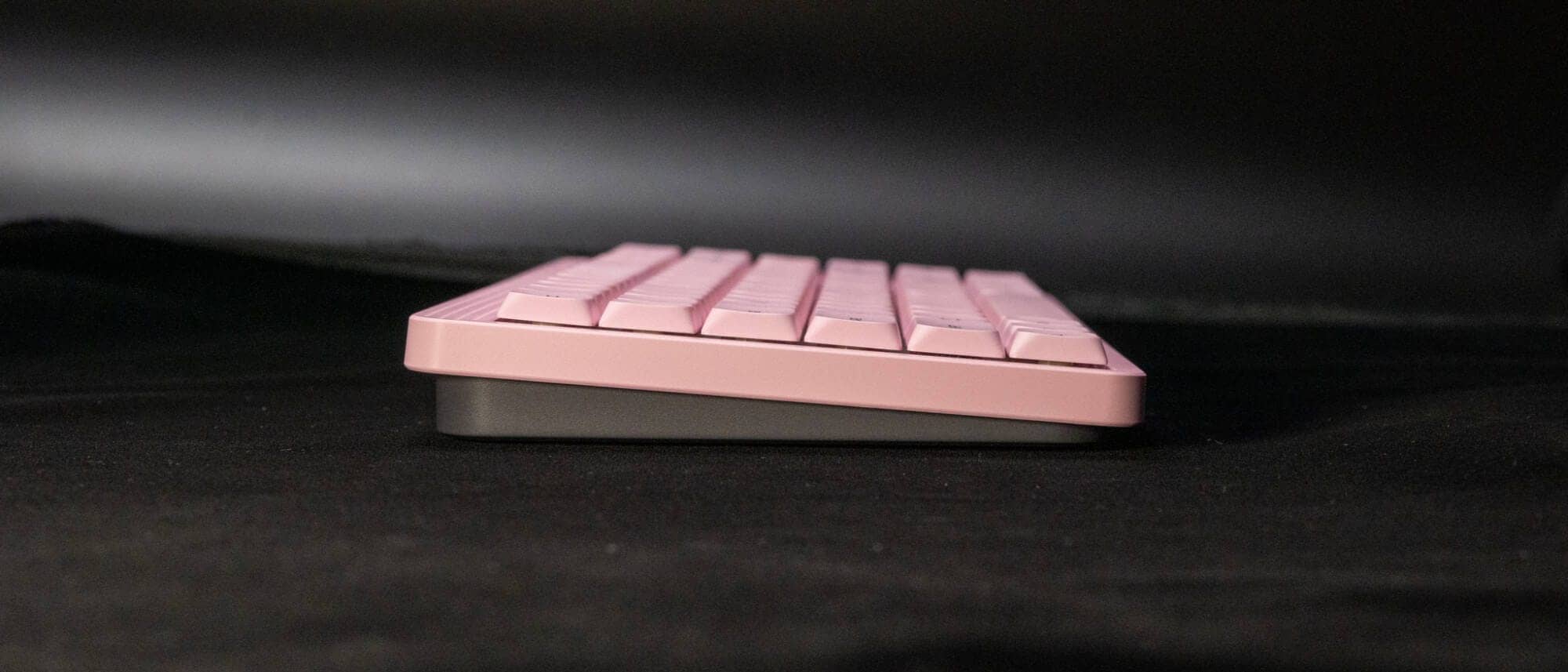
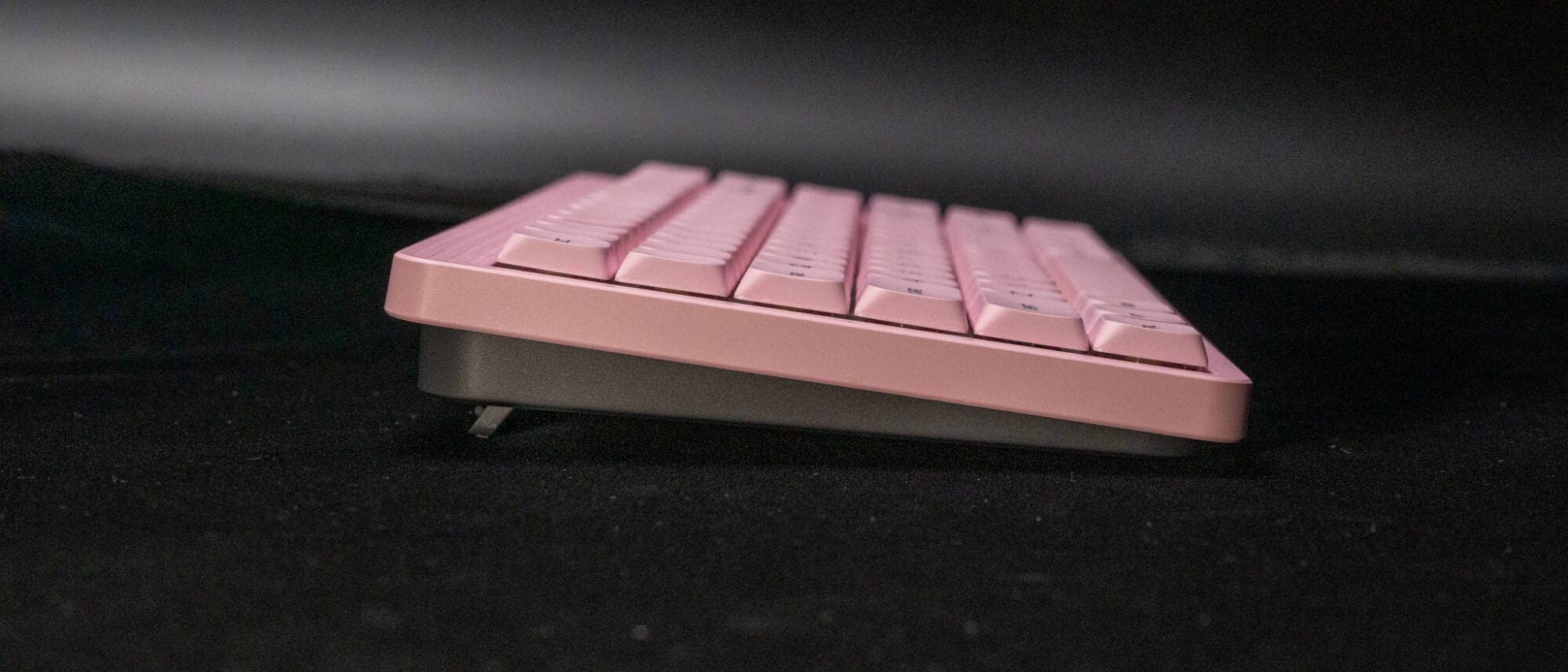
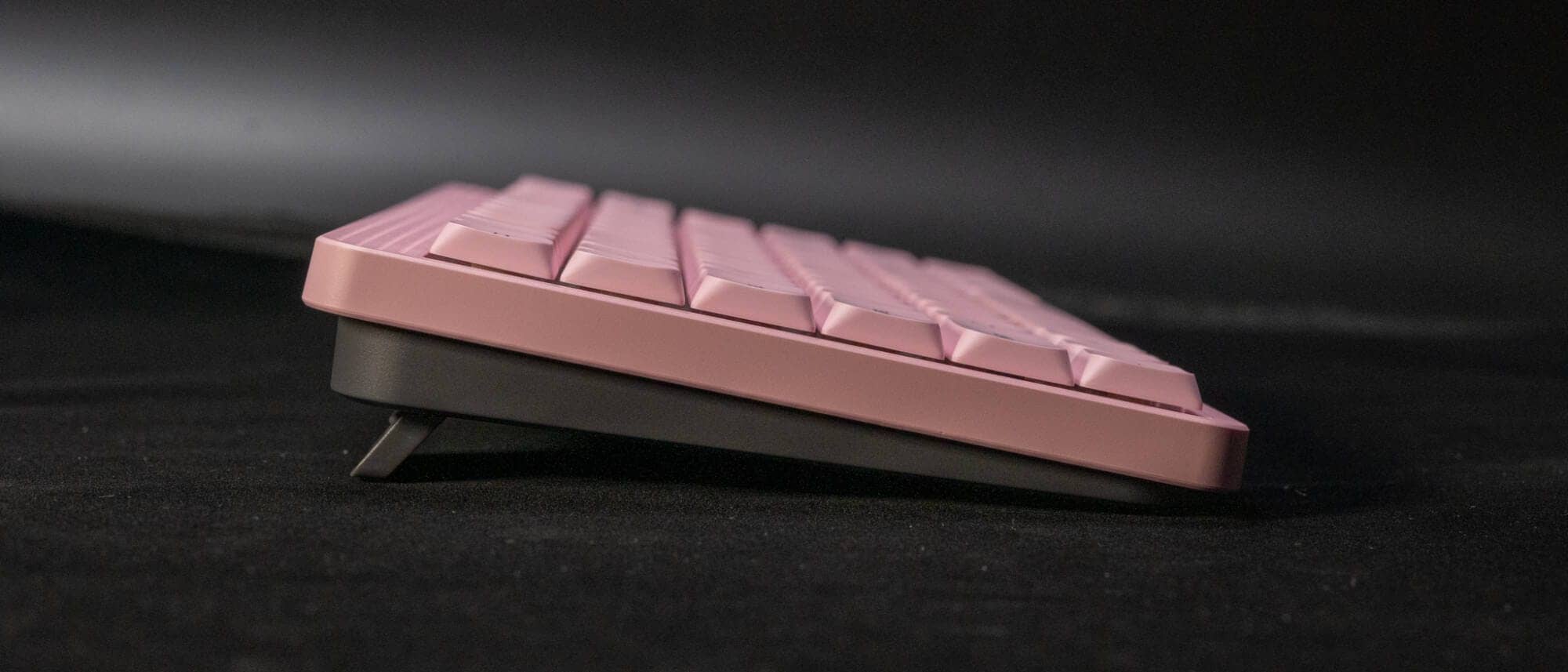
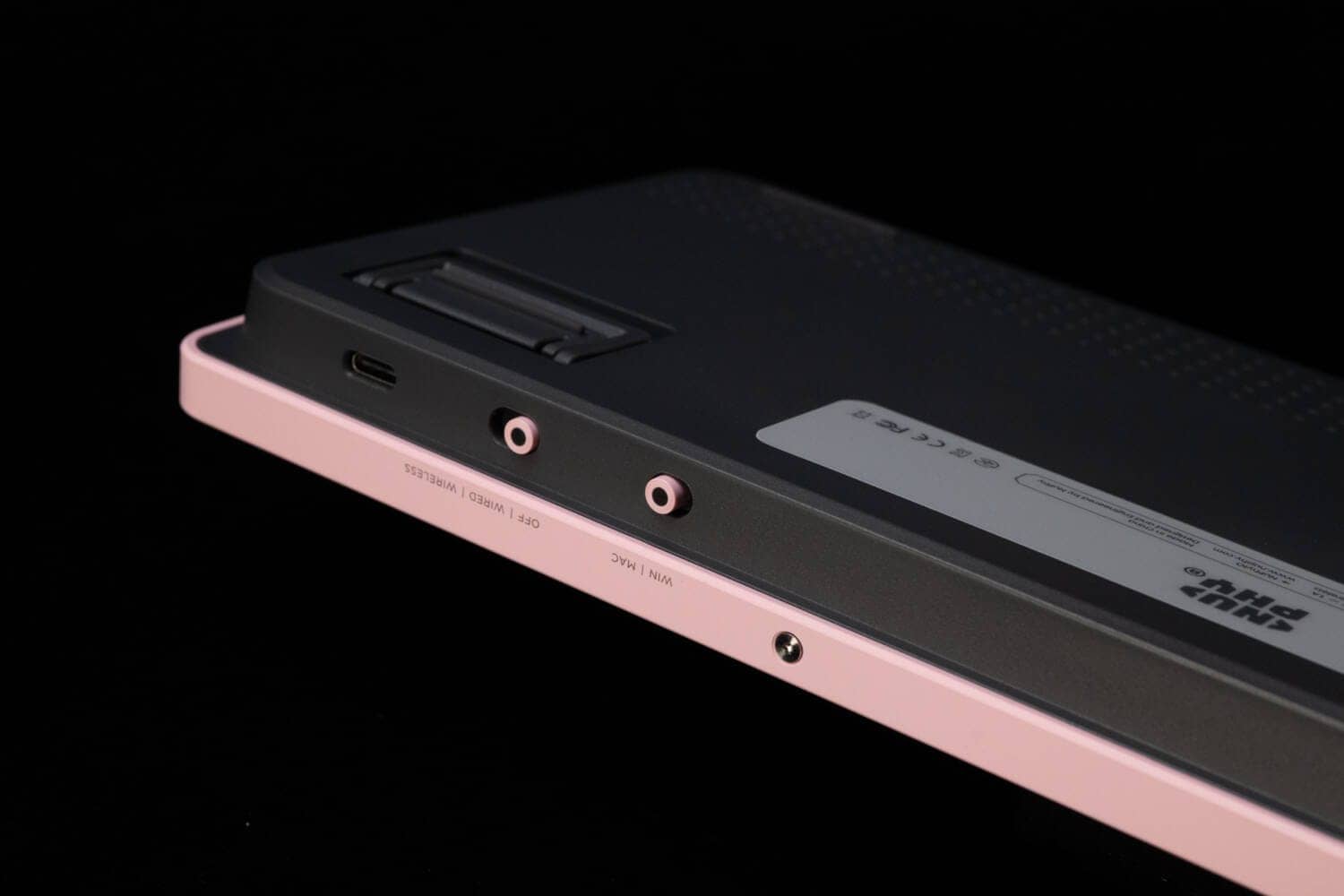
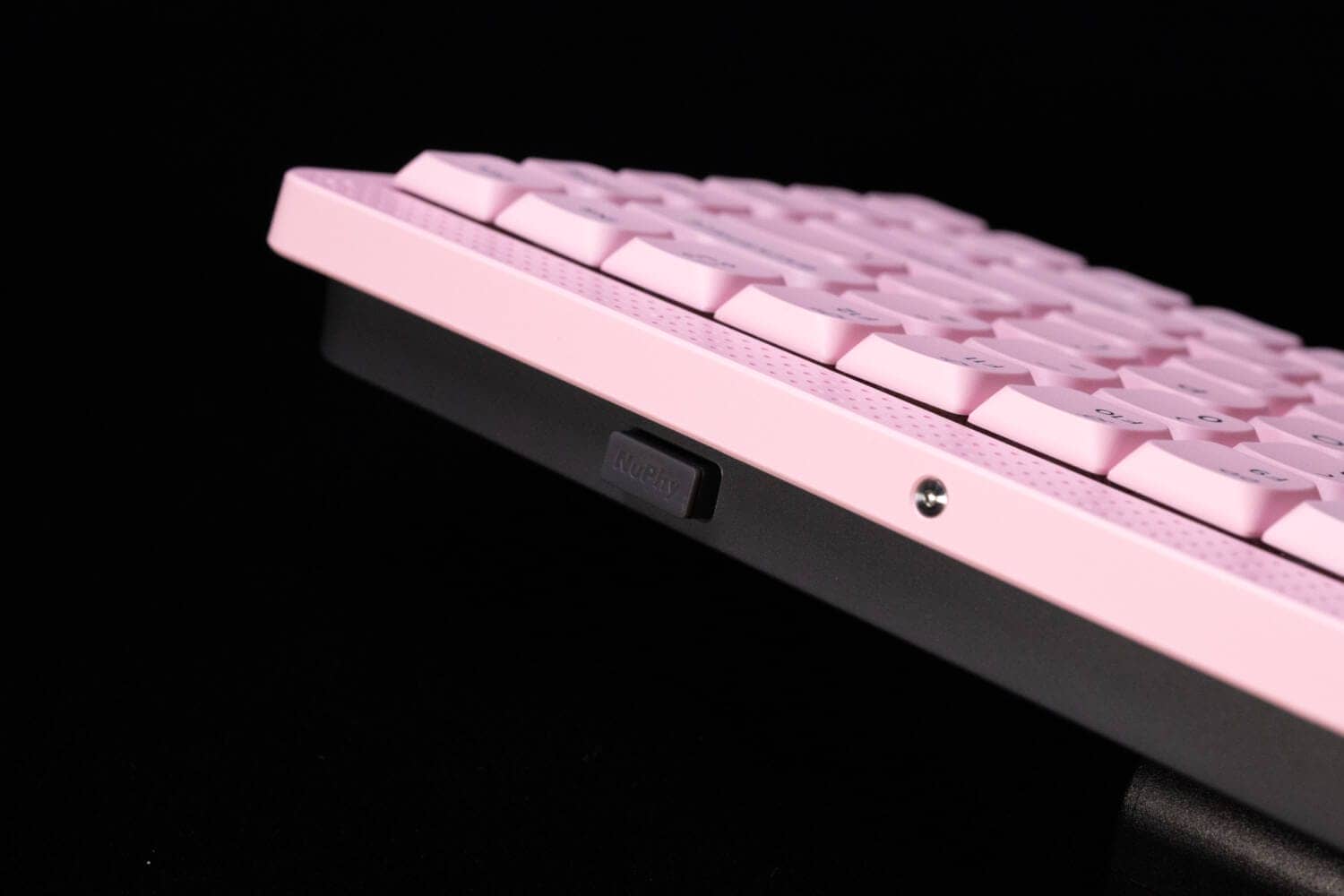
From the side view, it can be seen that only the top frame is pink, and the bottom case is black.
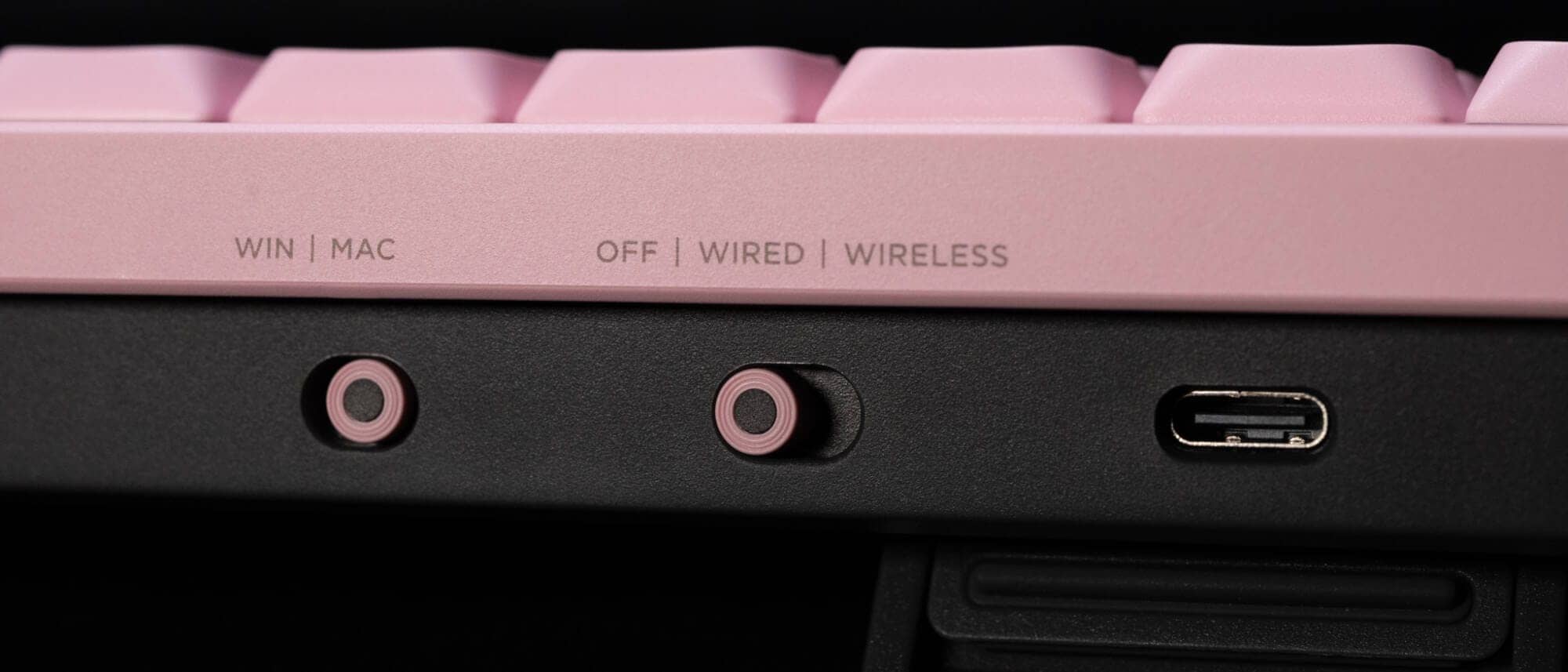
On the back, there is a Type-C wired connection port on the far left as you face the unit, and next to it is a slide switch with a dot motif.
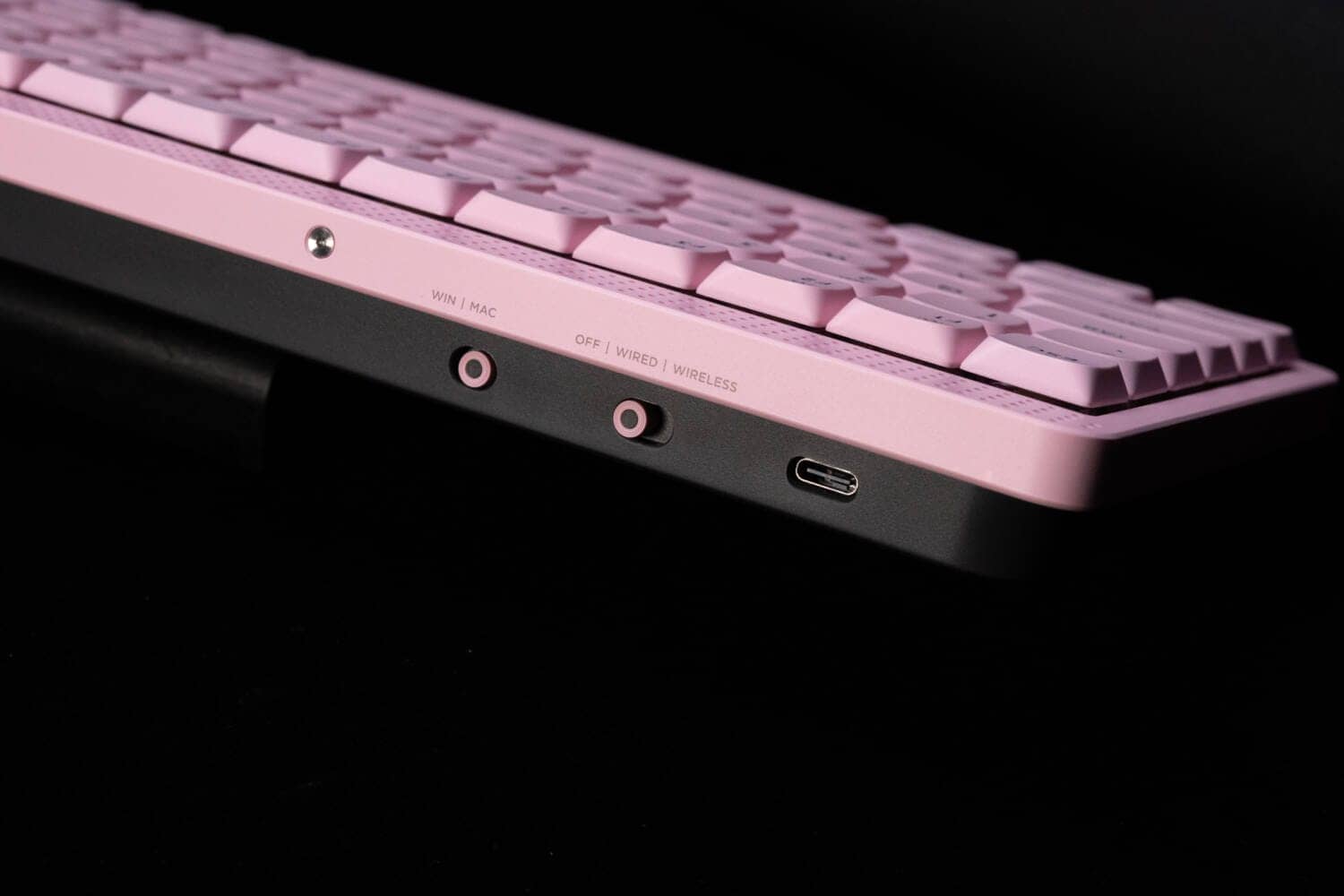
The reversal of the frame color and bottom case color is an excellent design sense.
The bottom has four bar-type rubber feet placed at the four corners.
It is also important to note that the keys are designed in a position that does not interfere with the keys on a laptop computer such as a Macbook.
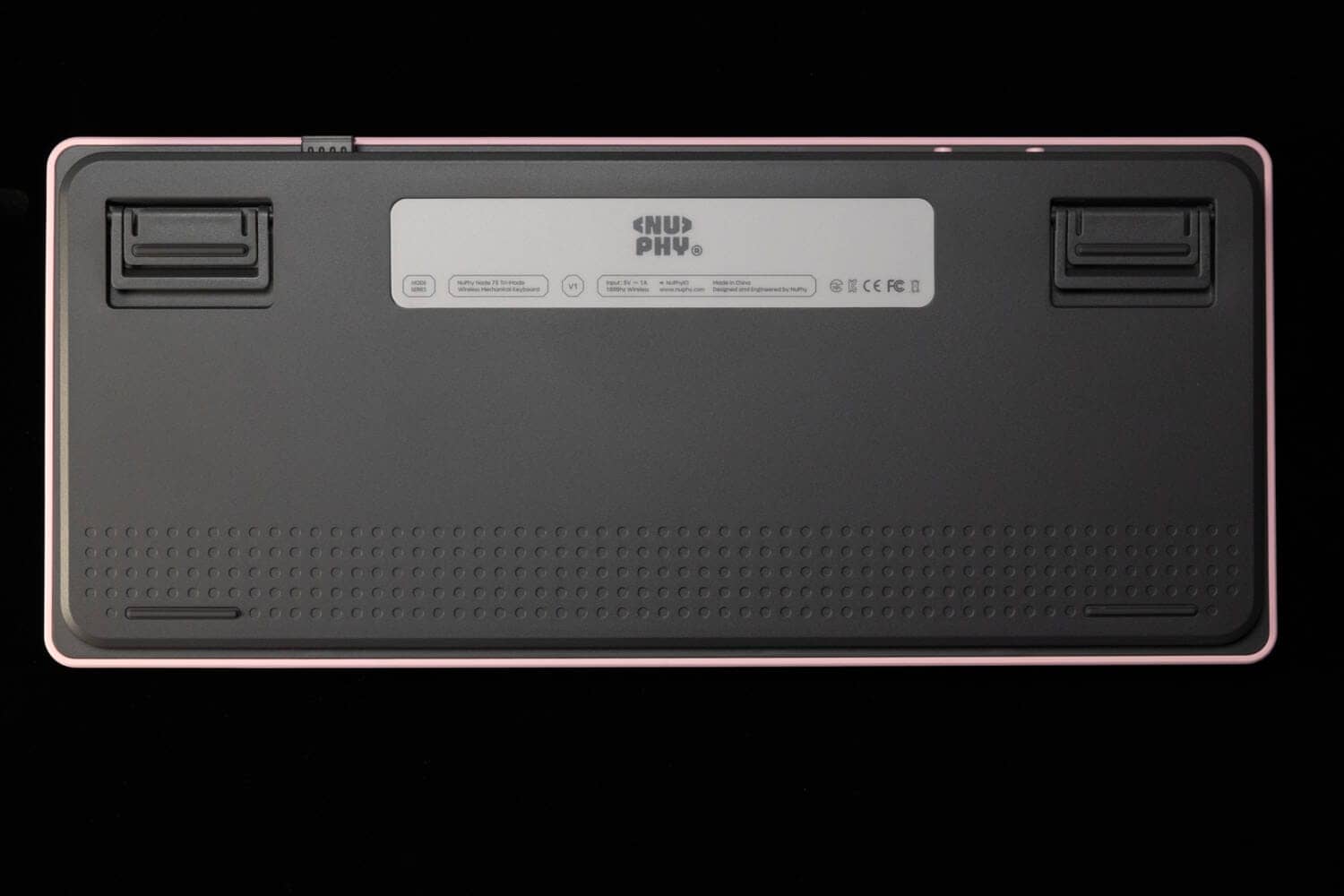
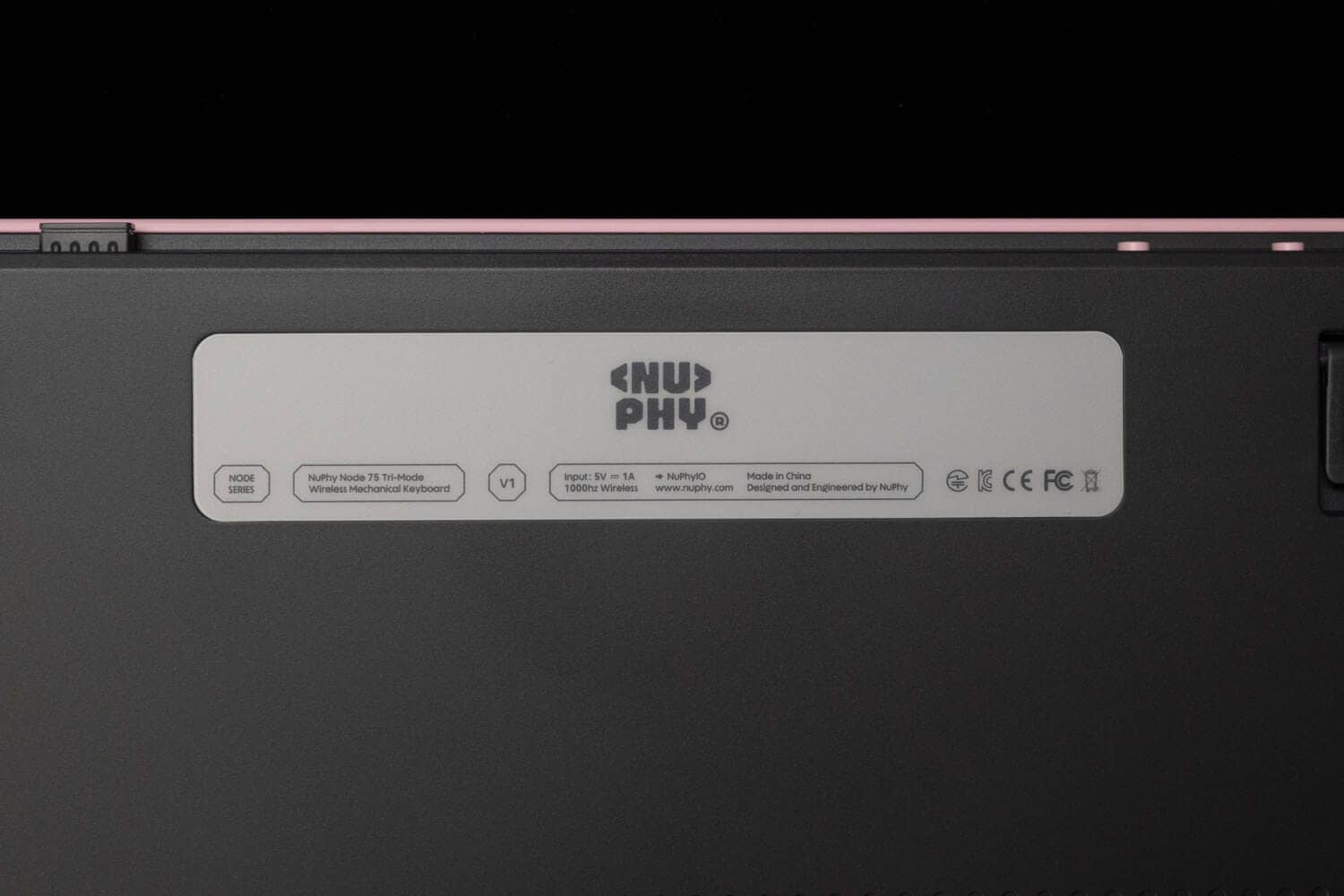
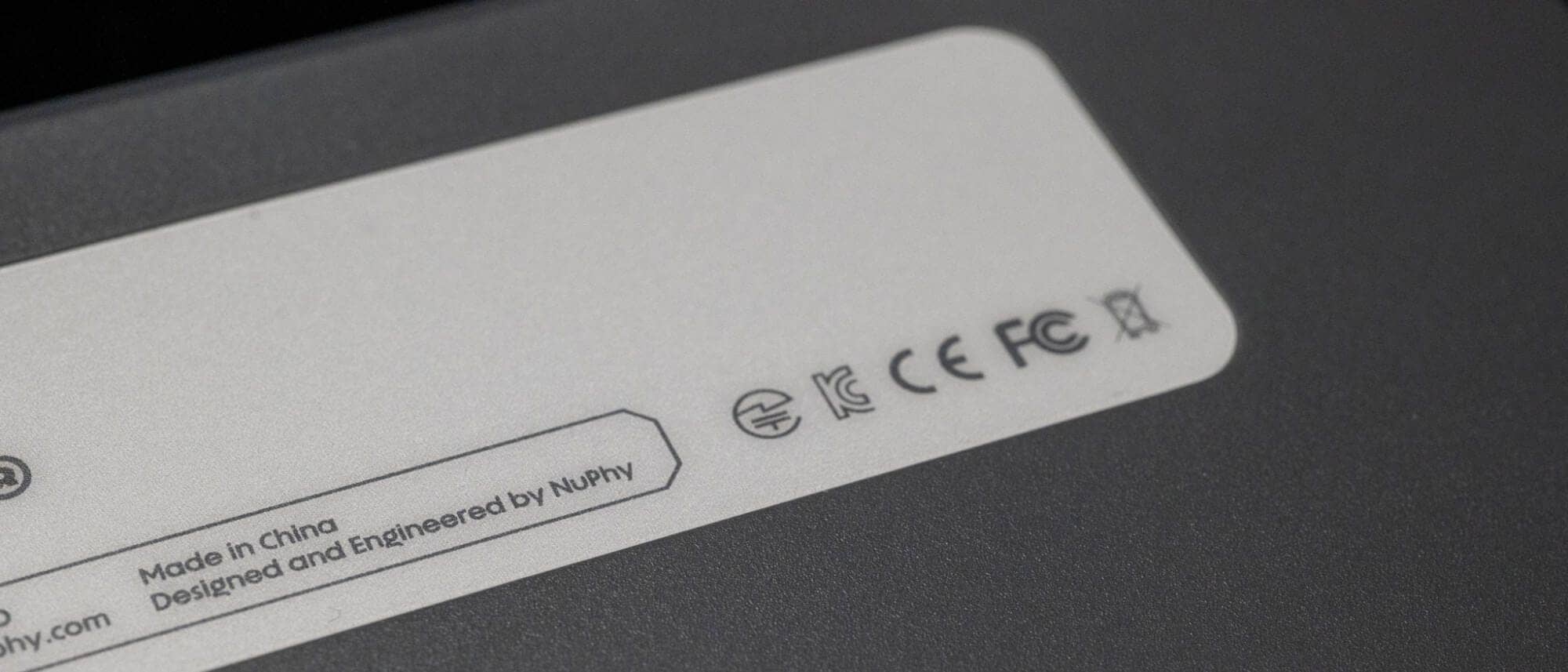
It is quite a good impression that the technical certification mark is engraved from the beginning.
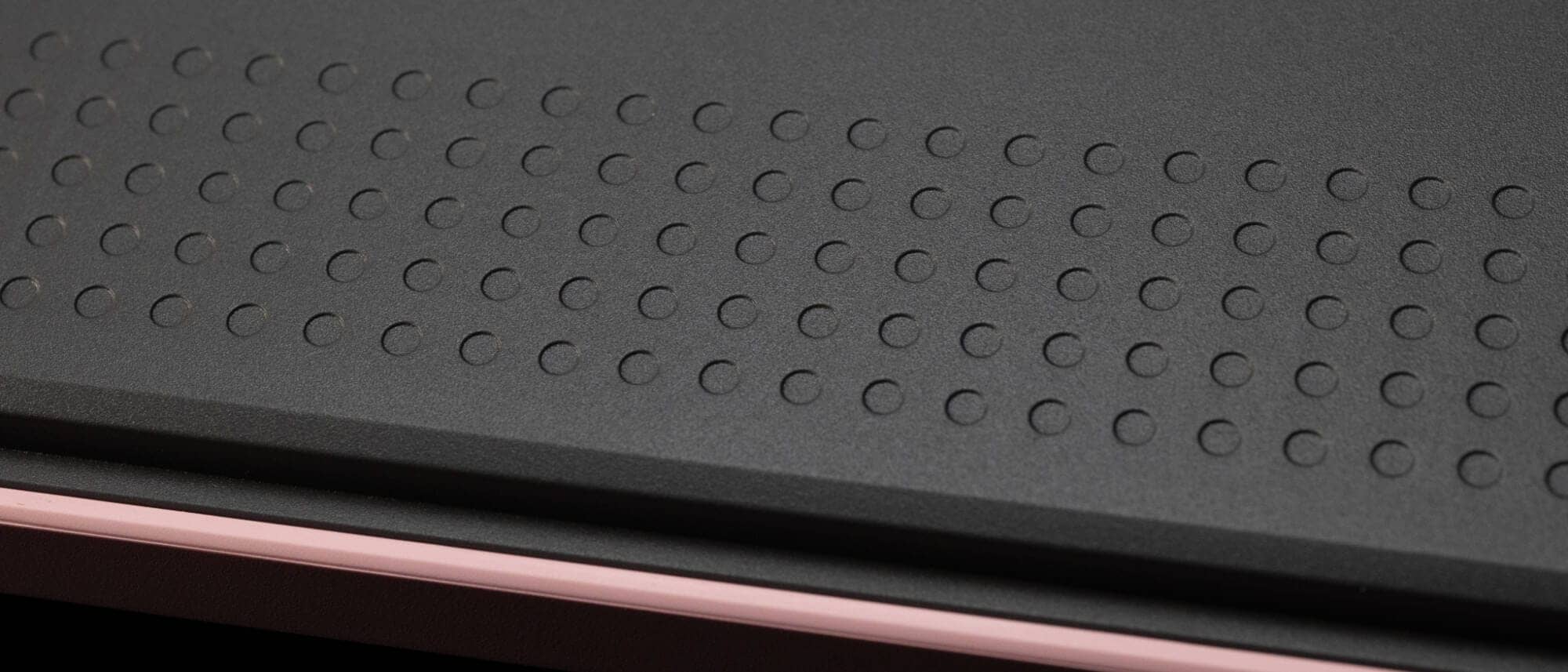
The back of the case also has a dot design, creating a wonderful sense of design unity.
The retractable tilt leg has three levels.

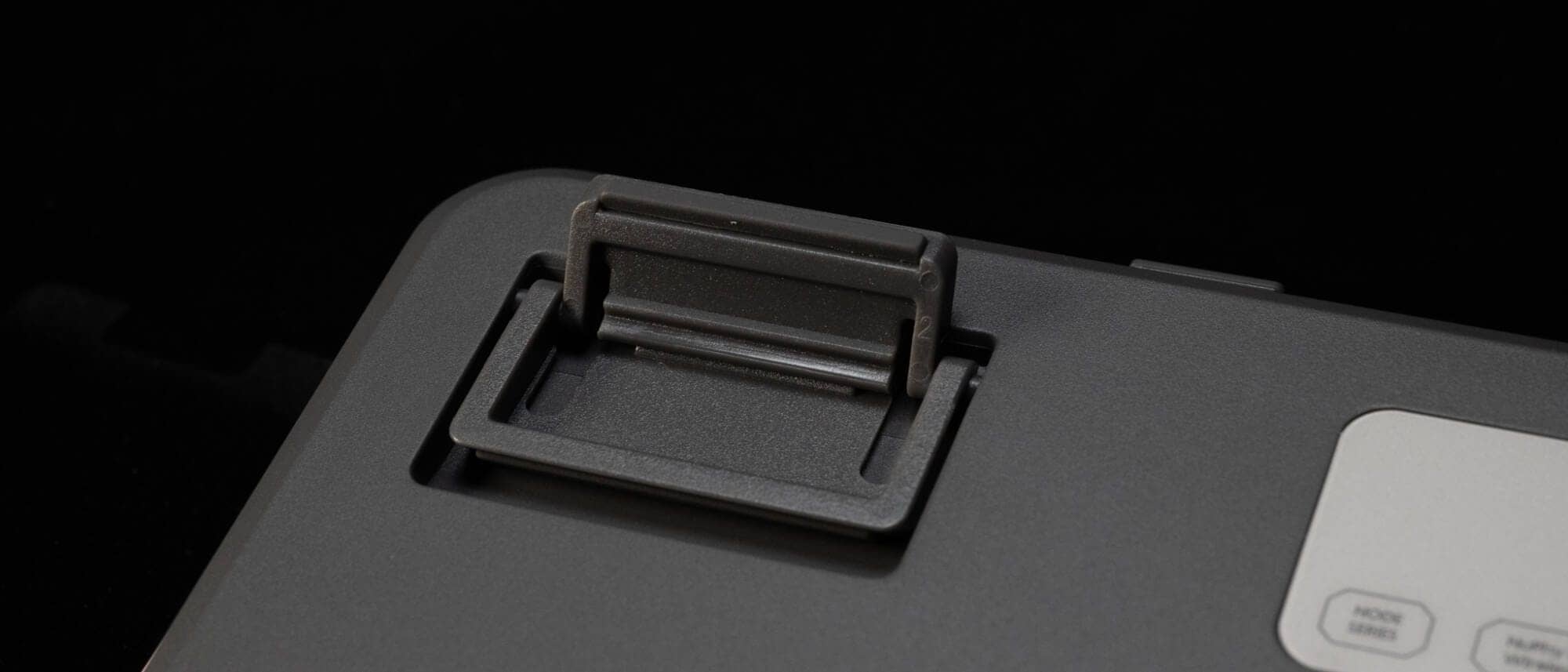
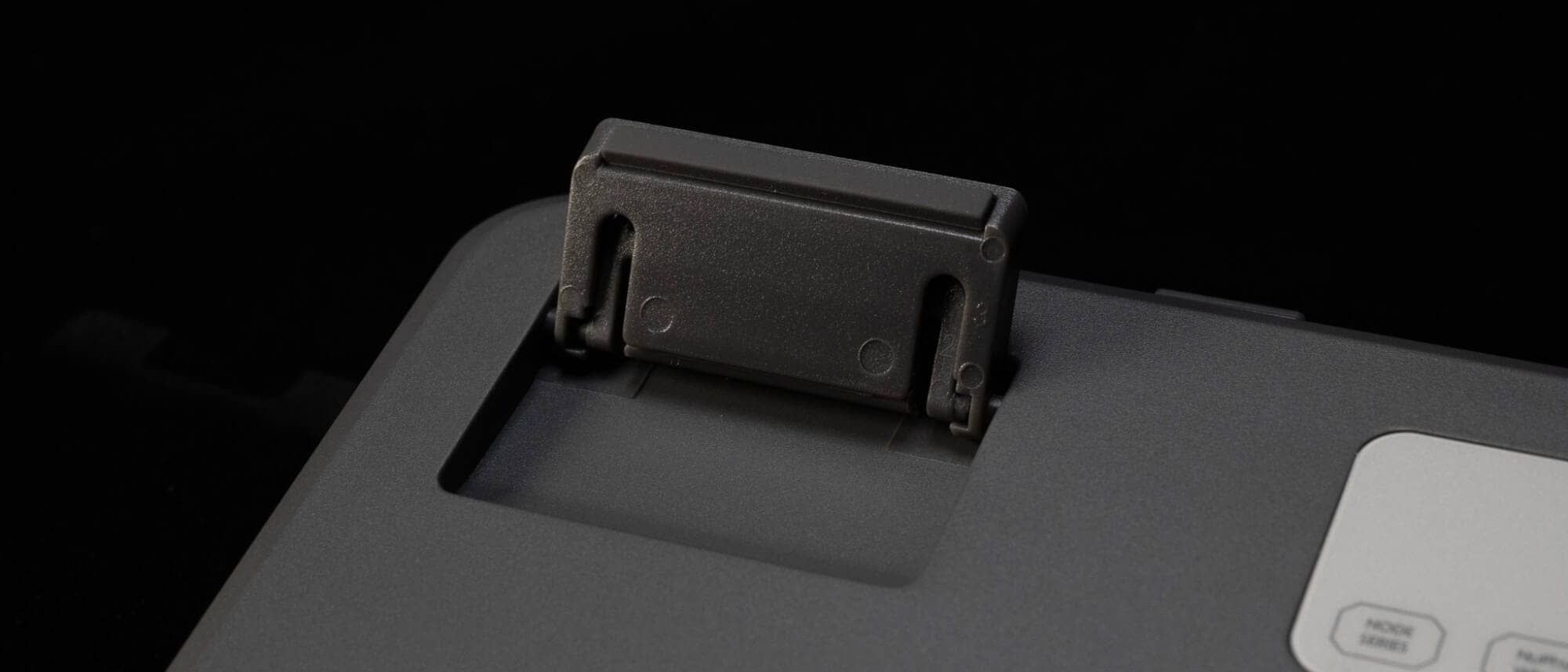
Tilt angles are 4° / 8° / 11° respectively.
summary
These are some of the reviews we have done on the Node series.
Although it is a mass-market, entry-level NuPhy model, its design sense and quality as a keyboard are definitely of high quality itself.
Rather, being able to use this as an entry-level machine would be a very good start to a very good mechanical keyboard life.
It also has a look that will fully satisfy keyboard enthusiasts.
If you are interested, why not give it a try?
NuPhy Node Series
17,600-(tax included)
precautions
At the time of writing, January 11, DIGIART does not have a 96% layout version of the Node series, the Node100 lineup.
If you would like to purchase Node100, please do so from the official international store.
- First written on: January 11, 2026
- Last update: January 11, 2026
- Method of coverage: Product loan
- Reference and image credit: DIGIART
- Conflict of interest: Provision of goods: Yes (loaned goods) Monetization link in this paper: Yes
Greenkeys operates solely on performance-based advertising and does not use Google ads because they reduce usability.
Please support us through Buy Me a Coffee if you enjoyed reading the article so that we can continue to operate the media.