


If you have passed up Cornix, this one may actually be the real deal.
JezailFunder’s latest offering, the Jiffy75 (SP75), is an ergonomically oriented mechanical keyboard that reflects feedback from its predecessor, Cornix, and completely separates the left and right sides while maintaining the most user-friendly “75% alignment”.
Even though it is ergonomic, the content is the familiar horizontal shift (row staggered layout), and although it is split left and right, it can also be used as an integrated unit.
Although it is an English-language keyboard, it does not have the special layout of Cornix, making it an easy-to-use keyboard with low switching costs.
This section details a new unit that combines a Cornix-like aluminum housing with a unique quiet design.
The keyboards shown here are currently only available through crowdfunding. Please consider this carefully, as prices will likely be difficult to keep current after crowdfunding ends.
What this article will tell you
- Jiffy 75 basic specifications and standing
- Meaning of the 75% split design.
- Practicality of wooden accents and knobs
- Ease of handling Tri-Mode connections
- Advantages and concerns that I actually felt using the product
We organize from the perspective of not only design, but also whether the product is complete enough to be used on a daily basis.
Recommended for
- Interested in split keyboards, but want to minimize switching costs (Lowe Staggered group).
- I want a complete keyboard with easy keymap changes.
- Function keys are a must, but I don’t like the long vertical look.
- Not only wired, but also wireless operation including Bluetooth / 2.4G is being considered.
Information to be aware of
- ANSI layout only. Requires some familiarity for Japanese layout users.
- Split keyboards are likely to be difficult to use and costly to learn if you can’t touch type.
- Function lines are not above the number keys because it is a 65% keyboard, not a 75% keyboard
- Keys located on the left and right sides can be used as function keys instead (depending on keymap settings).
Jiffy 75 is a
- 75% layout convenience
- Degree of freedom of posture due to split structure
- Design features with wooden accents
- Ease of operation with knobs
This is an ambitious model that combines these two elements.
On the other hand, familiarity specific to split keyboards and reliance on proprietary software are points to consider.
This is a very attractive option for users who want to combine design with the functionality provided by the use of a low-staggered layout.
Cautionary statement regarding this content
This article describes the officially disclosed specification information and the author’s impressions from touching the actual device separately.
- Information on specifications and functions → official public information base
- Keystroke feel, texture, etc. → Subjective review by the author
Items used in the review may differ from the production version. Please understand that this is a pre-release product and may differ from the final specifications.
- 実用的な左右分割型キーボードでスイッチングコストが低い
- ビルドクオリティが非常に高く所有欲を満たす
- 人工物×木材のバランスが素晴らしい
- 打鍵感がよくオフィスでも気兼ねなく使える
- キーマップ変更に対応し自分だけの一台を作り上げることが可能
- 驚異のバッテリーライフで有線から解放
- カラーバリエーションが豊富
- 完全無線で分割キーボードが利用できる
- 日本語配列がないため一般ユーザーにはある程度の慣れが必要
- タッチタイピングを習得しないと左右分割への対応が困難な可能性
- キーボードとしては価格がやや高額


Price, sales format, and availability
- Availability: ★★☆☆☆☆ (Rare as it is only available through crowdfunding)
- Price range: $199 – $219 (depending on type of pledge)
- Sales format: Pre-order sales (Kickstarter)
- Sales period: March 10, 2026 at 21:00 (Japan time) – March 28, 2026
- Where to get it: Kickstarter
- Scheduled delivery: Mid-April to early May 2026 (depending on the time of support)
Kickstarter Schedule

Jiffy75 is currently available in crowdfunding format on Kickstarter. Early backers will receive more favorable pricing and Day 1 rewards.
Campaign Schedule
- Campaign Period: March 10, 2026 at 21:00 (Japan time) – March 28, 2026
- Scheduled delivery: Shipping will begin sequentially from mid-April 2026 (until early May, depending on the batch).
Detailed Schedule
- March 3, 2026 – March 28, 2026: Crowdfunding in place
- Mid-March to April 2026: Preparation for mass production of the first lot
- Mid-April 2026: Day 1/Super Early Bird: Will be shipped in advance
- Late April – early May 2026: Main lot shipped
- May 2026 (conditional): Large-scale production (if the number of orders exceeds the limit)
Price on Kickstarter
Prices on the Kickstarter are as follows
The earlier you buy, the more you tend to save.
 Kawamura
If you want one, we recommend that you purchase one during the “Day 1 Special” right after the Kickstarter starts!
| Benefit name | Price (USD) | Number of units sold | Contents | remarks |
|---|---|---|---|---|
| Day 1 Special | $199 | Unlimited (24h) | Jiffy75 x 1 / Exclusive pouch x 1 | One limited edition keycap set included (confirm details) |
| Super Early Bird | $199 | 100 pieces | Jiffy75 x 1 / Exclusive pouch x 1 | One limited edition keycap set included (confirm details) |
| Early Bird | $209 | 200 pieces | Jiffy75 x 1 / Exclusive pouch x 1 | |
| KS Special | $219 | limitless | Jiffy75 x 1 / Exclusive pouch x 1 | |
| Jiffy75-Combo | $398 | not specified | Jiffy75 x 2 / Exclusive pouch x 2 | Two limited edition keycap sets included (confirm details) |
Accessories and Options

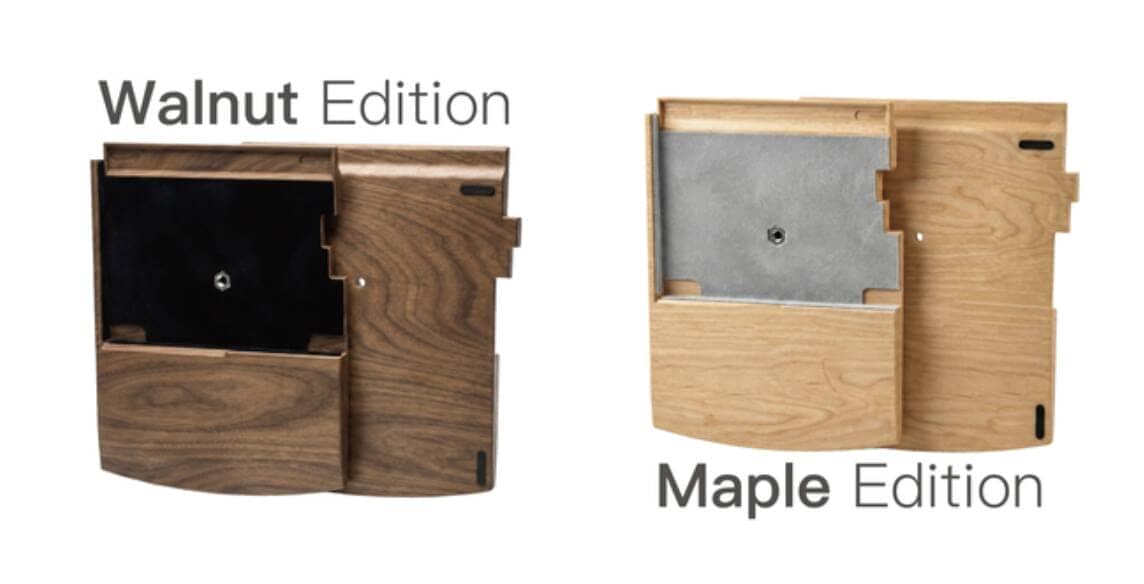
- Exclusive wood wrist rest: $99 (available in walnut or maple)
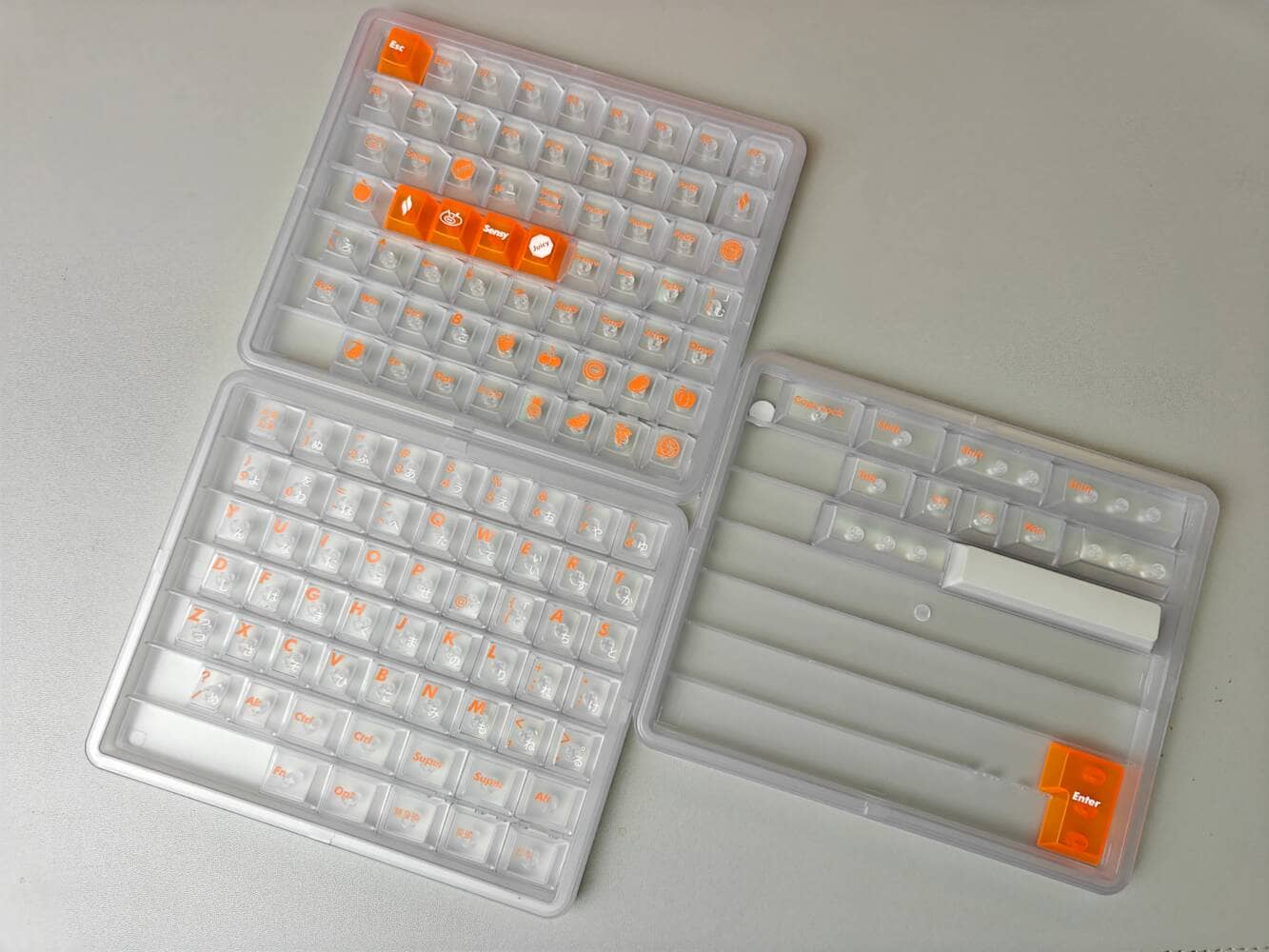
- Additional keycap set: $29 (black-on-white printing/white-on-black printing/white-on-gray printing/orange-on-white printing)
- Kailh Low Profile Switch: $39
- Additional carrying case: $39 (one standard with the unit)

JezailFunder Jiffy75 (SP75 ) Specifications Overview
The Jiffy75 is a separate model, yet encompasses the CNC aluminum enclosure and unique silent switch required for high-end machines.
Available in four colors.”
Available Colors


- Name: Orange|Orange x White Keycaps (orange printing)
- Name: White|Silver x White Keycaps (printed in gray)
- Name: Black|Walnut x Black Keycaps (printed in black)
- Name: Silver|Maple x White Keycaps (black printing)


Summary of official specifications
The following is organized based on the information posted on the official page.
- Layout: 75% split layout
- Connection method: Tri-Mode (USB Type-C / Bluetooth / 2.4GHz Wireless)
- Hot-swappable
- Equipped with control knob
- Wooden accent parts (Black/Silver)
- Supported OS: Windows / macOS (*in accordance with the official description)
スペック詳細▷▷
| (data) item | Contents |
|---|---|
| Product name | Jiffy75 (SP75) |
| Sales and Planning | JezailFunder |
| design | JezailFunder |
| category | Split left/right keyboard (Split 75%) |
| array (programming, programing) | QWERTY (anomalous layout based on ANSI 65%) /English layout model (no Japanese layout model) |
| Number of keys | 75 keys |
| Size | Left: 156.4 × 127.7 mm / Right: 176.1 × 127.7 mm |
| weight | Approx. 870 g |
| key switch | Cloudshell White (linear) / JZF Mist (silent) |
| hot swap | Supported |
| sales format | Finished product (Kickstarter Rewards) |
| PCB / MCU | None stated |
| firmware | Original firmware compatible with JZF (description) |
| keymap change | JZF Hub (full key programmability) |
| software | Jzf Hub (supports program changes for all keys) |
| access method | Tri-mode support: USB Type-C (wired) / Bluetooth / 2.4GHz wireless |
| left-to-right connection | Wireless (left and right sides are also connected wirelessly) |
| simultaneous connection | 3 units simultaneously (3 simultaneously) |
| Driving method | Built-in battery: 2,800mAh x left and right sides respectively (total 2 units) |
| Battery Guideline | Left: up to approx. 1.5 months / Right: up to approx. 2 months |
| Pauling rate | Wired: not stated / Wireless: not stated |
| Key pitch spacing (on board) | 19.05mm (standard pitch) |
| Compatible with commercially available keycaps | Compatible with normal pitch low-profile keycaps (*No guarantee of plate interference, etc.) |
| Keycap Material | PBT |
| Keycap Height | LAK (profile) |
| Case Material | Aluminum alloy |
| Bezel thickness | 1.5mm |
| mount(ing) system | undocumented |
| addition element | Programmable rotary encoder (knob) |
| Supported OS | Windows / macOS / Linux / Android / iOS |
| Price | $199 (SuperEarlyBird)/$209 (EarlyBird), etc. (Rewards shown) |
| Product page | Kickstarter |
contents
The contents of a regular Jiffy 75 are as follows

- Keyboard body (one left and one right)
- carrying case
- Type-C Cable
- Backup switches (2)
- 2.4GHz dongle
- Keycap/Key switch puller

From $199.00 (approx. 30,000 yen)
JezailFunder Jiffy75 (SP75 ) – Review Environment
The review environment is as follows
- Connection environment: macOS
- Switch used: Kailh Deepsea Island MINI Pink(37gf) Linear
- Layout: ANSI 65% layout base (left-right split)
- Primary use: content writing (typing Japanese)
キースイッチスペックはこちら▷▷

From $199.00 (approx. 30,000 yen)
JezailFunder Jiffy75(SP75 )-Evaluation of keystroke feel and sound
- Loudness of keystrokes: ★☆☆☆☆ (almost inaudible)
- Sound height: – (if you can hear it, it’s a low-pitched thumping sound)
- Key weight: light
- Bottoming feeling: Soft (derived from silent switch)
- Key wobble: normal
The following is a review.
About JezailFunder Jiffy75 (SP75 )
About JezailFunder Jiffy75 (SP75 )
- Practical left-right split keyboard with low switching costs
- Build quality is very high and satisfies the desire for ownership
- Wide variety of colors
- Great balance of artifacts x wood.
- Good key feel and can be used in the office without hesitation
- Supports keymap changes to create your own personalized unit.
- Amazing battery life frees you from wires
Practical left-right split keyboard with low switching costs
I still feel that Jezail Funder’s work this time around has the great advantage of fulfilling a market need.
The author believes that the reason behind Cornix’s mega-hit was still the “large switching cost.
KawamuraI have the impression that many people purchased Cornix as a “slightly different and stylish gadget” rather than as a keyboard frame.
For those who seek efficiency in their work, the cost of learning is high and not immediate.
In that sense, Jiffy75’s horizontal displacement layout x split x low pro is the best solution at the moment.
Build quality is very high and satisfies the desire for ownership
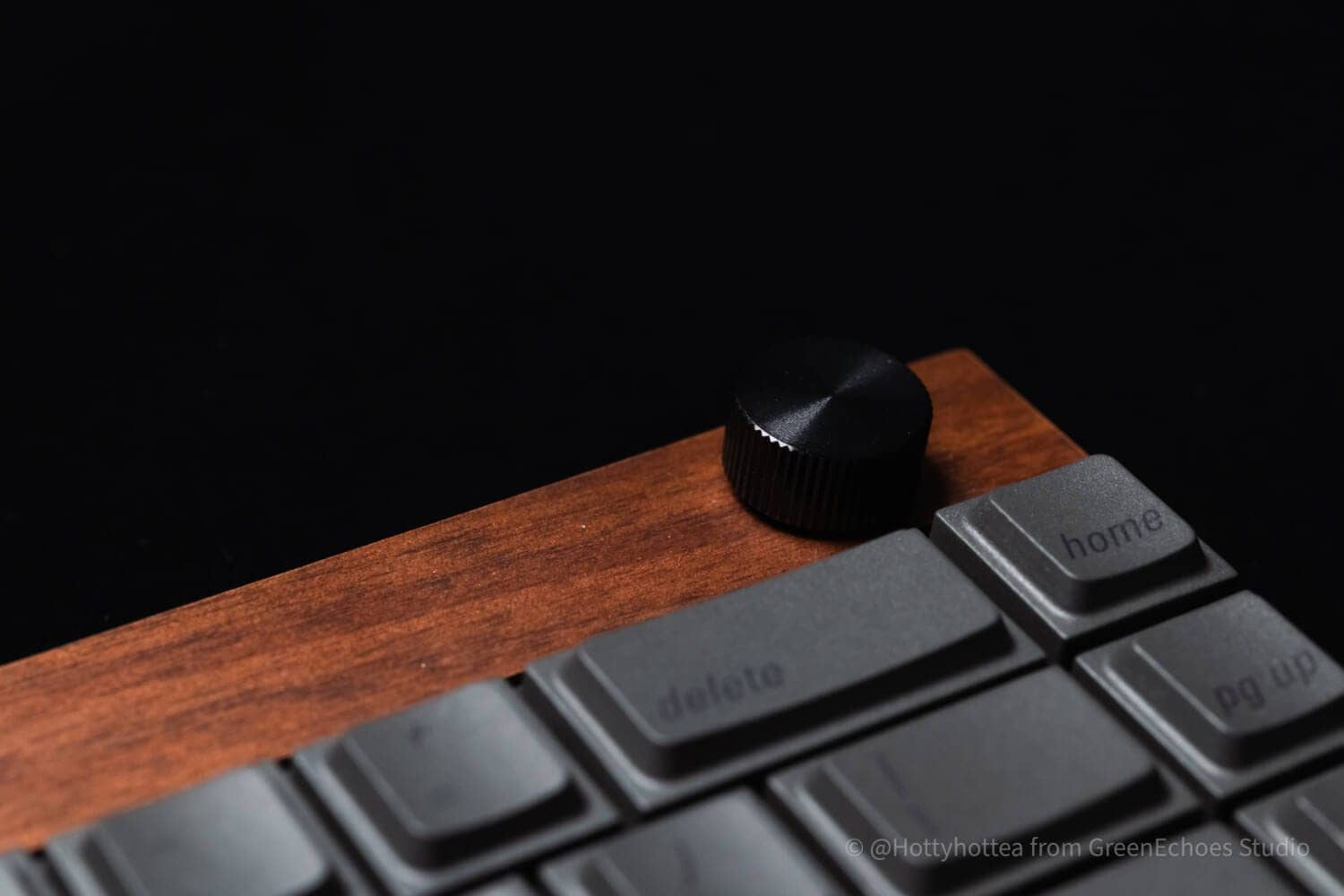
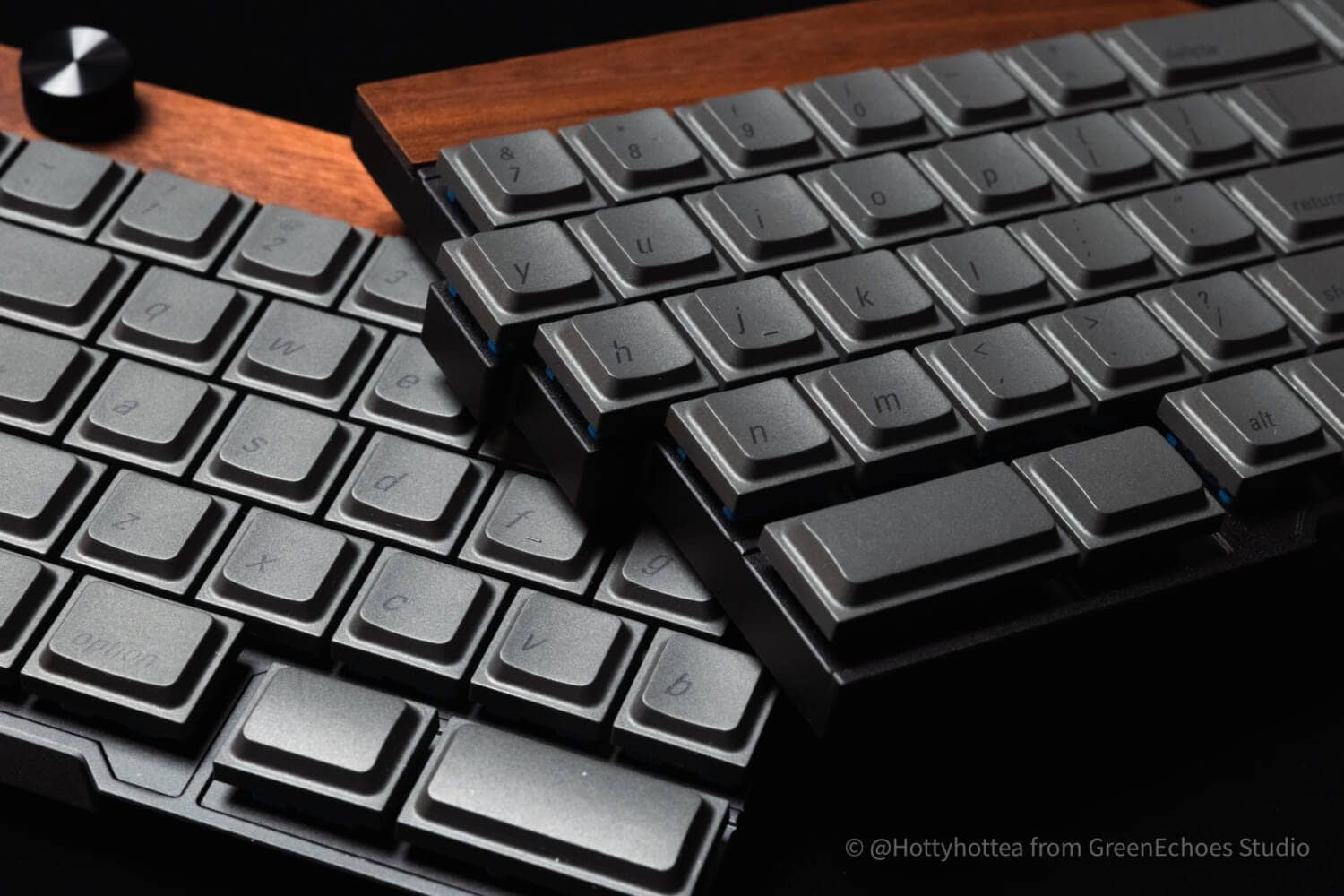
Jiffy75 has very high build quality.
The wood workmanship is excellent, but what caught the author’s attention was the quality of the “machined aluminum body” finish.

It is unbelievable that the top case and switch plate can be molded in one piece and machined with such precision.
The paint job was excellent and we had no complaints about the exterior without discovery.
Wide variety of colors
Jiffy75 is available in a wide variety of colors.
Selectable coloring
- Orange x White Keycaps (orange printing)
- Silver x White Keycaps (gray printing)
- Walnut x Black Keycaps (black printing)
- Maple x White Keycaps (black printing)
If you want to add a touch of austerity or want a dedicated wrist rest, you may want to use walnut accents/maple accents.
On the other hand, if you want to decorate your desk with a little pop, orange and silver are also very good choices.
It might be possible to buy more than one of these.
It will be fun to use it on a daily basis.
KawamuraWell, I only have two arms to type on the keyboard, unless I’m a divine revolte.
Great balance of artifacts x wood.
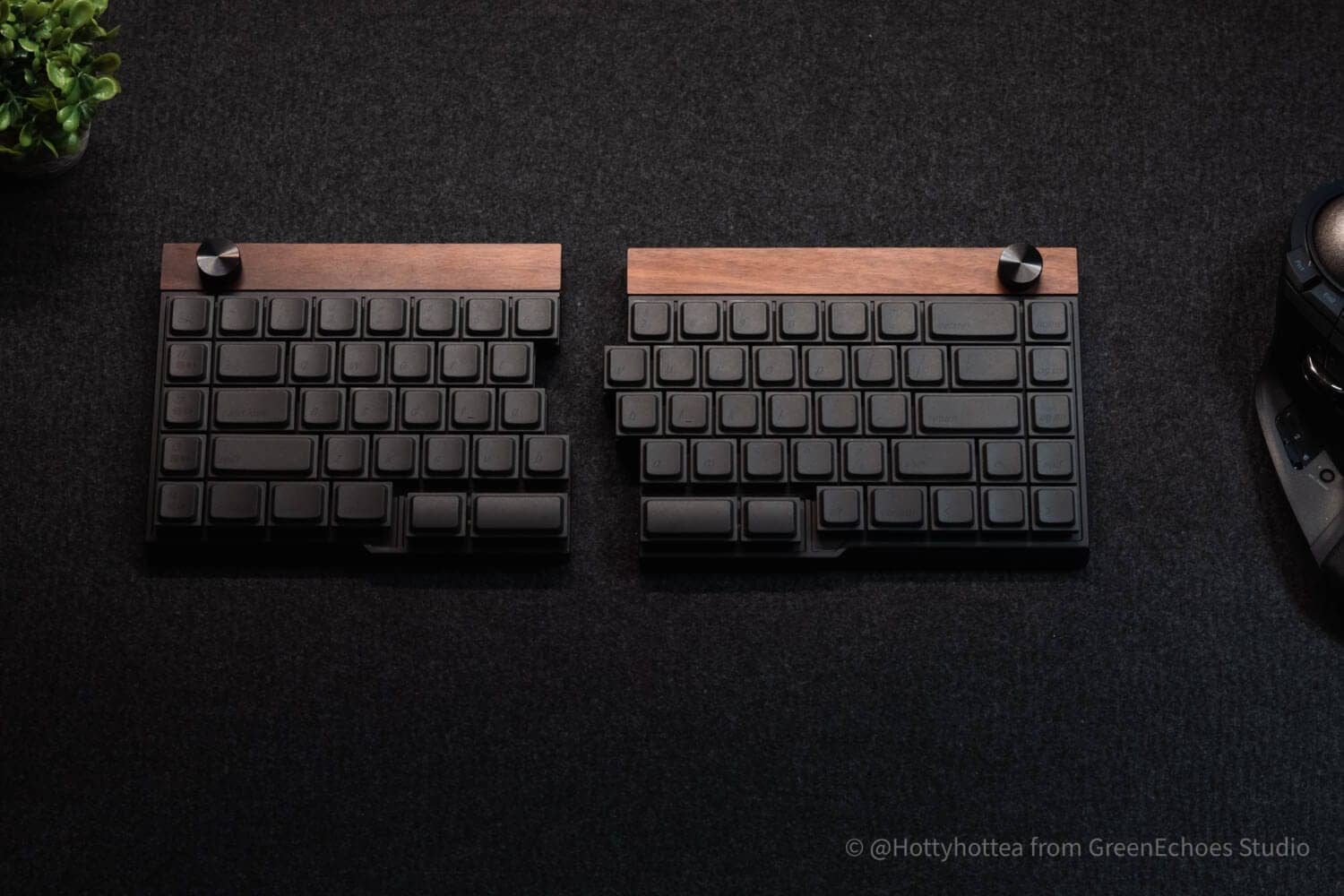
I’m quite biased because the one I reviewed this time was a walnut model, but man-made x wood is
Good…”
I felt that it was a good idea.
KawamuraThe black printing on the black keycap is not very visible, but this glimpse is cool.
It is rather romantic.
Good key feel and can be used in the office without hesitation
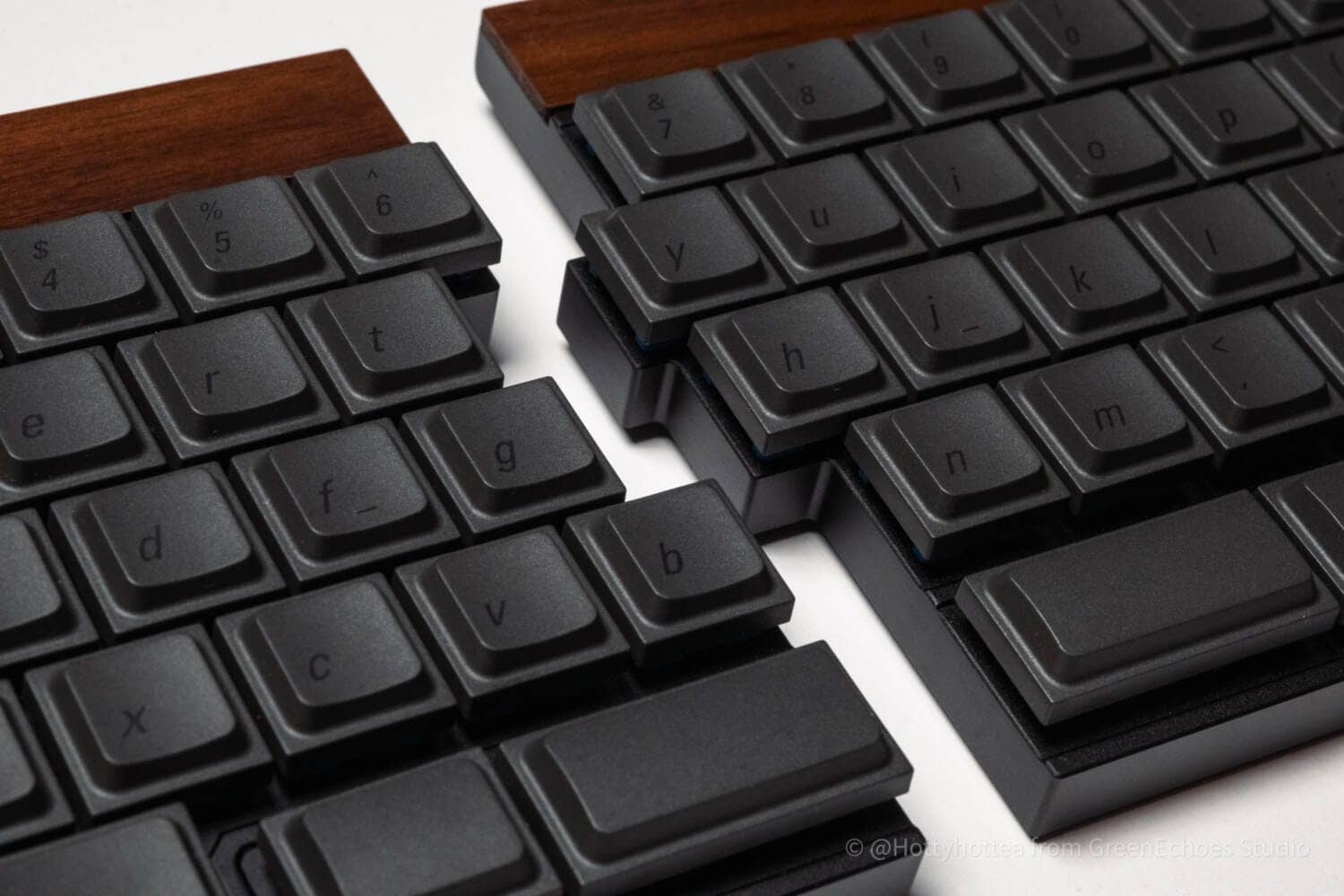
The Jiffy75 is designed with office use in mind.
Although they do not use gasket-mounted construction, their newly developed ultra-lightweight, silent MIST linear switches are supposed to be quiet enough to be used in an office setting.
With a fairly light pressure of 37gf, even women will find it attractive to type with a light touch.
Supports key mappingsoftware (JZF Hub)

Jiffy75 supports keymap changes using original software.
Details have not yet been disclosed, but the UI (user interface) is expected to be intuitive and easy to operate.
The Jiffy75 has a control knob, which is assigned to media controls such as volume control in the standard configuration.
We can hope that you can change the keymap to include this as well.
At this time, the UI and functionality may change in the final release version, as it is confirmed with the provided version.
The fact that it is managed by proprietary software is a point to be confirmed before purchase.
At this time, in addition to the original UI software, it appears that it can also be changed in VIA. (You will need to load the .json file to do so)
Amazing battery life frees you from wires

The Jiffy75 boasts a threatened battery life.
It is equipped with a 2800mAh battery on each side, and lab test values show a maximum battery life of approximately 1.5 months on the left hand side / 2 months on the right hand side, which is amazing.
KawamuraA keyboard with a smaller chassis, such as the Cornix, has a smaller physical battery capacity, and as a result, the battery life over a long period of time is not so promising.
On the other hand, you are taking full advantage of the benefits of having a somewhat larger enclosure like the Jiffy75.
Tri-Mode Wireless (USB/Bluetooth/2.4G) support|Fully wireless, split keyboard available
Jiffy 75 supports Tri-Mode connection.
– USB Type-C wired connection
– Bluetooth wireless connection
– 2.4GHz dongle connection
For split keyboards, the stability of left-to-right communication is also important.
The fact that it supports full wireless connectivity, including left-to-right connection, is great.
From $199.00 (approx. 30,000 yen)
Cautions to check before buying JezailFunder Jiffy75 (SP75 )
Cautions to check before buying JezailFunder Jiffy75 (SP75 )
- No Japanese-language layout, so general users need some familiarity with it
- Possibility of difficulty coping with left-right division without mastering touch typing
- Price is a little high for a keyboard
No Japanese-language layout, so general users need some familiarity with it
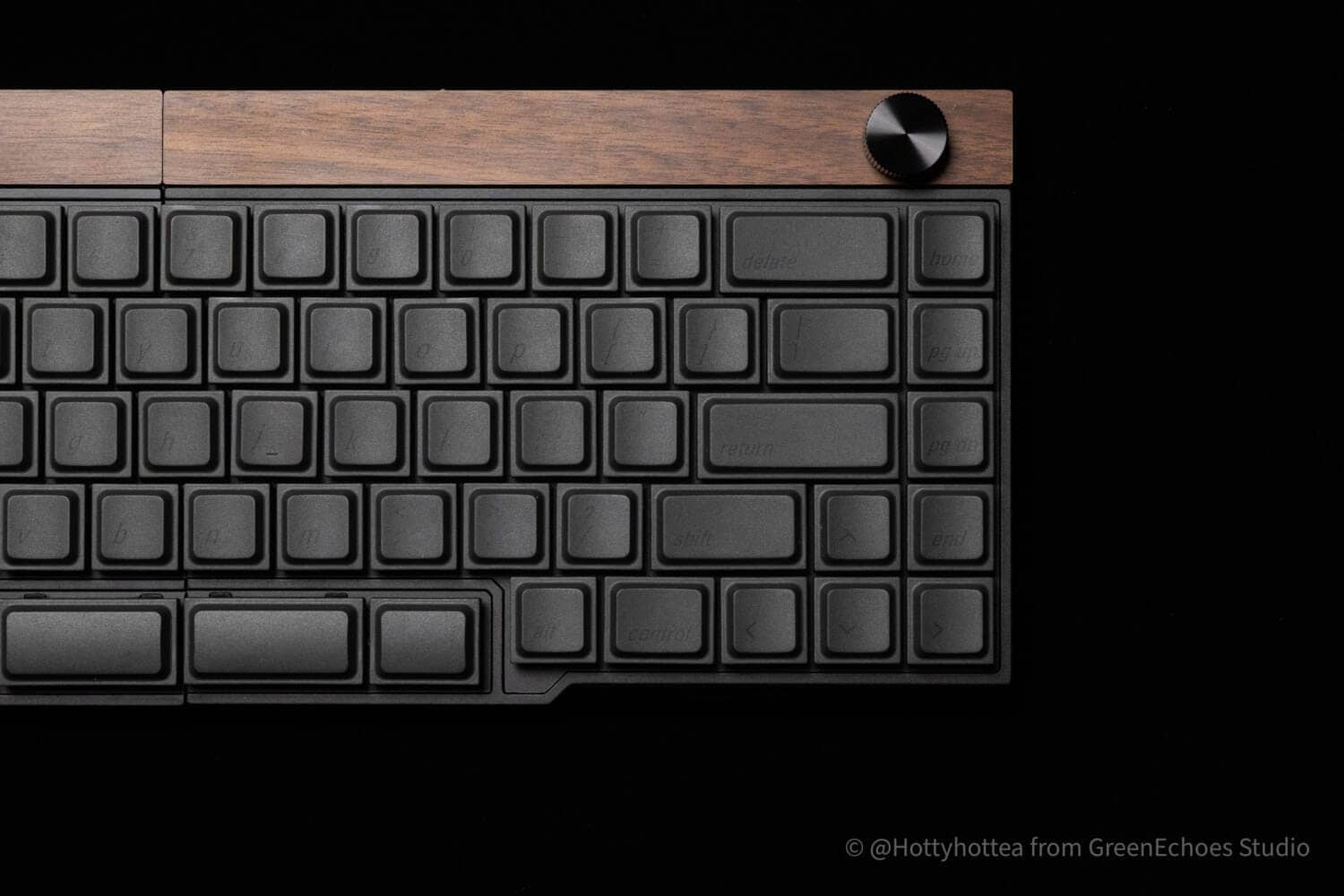
The Jiffy75 lineup is available only in ANSI (English-language layout); Japanese-language layout is not available.
Therefore, it should be noted that users who normally use Japanese-language layouts may find it difficult to use.
- Windows users need to set up their own keymap because there are no half/full-width keys or conversion/non-conversion keys.
- Mac users must set up their own keymap, as there are no alphanumeric or kana keys.
- When connected to Windows with Japanese language settings, the device is often recognized as having a Japanese layout, which may cause the actual key printing to differ from the character string to be input. To avoid this situation, it is necessary to use a separate software such as USkey2JP.
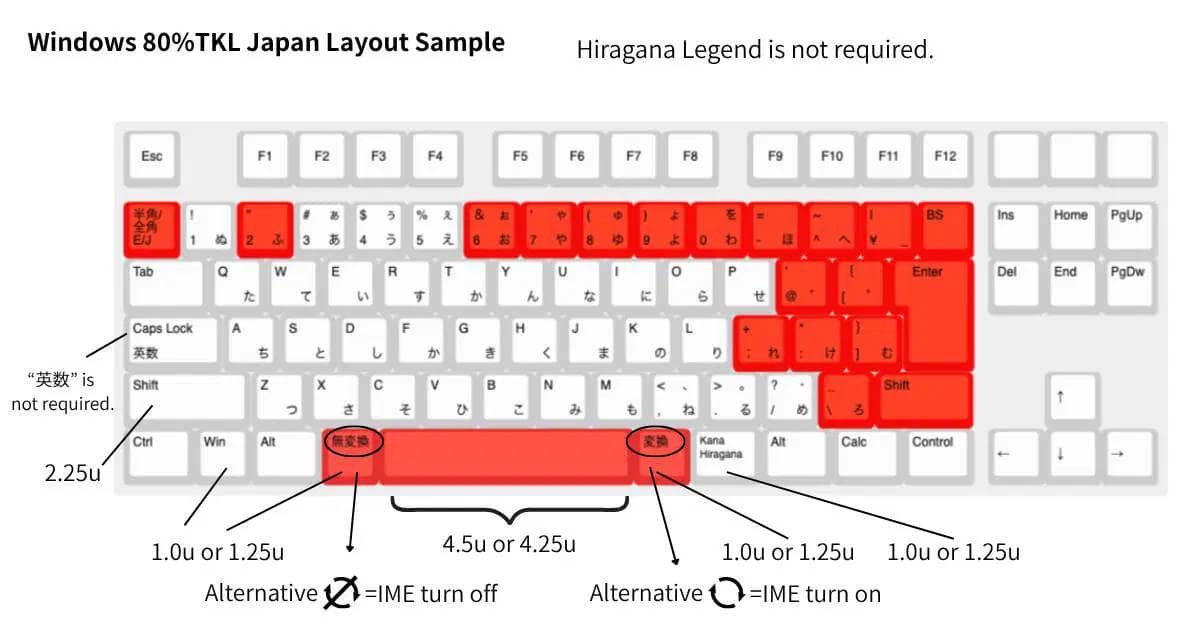
英語配列と日本語配列のキー入力の違い
Examples of main symbols that differ from the English sequence
- @
- :
- ;
- ^
- _
- ¥
- 「」『』
Key bindings when recognized as Japanese layout
| Physical location (numeric sequence) | Japanese key printing (unshifted / shifted) | English (US) key printing (unshifted / shifted) |
|---|---|---|
| 2 key | 2
/
" | 2
/
@ |
| 6 key | 6
/
& | 6
/
^ |
| 7 key | 7
/
' | 7
/
& |
| 8 Keys | 8
/
( | 8
/
* |
| Key on 9 | 9
/
) | 9
/
( |
| Key of 0 | 0 / (no symbol) | 0
/
) |
| 0 right “-” key | -
/
= | -
/
_ |
| Further right “^” key | ^
/
~ | =
/
+ |
| physical location | Japanese key printing (unshifted / shifted) | English (US) key printing (unshifted / shifted) |
|---|---|---|
P right (first) of the | @ / ` | [
/
{ |
| To the right of it (the second one) | [
/
{ | ]
/
} |
L right (first) of the | ;
/
+ | ;
/
: |
| To the right of it (the second one) | :
/
* | '
/
" |
Examples of key bindings that differ from the English layout
| Japanese-style array | English alignment key bindings | Japanese-style array |
|---|---|---|
| Halfwidth/Fullwidth | `(backquote) | IME on/off |
| backslash (character) | (None) | \ |
| ¥ | \ | ¥ |
Possibility of difficulty coping with left-right division without mastering touch typing
The Jiffy75, as you can see, is a split left-right keyboard.
It is the author’s impression that touch typing is often necessary when typing with some distance between left and right sides.
A particular bottleneck is the “central input”.
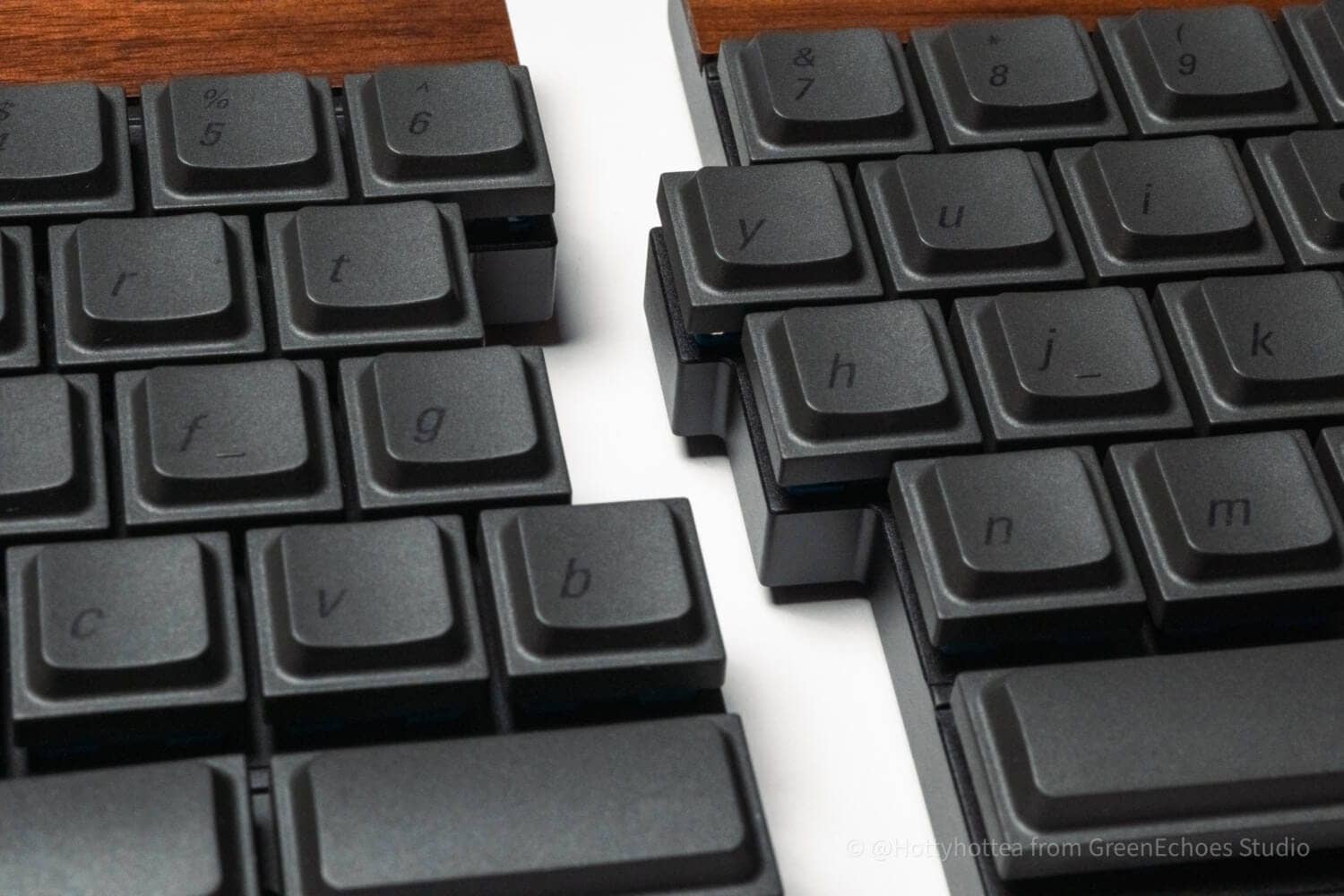
In many cases, the so-called “points that should be pressed with the index finger in touch typing,” such as B, N, T, Y, G, and H, are ambiguous in our own style, and problems such as “I cannot press B with my right hand” may easily occur.
In addition, the English layout means that the symbols are in different positions, and it may take some time to get used to them.
Price is a little high for a keyboard
Jiffy75 is slightly more expensive for a keyboard.
Available from $199.00, which is about 30,000 Japanese yen. (converted to Japanese yen at an exchange rate of 155 yen to the dollar)
For those who are into keyboards, many feel that releasing a keyboard of this quality at this price is “cheap”.
On the other hand, it is natural for ordinary gadget fans to feel that the price is somewhat high.
KawamuraIt seems to me that the kickstarter price allows the purchase of the product at such a reduced price. If this were sold domestically, we would probably have to raise the price even higher.
I know you have a lot of concerns about purchasing overseas, but this is your chance to buy at a lower price.
[Photos] JezailFunder Jiffy75 (SP75 ) Review
Now let’s look at some actual photos of Jiffy75.
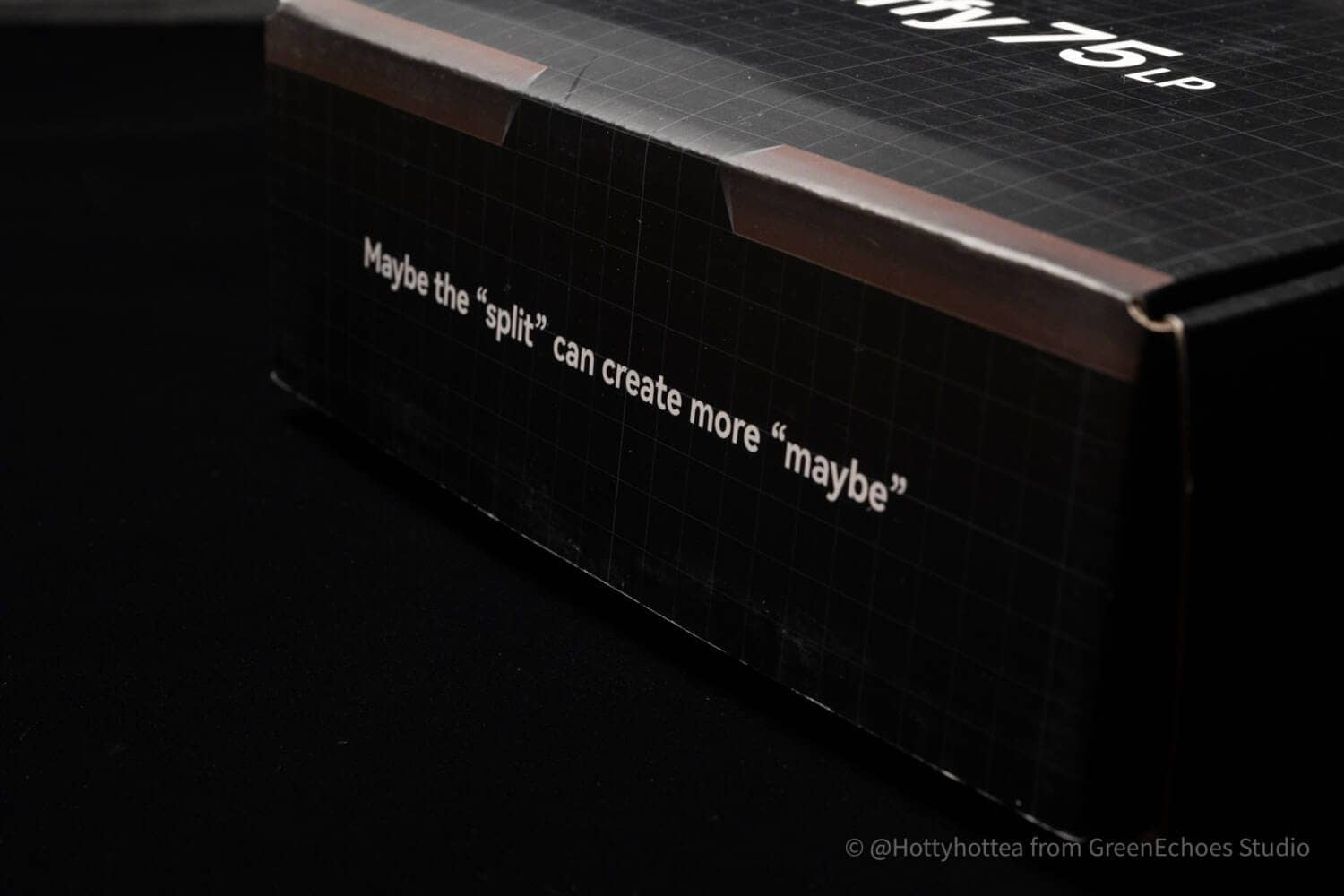
Unlike Cornix, it comes in a black cosmetic box like this one.


Perhaps even more may be created by the division.
The inscription reads, “The first time I saw the world, I was a little bit surprised.

When you open the box, you will find a special storage pouch.
KawamuraNote that the pouch always comes with the set, even if it is not purchased as an option.
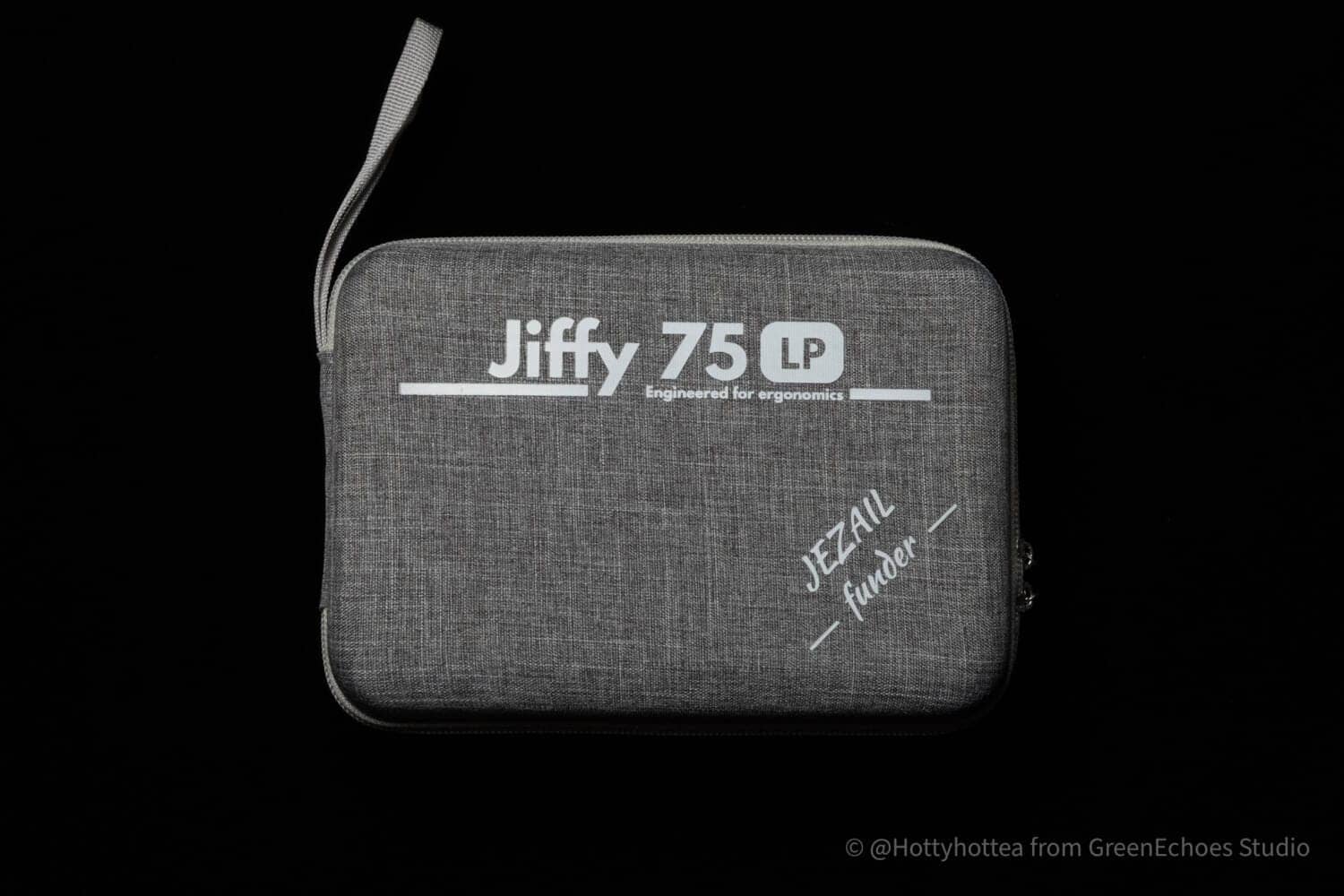
It is well made.

The center zipper opens all the way around, and the structure is divided into left and right sides.
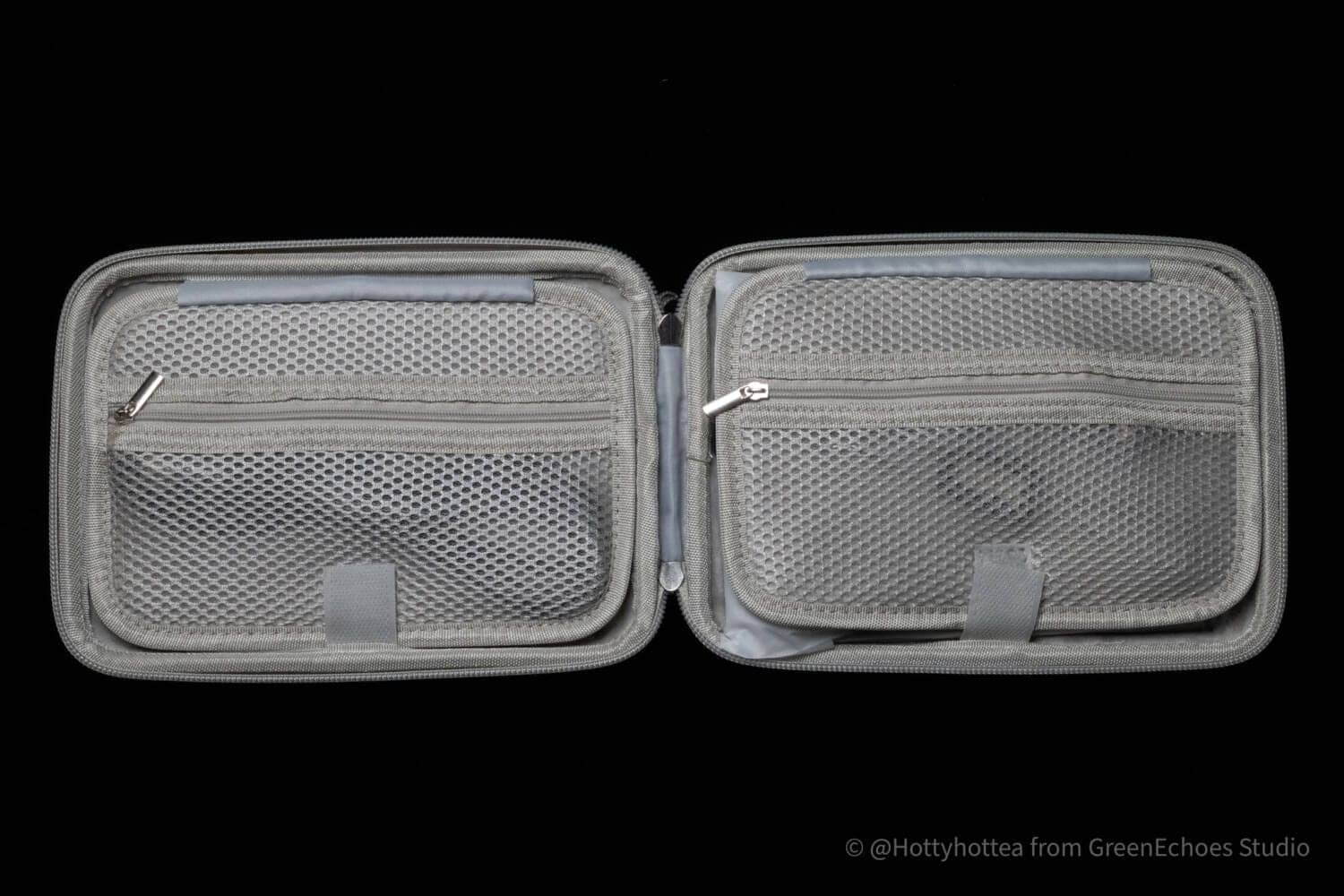
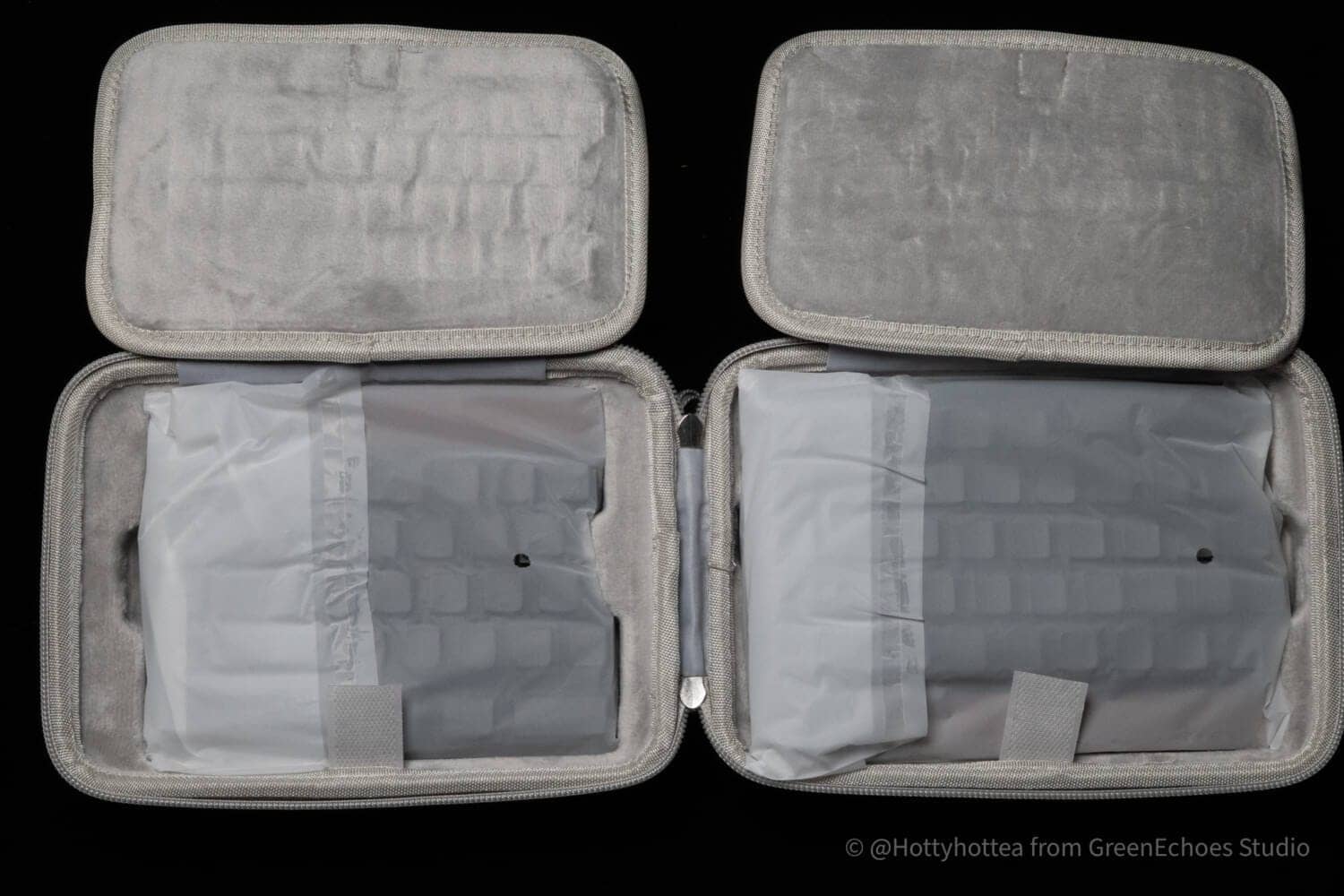
This storage zipper opens to reveal a USB cable, dongle, spare switch, and keycap/key switch puller.

Opening this lid reveals the keyboard.
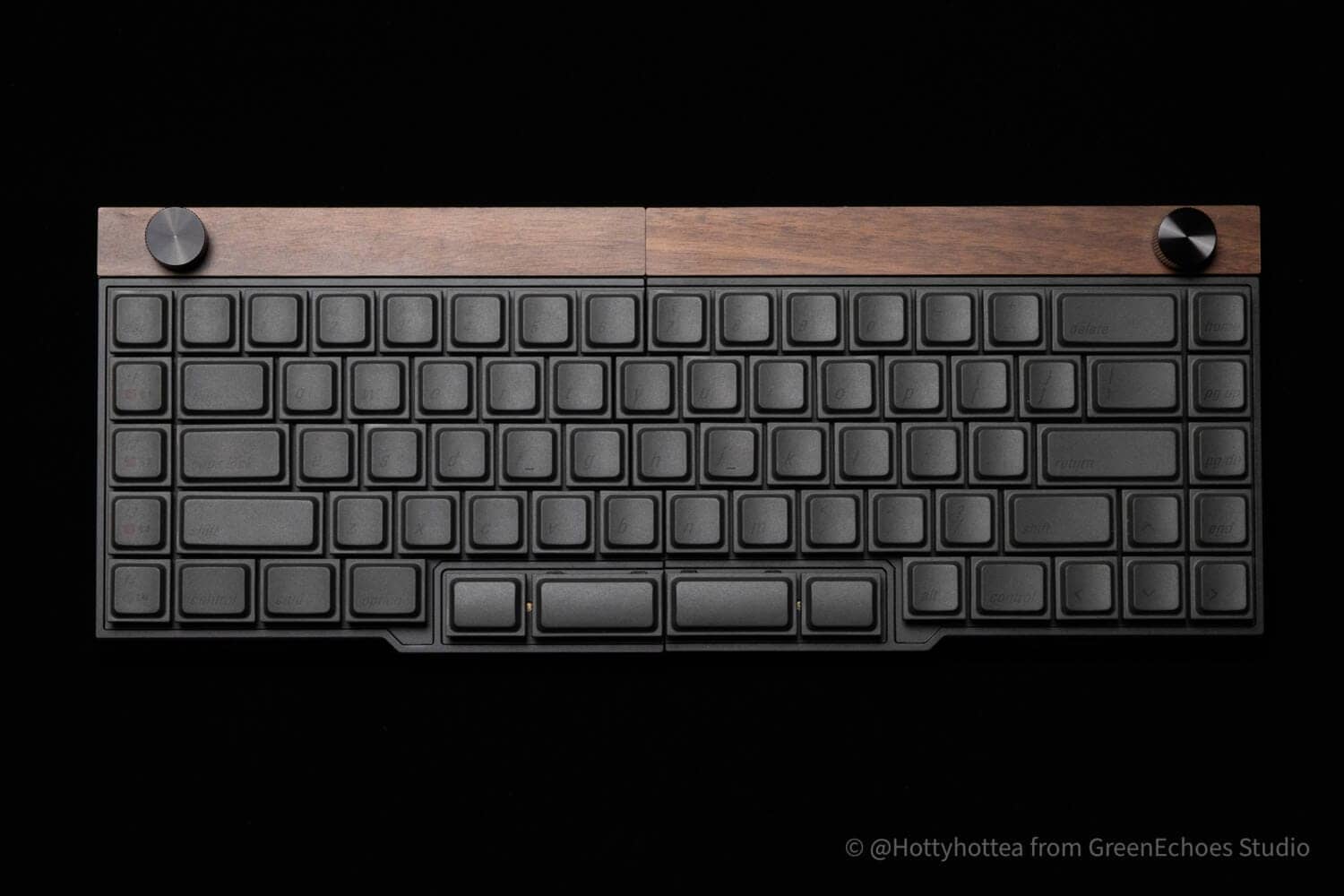
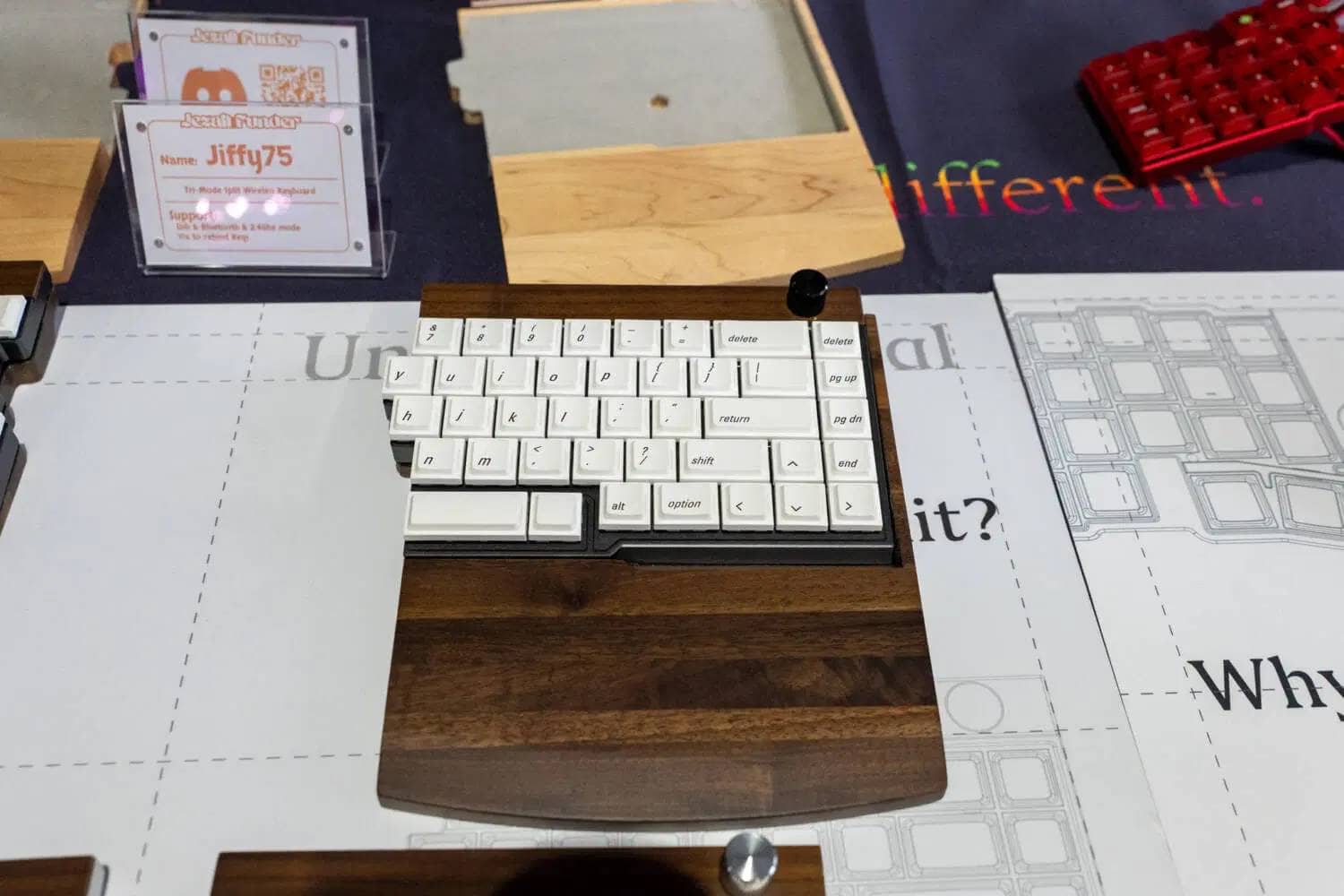
The walnut and black model was reviewed this time.
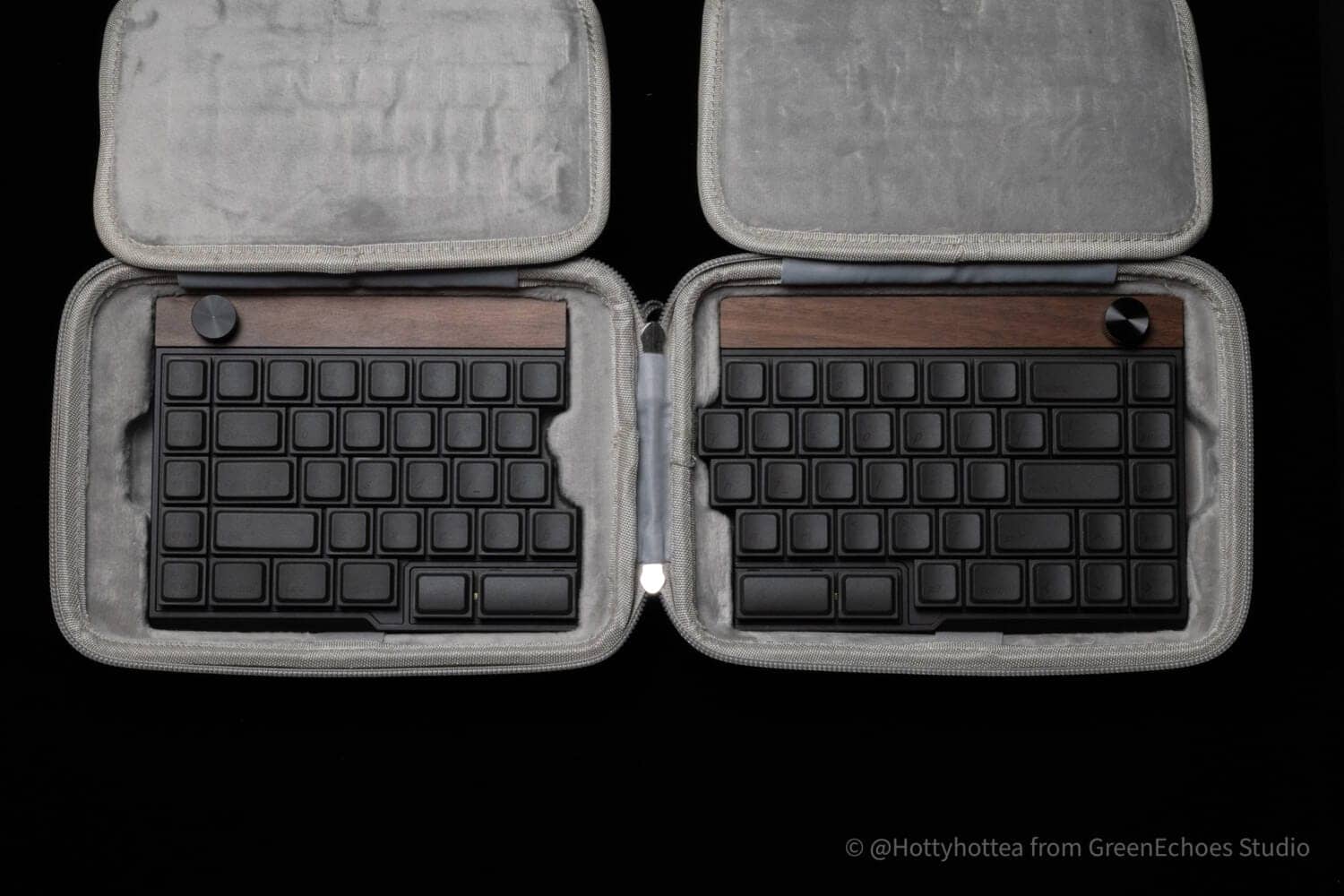
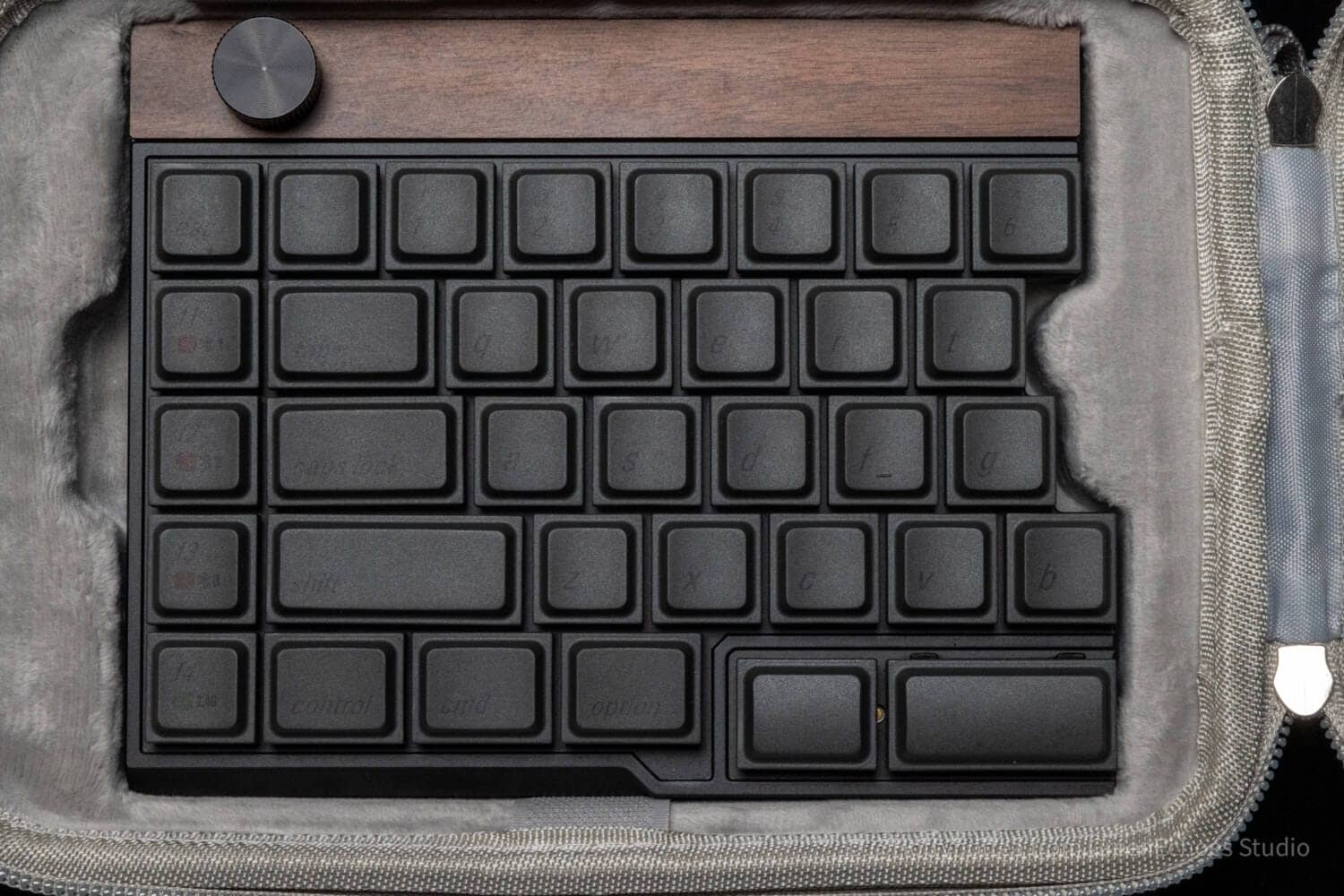
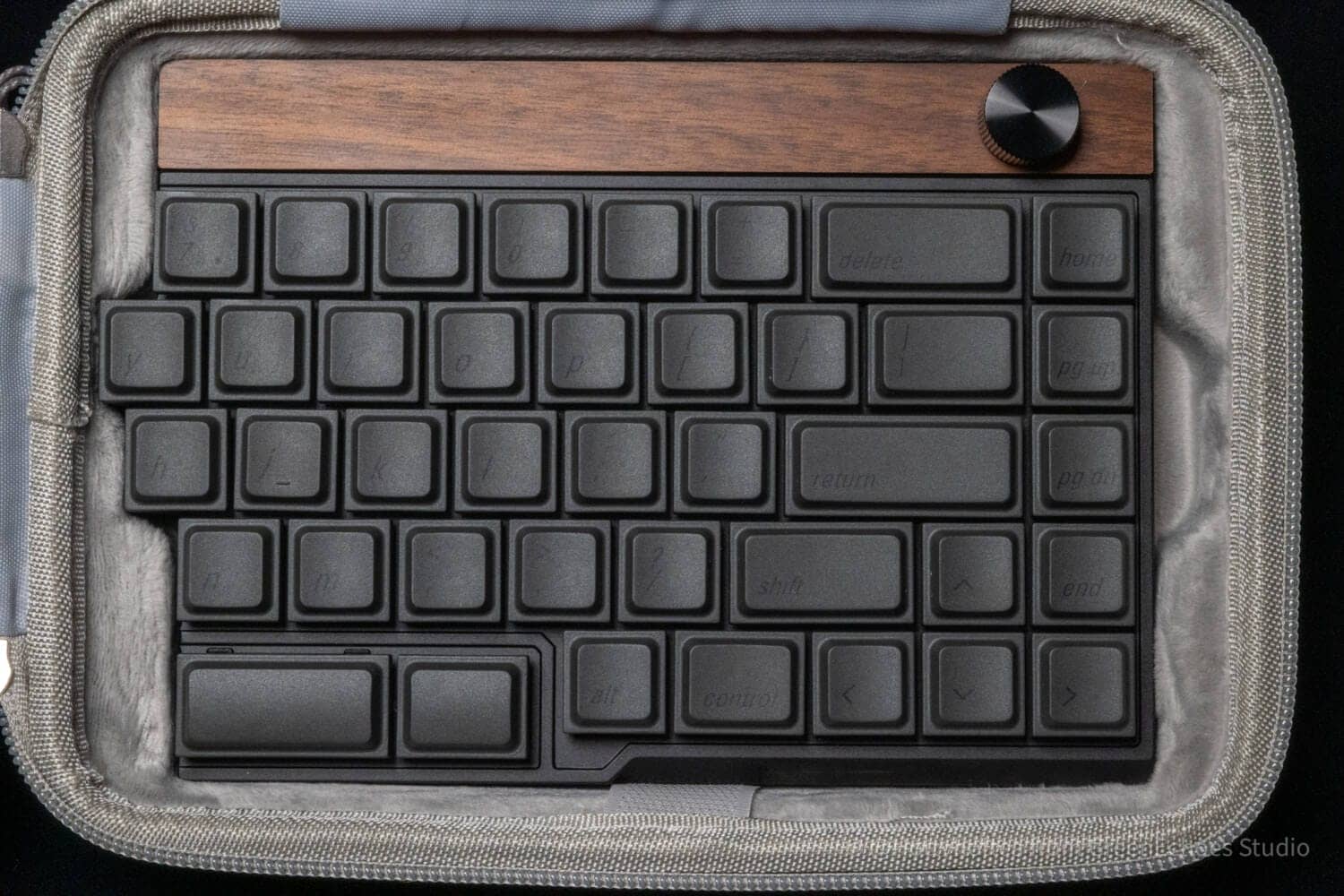
The exterior looks like this.
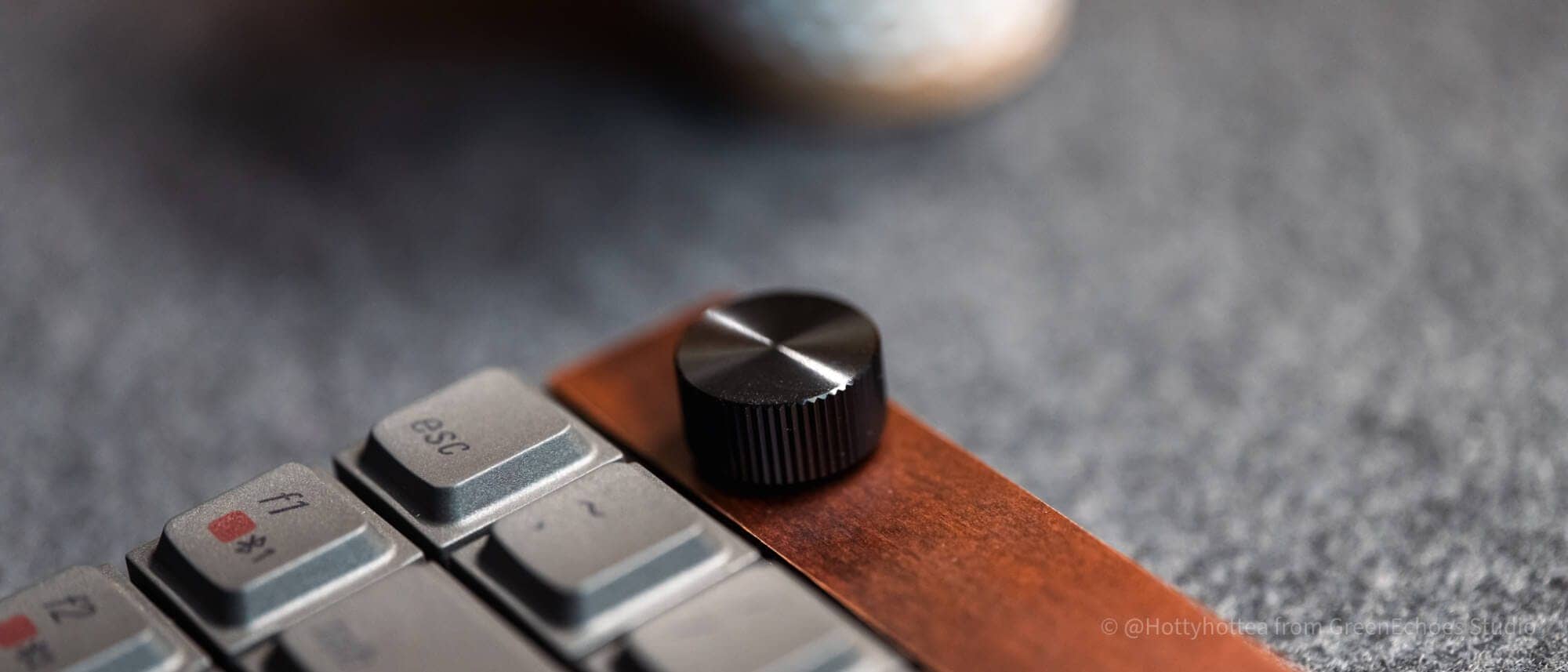
One aluminum rotary encoder is attached to the upper left and right ends.
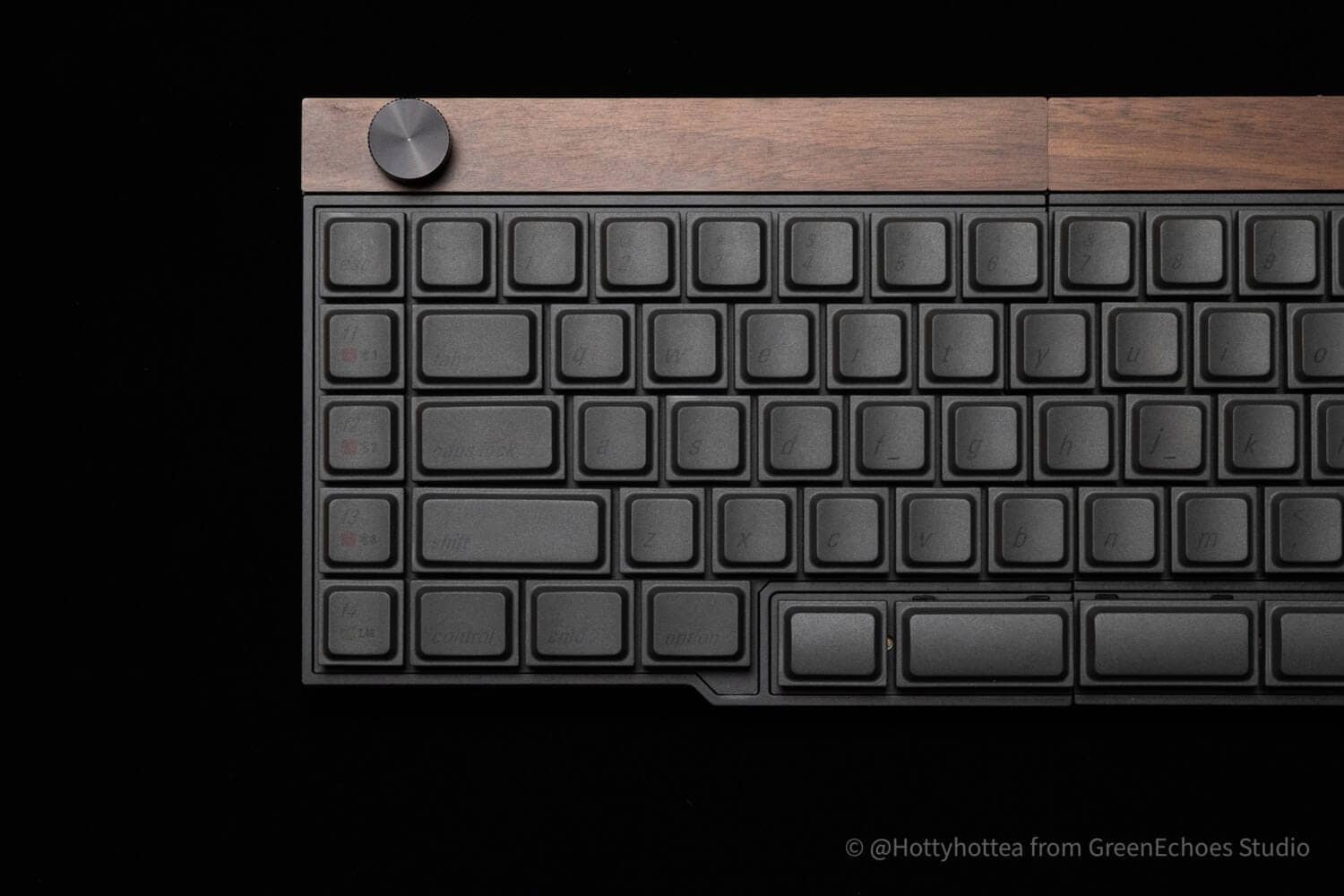
It is based on a 65% ANSI layout with no function key rows and arrow keys, in the form of an additional single row of five key switches on each side.
Another distinctive feature is the independent placement of keys for thumb operation.
 Kawamura
With the thumb one step lower, the arm stance naturally becomes a “c” shape. My personal experience was that it felt easier to type.
By setting the keys outside of this left-right split space bar to “convert” and “non-convert,” it may be easy to use even for users with Japanese layouts.
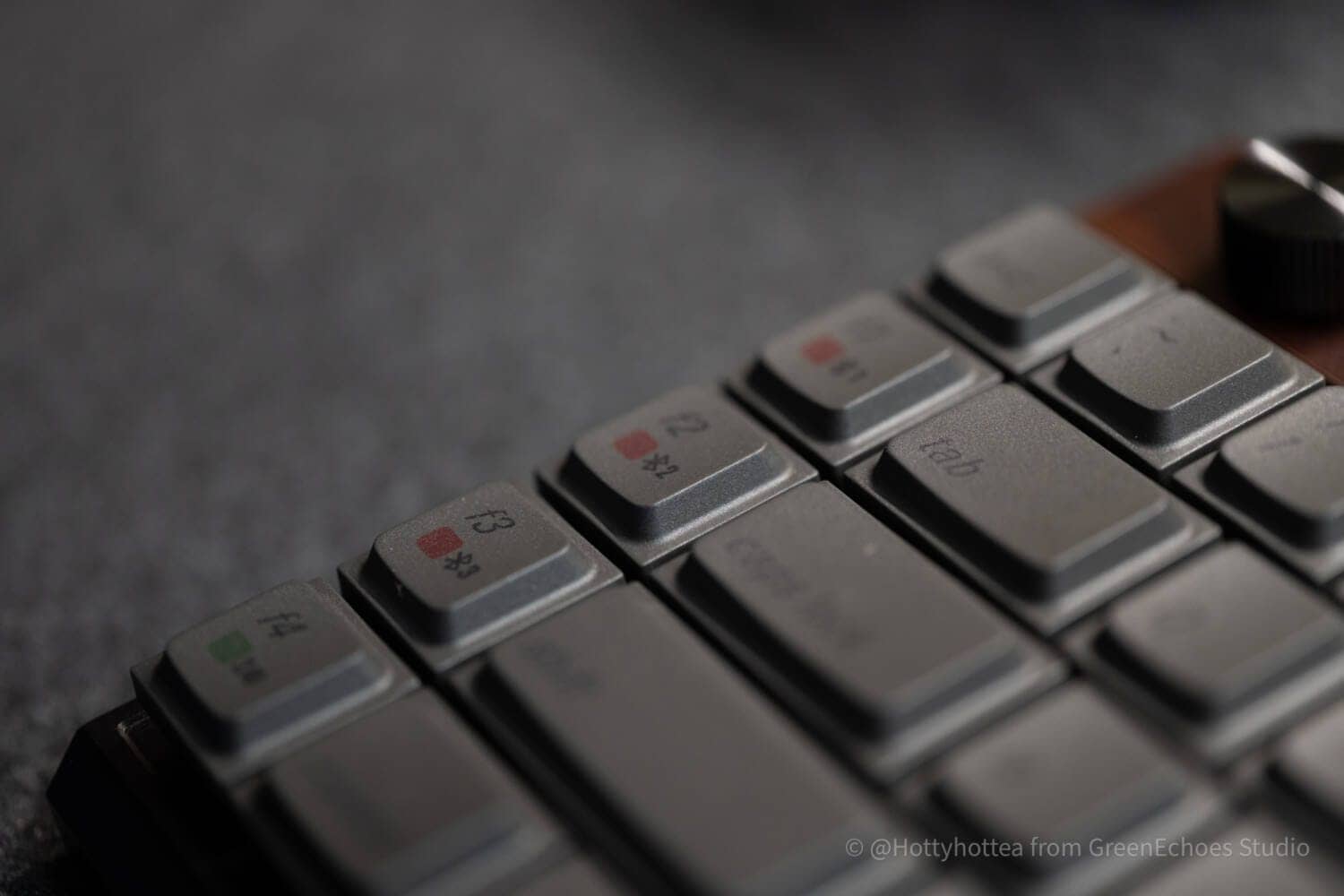
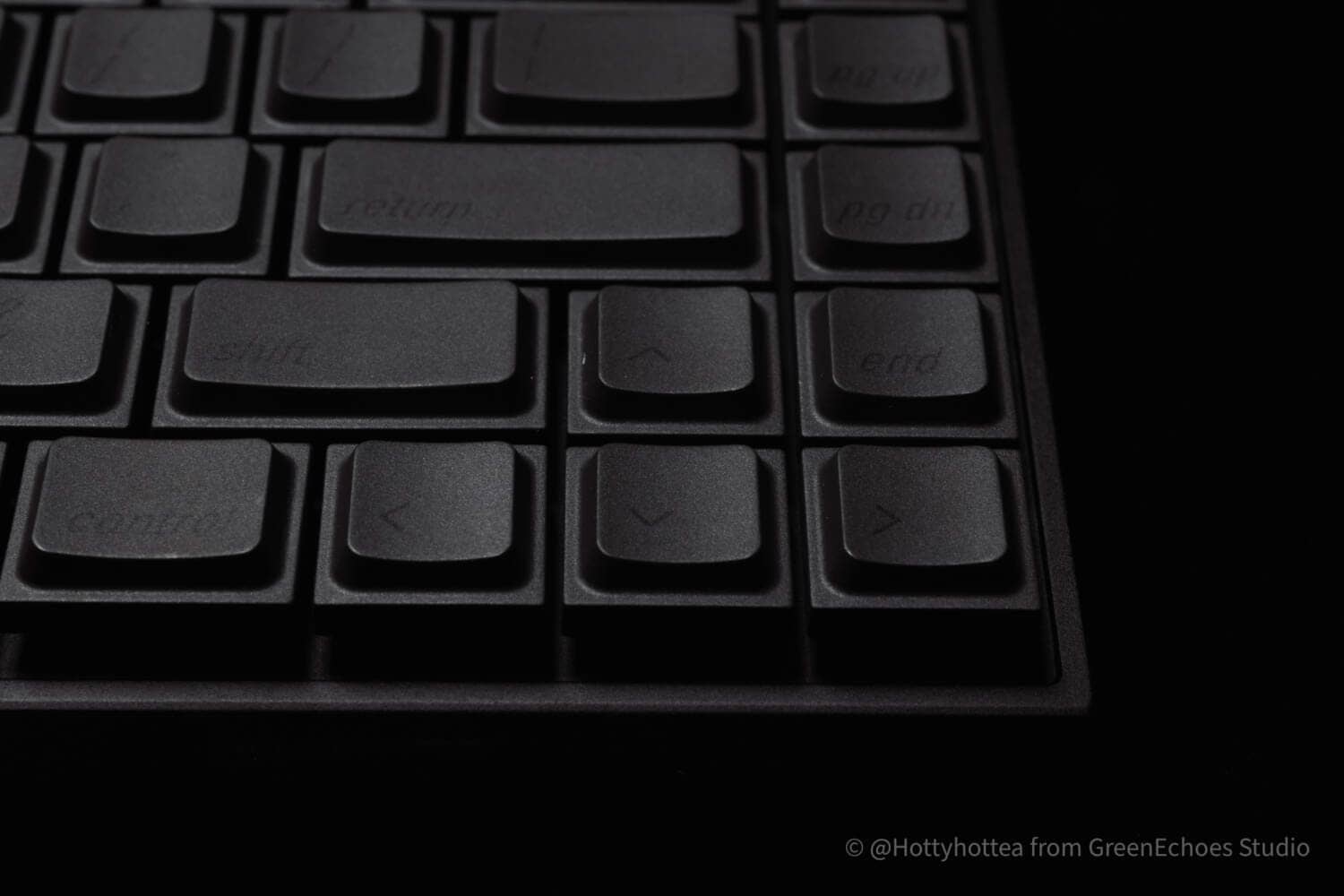
The quality of the aluminum rotary encoder knob is also high, with a moderate clicking sensation during rotation and a high impression of rigidity during operation.
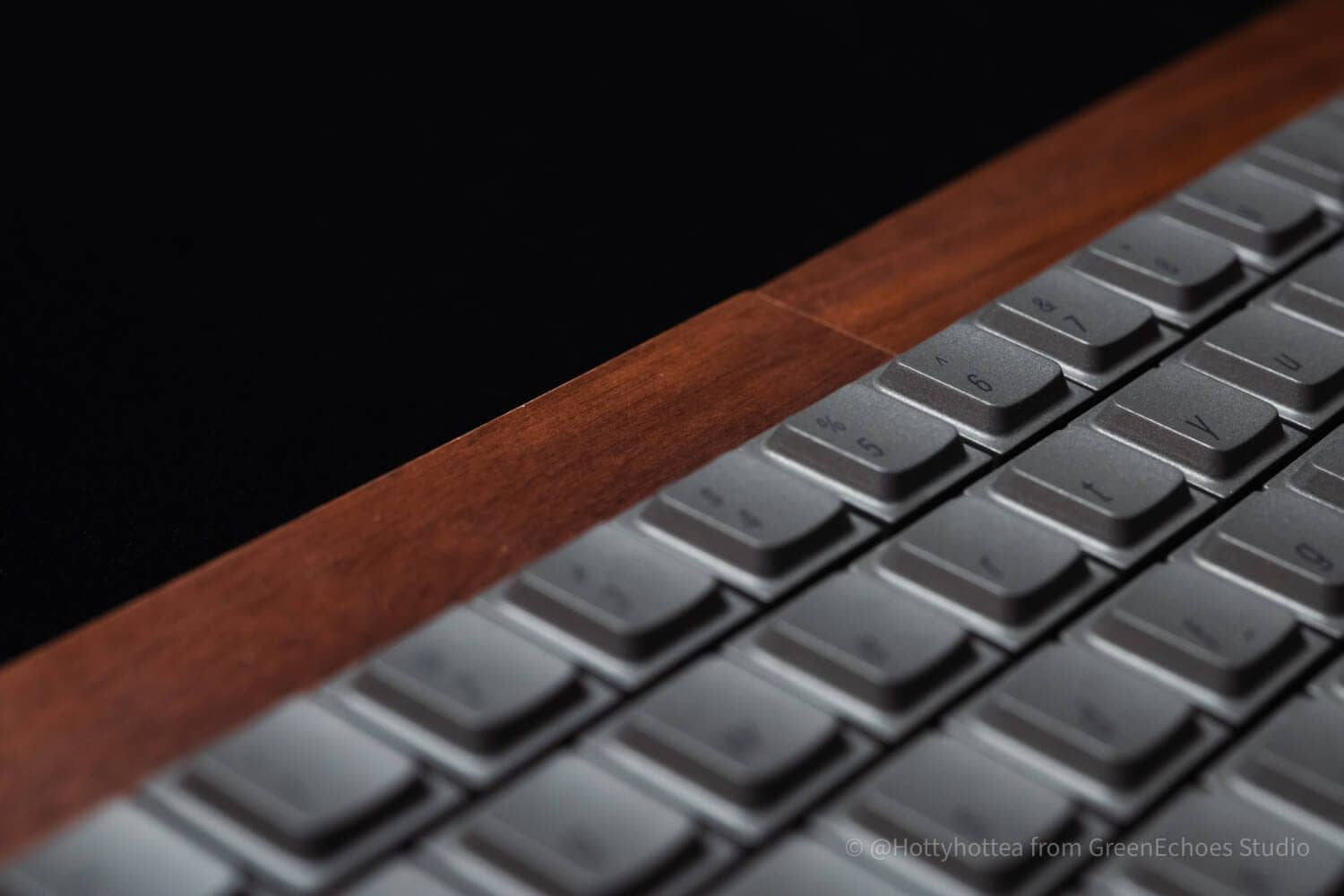
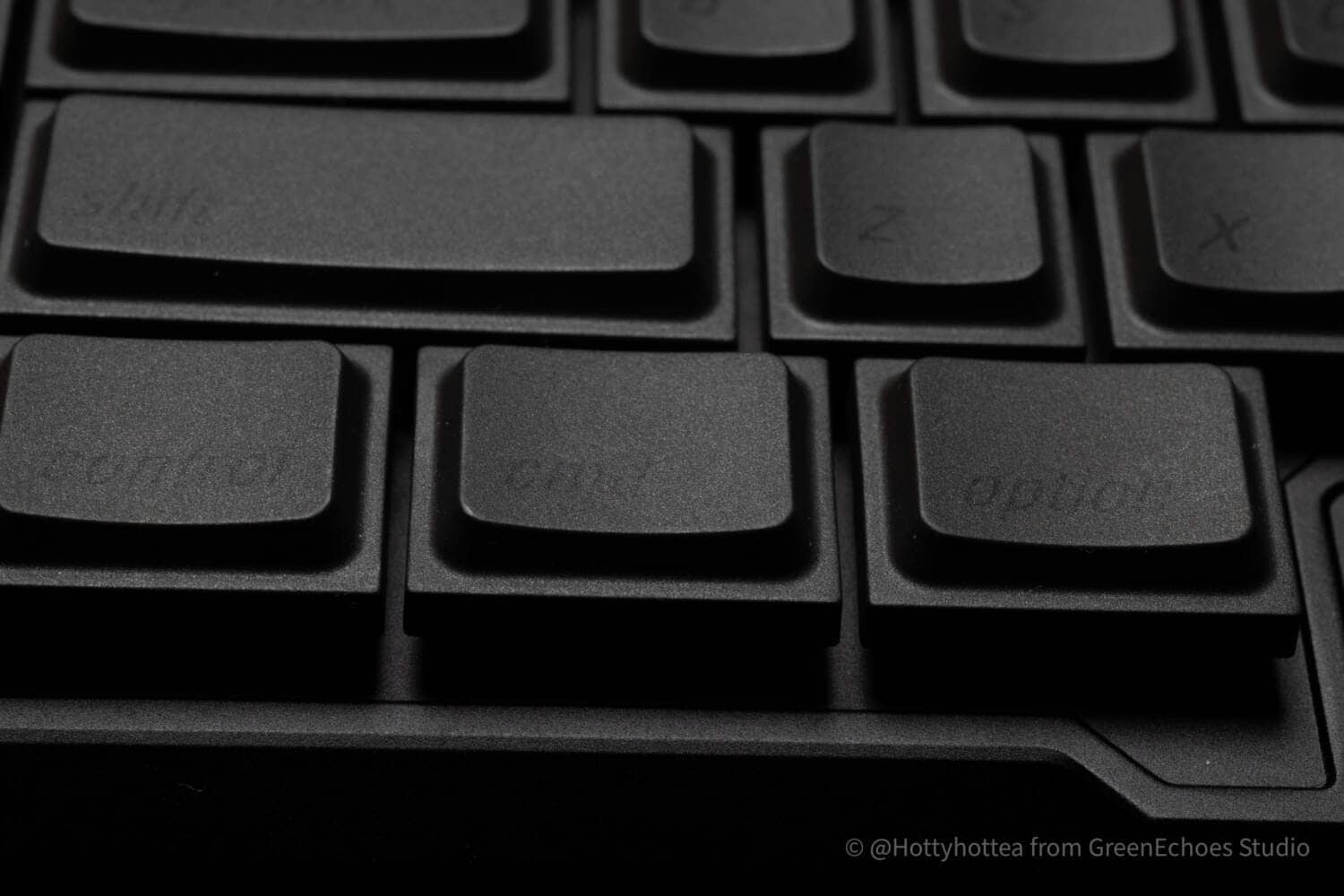
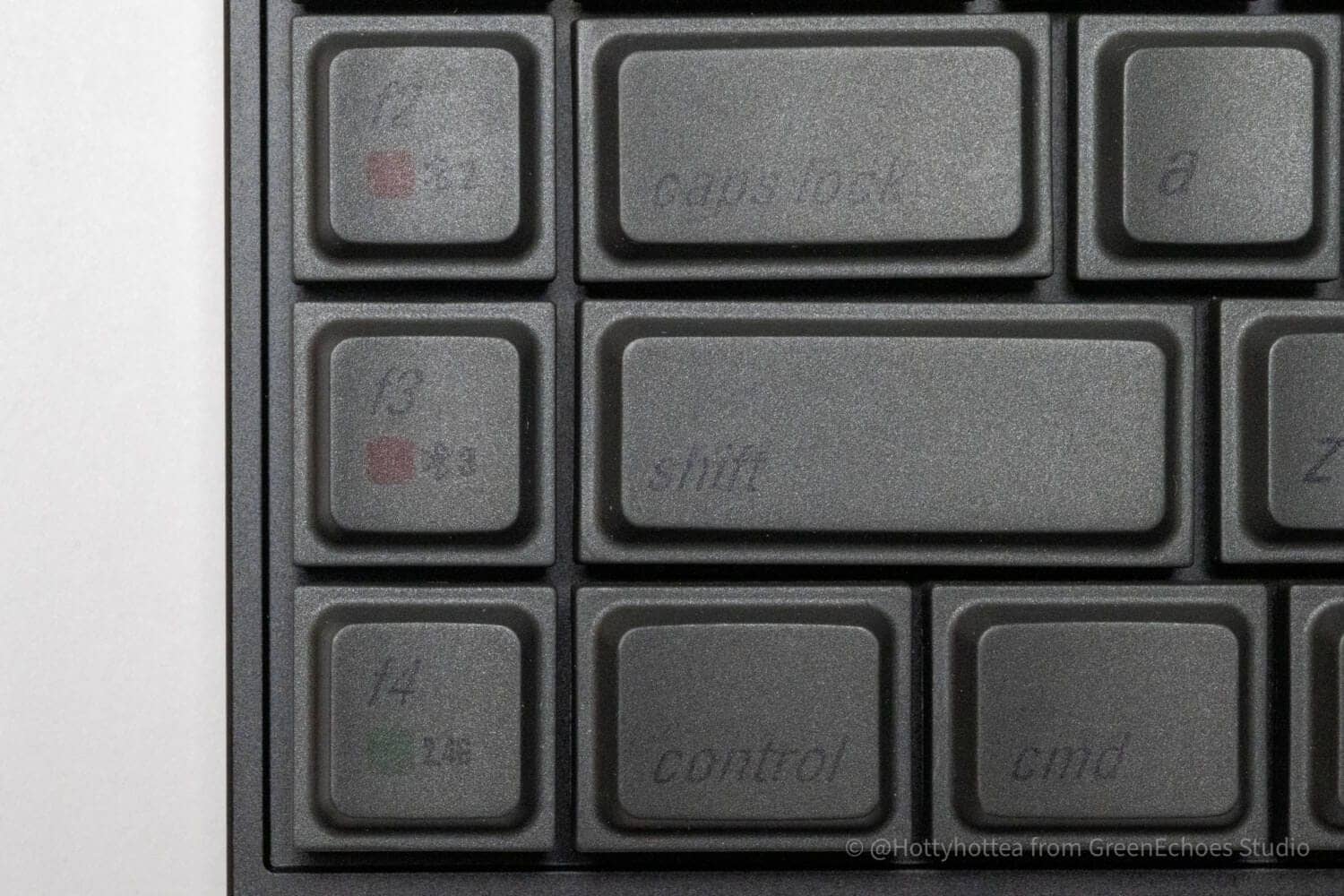
In addition, basic printing is similar to Mac.
Replacement keycaps for Windows are not included in the package, so if necessary, it is recommended to purchase unmarked keycaps or other keycaps from the Jezail Funder Japan website.
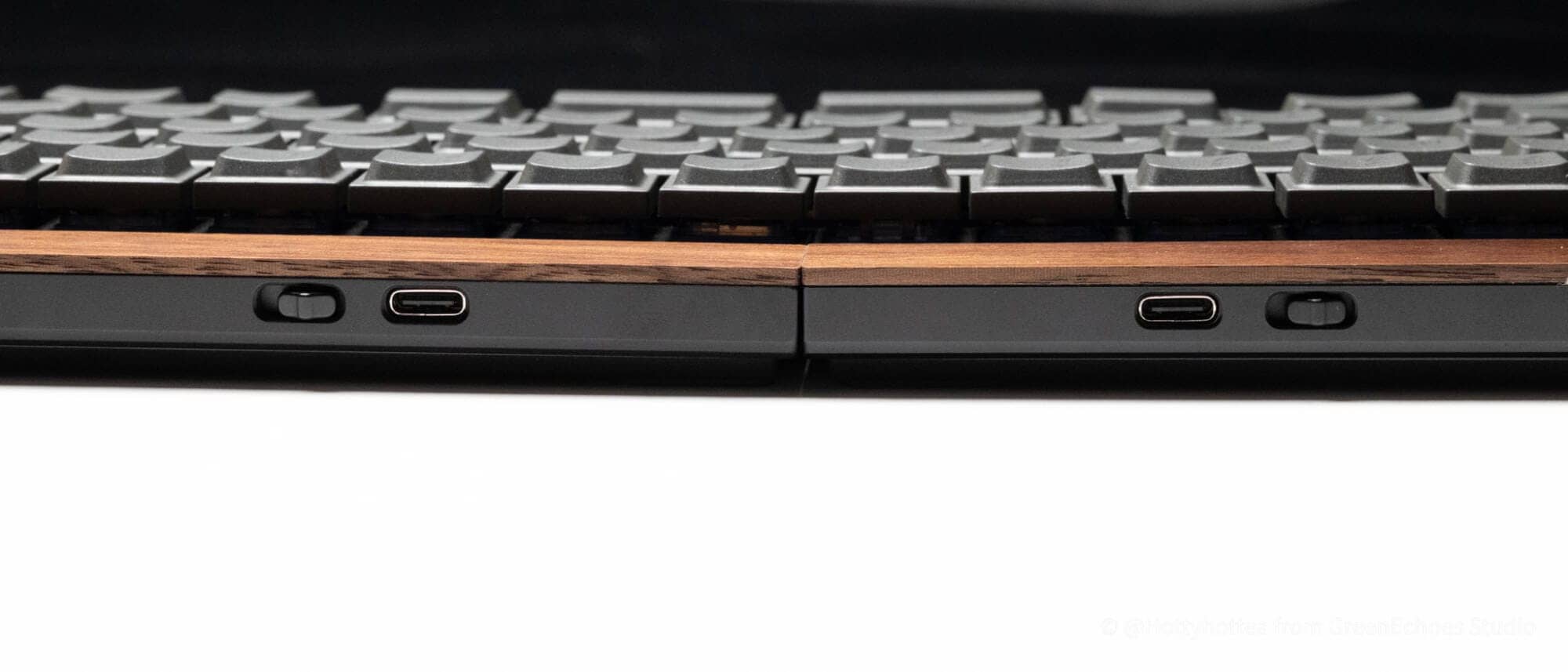
Let’s look at the sides.
As for the sides, the slide switch/Type-C port is located only on the back, nothing else.
These two USB ports give the impression of being “for charging,” and the basic connection (communication between the left and right sides and with the connected PC unit) is made via a wireless connection.
KawamuraIt would be easier to visualize power on/off if the side that slides would physically display a red sticker, or some such specification. I will submit this as a request.
The reverse side is quite simple.
Bar-type rubber feet are attached to the four corners, and there are no tilt legs.

Although we were not able to disassemble it as it was a loaned item, we have the impression that it is probably constructed with a lid that is attached to a top case that is integrally molded with the keystitch plate.

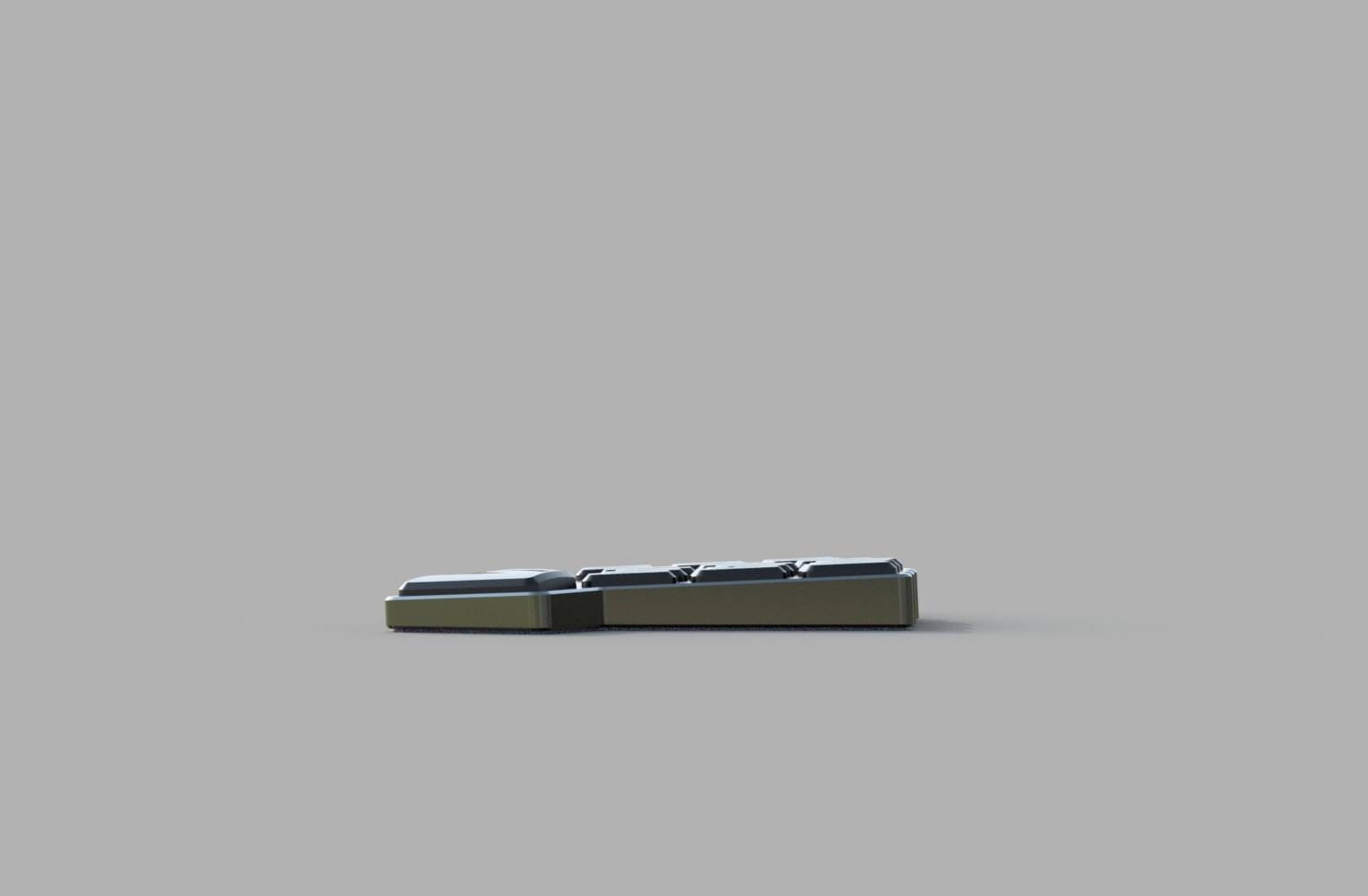
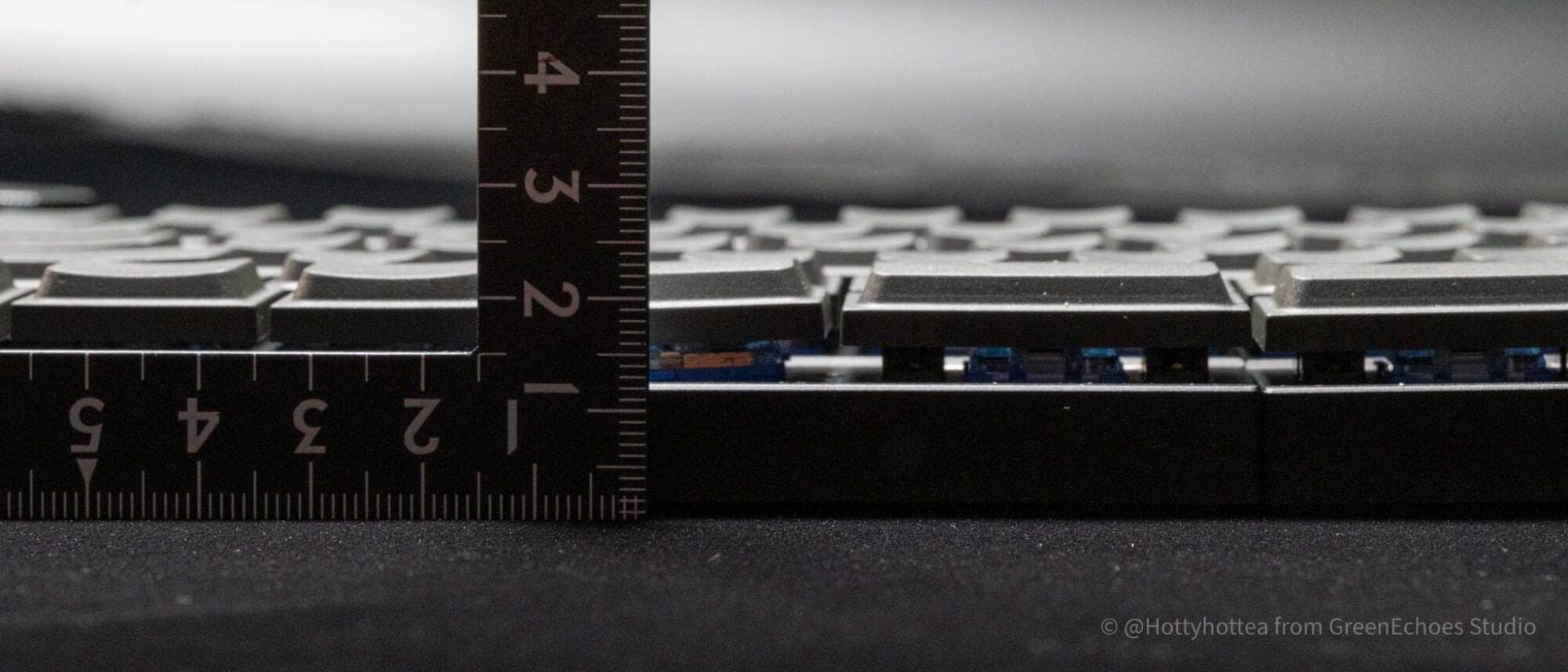
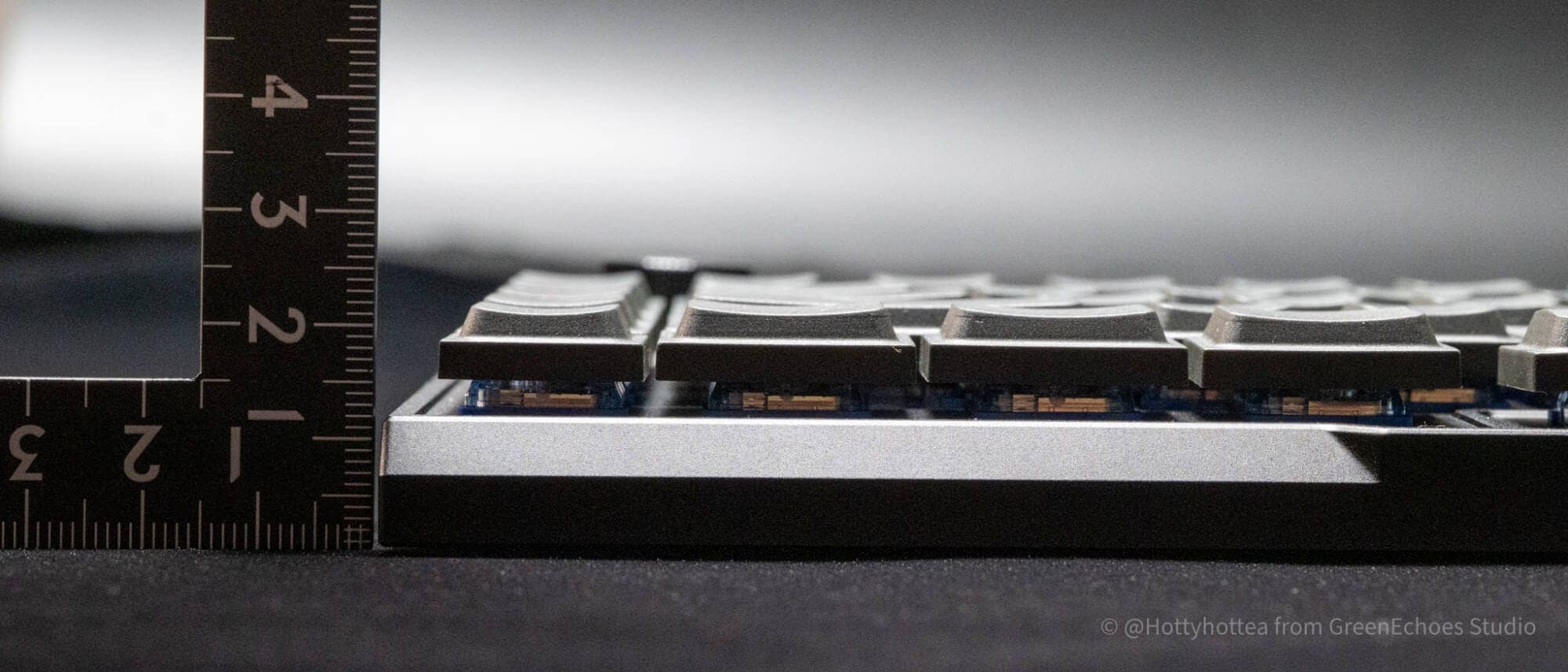
As shown here, the rear side is slightly higher and slopes slightly toward the front.

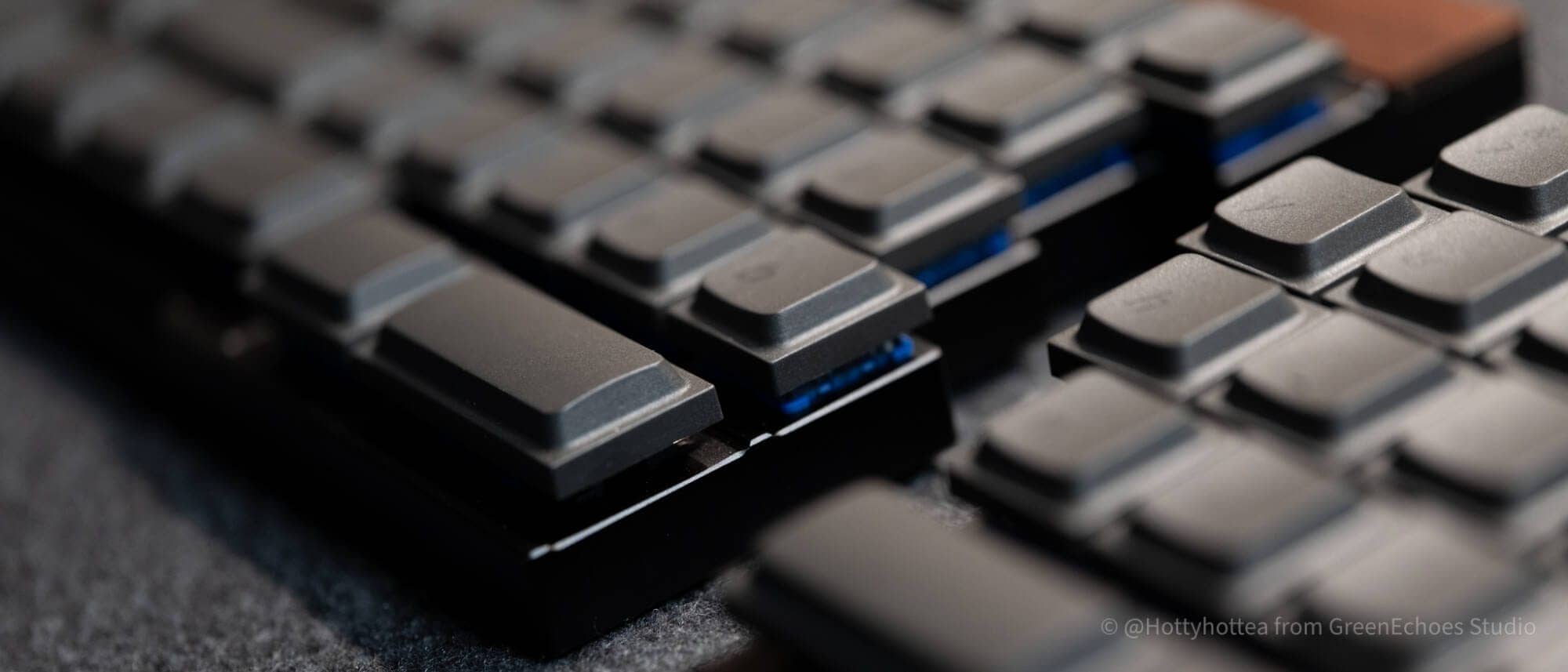
The keyboard height is approximately 23 mm to the tops of the keys, allowing for problem-free typing without a palm rest.
KawamuraIt is very low…….!
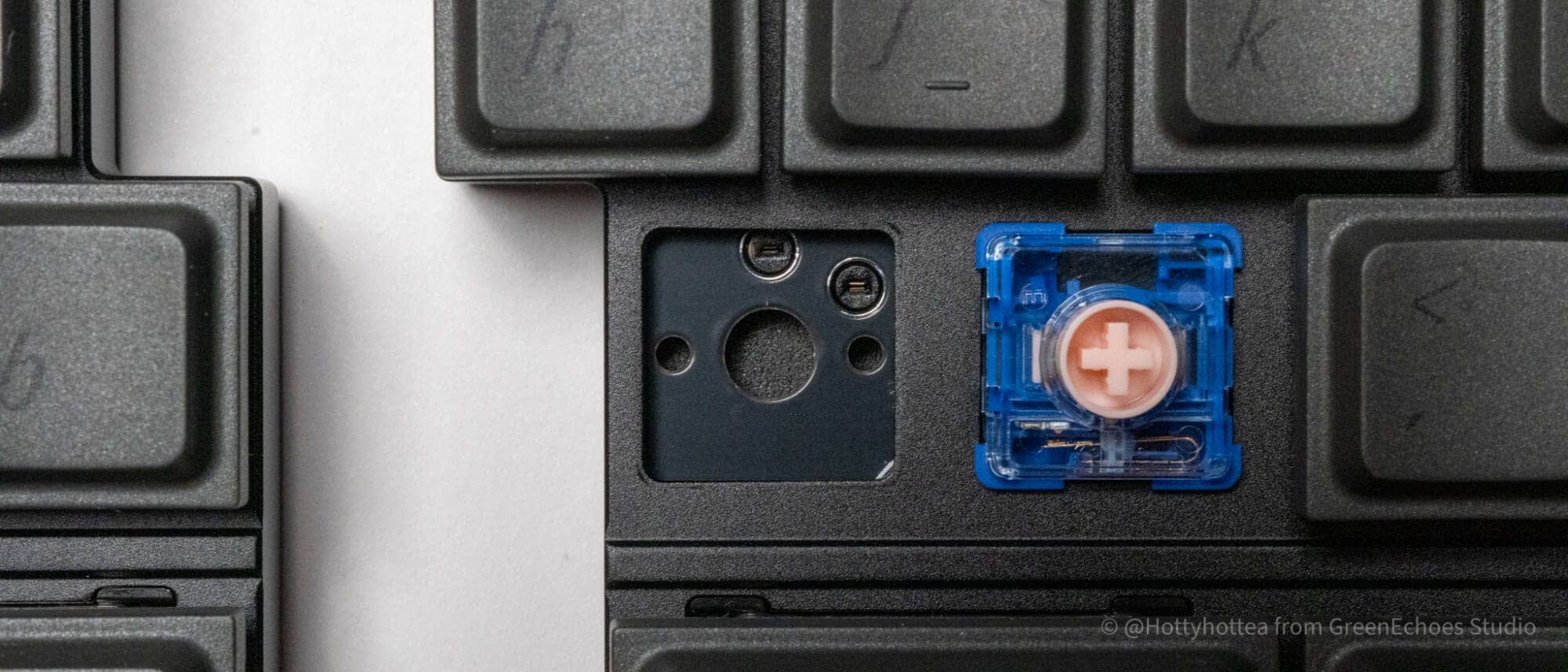
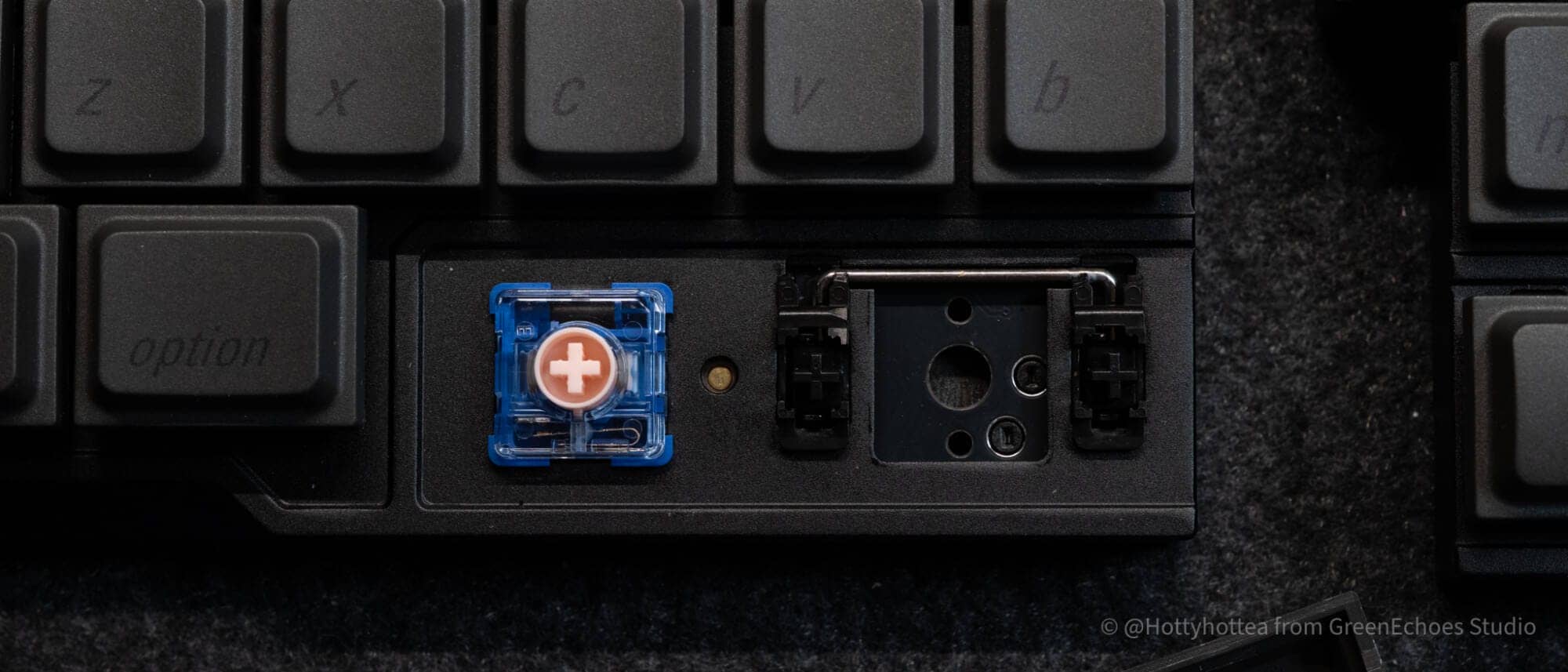
The keyswitch is based on the Kailh choc v2 standard.
(The photo is a prototype and has a different switch from the product.)

Of course, hot-swapping is supported.
No LED lights are mounted.
As you can see, the keyswitch plate is made of the same aluminum as the main unit.
The keystroke feel is not so hard, probably due to the sound-absorbing material that seems to be installed and the effect of the silent switch.
The space bar section has stabilizers.
Other features include stabilizers on the left shift, right shift, enter, and backspace areas.
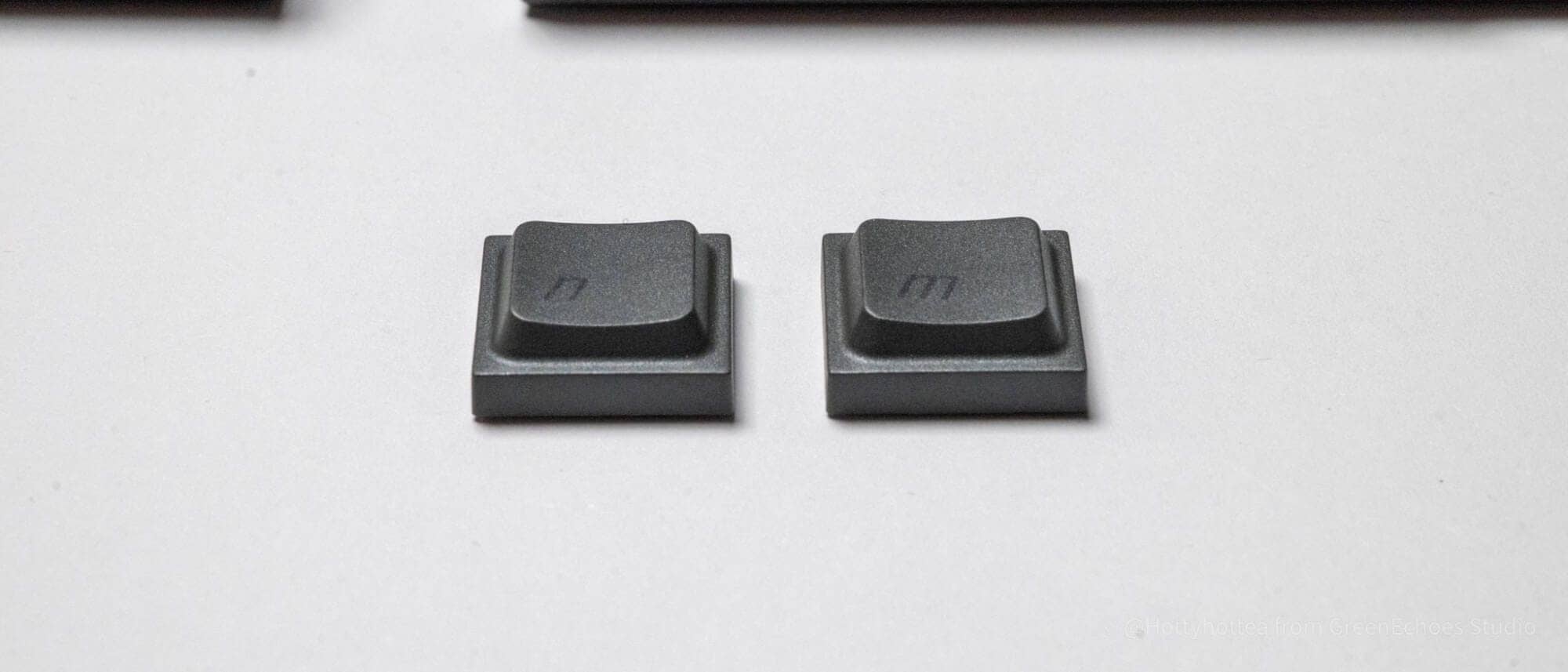
Let’s look at keycaps.
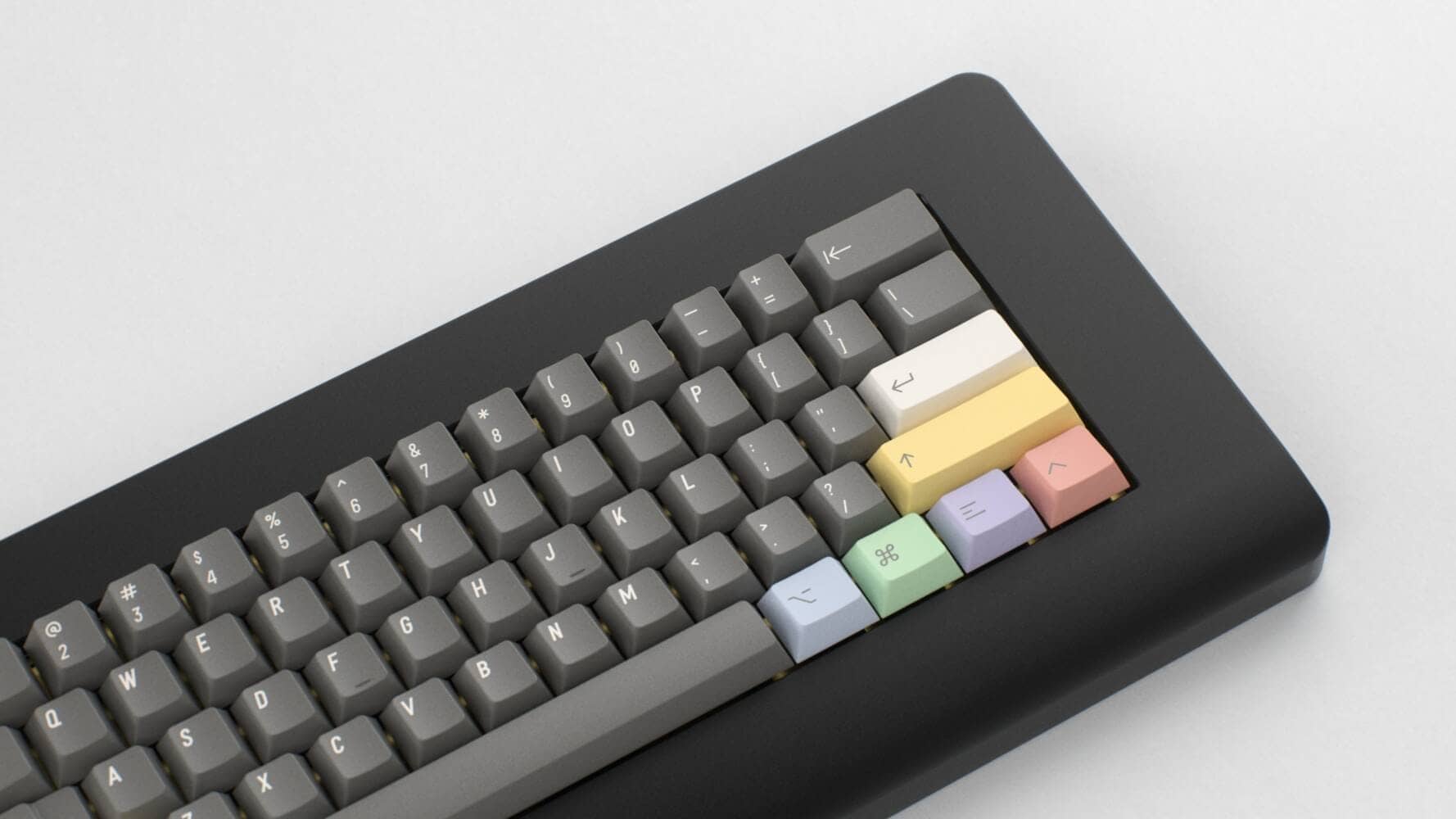
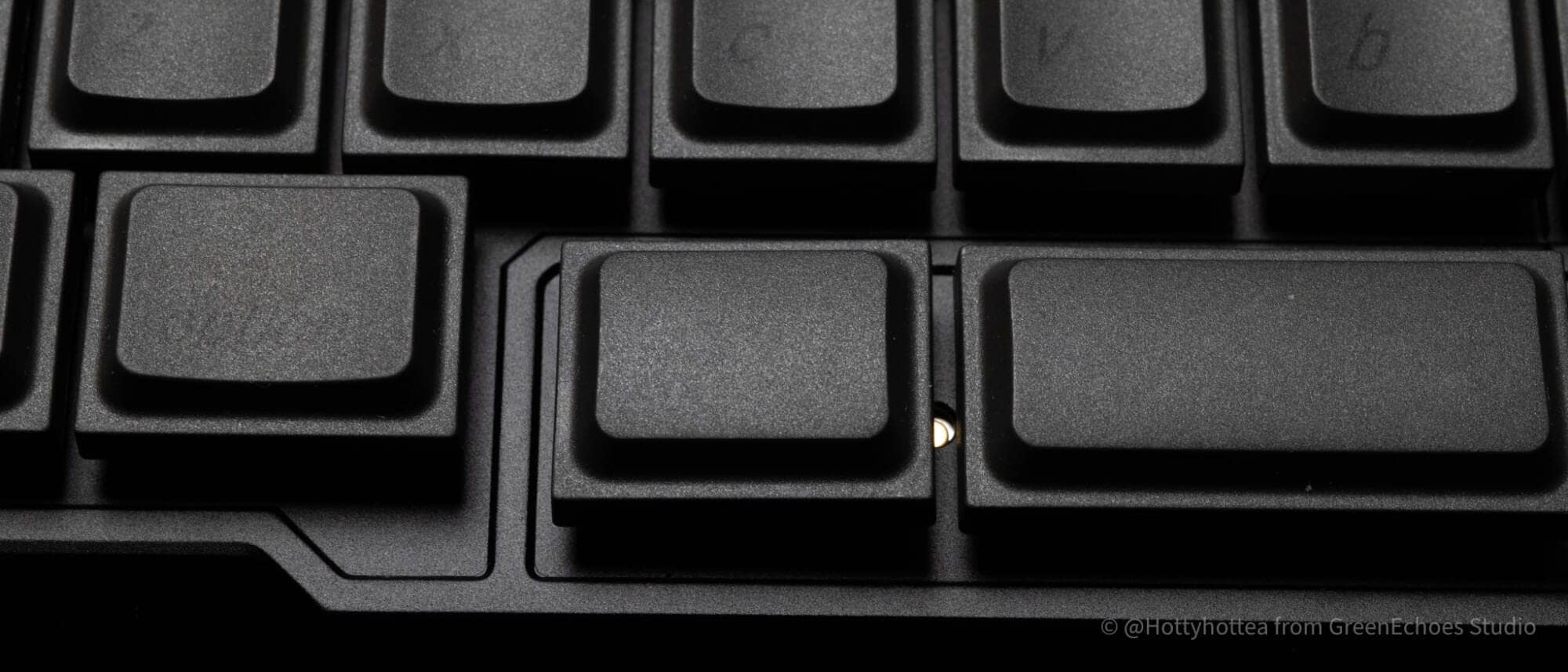
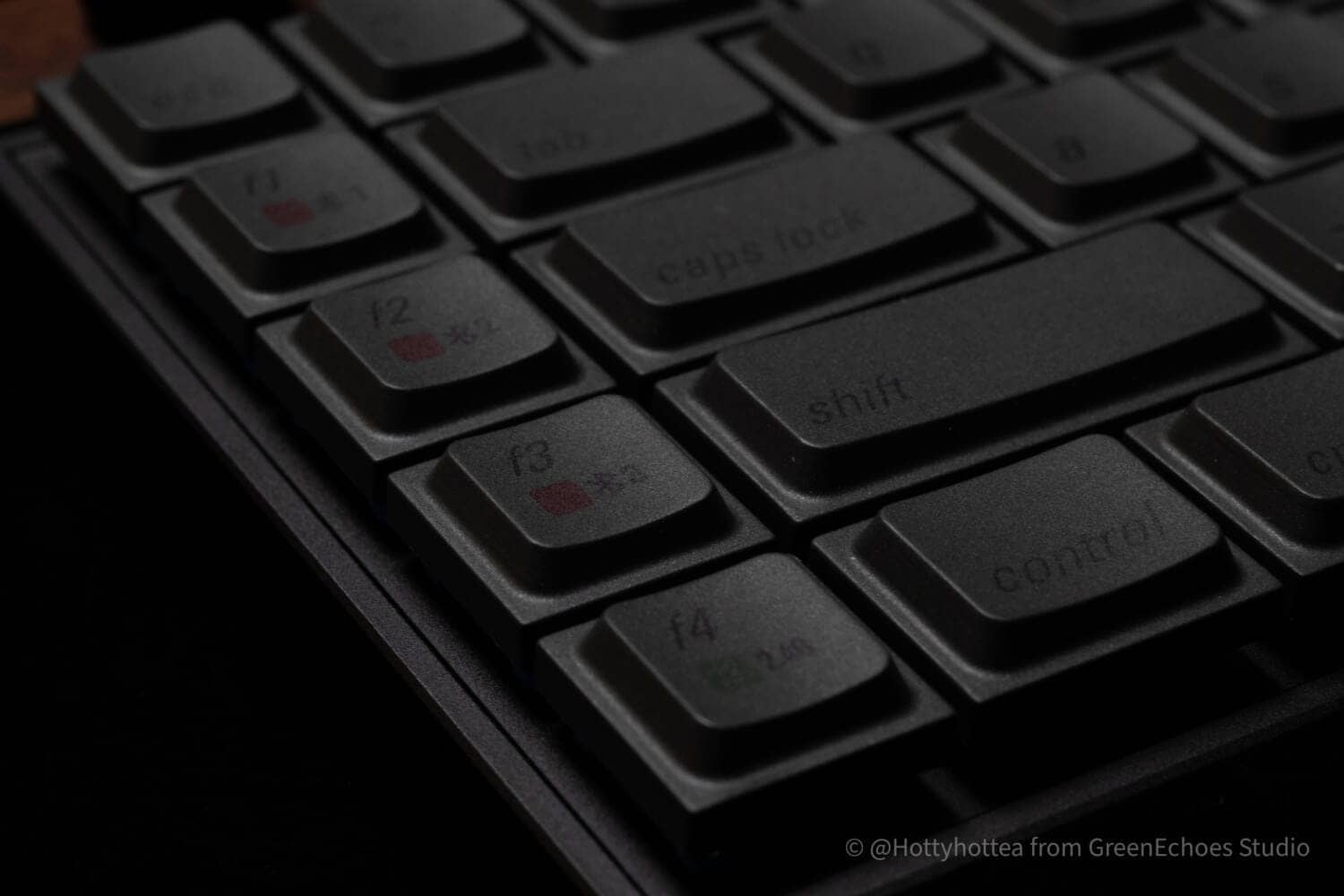
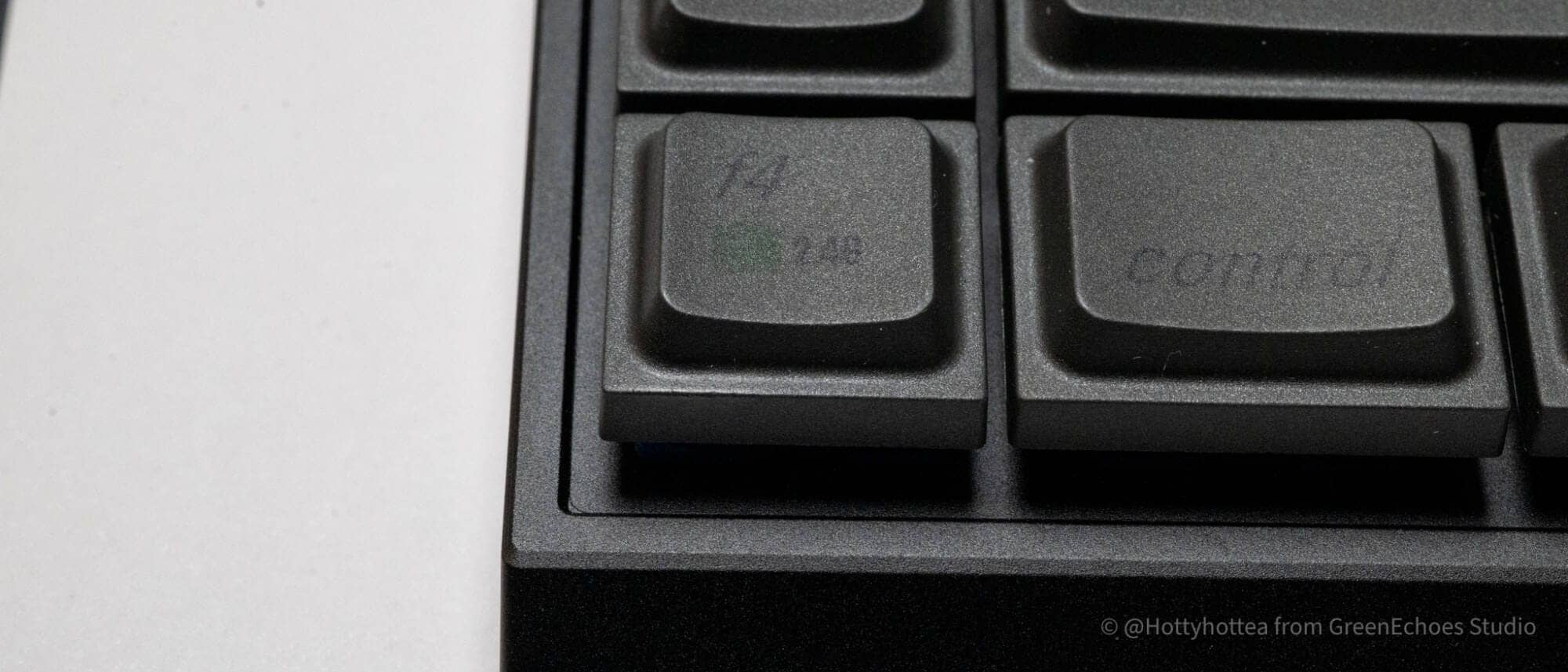
The keycaps are made with Jezail Funder’s original LAK profile,
The key tops are characterized by their arched shape.
All keycap shapes are identical and there is no difference in slope from row to row.
The keycaps are made of PBT and the printing is believed to be sublimation printing.
The walnut model is printed in black on black, which is not as legible as the walnut model.
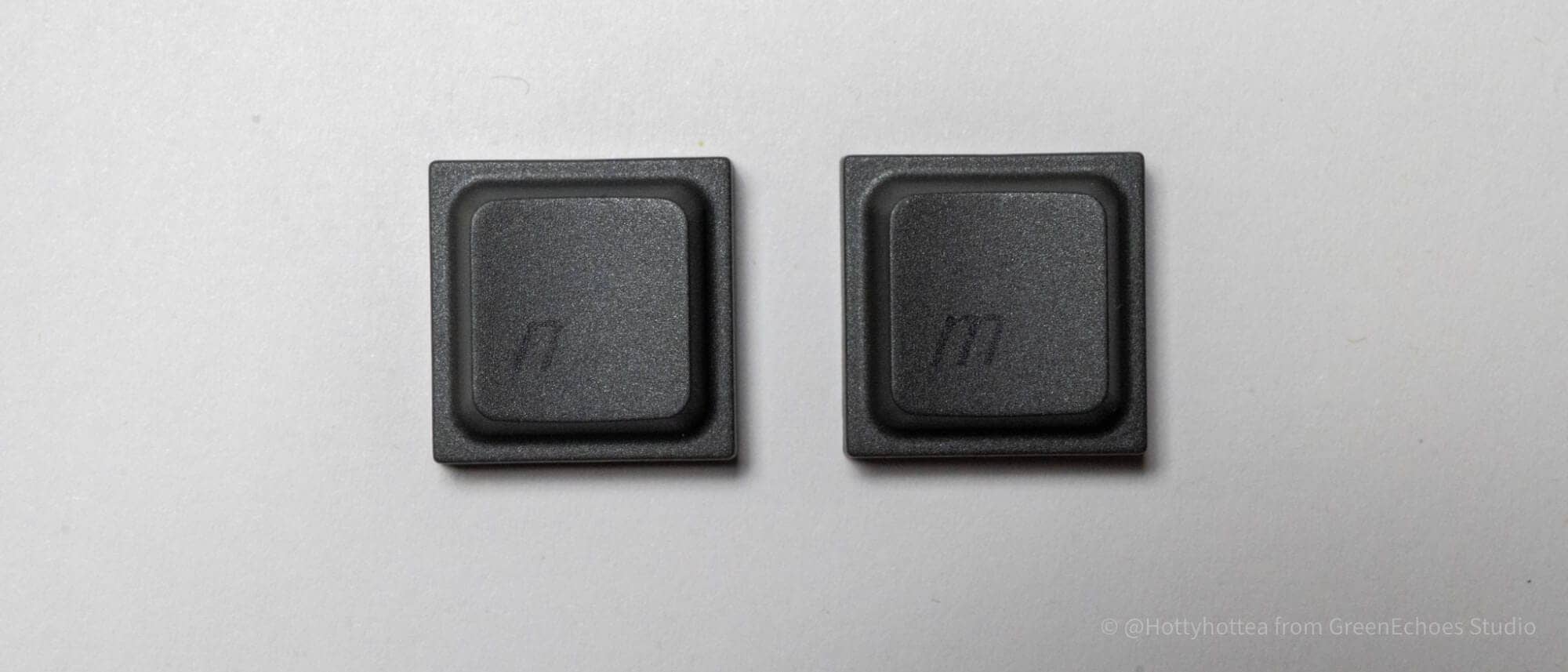
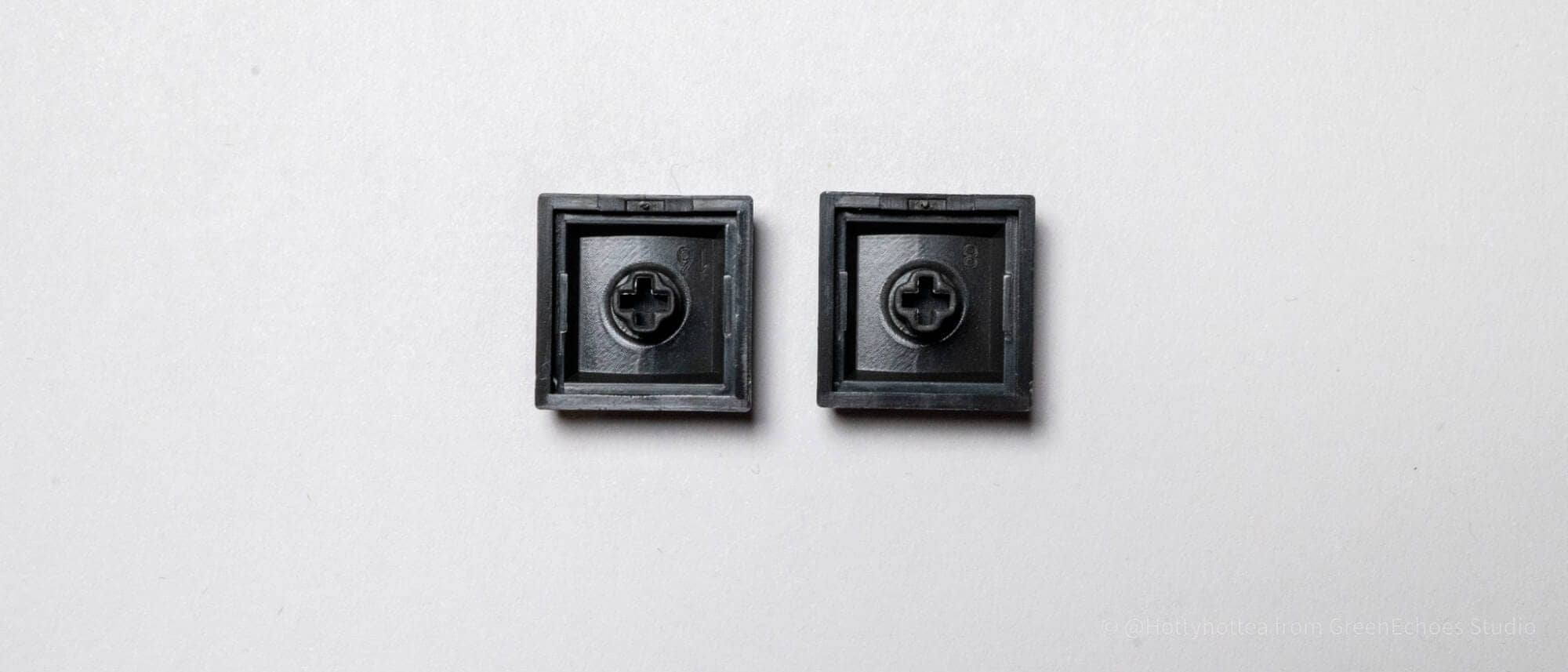
The molding accuracy of the LAK keycaps is very high, and the area around the cross stem is well molded.
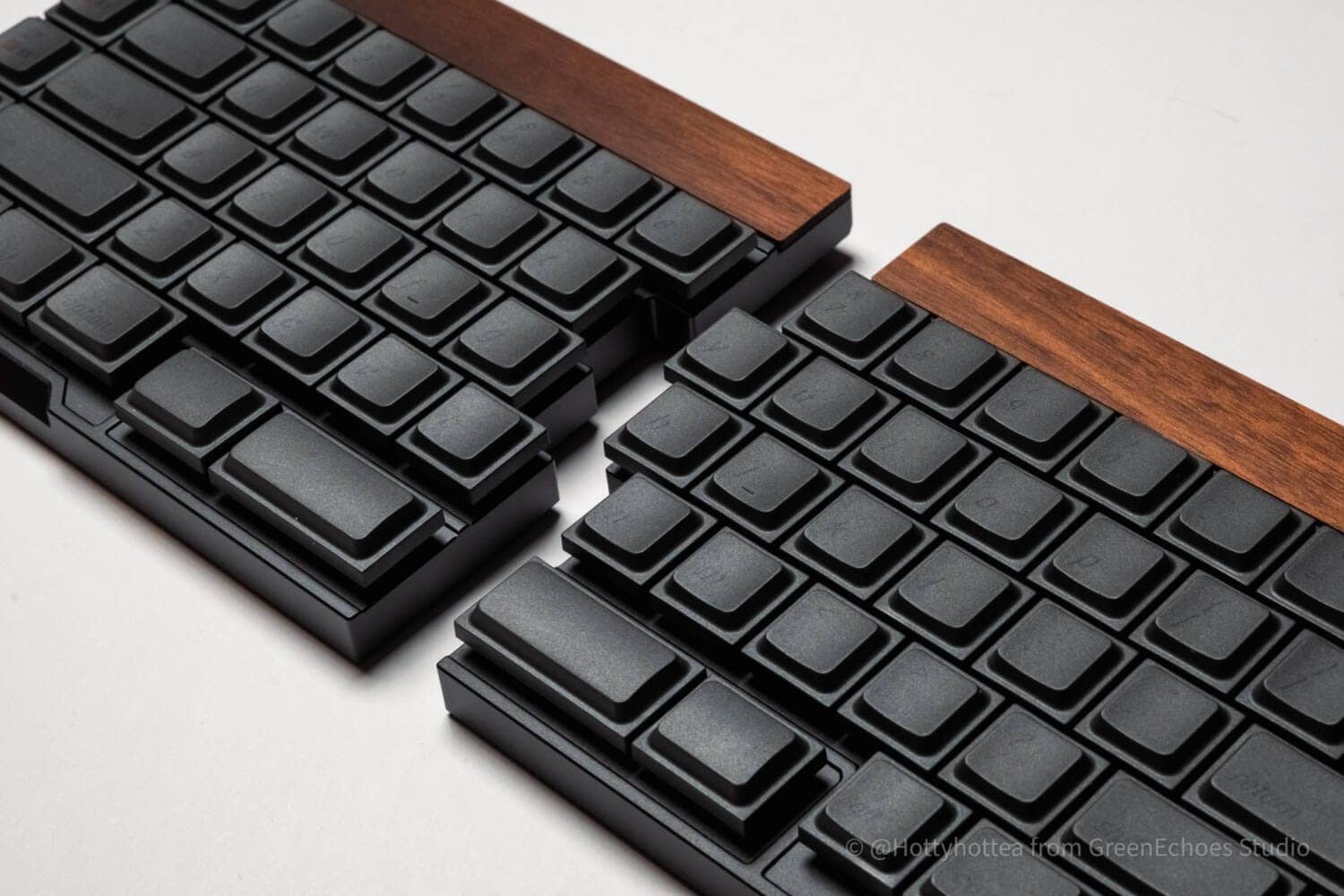
Finally, let’s look at the big picture.
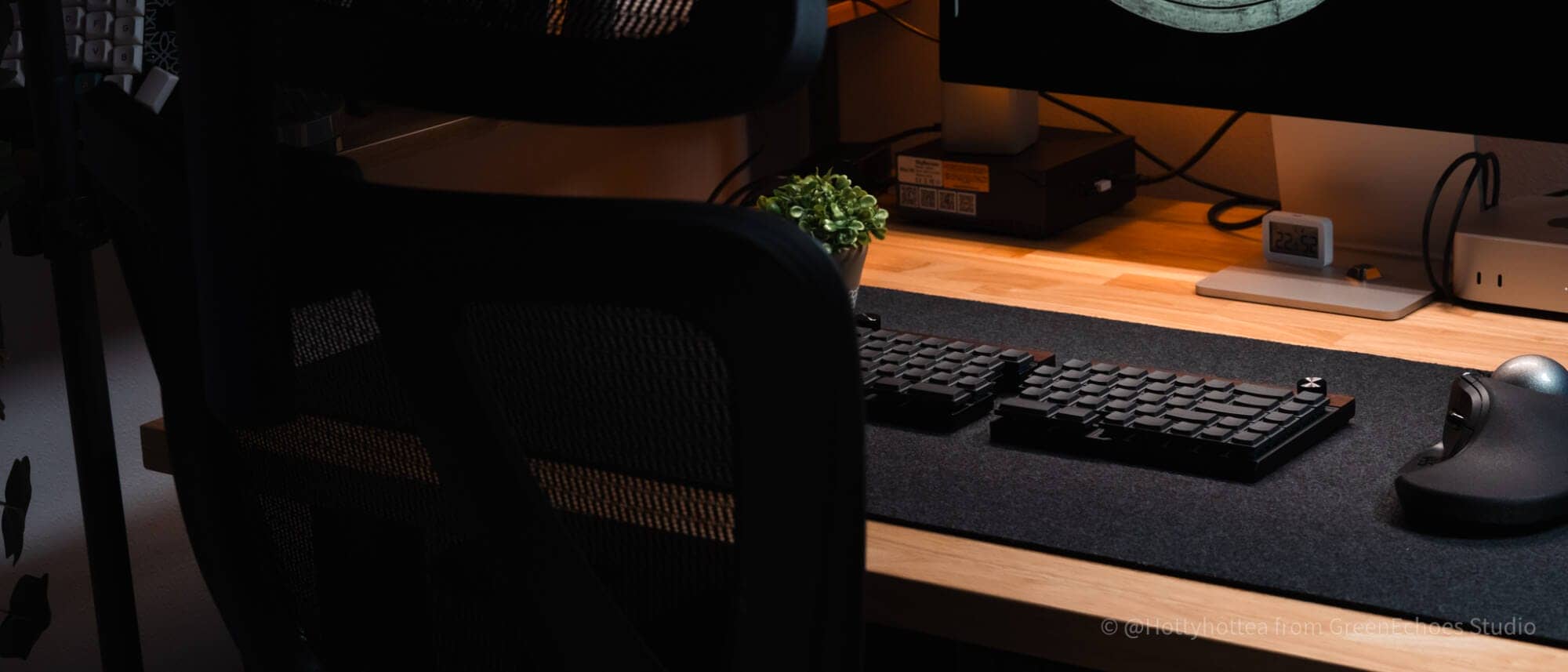
After all, the walnut case with black keycaps model looks great with a black felt desk mat.
It is possible to use them separately in this way, and until you get used to them, you can also use them as an integrated unit.

The fact that the system has a fully wireless connection, so there are no extra cables on the desk, was also a very positive impression.
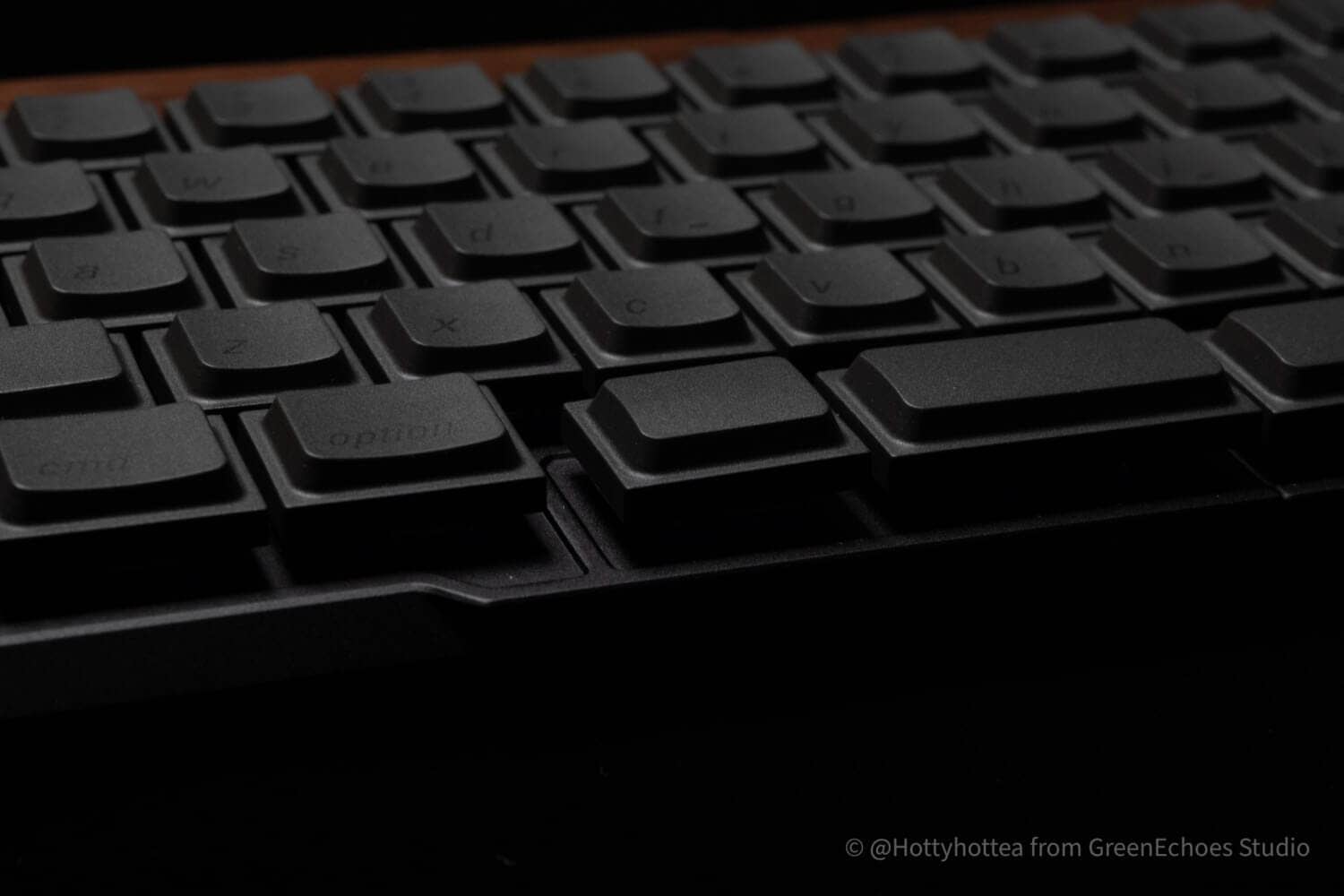
The fact that not only the space bar but also the keys next to it have different shapes also contributes to the ease of pressing.
 Kawamura
Personally, I like this “canyon” between left and right for split keyboards with a horizontal shift arrangement.

summary
This is my review of Jiffy75.
Unlike Cornix, it has a normal layout, making it an ideal left-right split keyboard for those who value both appearance and practicality.
Although there is some concern about the fact that the lineup only includes English-language keyboards, unless you are a programmer who uses a lot of symbols in your daily typing, you may be able to use this keyboard without too much resistance.
Don’t miss this opportunity to get a discounted price on the Kickstarter.
From $199.00 (approx. 30,000 yen)
- First written on: February 25, 2026
- Last update: March 8, 2026
- Method of coverage: Product offer
- Reference/image credit: Kickstarter productpage/official website
- Conflicts of interest: Product offering: Yes Monetization link in this paper: Yes
Greenkeys operates solely on performance-based advertising and does not use Google ads because they reduce usability.
Please support us through Buy Me a Coffee if you enjoyed reading the article so that we can continue to operate the media.