


On June 22, 2024, Sanyo Godo Kaisha, NuPhy’s official distributor in Japan, announced the results of a survey conducted by this website, which showed that the NuPhy keyboards they handle that support wireless connectivity are compatible with VIA’s Anykey.
This means that more advanced key input technologies, such as “simultaneous presses” and “multiple functions on a key depending on the press time,” can be used with wireless connections.
Our research has revealed that some QMK/VIA-compatible wireless keyboards do not support “simultaneous presses” with a single key, and that some models do not support “different keys depending on the press time” (i.e., Anykey).
In this sense, NuPhy’s keyboards are highly worthwhile for users.

List of NuPhy keyboards that support complex keymap changes [technical support].
The following four models of keyboards were confirmed to have the “Anykey” setting when we requested this survey.
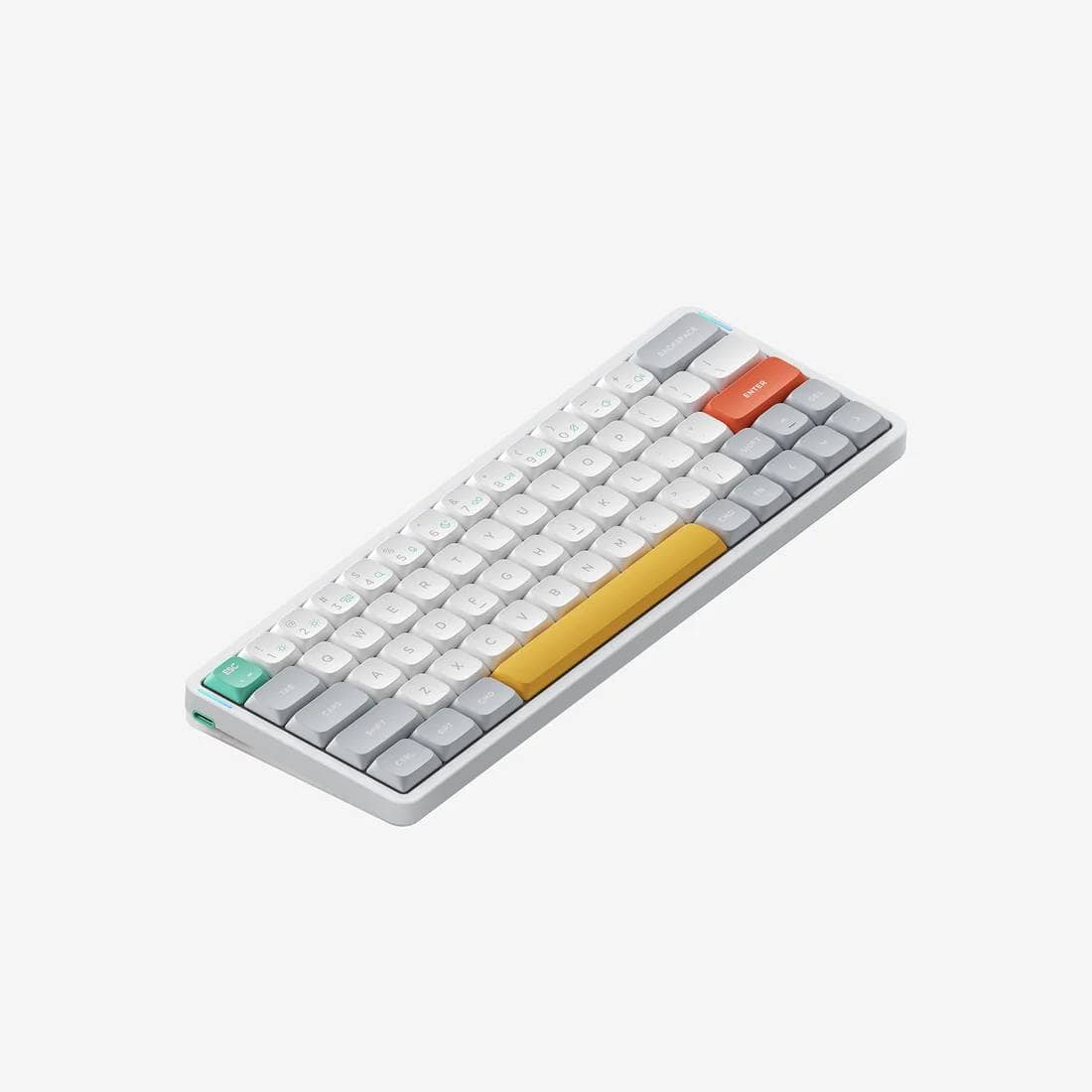
- Air60v2|60% low profile mechanical keyboard
- Air75v2|75% low profile mechanical keyboard
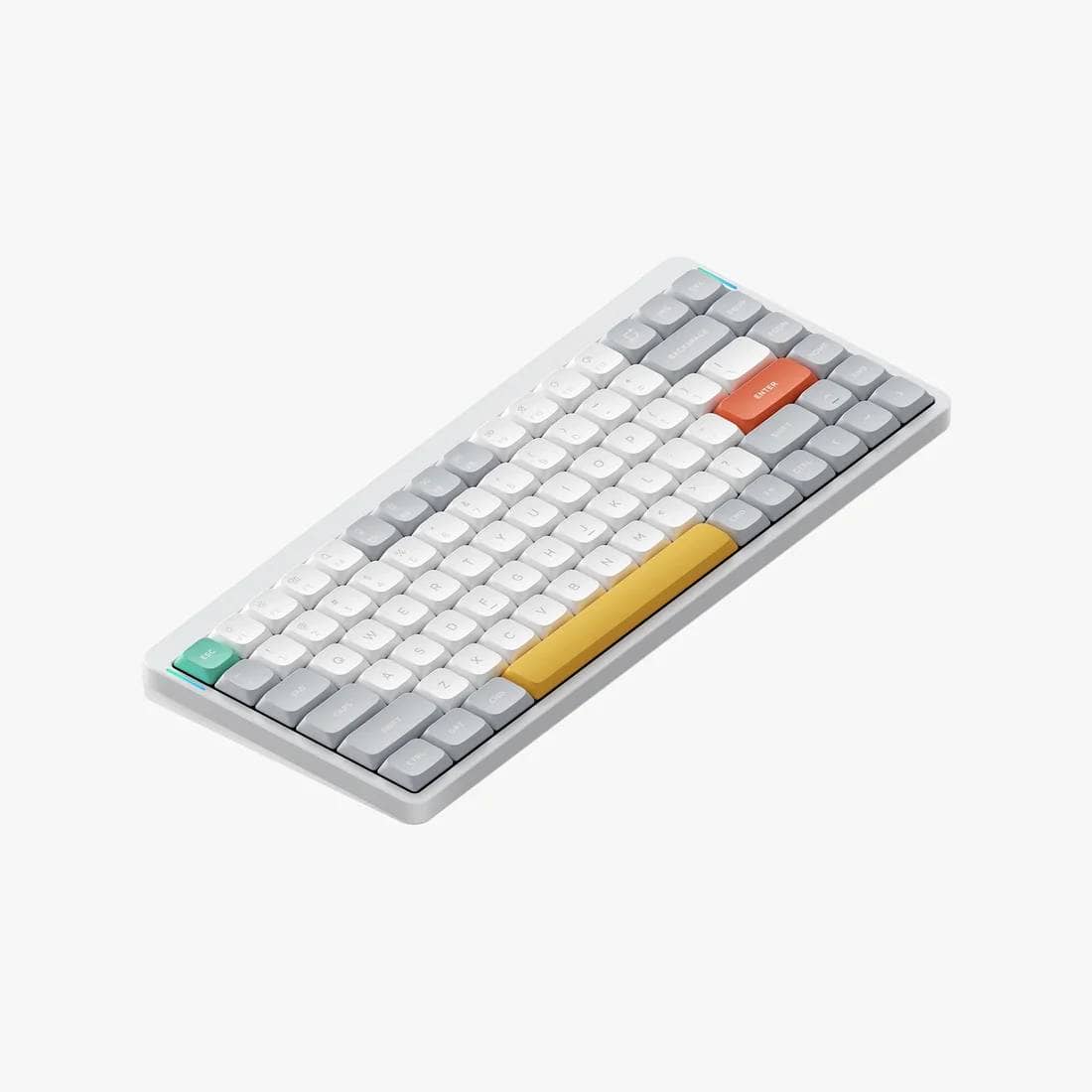
- Air96v2|96% low profile mechanical keyboard
- Gem80|80% TKL mechanical keyboard


Discount Code: ryo10 ryo10
to save 10% off your purchase.
Japanese users, please click here (technical compliance).
Products only available at NuPhy Official
(Coupon code supported)
About the test content
The following five items were confirmed.
For Windows
- Combination 1: Set SGUI(KC_S) or LSG(KC_S) and check if range screenshot is activated.
- Combination 2: Set C (KC_C) and check if the selection can be copied.
- Mod-Tap ①: Set RSFT_T (KC_SLSH) and confirm that a long press will input shift and a single press will input “/”.
- Mod-Tap ②: Set LT(1,KC_BSPC) and confirm that a long press moves to layer 1 and a single press enters a backspace
- Mod-Tap ③: Set MT(MOD_RSFT,KC_SLSH) and confirm that long presses input shift and single presses input “/”.
For Mac
- Combination 1: Set SGUI(KC_4) or LSG(KC_4) and check if range screenshot is activated.
- Combination 2: Set G(KC_C) and check if the selection can be copied.
- Mod-Tap ①: Set RSFT_T (KC_SLSH) and confirm that a long press will input shift and a single press will input “/”.
- Mod-Tap ②: Set LT(1,KC_BSPC) and confirm that a long press moves to layer 1 and a single press enters a backspace
- Mod-Tap ③: Set MT(MOD_RSFT,KC_SLSH) and confirm that long presses input shift and single presses input “/”.
result
- Combination ①: Can be set
- Combination 2: Can be set
- Mod-Tap ①: Not configurable → Similar key operation can be realized with ⑤.
- Mod-Tap②: Can be set
- Mod-Tap ③: Can be set
Thus, all settings except (3) could be reflected.
As for (3), I have the impression that in many cases it may not be possible to set it depending on the keyboard, and in such cases, the command in (5) can be used.
summary
Thus, a customizable mechanical keyboard provides the ability to implement shortcut keys with “one button”.
When most people think of mechanical keyboards, they tend to think of gaming applications, but it is still not widely known that there is a large element of business use that can make work more efficient in this way.
Of course, it is also true that setting it up in this way requires some knowledge of the “QMK Firmware” on which the “VIA” application is based, which can be changed in the visualizer, which is somewhat of a hurdle.
This site also offers “VIA Any Generater,” which lowers the hurdle for setting up “complex key mappings” as much as possible.
We hope you will take advantage of this as well.


Sales of products that are compliant with the law


Google検索の「優先ソース」にGreenkeysを追加します
Add Greenkeys as a Preferred Source on Google

